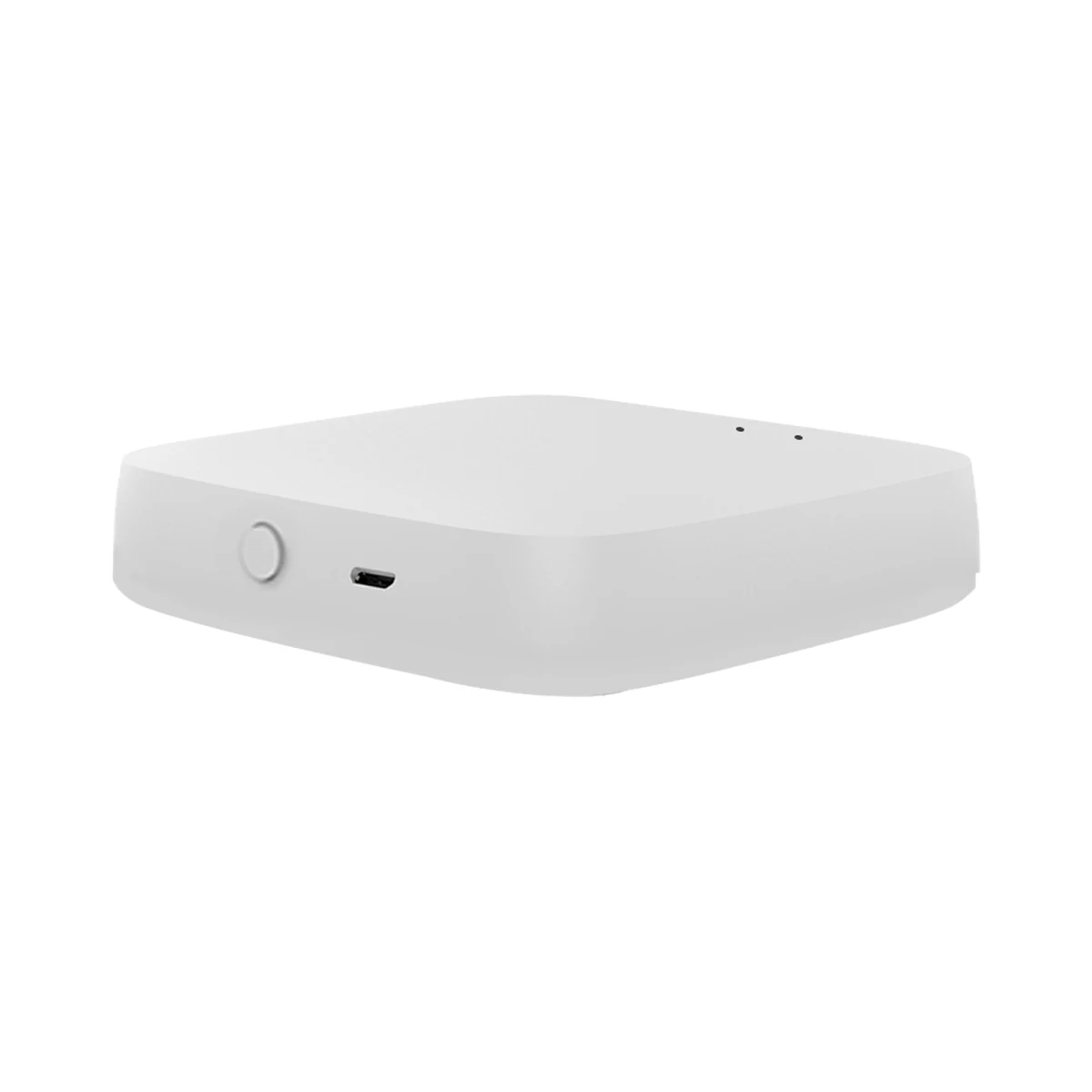
Smart hubs & gateways
Moes ZHUB-W-MS Tuya Zigbee 3.0 Wi-Fi gateway, up to 50 devices
- Connection to the router
- Wi-Fi
- Matter role
- Not supported
- Max connected devices
- 50
499 MDL
In stock
Moes · SFL01-Z
Via a Zigbee coordinator or hub · MOES / Tuya Zigbee gateway connected to the MOES or Tuya Smart / Smart Life app (sold separately); Zigbee2MQTT
Check hub compatibility.
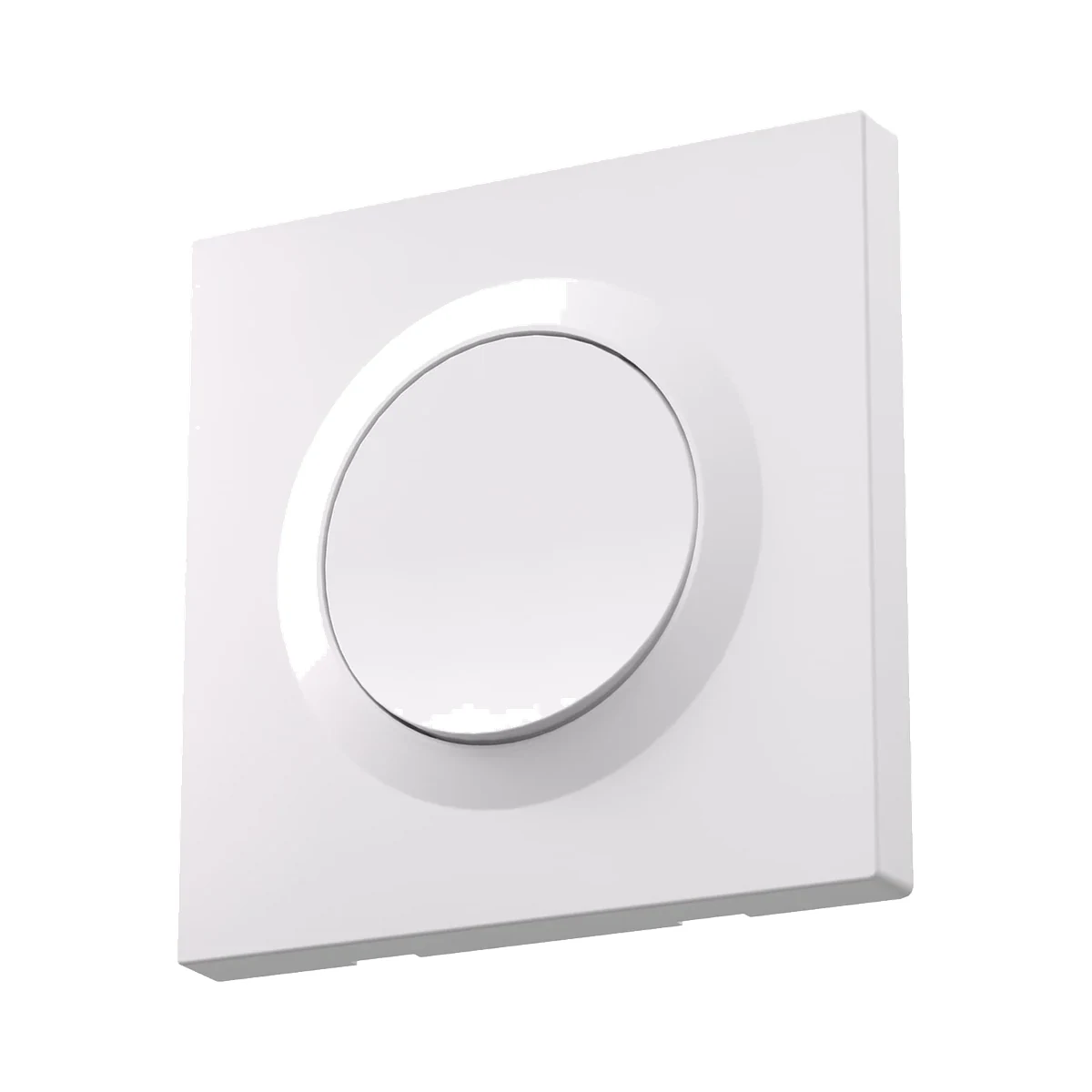
Manufacturer image shared by the series. Check the colour, number of keys and variant in the model name and specifications.
A compatible hub is required.
Suitable gateways and hubsA grey touch panel of matte anti-glare glass that keeps no fingerprints; each touch is confirmed by a light vibration, and the key can act as a scene button. Needs a neutral wire and a Zigbee gateway (sold separately).
30 specifications from manufacturer documentsWe deliver across Moldova. Availability, delivery timing and cost are confirmed with a manager before order fulfilment.
The right choice starts with specifications
SKU: ZS-SF-EU1-GY-MS · Document model: SFL01-Z
Specifications checked against the linked manufacturer documents. Load limits, package details and measurement conditions are retained.Checked 18 October 2026
Keys (channels) — what it meansHow many separate load circuits the switch controls independently — usually the number of keys (1, 2 or 3 groups of lights). Scene-only keys without their own relay are not counted. | 11-gang version: one touch zone and one output (L1) per the wiring diagram in the manual [1] |
|---|---|
Panel control type — what it meansHow you operate it by hand: pressing a key with travel and a click, touching glass with no travel, swiping, turning a knob, or using a screen with menus. | Touch panelContinuous glass touch panel (“Full touch”): responds to a touch anywhere on it, with haptic feedback. MOES's product name contains “Push Button”, but the description describes touch control [2] |
Detached key mode (scene button) — what it meansThe switch wired to the module can be decoupled from the relay: the load stays powered and a press runs a scene. Needed when the circuit has smart bulbs. | YesIn the app the key can be switched from Light mode to Scene mode: a touch then runs a scene for other Tuya Zigbee devices instead of switching the circuit. One key cannot use both modes at once. What happens to the circuit's power in Scene mode is not described [3] |
Backlight and indicators — what it meansHow the panel lights up: just an on/off indicator, a soft backlight to find the keys in the dark, an indicator of the current brightness level, or decorative lighting. Adjusting or switching off the backlight is in the note if the maker describes it. | Status indicator, night key backlightWhite light along the lower edge of the panel. In the app you choose: show where the switch is in the dark, show on/off status, or light off [4] |
Haptic feedback — what it meansThe touch panel responds with a light vibration so you know the touch registered. On mechanical keys the click does this job. | YesFour settings: 0 — no vibration, 1 — low, 2 — medium, 3 — high (the manual calls it “three levels of vibration”) [5] |
| Power-on state after outage | On / off / as before the outage (set in the app) [9] |
| Inching mode | Yes, up to 60 minutesAfter switching on, the circuit turns itself off after the set time [10] |
| Two-way control of one circuit | Pairing with another smart switch in the Smart Life app (two-way circuit) [11] |
Neutral wire (N) — what it meansWhether the wall box needs a neutral wire. Older wiring often brings only the live wire to the switch; then pick a model that works without N. | RequiredManual: a neutral wire is mandatory; if the wall box has none, the switch cannot be installed. Terminals L, N and output L1 [1] |
|---|---|
Front panel material — what it meansWhat the visible part is made of. Glass and plastic differ in look, feel and scratch resistance; details (tempered, matte, anti-glare) are in the note. | GlassMatte anti-glare (AG) glass with a soft-touch texture; the manufacturer says it does not keep fingerprints. Tempering is not stated [6] |
Wall box type — what it meansWhich wall box the switch is designed for, per its documentation. 86 × 86 mm plates fix with screws 60 mm apart, as on a round European box; check that the housing depth fits your box. | Not stated by the manufacturer |
Dimensions (W × H × D) — what it meansThe device’s size in millimetres as the maker states it. Check that it fits the wall box, niche or shelf. | 86 × 86 × 35.7 mmFrom the manufacturer's dimension drawing: the 86 × 86 mm plate stands 10 mm off the wall, the in-wall part is 51 × 51 mm and 25.7 mm deep. The 35.7 mm overall depth is the sum of these two figures [8] |
Certifications — what it meansStandards and certifications the maker lists for this model (for example CE, RoHS, Zigbee 3.0, Matter). | CE; EU declaration for SFL01-Z: 2014/53/EU (radio), 2014/35/EU (low voltage), 2014/30/EU (EMC), 2011/65/EU (RoHS)The full declaration at the link printed in the manual (moestech.com/blogs/news/sfl01-z) currently returns 404 [1] |
Connectivity — what it meansThe wireless link or network the device uses. Wi-Fi connects straight to the router; Zigbee, Thread and Bluetooth Mesh work through a hub or gateway. | ZigbeeZigbee 3.0, 2.4 GHz [2] |
|---|---|
Hub required — what it meansWhether the device needs a separate hub, gateway or coordinator to work in a smart home. If so, it is sold separately unless stated otherwise. | Hub (gateway) requiredManufacturer: a Zigbee gateway added to the MOES app (or Tuya Smart / Smart Life) is required; the gateway is sold separately [2] |
Matter support — what it meansWhether the device supports the Matter standard, directly or through a bridge. Matter lets you add it to Apple Home, Google Home, Alexa and Home Assistant. | NoMatter is not claimed: the device uses Zigbee 3.0 only and lists Alexa, Google Assistant, MOES, Smart Life and Tuya. Matter via a bridge gateway is not described for this model [2] |
Works without internet — what it meansWhether the device keeps working over the local network or through a hub when the internet is down. Cloud features (remote access, voice assistants) need the internet. | YesThe manufacturer states Zigbee2MQTT compatibility for local integration (via your own Zigbee coordinator). Operation through the MOES / Tuya gateway without internet is not described [2] |
Home Assistant — what it meansHow the device connects to Home Assistant: a built-in integration, a Zigbee coordinator, Matter or the maker’s cloud integration. | Via a Zigbee coordinator or hubManufacturer's page: Zigbee2MQTT is supported, ZHA is not. Home Assistant needs a Zigbee coordinator running Zigbee2MQTT [2] |
App — what it meansThe maker’s app used to set up and control the device. | MOES (recommended), Tuya Smart / Smart LifeManual: the Tuya Smart / Smart Life app also works, but the manufacturer recommends MOES [1] |
| Radio frequencies and transmit power | 2.412–2.484 GHz [2] |
Transmit power — what it meansThe coordinator's maximum radio output. Higher power gives a steadier link to distant devices, but range in a home depends more on walls and the number of routers in the network. | 10 dBmBelow +10 dBm (maximum) [2] |
| Compatible hubs | MOES / Tuya Zigbee gateway connected to the MOES or Tuya Smart / Smart Life app (sold separately); Zigbee2MQTT [12] |
Max current per channel — what it meansThe highest current one key's relay handles with a resistive load. For LED lamps check the separate “LED load” figure, which is usually noticeably lower. | 10 A10 A per gang, but no more than 10 A in total for the whole switch [2] |
|---|---|
LED load per channel — what it meansTotal LED lamp wattage per channel that the maker allows. Add up the watts of all lamps on that circuit and compare; for dimmers only dimmable lamps count. If the maker gives the figure in VA or as a total for all channels, the note says so. | Not stated by the manufacturer |
Max power per channel (resistive) — what it meansPower of incandescent lamps, heaters and other resistive loads per channel at 220–240 V. For LEDs, motors and power supplies the permitted power is lower. | Not stated by the manufacturer |
Max total current — what it meansCurrent the device handles across all channels at once. On multi-channel models the total is often lower than per-channel current × number of channels. | 10 A“Total 10 A” per the specifications; on the 1-gang model it equals the per-channel current [2] |
Supply voltage — what it meansThe supply voltage (and current, if stated) as the maker gives it. It must match your mains or adapter. | 90–250 V AC, 50/60 Hz [2] |
Power source — what it meansWhere the device gets its power: 230 V mains, an adapter, USB, batteries or a built-in battery. | 230 V mains [1] |
Built-in sensors — what it meansSensors inside the panel. A proximity sensor wakes the screen as you approach; a light sensor adjusts brightness; built-in temperature and humidity sensors can be used in automations. | NoneNo sensors are mentioned in the description or specifications [2] |
|---|
Colour — what it meansThe housing colour of this model. Other colours in the same series are separate products. | GreyGrey variant; the manufacturer's photos show a dark, graphite-like grey [7] |
|---|---|
| Barcode (EAN) | 6974246472447Barcode of variant ZS-SF-EU1-GY-MS in the official MOES store [2] |
Manufacturer warranty — what it meansThe warranty period the maker states. Confirm warranty terms in Moldova with the seller. | 24 monthsPer the MOES warranty terms in the manual, from the date of purchase; claims go to the place of purchase [1] |
|---|---|
Package contents — what it meansWhat comes in the box, per the maker. | Star Feather switch × 1, user manual × 1, screw bag × 1The Zigbee gateway is not included [2] |
We deliver across Moldova. Availability, delivery timing and cost are confirmed with a manager before order fulfilment.
A website order is submitted for confirmation without charging your card. The payment method and final amount are agreed with a manager before payment.
The warranty is at least 12 months. The exact period and conditions for equipment and installation work are stated in the sales documents and the accepted proposal. Further support is agreed for each project.
Current conditions are published on the Return policy page. Email office@casasmart.md with your order number for the steps relevant to your situation. Statutory consumer rights continue to apply.
In your home
With your hands full or on a nighttime trip down the hall, finding a switch is awkward. Routines light the way and turn off forgotten lights.
See the complete solution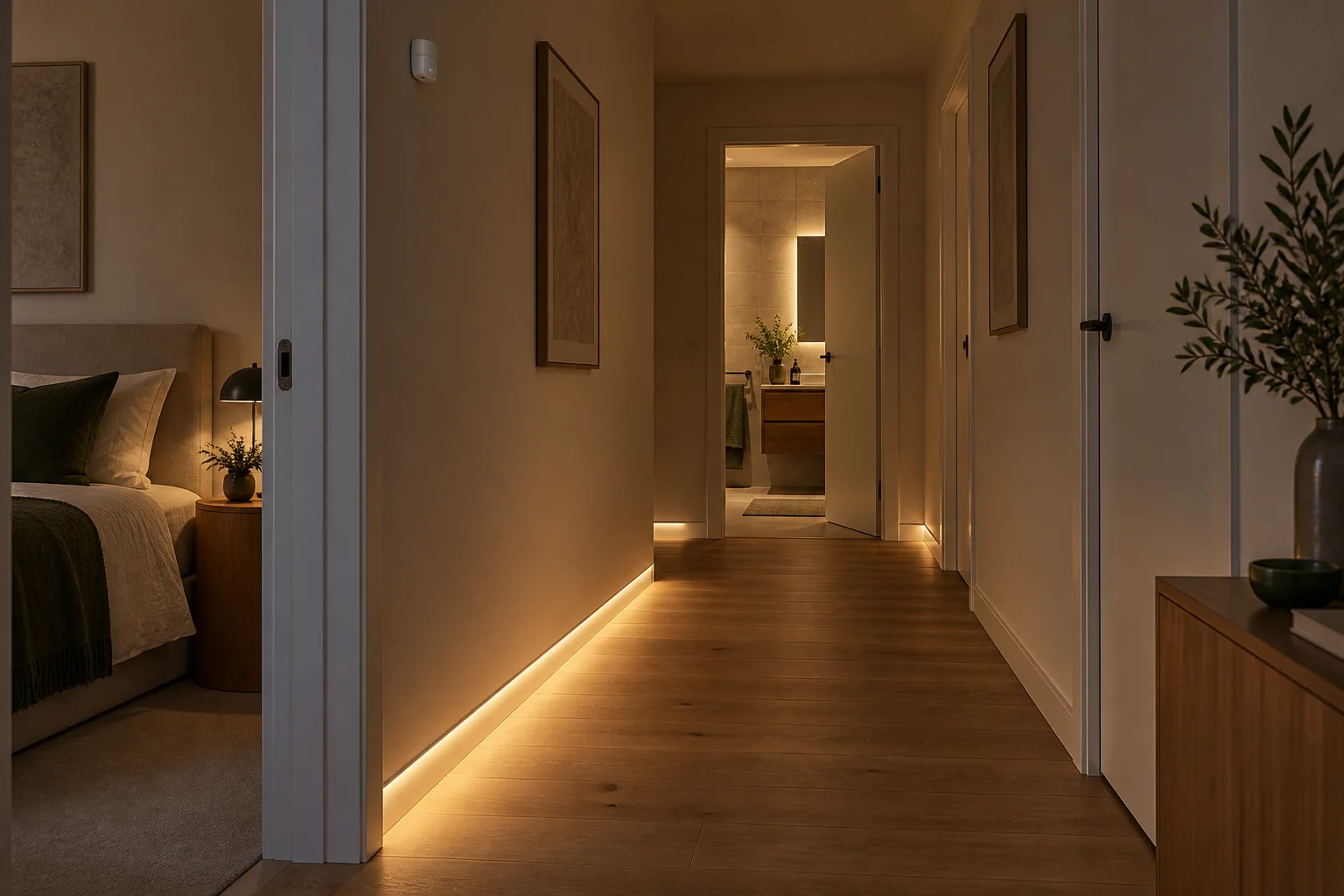
CasaSmart
A compatible hub is required.
Smart hubs & gateways
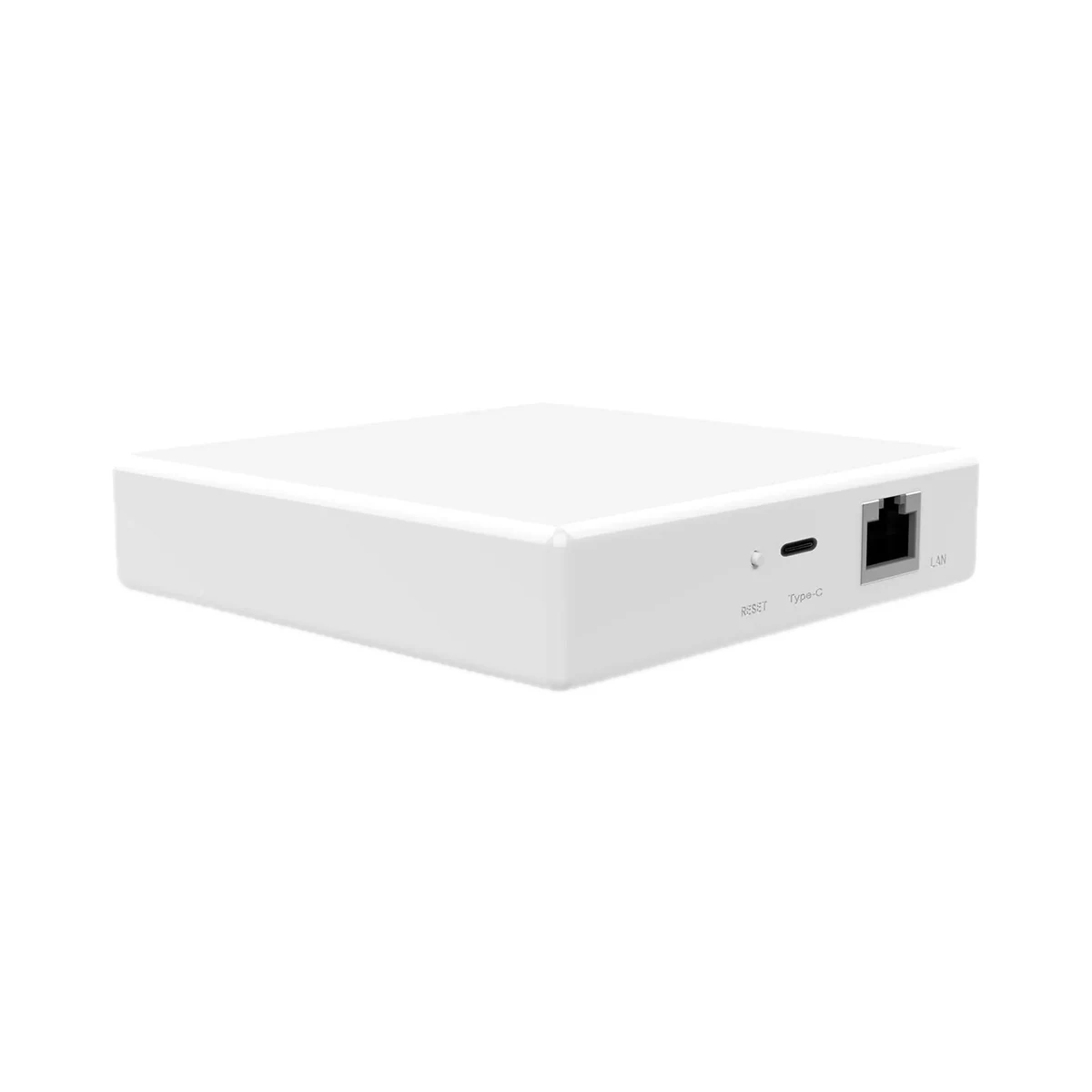
Smart hubs & gateways
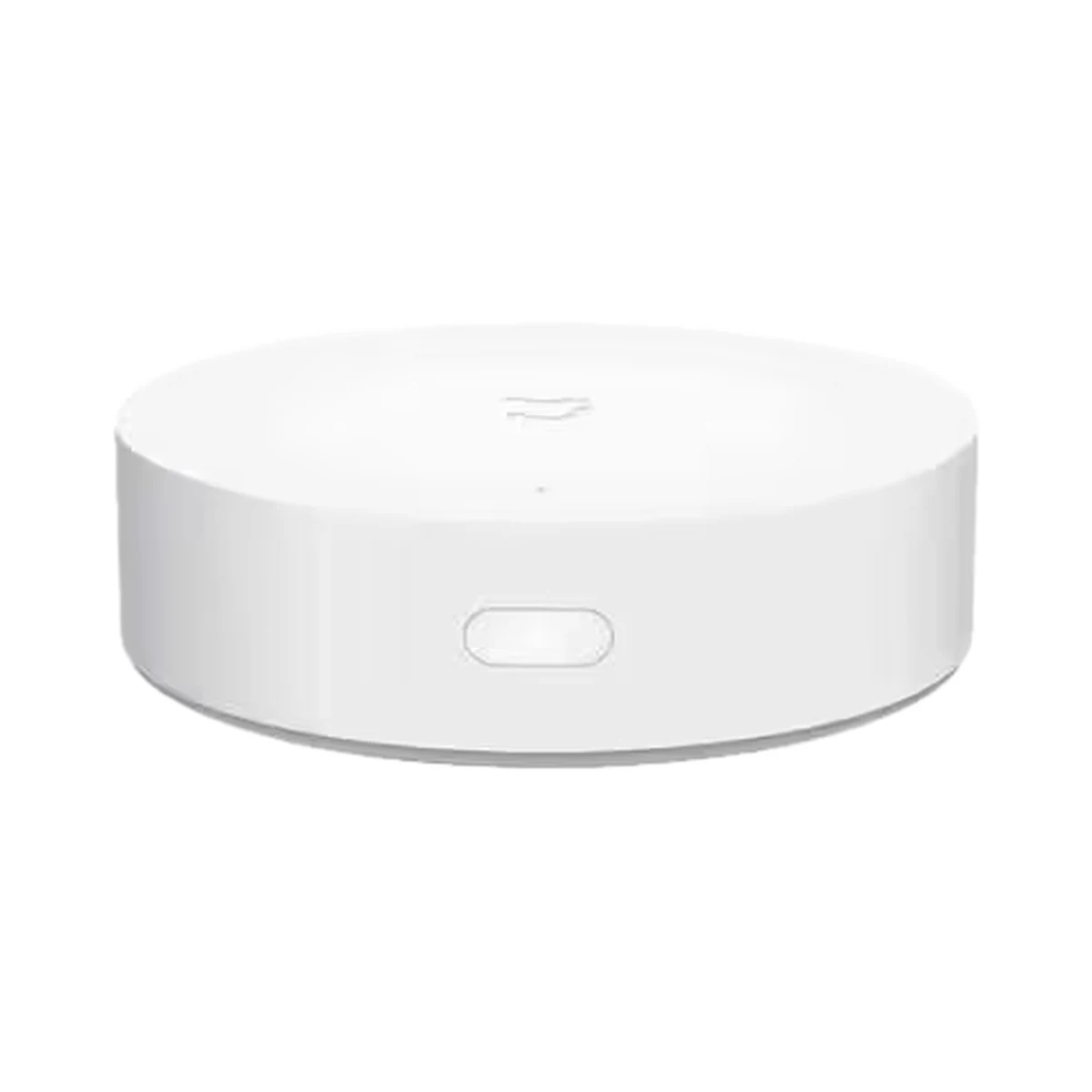
Smart hubs & gateways
Model: YTC4044GL
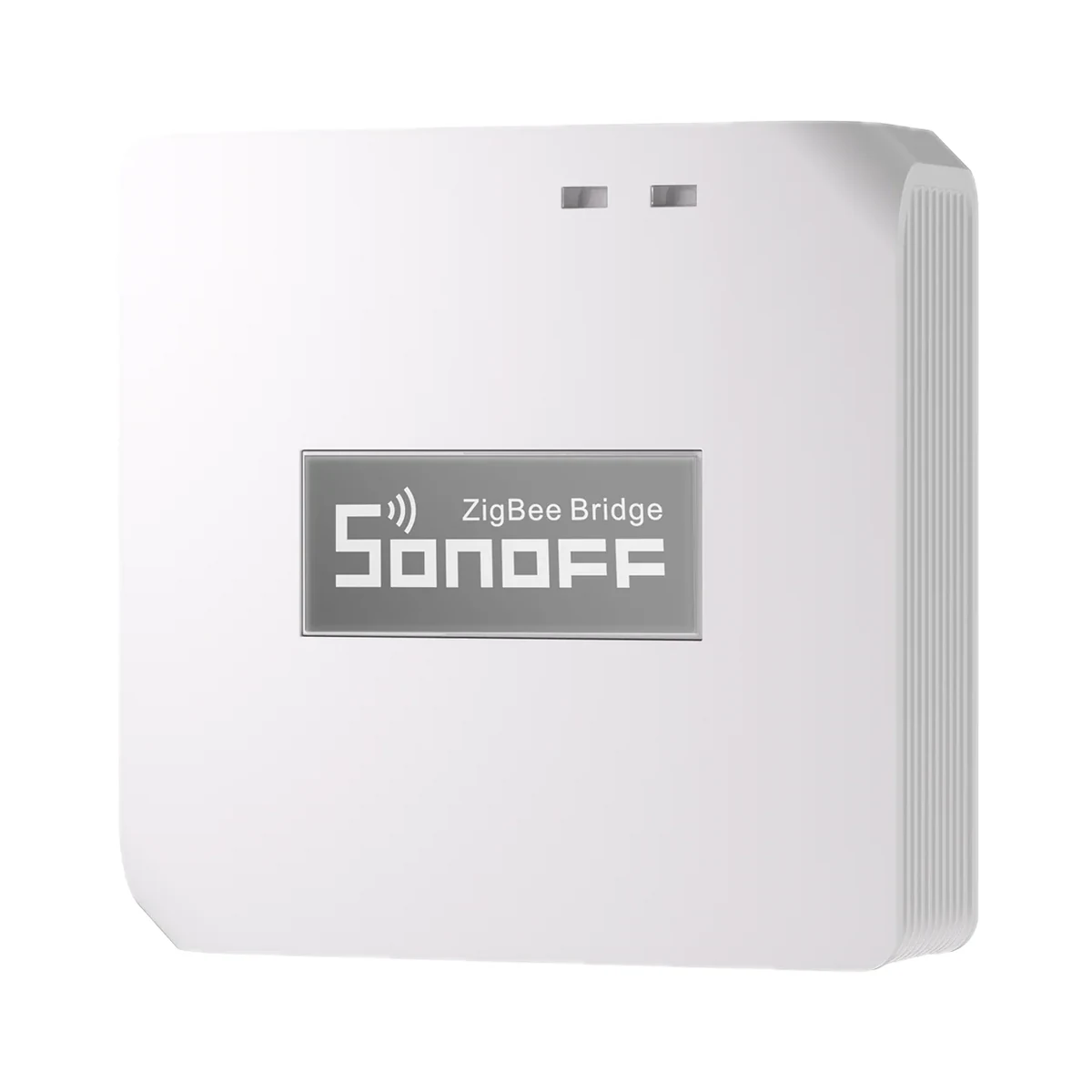
Smart hubs & gateways
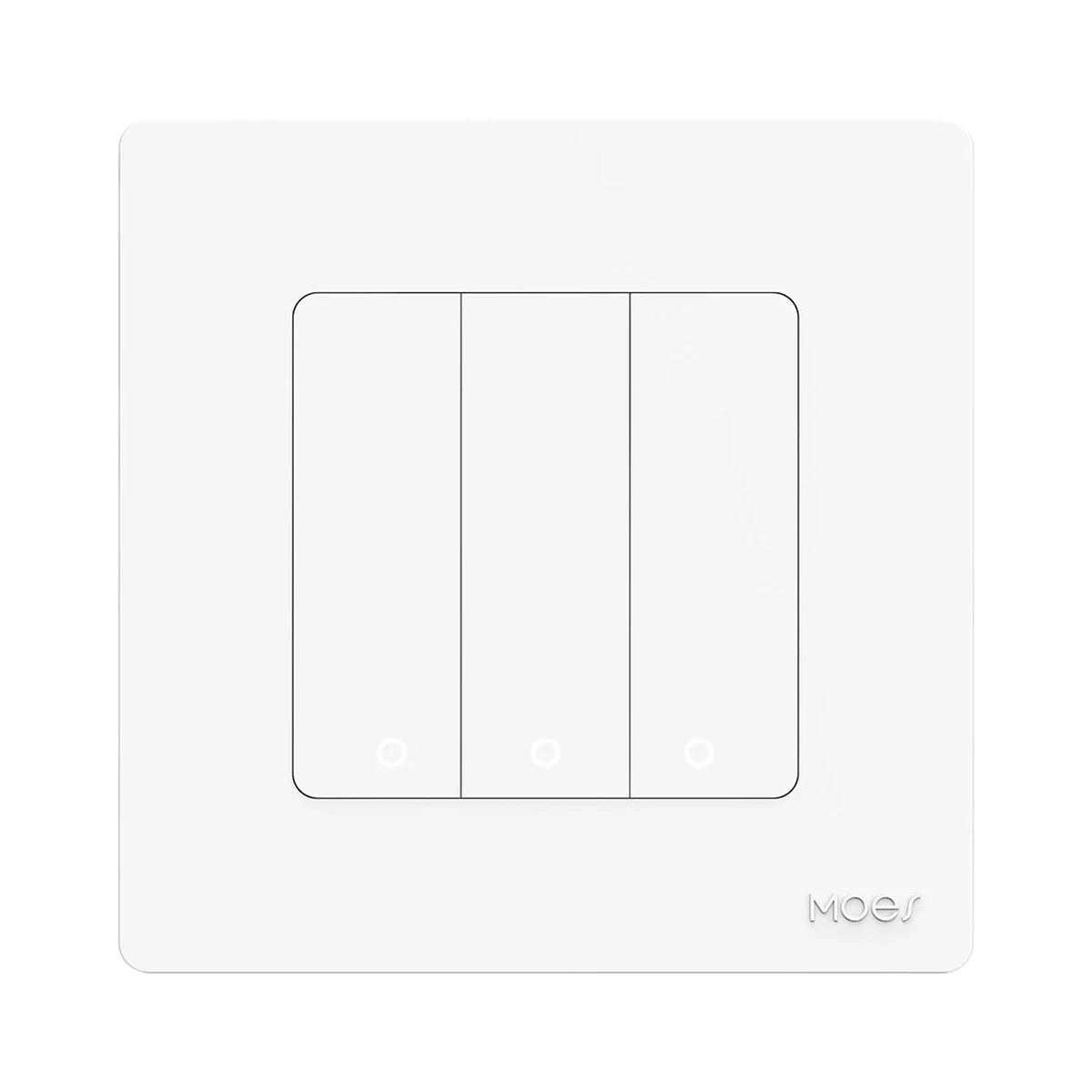 Manufacturer photo (series)Series photo
Wall switches
Model: ZS-SR-EU3-LN-WH-MS
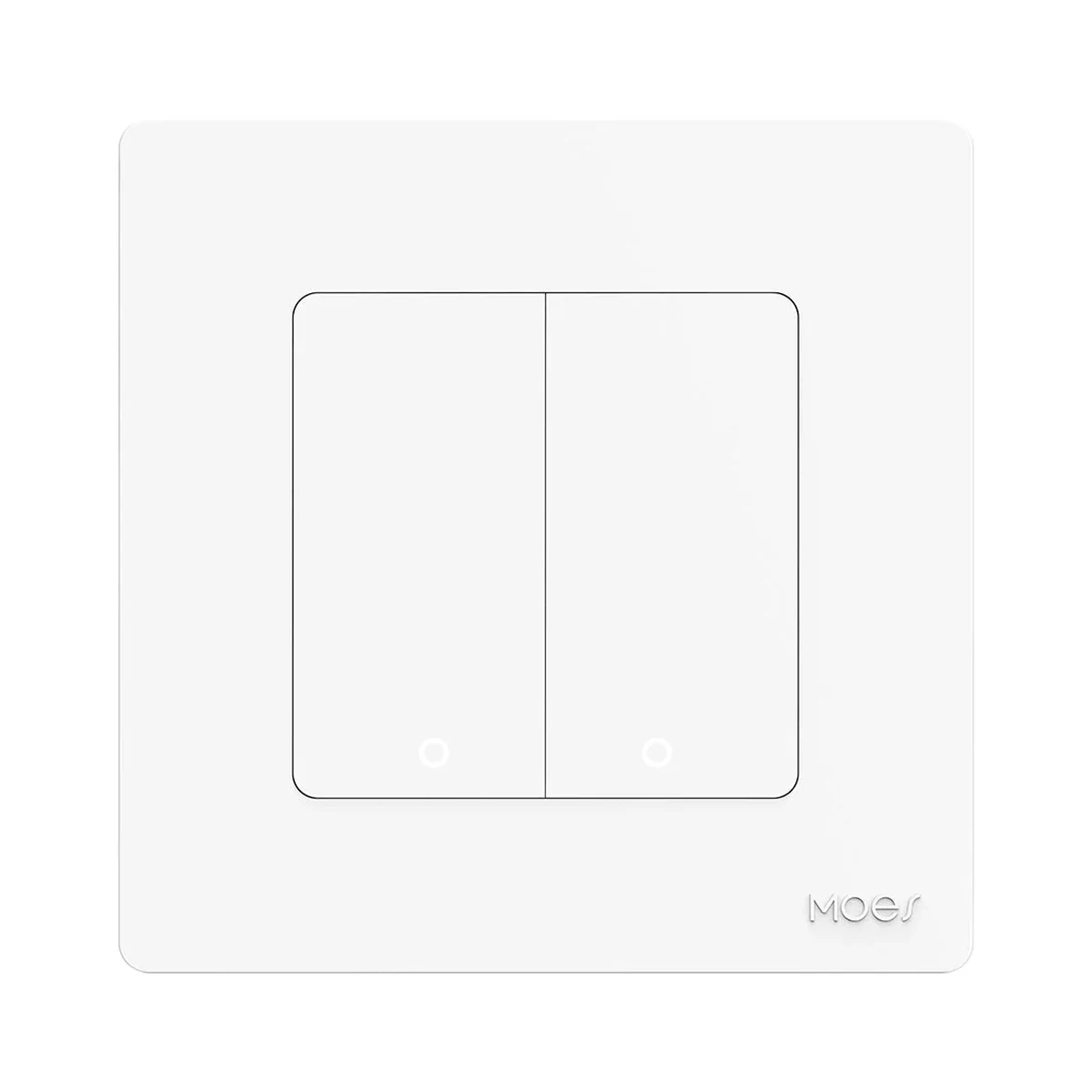 Manufacturer photo (series)Series photo
Wall switches
Model: ZS-SR-EU2-LN-WH-MS
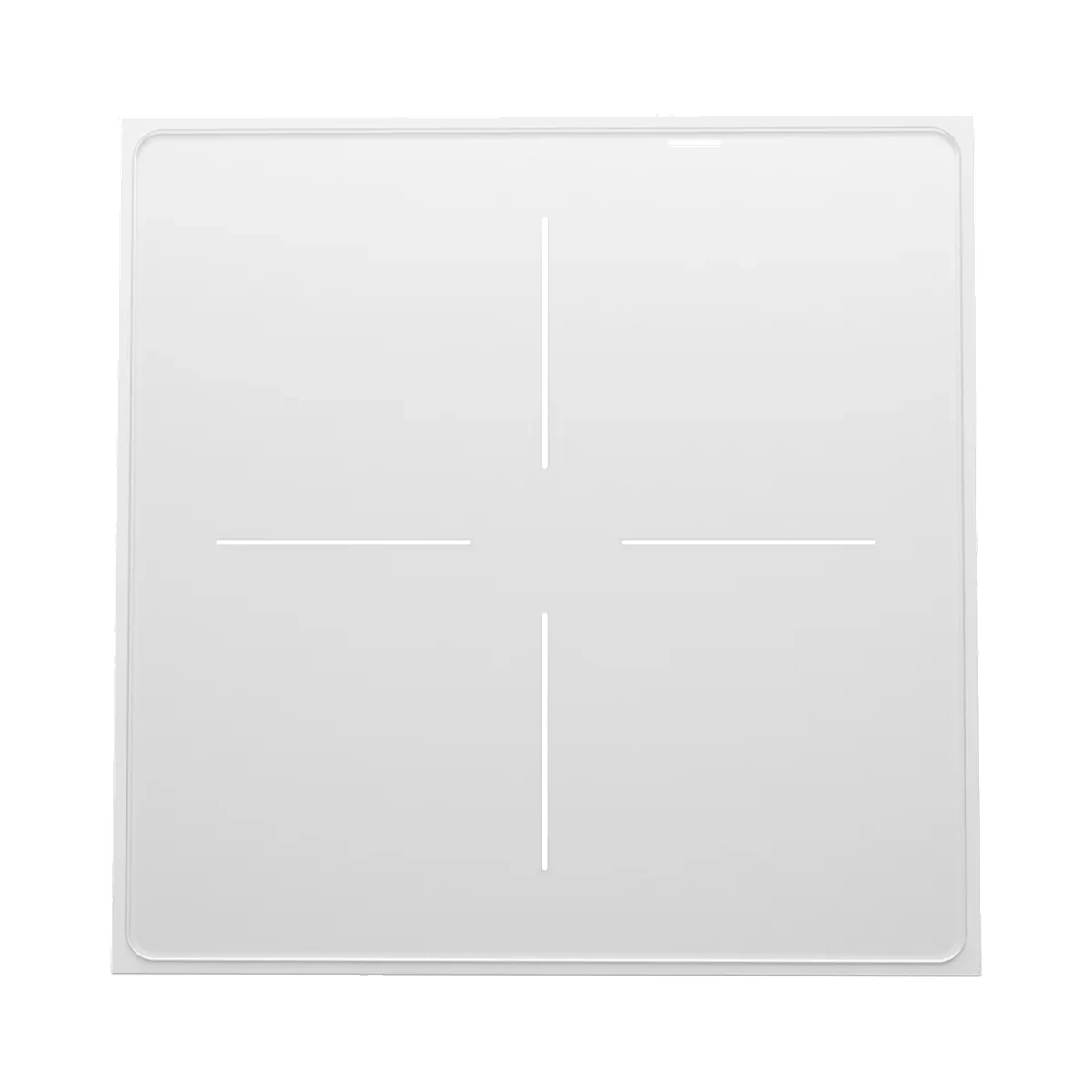 Manufacturer photo (series)Series photo
Wall switches
Model: ZS-SF-EU4-WH-MS
Wall switches
Buy just a device, add installation, or hand the whole project over to us.