Smart hubs & gateways
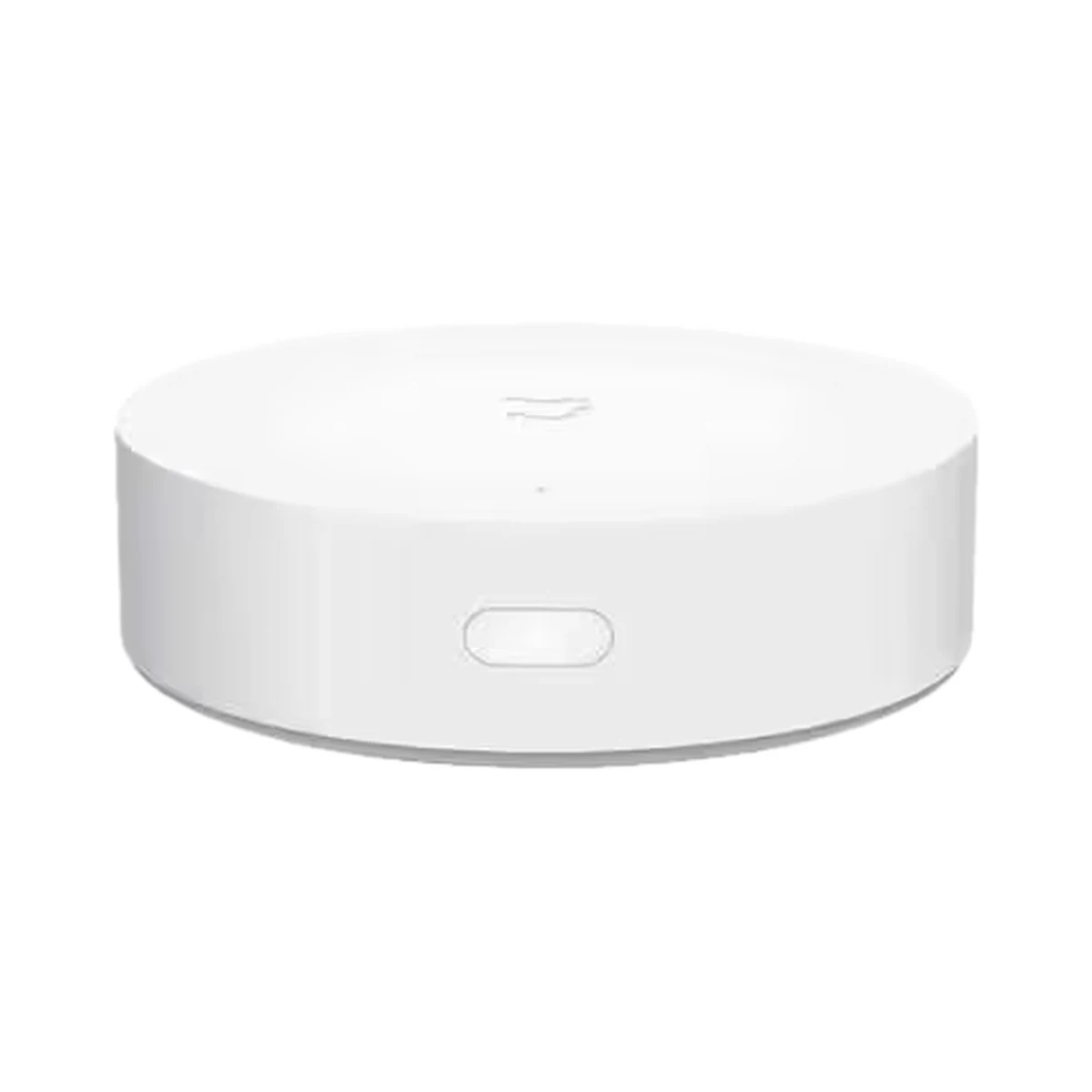
Xiaomi Mi Smart Home Hub — Zigbee 3.0 and Bluetooth hub, Wi-Fi connection
- Connection to the router
- Wi-Fi
- Max connected devices
- 32
- Works with ecosystems
- Apple Home
Model: YTC4044GL
599 MDL
In stock
Moes · MZHUB-MS
Zigbee, Thread
This is the Zigbee hub itself: check that it supports the devices you need.
Zigbee, Thread · Bridge, Thread border router, Controller
Check the firmware mode, controller and any required separate module.
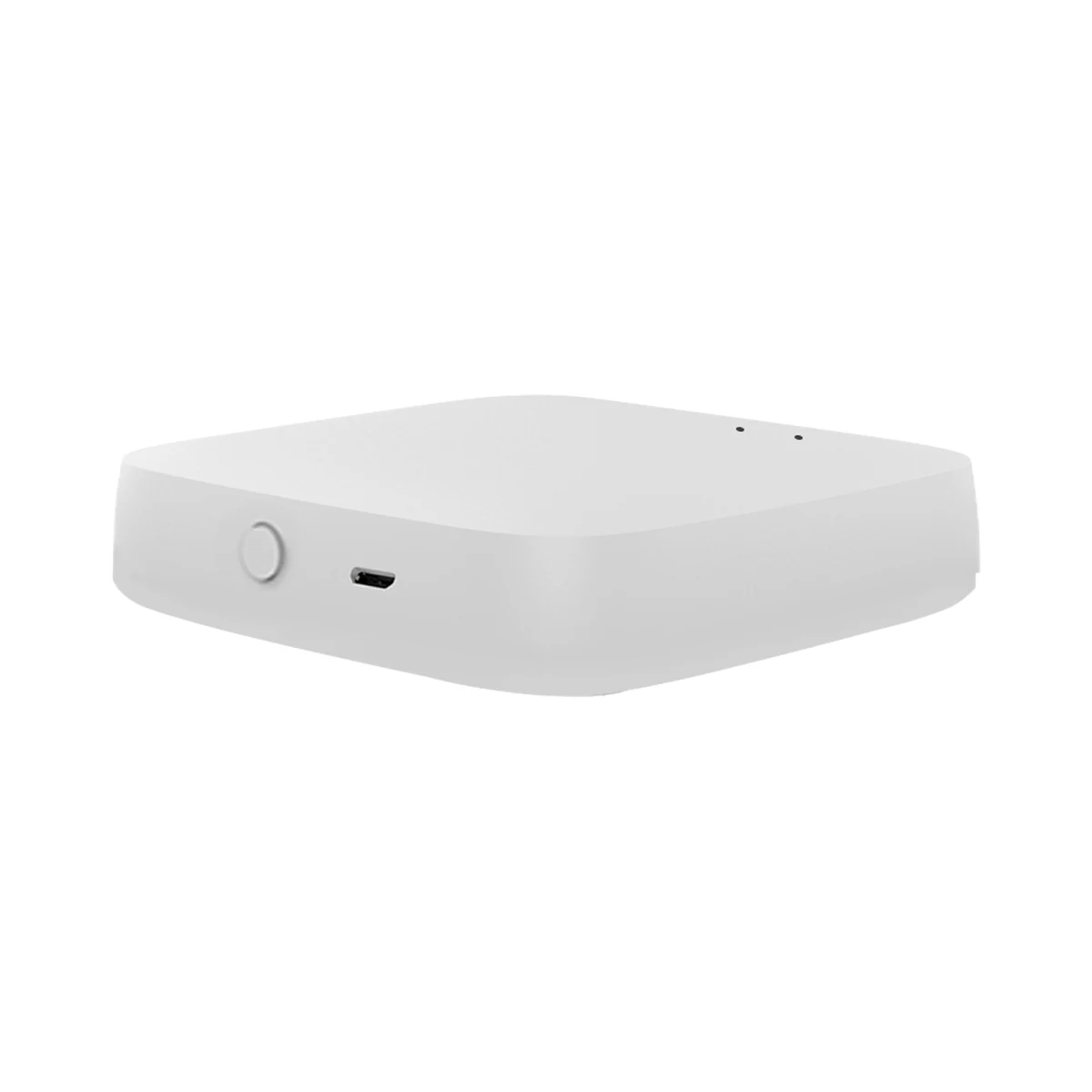
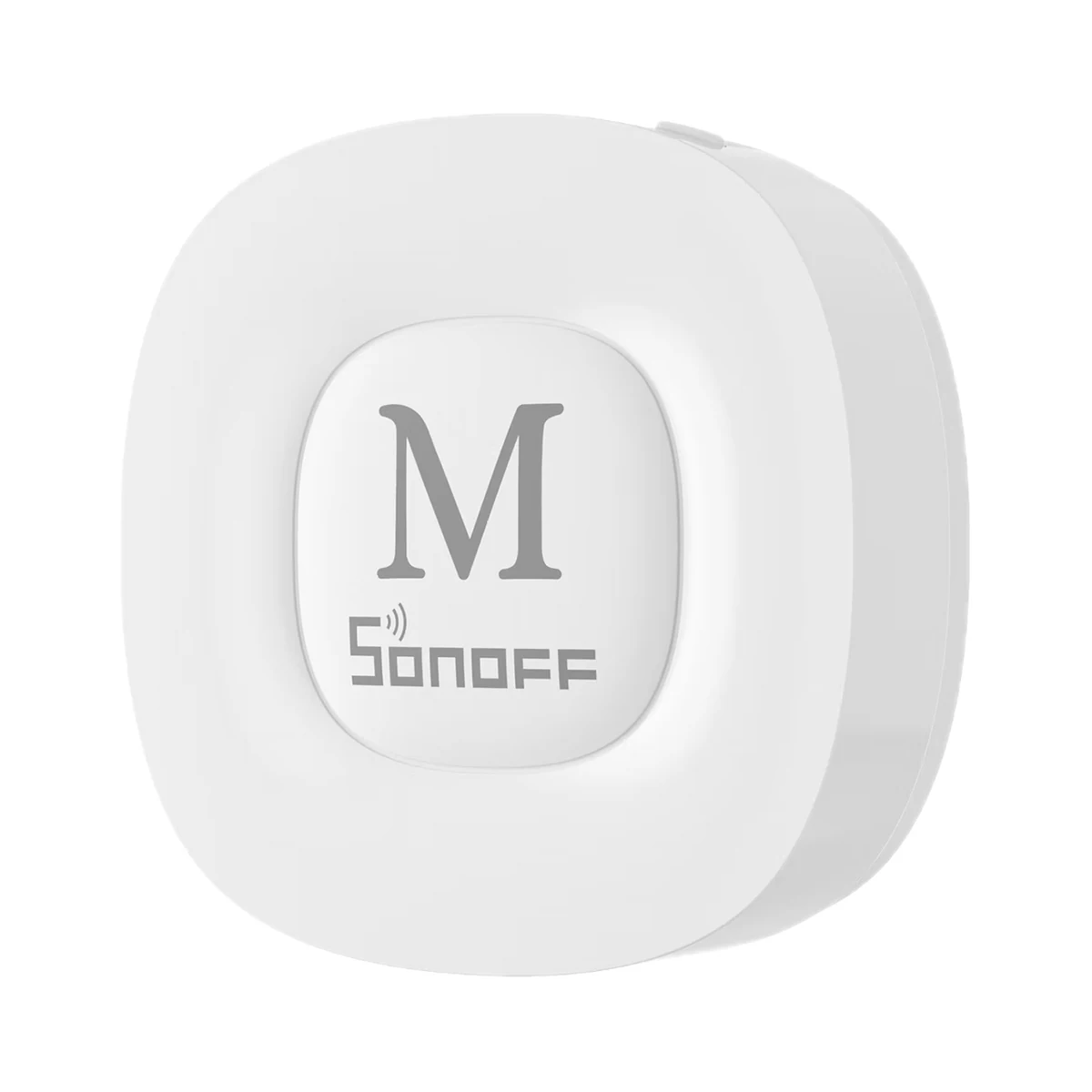
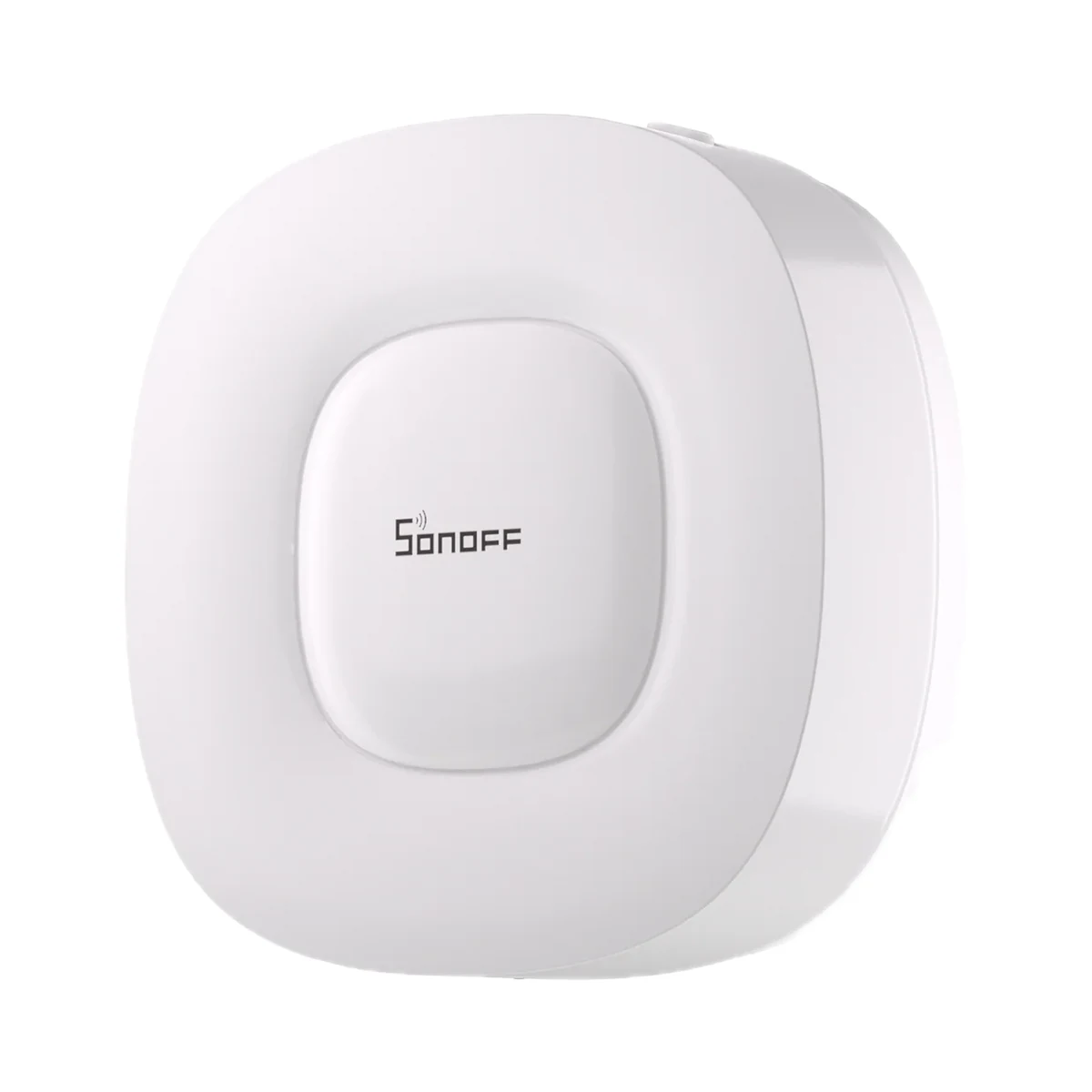
Manufacturer images
A multiprotocol gateway: its Matter bridge brings Tuya Zigbee devices into Apple Home, Google Home and SmartThings, and its built-in Thread border router serves Thread devices; Alexa works via the Smart Life skill.
22 specifications from manufacturer documentsWe deliver across Moldova. Availability, delivery timing and cost are confirmed with a manager before order fulfilment.
The right choice starts with specifications
SKU: MZHUB-MS
Specifications checked against the linked manufacturer documents.Checked 18 October 2026
Connectivity — what it meansThe wireless link or network the device uses. Wi-Fi connects straight to the router; Zigbee, Thread and Bluetooth Mesh work through a hub or gateway. | Zigbee, ThreadZigbee 3.0 and Thread, 2.4 GHz. Bluetooth for connecting devices is not stated; the phone's Bluetooth is only needed when adding to Apple Home [1] |
|---|---|
Connection to the router — what it meansHow the hub connects to the home network: over Wi-Fi it can sit anywhere within coverage; over an Ethernet cable the link does not depend on Wi-Fi quality. | Ethernet (cable)Cable to a router LAN port only (10/100 Mbps); the gateway has no Wi-Fi [1] |
Matter role — what it meansHow the server works with Matter. A bridge exposes its connected devices to Apple Home, Google Home or Alexa; a controller adds Matter devices itself; a Thread border router links Thread devices to the home network. | Bridge, Thread border router, ControllerBridge: Tuya Zigbee devices are passed to Apple Home, Google Home and SmartThings. Built-in Thread border router. According to the maker, other brands' Matter-over-Thread devices can be added to the gateway via the MOES app — standard Matter categories and functions only [2] |
Max connected devices — what it meansHow many devices can run on this coordinator's network according to the manufacturer. If the figure is for direct connections and the network grows through routers, this is noted. | 128Up to 128 Zigbee and Thread devices in total [2] |
Works with ecosystems — what it meansWhich systems besides the maker's app can control the hub's devices, according to the manufacturer. The method (Matter, HomeKit, a voice assistant skill) is in the note; this usually needs an internet connection. | Apple Home, Google Home, Amazon Alexa, SmartThingsApple Home and Google Home via Matter (Apple Home needs a home hub: HomePod, Apple TV or iPad; Google needs a Matter-enabled hub). Alexa via the Smart Life skill (cloud): per the manual Amazon does not yet support this gateway over Matter. SmartThings is listed on the product page; the method is not described [2] |
Works without internet — what it meansWhether the device keeps working over the local network or through a hub when the internet is down. Cloud features (remote access, voice assistants) need the internet. | YesAccording to the maker, configured scenes between Zigbee and Thread devices run locally through the gateway even when the internet is down [2] |
Home Assistant — what it meansHow the device connects to Home Assistant: a built-in integration, a Zigbee coordinator, Matter or the maker’s cloud integration. | Not stated by the manufacturer |
App — what it meansThe maker’s app used to set up and control the device. | MOES (recommended), Tuya Smart / Smart LifeSub-devices can only be added via the MOES app [1] |
Wireless range — what it meansThe stated radio range, usually in open space. Walls and floors cut it noticeably. | 35 mIndoors; 200 m in open space [3] |
Ethernet speed — what it meansMaximum speed of the wired network port. 100 Mbps is enough for smart-home control; 1000 Mbps makes a difference for backups and video. | RJ45, 10/100 Mbps [1] |
| Radio frequencies and transmit power | 2.4–2.483 GHz [1] |
Transmit power — what it meansThe coordinator's maximum radio output. Higher power gives a steadier link to distant devices, but range in a home depends more on walls and the number of routers in the network. | 13 dBm [1] |
Power source — what it meansWhere the device gets its power: 230 V mains, an adapter, USB, batteries or a built-in battery. | USBUSB-C, cable included; the power adapter is listed as optional in the packing list [1] |
|---|---|
Supply voltage — what it meansThe supply voltage (and current, if stated) as the maker gives it. It must match your mains or adapter. | 5 V ⎓ 1 A (USB-C) [1] |
Standby power — what it meansHow much power the device draws on its own while idle. It matters for devices that run around the clock. | 0.5 W≤ 0.5 W [1] |
Mounting — what it meansHow and where it is installed: in a wall box, on a wall or ceiling, on a DIN rail, on a table or in a socket. | Not stated by the manufacturer |
|---|---|
Dimensions — what it meansThe device’s size in millimetres as the maker states it. Check that it fits the wall box, niche or shelf. | 90 × 90 × 22 mmThe manual says 90.0 × 90.0 × 23.0 mm [2] |
Weight — what it meansThe device’s weight without packaging, per the maker. | 74.5 gAbout 74.5 g (net) [1] |
Colour — what it meansThe housing colour of this model. Other colours in the same series are separate products. | WhitePer official photos; no other colours are offered [4] |
|---|
Operating temperature — what it meansThe air temperature range the device is rated for. The lower limit matters outdoors, on balconies and in unheated rooms. | −10…45 °CThe product page says −10…+55 °C [1] |
|---|---|
Operating humidity — what it meansThe rated relative humidity range, non-condensing. | 10–90%Non-condensing [1] |
| Storage temperature | −20…60 °C [2] |
We deliver across Moldova. Availability, delivery timing and cost are confirmed with a manager before order fulfilment.
A website order is submitted for confirmation without charging your card. The payment method and final amount are agreed with a manager before payment.
The warranty is at least 12 months. The exact period and conditions for equipment and installation work are stated in the sales documents and the accepted proposal. Further support is agreed for each project.
Current conditions are published on the Return policy page. Email office@casasmart.md with your order number for the steps relevant to your situation. Statutory consumer rights continue to apply.
In your home
A fast broadband plan does not fix weak signal through a wall. Several apps do not become one system by themselves. Placement and verified connections matter.
See the complete solution
CasaSmart
Smart hubs & gateways
Model: YTC4044GL
Smart hubs & gateways
Smart hubs & gateways
Smart hubs & gateways
Buy just a device, add installation, or hand the whole project over to us.