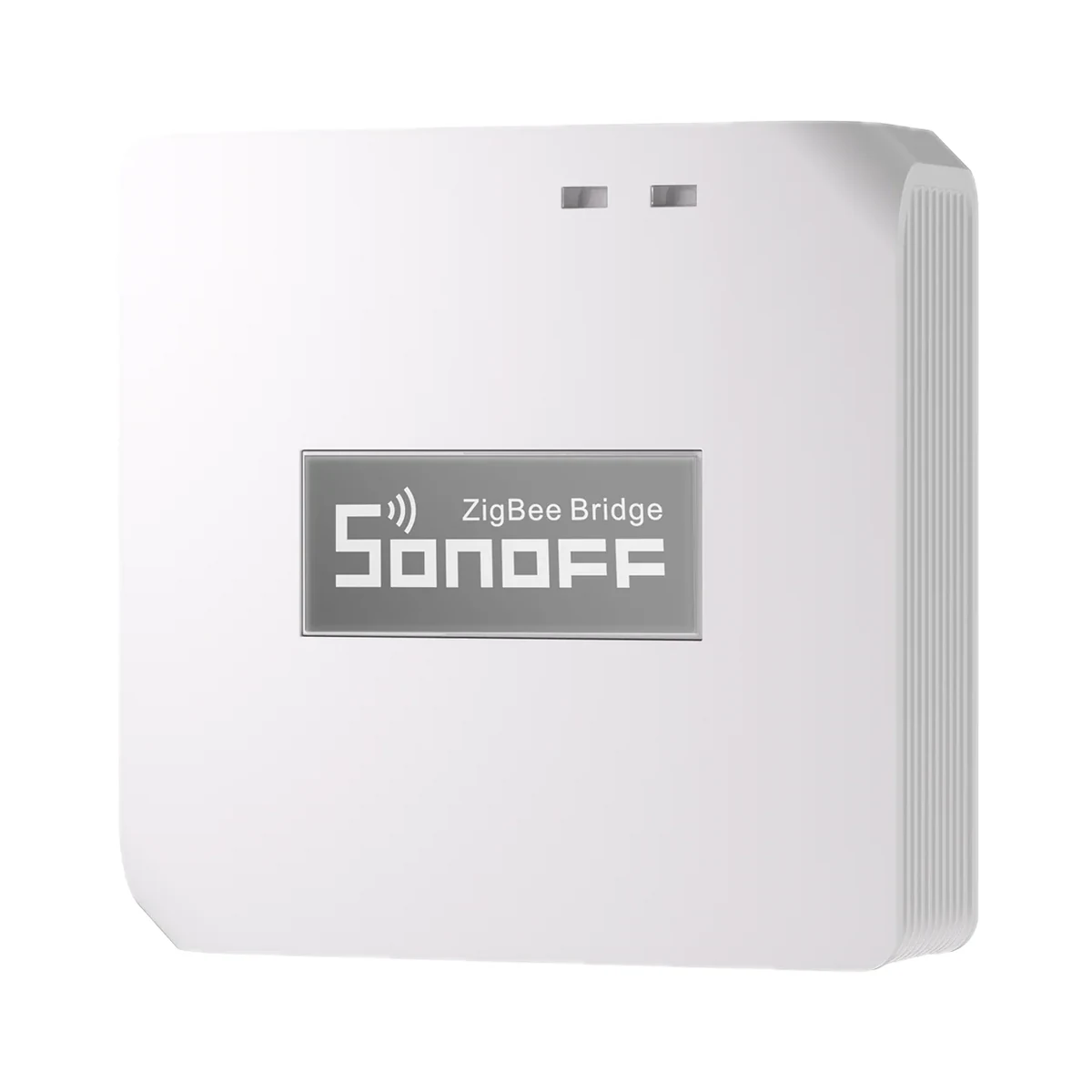
Smart hubs & gateways
Sonoff Zigbee Bridge Pro (ZBBridge-P) Zigbee 3.0 hub for eWeLink
- Connection to the router
- Wi-Fi
- Matter role
- Not supported
- Max connected devices
- 128
599 MDL
In stock
Sonoff · MINI-ZBRBS-E
eWeLink (through a SONOFF Zigbee gateway) · Zigbee 2405–2480 MHz, ≤10 dBm
Check hub compatibility.
Manufacturer images
A compatible hub is required.
Suitable gateways and hubsThe easiest moment to make shutters smart is while walls are still open: Orb-ZBRBS drops a Zigbee panel with up/down keys into a standard 86×86 box, and a Zigbee hub adds percentages and scenes.
Connection: Zigbee / eWeLink
The manufacturer lists this hub / connection method. Features depend on the integration and firmware; see the manufacturer matrix.
Supported functions: Open / Pause / Close · Percentage adjustment · Motor calibration · External switch mode · Timer · Motor rotation direction · OTA
Connection: Zigbee / eWeLink
The manufacturer lists this hub / connection method. Features depend on the integration and firmware; see the manufacturer matrix.
Supported functions: Open / Pause / Close · Percentage adjustment · Motor calibration · External switch mode · Timer · Motor rotation direction · OTA
Connection: Zigbee / eWeLink
The manufacturer lists this hub / connection method. Features depend on the integration and firmware; see the manufacturer matrix.
Supported functions: Open / Pause / Close · Percentage adjustment · Motor calibration · External switch mode · Timer · Motor rotation direction · OTA
Connection: Zigbee / eWeLink
The manufacturer lists this hub / connection method. Features depend on the integration and firmware; see the manufacturer matrix.
Supported functions: Open / Pause / Close · Percentage adjustment · Motor calibration · External switch mode · Timer · Motor rotation direction · OTA
Connection: ZHA
The manufacturer lists this hub / connection method. Features depend on the integration and firmware; see the manufacturer matrix.
Supported functions: Open / Pause / Close · Percentage adjustment · Motor calibration · External switch mode · Timer · Motor rotation direction · OTA
Connection: Zigbee2MQTT
The manufacturer lists this hub / connection method. Features depend on the integration and firmware; see the manufacturer matrix.
Supported functions: Open / Pause / Close · Percentage adjustment · Motor calibration · External switch mode · Timer · Motor rotation direction · OTA
Connection: Zigbee
This manufacturer manual explicitly states no support.
Connection: Zigbee
This manufacturer manual explicitly states no support.
We deliver across Moldova. Availability, delivery timing and cost are confirmed with a manager before order fulfilment.
The right choice starts with specifications
SKU: SONOFF-MINI-ZBRBS-E · Document model: MINI-ZBRBS-E
Specifications checked against the linked manufacturer documents. Load limits, package details and measurement conditions are retained.Checked 18 October 2026
Connectivity — what it meansThe wireless link or network the device uses. Wi-Fi connects straight to the router; Zigbee, Thread and Bluetooth Mesh work through a hub or gateway. | ZigbeeZigbee 3.0, acts as a Zigbee router (repeater) [1] |
|---|---|
Hub required — what it meansWhether the device needs a separate hub, gateway or coordinator to work in a smart home. If so, it is sold separately unless stated otherwise. | Hub requiredNeeds a Zigbee gateway: SONOFF ZBBridge-P, ZBBridge-U, NSPanel Pro, iHost, or a ZBDongle-P/-E for Home Assistant. Philips Hue and FRITZ!Box gateways are not supported [1] |
Matter support — what it meansWhether the device supports the Matter standard, directly or through a bridge. Matter lets you add it to Apple Home, Google Home, Alexa and Home Assistant. | Via a bridgeNo built-in Matter. The maker offers a Matter bridge: SONOFF ZBBridge-U (Zigbee Bridge Ultra) or the eWeLink CUBE software [2] |
Home Assistant — what it meansHow the device connects to Home Assistant: a built-in integration, a Zigbee coordinator, Matter or the maker’s cloud integration. | Via a hub or coordinatorThrough ZHA or Zigbee2MQTT with a Zigbee dongle (ZBDongle-P/-E): open/pause/close, percentage, calibration (via the device button), motor direction, OTA [1] |
Voice assistants — what it meansWhich voice assistants the module works with, per the maker. Commands like 'turn on the air conditioner' go through the cloud, so internet access is needed. | Amazon Alexa, Google Assistant, Apple Home (Siri)Alexa and Google via eWeLink cloud linking; Apple Home (Siri) via a Matter bridge (ZBBridge-U or eWeLink CUBE) [1] |
Works without internet — what it meansWhether the device keeps working over the local network or through a hub when the internet is down. Cloud features (remote access, voice assistants) need the internet. | YesMaker: keeps working without internet through the local Zigbee gateway; in Home Assistant locally via ZHA/Zigbee2MQTT [2] |
App — what it meansThe maker’s app used to set up and control the device. | eWeLink (through a SONOFF Zigbee gateway) [1] |
Processor / radio chip — what it meansThe microcontroller or radio module inside, per the maker (for example ESP32). For firmware such as WLED and ESPHome it determines available features and whether the device can be re-flashed. | EFR32MG21 [1] |
| Radio frequencies and transmit power | Zigbee 2405–2480 MHz, ≤10 dBm [3] |
| Zigbee router (repeater) | Yes [1] |
| Compatible hubs | SONOFF ZBBridge-P, ZBBridge-U, NSPanel Pro, iHost; ZBDongle-P/-E (ZHA, Zigbee2MQTT) [1] |
Max motor current — what it meansThe highest motor current the output for one curtain can handle. The current is on the motor’s rating plate or in its manual and must not exceed this value. At 230 V, 1 A corresponds to a motor of about 230 W. | 1 ARated “1A Max”; motor current must be below 1 A, with a 1 A breaker installed before the device [1] |
|---|---|
Max motor power — what it meansThe highest motor power per curtain according to the device’s specification. The motor’s power is on its rating plate and must not exceed this value. | Not stated by the manufacturer |
Standby power — what it meansHow much power the device draws on its own while idle. It matters for devices that run around the clock. | Not stated by the manufacturer |
Supply voltage — what it meansThe supply voltage (and current, if stated) as the maker gives it. It must match your mains or adapter. | 100–240 V AC, 50/60 Hz, 1 A max [1] |
Power source — what it meansWhere the device gets its power: 230 V mains, an adapter, USB, batteries or a built-in battery. | 230 V mains [1] |
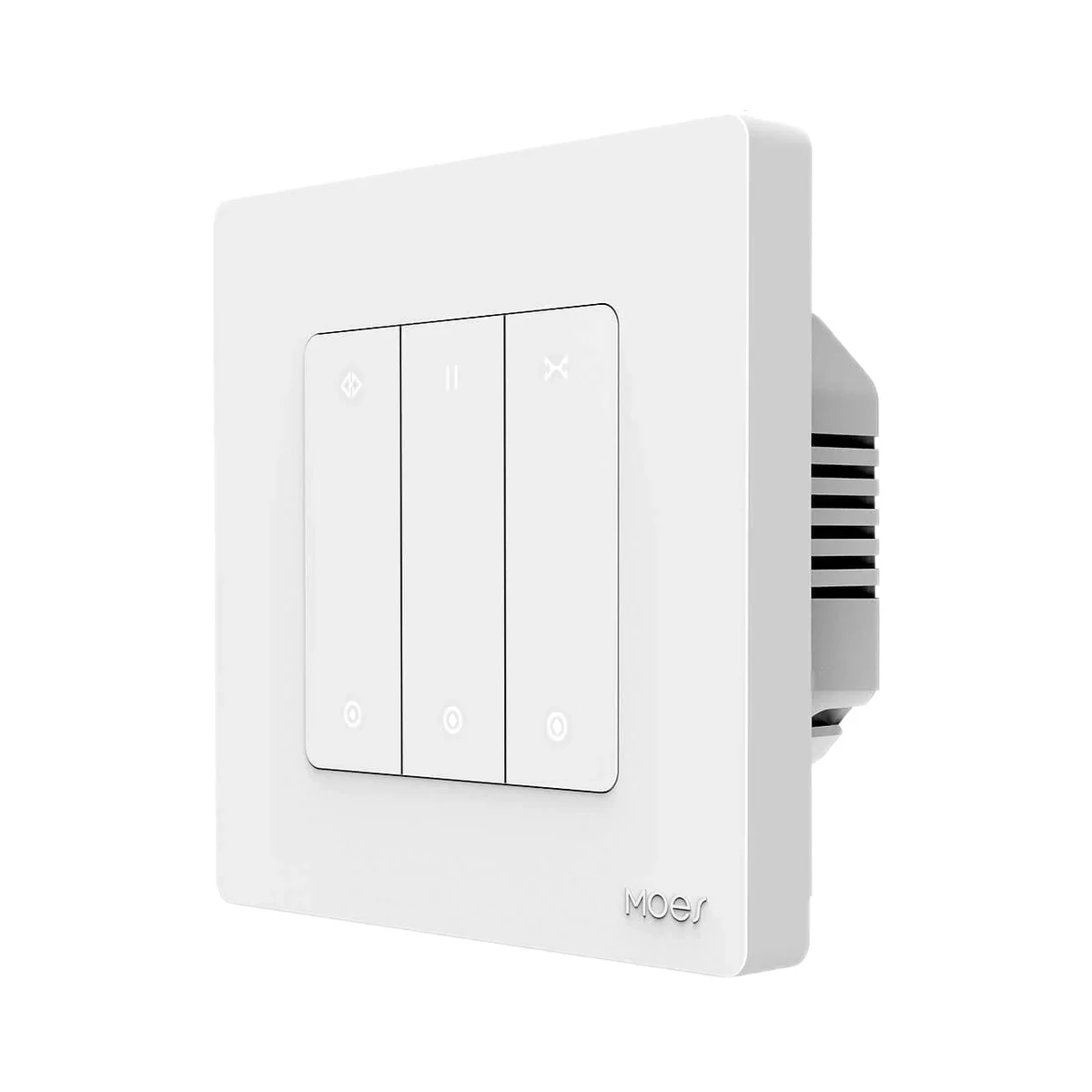
Key type — what it meansHow the open, stop and close keys are operated. Mechanical keys give an audible, tangible click and can be found by feel; touch keys react to a touch on a glass or plastic panel and have no moving parts. | MechanicalTwo physical up / down keys (long press opens/closes). For the Fusion Series roller shutter front, Sonoff describes “micro-arc” keys with tactile feedback [1] |
|---|---|
Set position in percent — what it meansWhether you can set the covering’s position, for example open to 30 %, rather than only fully open or close it. This needs a travel calibration after installation, in which the device learns the full opening and closing time. | YesAfter travel calibration; available in eWeLink and in Home Assistant (ZHA and Zigbee2MQTT) [1] |
Slat tilt control — what it meansWhether the device can tilt the slats of venetian blinds separately, adjusting light without raising the blind. Roller blinds and shutters do not need it. | Not stated by the manufacturer |
Curtains (motors) controlled — what it meansHow many separate curtains or shutters, each with its own motor, one switch controls. Two windows with separate motors need a two-channel model or two single-channel ones. | 1One motor; several motors must not be wired in parallel [1] |
Key backlight — what it meansWhether the keys have a backlight or indicator light that makes the switch visible in the dark. If the backlight mode can be changed, the note says so. | Not stated by the manufacturer |
| Max continuous motor run in one direction | 2 minAfter 2 minutes of travel in one direction the device stops the motor itself [1] |
| External switch mode | Pulse or Edge, set in eWeLink [1] |
Neutral wire (N) — what it meansWhether the wall box needs a neutral wire. Older wiring often brings only the live wire to the switch; then pick a model that works without N. | Required [1] |
|---|---|
Compatible wall box — what it meansWhich wall box the switch fits according to the manufacturer’s instructions. Round Ø60 mm boxes are typical in Moldova; the box must be deep enough for the switch body plus the wires. | Round Ø60 mm (European), Square 86 × 86 mmMaker: European round Ø60 mm box or 86-type square box. The box is recommended near the roller shutter motor [2] |
Dimensions (W × H × D) — what it meansThe device’s size in millimetres as the maker states it. Check that it fits the wall box, niche or shelf. | 86 × 86 × 34 mm [1] |
Weight — what it meansThe device’s weight without packaging, per the maker. | 84.1 g [1] |
| Housing material | Polycarbonate (PC) [1] |
Certifications — what it meansStandards and certifications the maker lists for this model (for example CE, RoHS, Zigbee 3.0, Matter). | CE, RoHS [1] |
| Recommended wire gauge | 18–14 AWG (≈0.8–2.1 mm²), copper only, solid or stranded [1] |
Compatible motors — what it meansWhich curtain motor the device works with. Most often it is a 230 V motor with built-in limit switches, wired with neutral, “up”, “down” and earth. Motors with their own control unit are connected through a dry-contact input, and DC motors only to a compatible controller. | ~230 V motor with limit switches100–240 V AC motor, 4- or 5-wire (neutral, forward, reverse, earth) with built-in limit switches, motor current below 1 A. Several motors must not be connected in parallel [1] |
|---|---|
Covering types — what it meansWhich kinds of window coverings the manufacturer says the device works with. The motor fitted in the covering matters too — see “Compatible motors”. | Roller shutters, roller blindsThe device is a roller shutter switch; automatic calibration is meant for roller blinds, roller shutters and projection screens, other coverings need manual calibration [1] |
Colour — what it meansThe housing colour of this model. Other colours in the same series are separate products. | White [1] |
|---|
Operating temperature — what it meansThe air temperature range the device is rated for. The lower limit matters outdoors, on balconies and in unheated rooms. | −10…40 °C“10T40 (-10 °C ~ 40 °C)”, indoor use only [1] |
|---|---|
Operating humidity — what it meansThe rated relative humidity range, non-condensing. | 5–95%Non-condensing [1] |
We deliver across Moldova. Availability, delivery timing and cost are confirmed with a manager before order fulfilment.
A website order is submitted for confirmation without charging your card. The payment method and final amount are agreed with a manager before payment.
The warranty is at least 12 months. The exact period and conditions for equipment and installation work are stated in the sales documents and the accepted proposal. Further support is agreed for each project.
Current conditions are published on the Return policy page. Email office@casasmart.md with your order number for the steps relevant to your situation. Statutory consumer rights continue to apply.
In your home
Sun-facing rooms heat up even when empty. Timely shading helps limit heat gain and makes hard-to-reach windows easier to manage.
See the complete solution
CasaSmart
A compatible hub is required.
Smart hubs & gateways
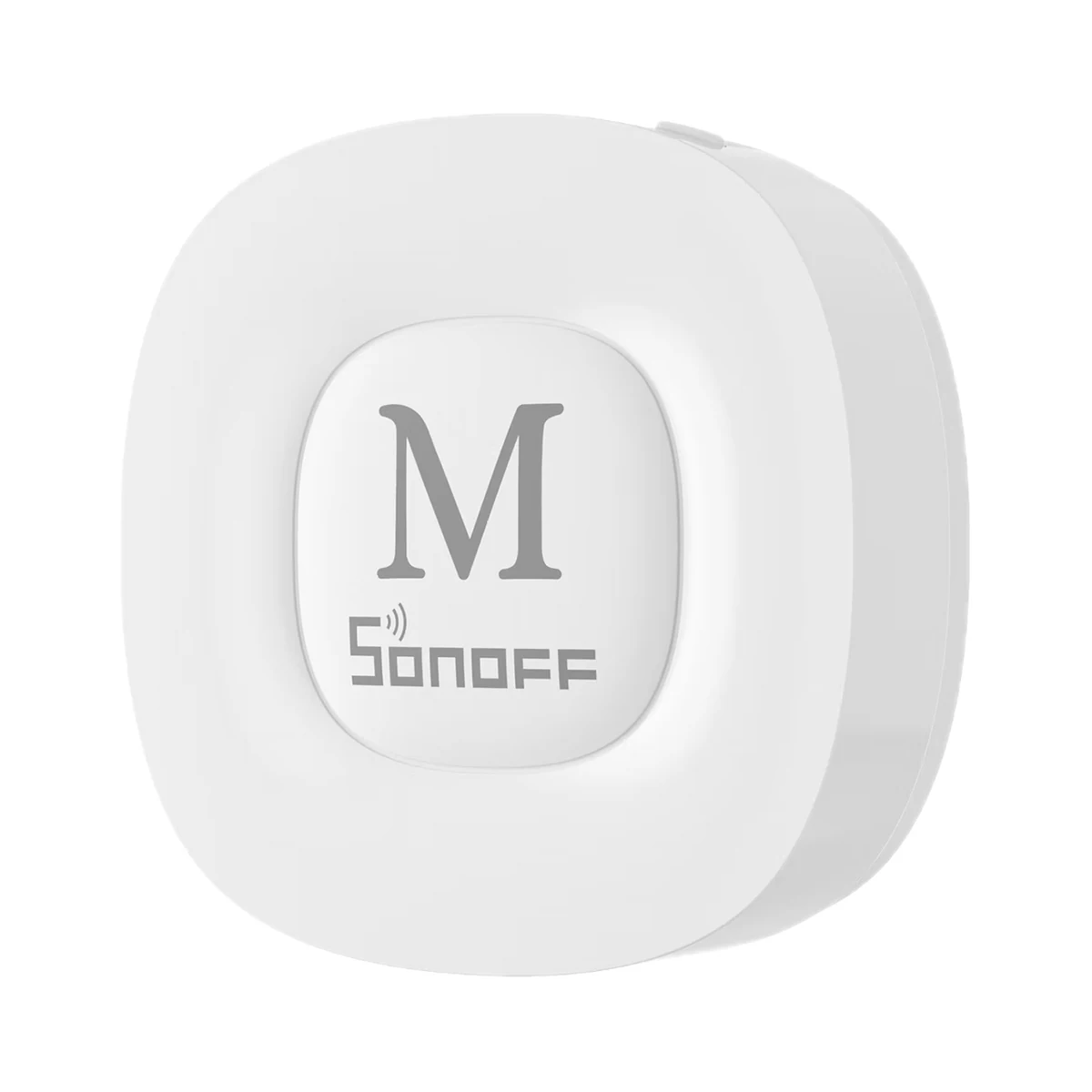
Smart hubs & gateways
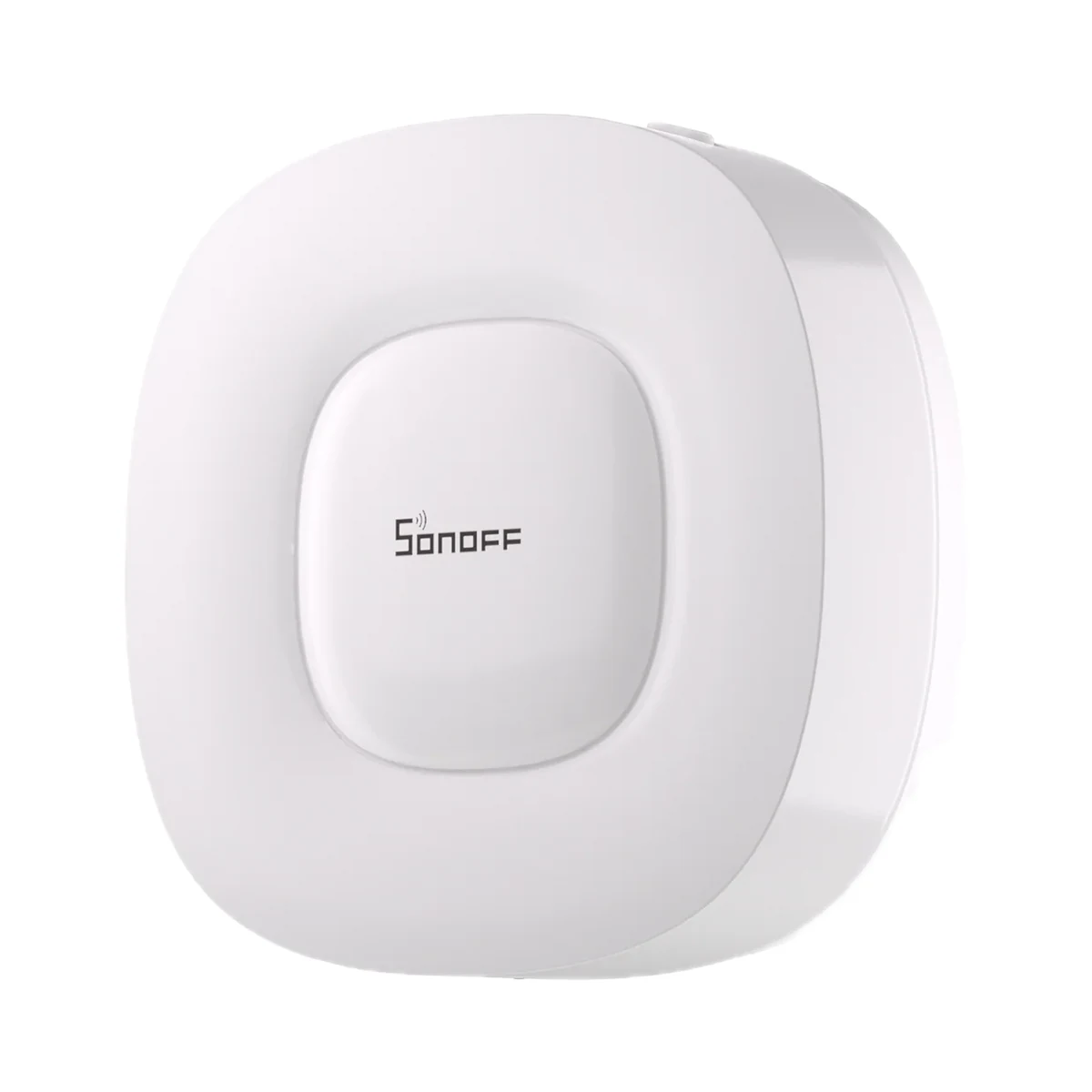
Smart hubs & gateways
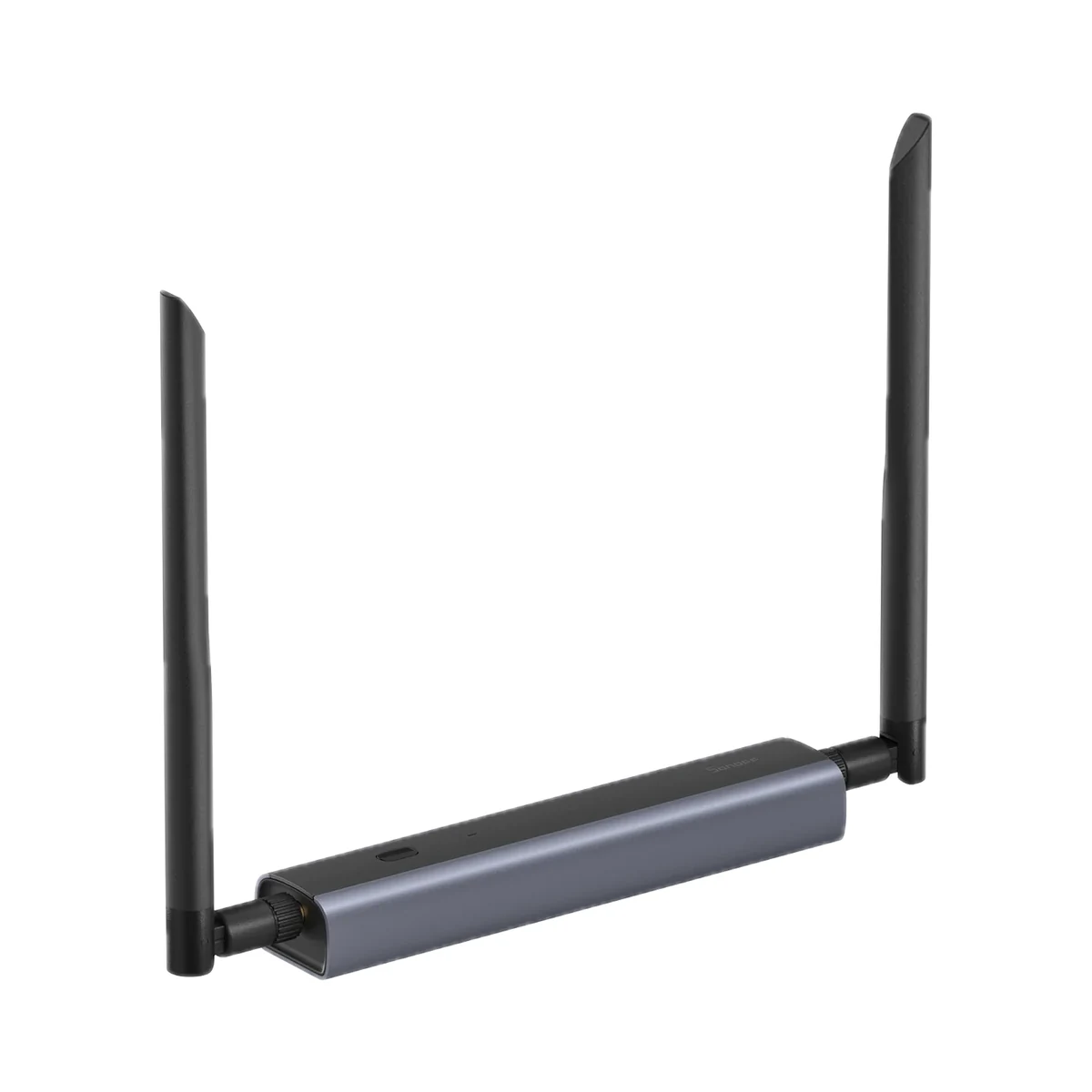
Network coordinators
Curtain wall switches
Relays & in-wall modules
Curtain & blind motors
Shutter control modules
Buy just a device, add installation, or hand the whole project over to us.