Smart hubs & gateways
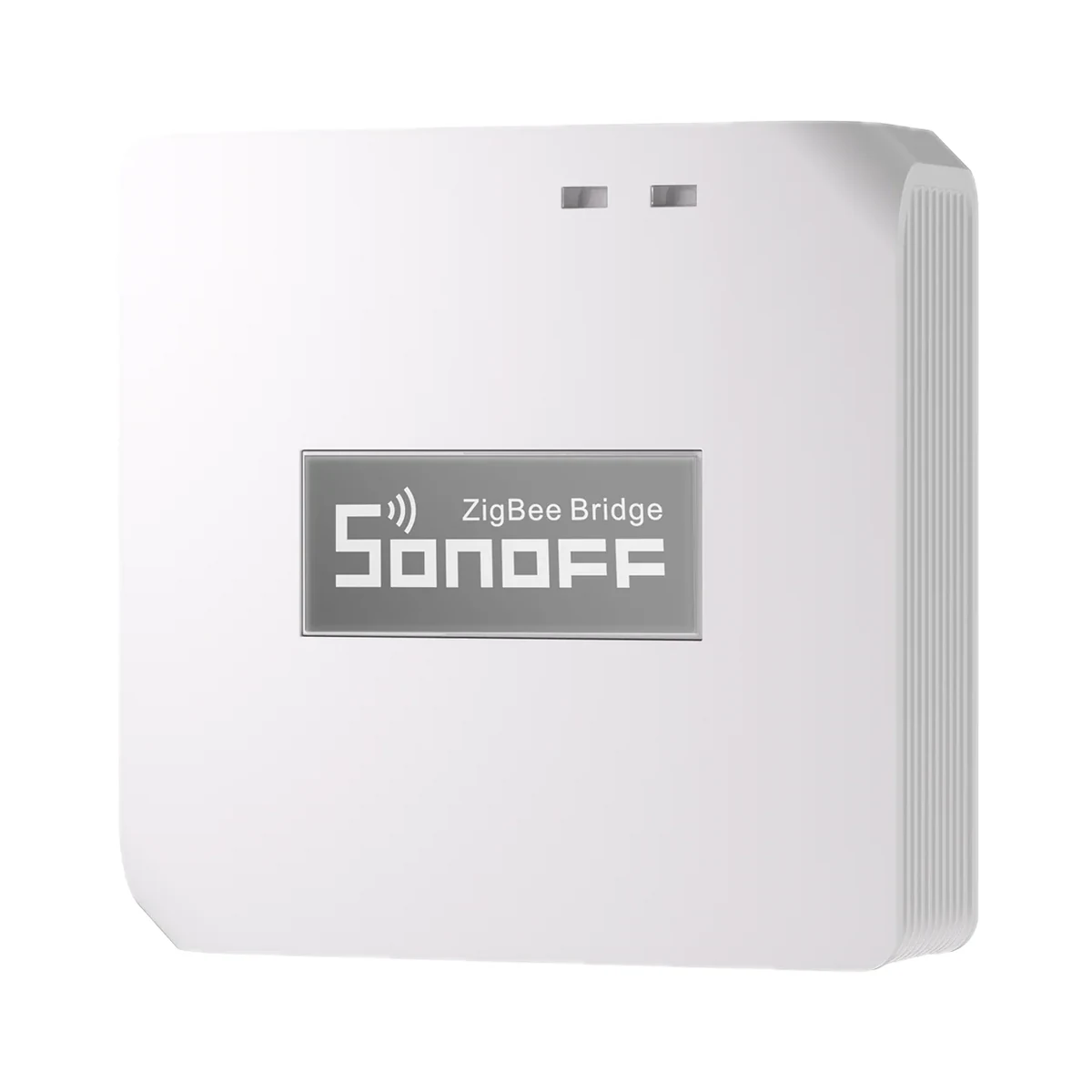
Sonoff Zigbee Bridge Pro (ZBBridge-P) Zigbee 3.0 hub for eWeLink
- Connection to the router
- Wi-Fi
- Matter role
- Not supported
- Max connected devices
- 128
599 MDL
In stock
Sonoff · ZBMicro
Zigbee
Check hub compatibility.
Manufacturer images
A compatible hub is required.
Suitable gateways and hubsA frozen USB-powered router gets power-cycled without touching the plug: Sonoff ZBMicro switches the USB power line over Zigbee 3.0 (Zigbee hub required) and passes up to 4.6 A.
Connection: Zigbee / eWeLink
The manufacturer lists this hub / connection method. Features depend on the integration and firmware; see the manufacturer matrix.
Supported functions: On / Off
Unsupported functions: Power-on state · Inching settings · Turbo mode
Connection: Zigbee / eWeLink
The manufacturer lists this hub / connection method. Features depend on the integration and firmware; see the manufacturer matrix.
Supported functions: On / Off · Power-on state · Inching settings · Turbo mode
Connection: Zigbee / eWeLink
The manufacturer lists this hub / connection method. Features depend on the integration and firmware; see the manufacturer matrix.
Supported functions: On / Off · Power-on state · Inching settings · Turbo mode
Connection: Zigbee / eWeLink
The manufacturer lists this hub / connection method. Features depend on the integration and firmware; see the manufacturer matrix.
Supported functions: On / Off · Power-on state · Inching settings · Turbo mode
Connection: Zigbee / eWeLink
The manufacturer lists this hub / connection method. Features depend on the integration and firmware; see the manufacturer matrix.
Supported functions: On / Off · Power-on state · Inching settings · Turbo mode
Connection: ZHA
The manufacturer lists this hub / connection method. Features depend on the integration and firmware; see the manufacturer matrix.
Supported functions: On / Off · Power-on state
Unsupported functions: Inching settings · Turbo mode
Connection: Zigbee2MQTT
The manufacturer lists this hub / connection method. Features depend on the integration and firmware; see the manufacturer matrix.
Supported functions: On / Off · Power-on state · Inching settings · Turbo mode
Connection: Zigbee / Alexa
The manufacturer lists this hub / connection method. Features depend on the integration and firmware; see the manufacturer matrix.
Supported functions: On / Off
Unsupported functions: Power-on state · Inching settings · Turbo mode
Connection: Zigbee / Alexa
The manufacturer lists this hub / connection method. Features depend on the integration and firmware; see the manufacturer matrix.
Supported functions: On / Off
Unsupported functions: Power-on state · Inching settings · Turbo mode
Connection: Zigbee / Alexa
The manufacturer lists this hub / connection method. Features depend on the integration and firmware; see the manufacturer matrix.
Supported functions: On / Off
Unsupported functions: Power-on state · Inching settings · Turbo mode
Connection: Zigbee / SmartThings
The manufacturer lists this hub / connection method. Features depend on the integration and firmware; see the manufacturer matrix.
Supported functions: On / Off
Unsupported functions: Power-on state · Inching settings · Turbo mode
Connection: Zigbee / SmartThings
The manufacturer lists this hub / connection method. Features depend on the integration and firmware; see the manufacturer matrix.
Supported functions: On / Off
Unsupported functions: Power-on state · Inching settings · Turbo mode
Connection: Zigbee
This manufacturer manual explicitly states no support.
Connection: Zigbee
This manufacturer manual explicitly states no support.
We deliver across Moldova. Availability, delivery timing and cost are confirmed with a manager before order fulfilment.
The right choice starts with specifications
SKU: SONOFF-ZBMICRO
Specifications checked against the linked manufacturer documents.Checked 18 October 2026
Connectivity — what it meansThe wireless link or network the device uses. Wi-Fi connects straight to the router; Zigbee, Thread and Bluetooth Mesh work through a hub or gateway. | ZigbeeZigbee 3.0 [1] |
|---|---|
Hub required — what it meansWhether the device needs a separate hub, gateway or coordinator to work in a smart home. If so, it is sold separately unless stated otherwise. | Hub requiredA Zigbee hub or coordinator is needed: SONOFF ZBBridge-P/-U, NSPanel Pro, iHost, ZBDongle-P/-E, or a Zigbee Amazon Echo or SmartThings Hub V3. Philips Hue and FRITZ!Box gateways are not supported. ZBMicro itself cannot act as a coordinator [2] |
USB data pass-through — what it meansWhether USB data passes through the device or only power. It matters if you place it between a computer and a USB peripheral. | USB 2.0 [1] |
Network repeater — what it meansWhether the device acts as a Zigbee or Thread router (repeater): it relays other devices' signals and extends coverage. Not applicable to Wi‑Fi models. | YesActs as a Zigbee router; Turbo Mode boosts the signal (in eWeLink with ZBBridge-P/-U, NSPanel Pro, iHost and in Zigbee2MQTT) [2] |
Matter support — what it meansWhether the device supports the Matter standard, directly or through a bridge. Matter lets you add it to Apple Home, Google Home, Alexa and Home Assistant. | Via bridge (hub)Into Apple Home through the eWeLink CUBE software Matter bridge (on iHost) [2] |
Home Assistant — what it meansHow the device connects to Home Assistant: a built-in integration, a Zigbee coordinator, Matter or the maker’s cloud integration. | Via a hub or coordinatorVia a Zigbee coordinator: ZHA (on/off, power-on state) and Zigbee2MQTT (all features incl. inching and Turbo). OpenHAB is also supported [2] |
Works without internet — what it meansWhether the device keeps working over the local network or through a hub when the internet is down. Cloud features (remote access, voice assistants) need the internet. | Not stated by the manufacturer |
App — what it meansThe maker’s app used to set up and control the device. | eWeLinkVia a SONOFF Zigbee hub; with other hubs, in their own apps [2] |
Processor / radio chip — what it meansThe microcontroller or radio module inside, per the maker (for example ESP32). For firmware such as WLED and ESPHome it determines available features and whether the device can be re-flashed. | Silicon Labs EFR32MG21 [1] |
Transmit power — what it meansThe coordinator's maximum radio output. Higher power gives a steadier link to distant devices, but range in a home depends more on walls and the number of routers in the network. | 10 dBmUp to 10 dBm (EU) [1] |
| Compatible hubs | SONOFF ZBBridge, ZBBridge-P, ZBBridge-U, NSPanel Pro, iHost, ZBDongle-P/-E; Amazon Echo Plus 2nd gen, Echo 4th gen, Echo Show 2nd gen; SmartThings Hub V3, Aeotec Smart Home Hub V3. Not supported: Philips Hue, FRITZ!Box. [2] |
Input connector — what it meansWhich connector plugs the device into a charger or the USB port of a computer, router or TV. | USB Type-A (plug)USB Type-A plug (power input ② in the maker's diagram) [1] |
|---|---|
Output connector — what it meansThe connector that takes the cable of the controlled device: LED strip, fan, router. | USB Type-A (port)USB Type-A port on the side (power output ⑤ in the maker's diagram); the spec lists the interface type as USB Type-A [2] |
Maximum load current — what it meansThe highest current the device passes to the load. Compare it with the load's draw and with your power adapter's current. | 4.6 ADevice rating: 5–22 V ⎓ 4.6 A max [1] |
Maximum pass-through power — what it meansThe highest power the device passes to the load. It is reachable only with a power adapter of matching rating. | 36 WMaximum when used with a QC 3.0 adapter [1] |
Supply voltage — what it meansThe supply voltage (and current, if stated) as the maker gives it. It must match your mains or adapter. | 5–22 V ⎓ (DC, USB)Powered from a DC supply compliant with EN IEC 62368-1 (PS2 and ES1 classes) [1] |
Fast-charge pass-through — what it meansFast-charging protocols the device lets through between the adapter and the load. The device does not create fast charging itself: a compatible adapter is needed. | Qualcomm Quick Charge 3.0, Huawei FCP, Huawei SCP, MediaTek Pump Express, Samsung AFC, Apple 2.4 AOnly with the original fast-charging adapter and cable; ZBMicro itself does not provide fast charging. USB Power Delivery is not listed. Non-original adapters may cause brief restarts [1] |
Standby power — what it meansHow much power the device draws on its own while idle. It matters for devices that run around the clock. | Not stated by the manufacturer |
Power source — what it meansWhere the device gets its power: 230 V mains, an adapter, USB, batteries or a built-in battery. | From the AC's USB socketFrom a USB port or USB adapter [1] |
Button on the device — what it meansWhether there is a button on the device to switch power on or off without a phone. | YesShort press toggles on/off; hold 5 s for pairing mode [2] |
|---|---|
Timers and schedules — what it meansWhich timers the app offers: time schedule, countdown, auto-off after a set time. For example, to have a boiler heat water only at the hours you need. | Time schedule, Countdown, loop timer, auto-off after a set timeAuto-off/auto-on (inching) from 0.5 s to 23 h 59 min 59.5 s. Set up in eWeLink with the ZBBridge-P, ZBBridge-U, NSPanel Pro or iHost hubs; with the first-generation ZBBridge, Alexa and SmartThings only on/off is available [2] |
State after power restore — what it meansWhat state the load returns to when power comes back after an outage: on, off, as it was before, or the opposite. The options you can choose in settings are listed. | On, Off, last stateIn eWeLink with ZBBridge-P/-U, NSPanel Pro, iHost, and in Home Assistant (ZHA and Zigbee2MQTT) [2] |
| Inching mode | Auto-off or auto-on after 0.5 s – 23 h 59 min 59.5 sSet up in eWeLink with the ZBBridge-P, ZBBridge-U, NSPanel Pro or iHost hubs; with the first-generation ZBBridge, Alexa and SmartThings only on/off is available [2] |
| Indicators | Green — hub connection; red — output on [2] |
Dimensions — what it meansThe device’s size in millimetres as the maker states it. Check that it fits the wall box, niche or shelf. | 33 × 31 × 26.5 mmThe maker does not say whether the USB plug is included or which axis is which [1] |
|---|---|
Weight — what it meansThe device’s weight without packaging, per the maker. | 17.6 g [1] |
Certifications — what it meansStandards and certifications the maker lists for this model (for example CE, RoHS, Zigbee 3.0, Matter). | CE, FCC, ISED, RoHS [1] |
Mounting — what it meansHow and where it is installed: in a wall box, on a wall or ceiling, on a DIN rail, on a table or in a socket. | Plug-inPlugs into a USB port [2] |
| Housing material | Polycarbonate (PC) [1] |
We deliver across Moldova. Availability, delivery timing and cost are confirmed with a manager before order fulfilment.
A website order is submitted for confirmation without charging your card. The payment method and final amount are agreed with a manager before payment.
The warranty is at least 12 months. The exact period and conditions for equipment and installation work are stated in the sales documents and the accepted proposal. Further support is agreed for each project.
Current conditions are published on the Return policy page. Email office@casasmart.md with your order number for the steps relevant to your situation. Statutory consumer rights continue to apply.
In your home
A whole-home meter does not show which appliances consume more. Separate monitoring helps reveal habits and useful changes.
See the complete solution
CasaSmart
A compatible hub is required.
Smart hubs & gateways
Smart hubs & gateways
Smart hubs & gateways
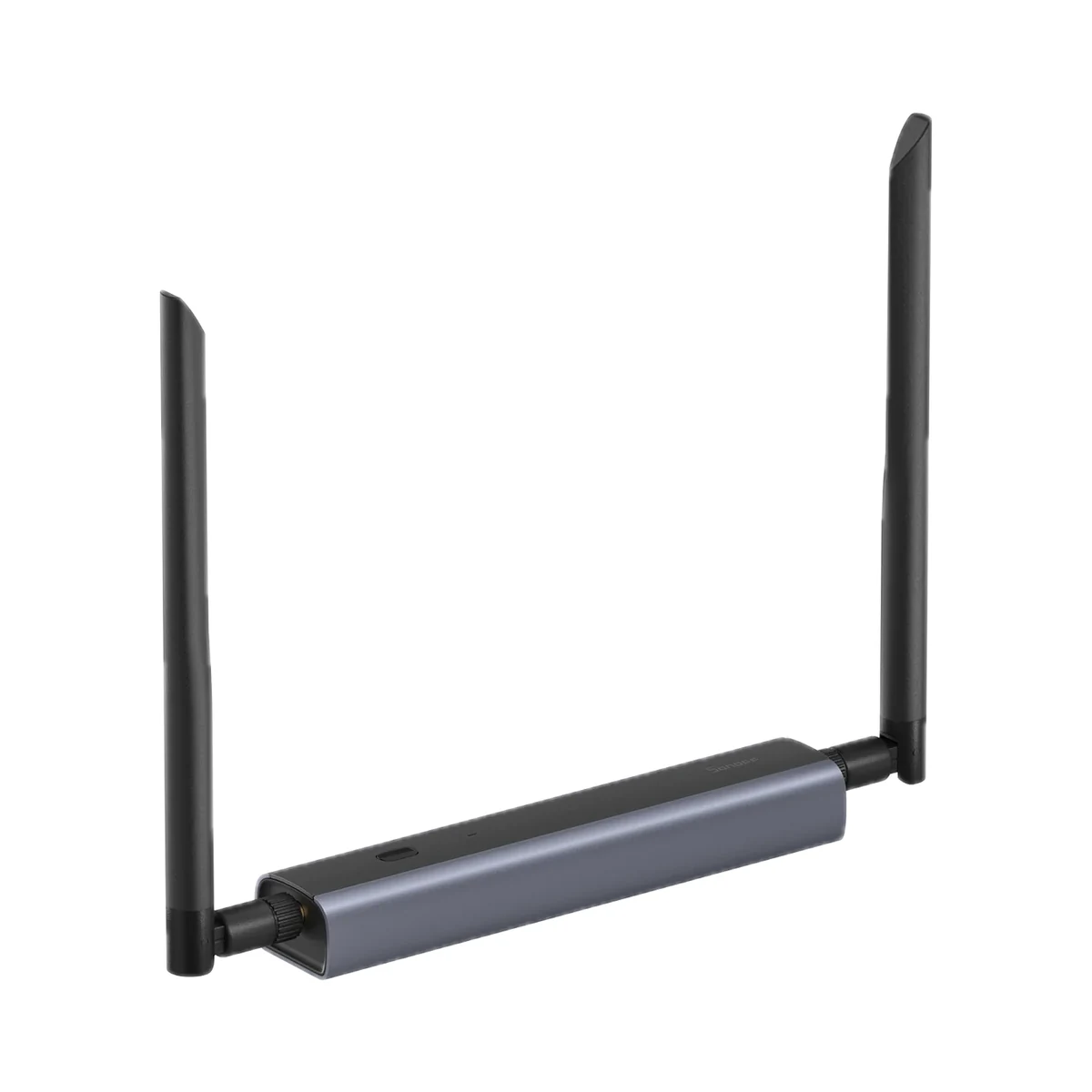
Network coordinators
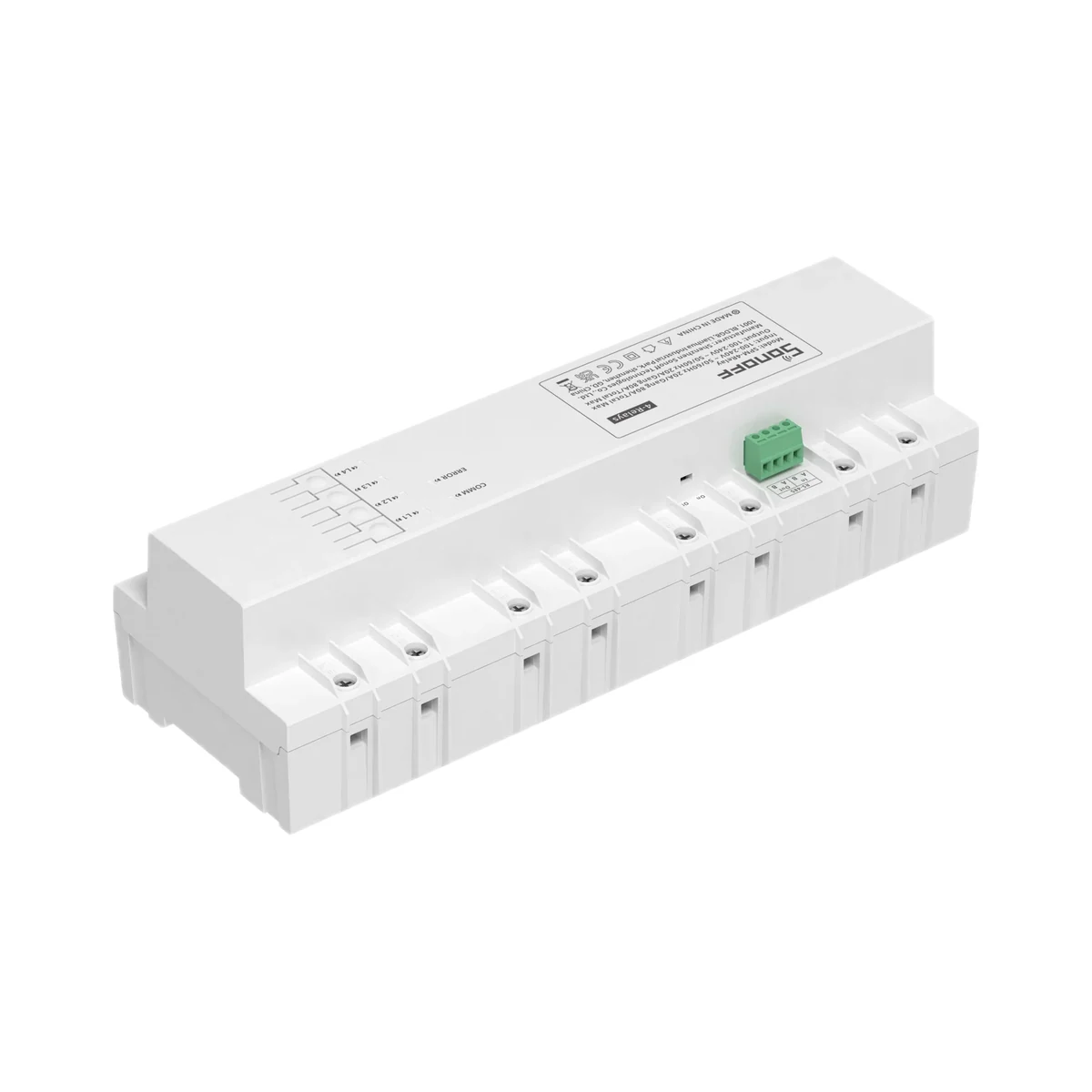
Energy metering relays
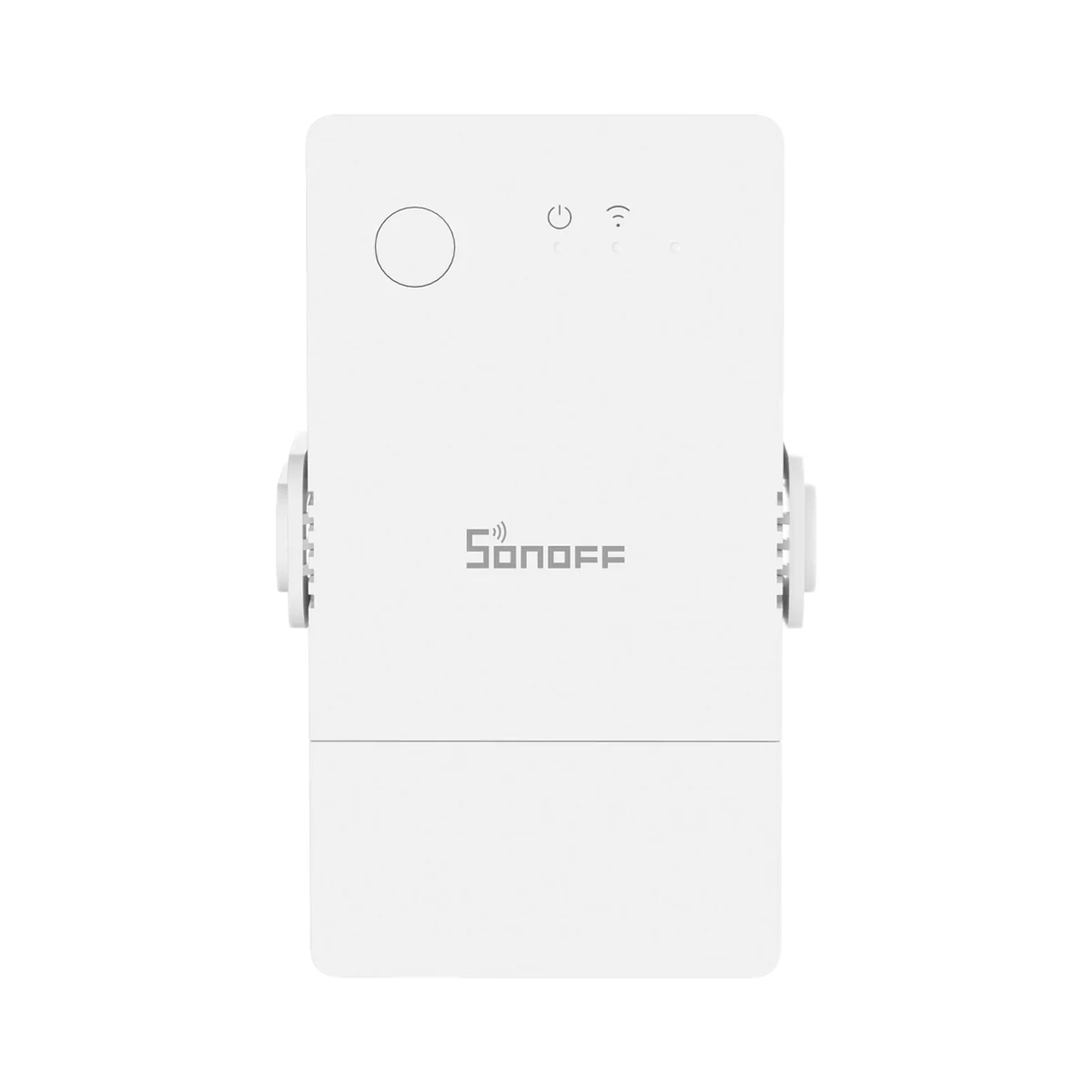
Energy metering relays
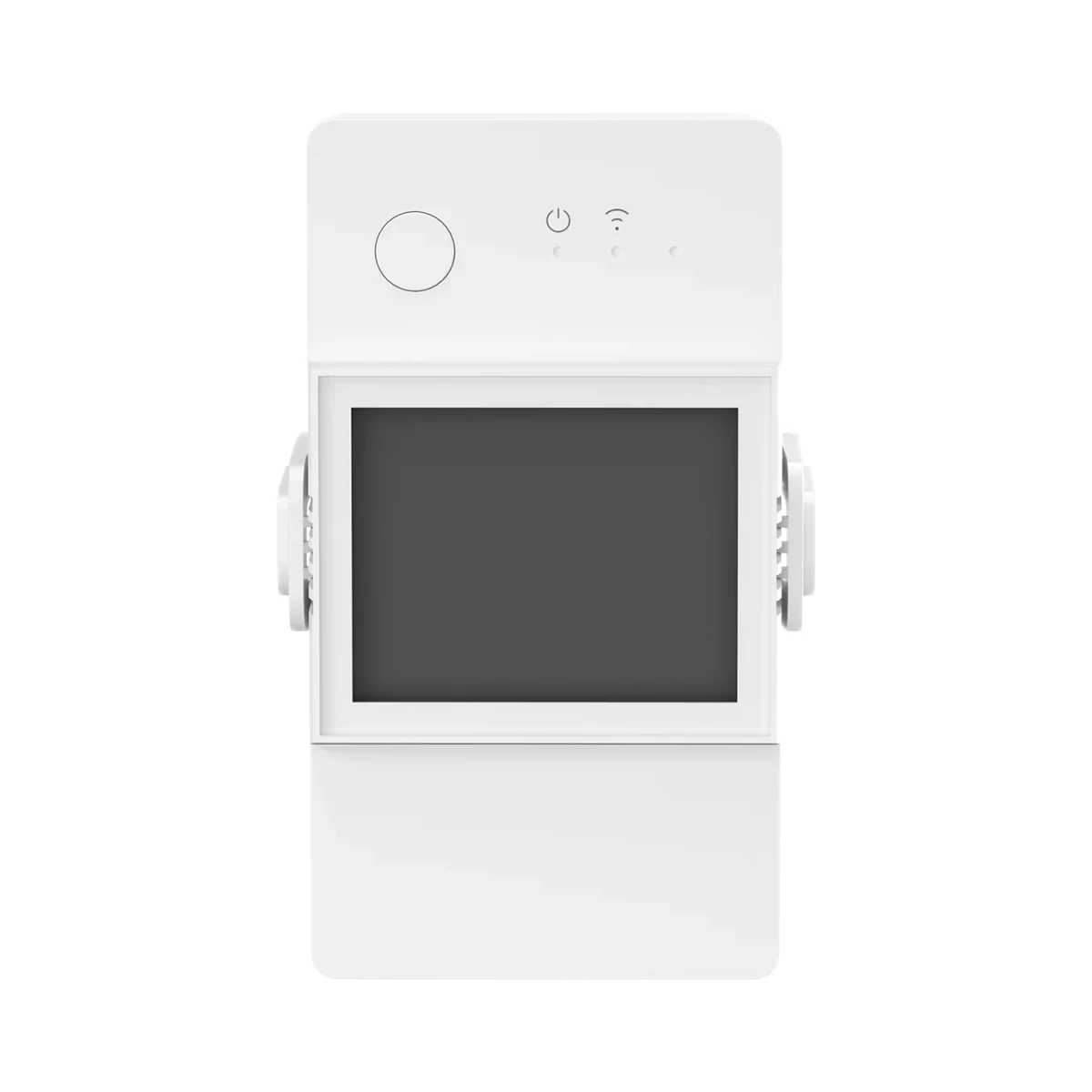 Manufacturer photo (series)Series photo
Energy metering relays
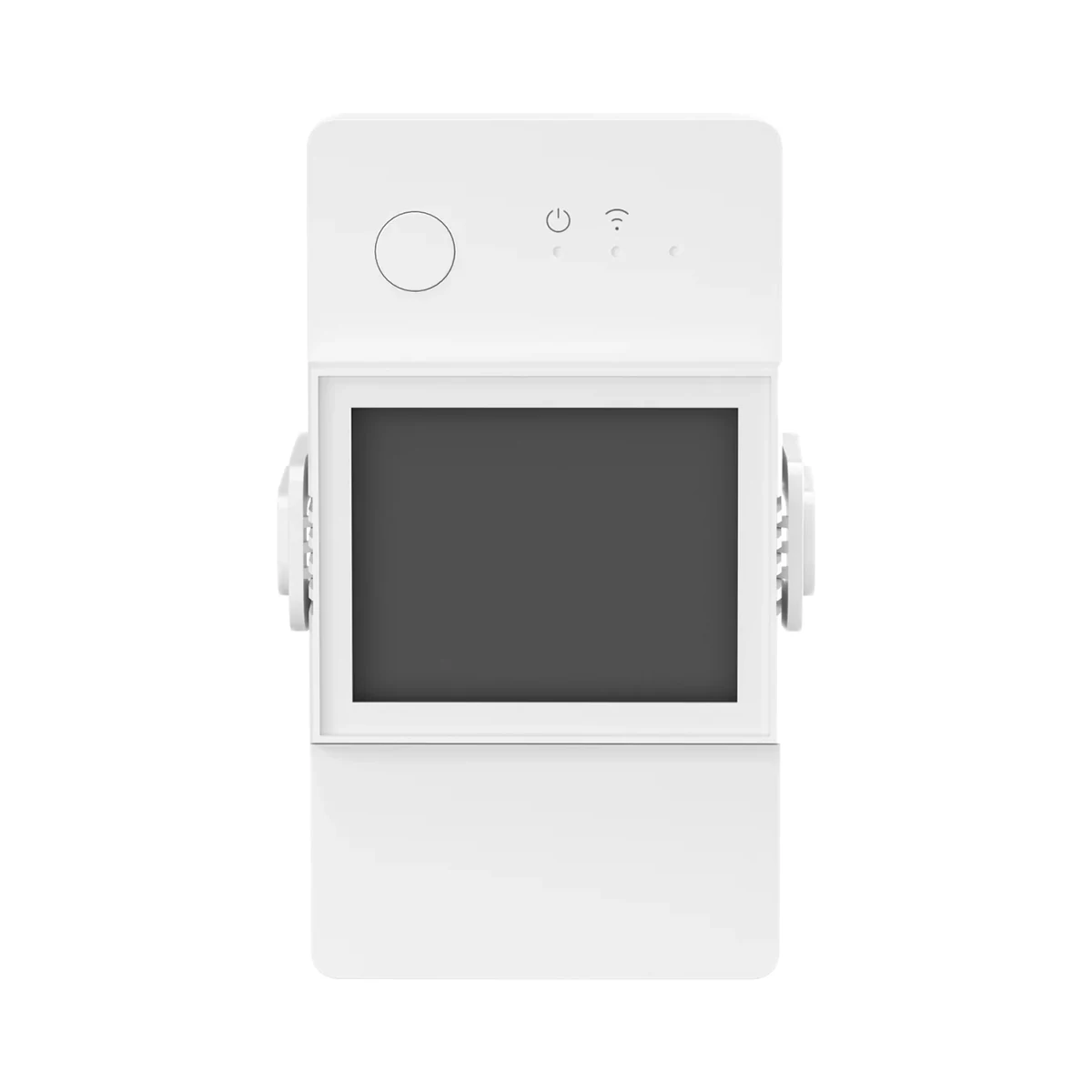 Manufacturer photo (series)Series photo
Energy metering relays
Buy just a device, add installation, or hand the whole project over to us.