Showroom: 153 Columna St, ChișinăuDelivery across MoldovaInstallation and setup by our own team+373 76 004 003ViberWhatsAppTelegram

Yeelight · YP-0241

Yeelight Pro YP-0241 spotlight module for U-Series trims, 12W, 36°, Bluetooth Mesh

Price to be confirmedPre-order
Recessed downlights
Bluetooth
Bluetooth

A Yeelight Pro U-Series trim; a terminal block for the mains connection; a Yeelight Pro Bluetooth Mesh gateway for control · Yeelight Pro (via a Bluetooth Mesh gateway)

Bluetooth is used for setup or short-range connection; the role depends on the model.

Price to be confirmedPre-order
What it needs to work

The Yeelight Pro app, scenes, remotes and voice assistants work through a Yeelight Pro gateway (S20 Gateway or S Series Hub), purchased separately.

Suitable gateways and hubs
Check compatibility
Luminous flux
800 lm
Beam angle
36°

A 12W spotlight module for Yeelight Pro U-Series trims: 800lm, Ra 90, 2700–5700K tunable white, dimming to 0.01%, a compact separate driver and Bluetooth Mesh.

23 specifications from manufacturer documents

We deliver across Moldova. Availability, delivery timing and cost are confirmed with a manager before order fulfilment.

The right choice starts with specifications

Device passport

Document model: YP-0241

Specifications checked against the linked manufacturer documents.Checked 18 October 2026

Lighting9
Luminous flux — what it means

How much light the fixture or bulb gives at full brightness, in lumens. As a guide, about 800 lm is roughly what a 60 W incandescent bulb gave. A room is usually lit by several sources, and their flux adds up.

800 lmThe same in the manual, the brochure and on en.yeelight.com, for all beam angles [1]
Beam angle — what it means

How widely the light spreads. A narrow beam (up to 25°) picks out a single object with a spot; 30–40° gives directed light on a table or wall; 60° and wider gives even light on the floor and general lighting. For the same luminous flux a narrow beam gives a smaller but brighter spot.

36°Model YP-0241 is 36° per the manual’s parameter table and the brochure; the series is also made with 24° (YP-0240) and 58° (YP-0242) [1]
Light colour — what it means

What light the fixture can give: one shade of white, tunable white from warm to cool, or colour as well. Tunable white lets you, for example, make the light warm in the evening and neutral during the day.

Tunable white (CCT)Adjustable colour temperature 2700–5700 K; the documents mention no colour (RGB) mode [1]
Colour temperature — what it means

The range of white shades in kelvin: 2700 K is warm like an incandescent bulb, 4000 K neutral, 5700 K and above cool, close to daylight. If the shade is fixed, both values are the same.

2700–5700 KPer this SKU’s manual (description and table) and the Yeelight Pro brochure (2023). The series page on en.yeelight.com gives 2700–6000 K [1]
Colour rendering index (CRI, Ra) — what it means

How natural colours look under this light, on a scale up to 100 (Ra). At Ra 80 colours look slightly duller; at Ra 90 and above skin, food, wood and fabrics look closer to how they do in daylight.

90The manual gives 90, the brochure Ra90, en.yeelight.com Ra>90 [1]
Minimum dimming level — what it means

How far the light can be dimmed, as a share of full brightness. The smaller the number, the dimmer it can go at night or during a slow fade: for example, 1% and 0.1% look clearly different in a dark room.

0.01%The same in the manual (0.01%), the brochure (0.01–100%) and on en.yeelight.com [1]
Glare rating (UGR) — what it means

How much the light dazzles when you glance at it from the side. The lower the number, the less discomfort: UGR below 19 is the norm for workspaces, below 16 for calm lighting. Many makers do not publish it.

10The Yeelight Pro brochure (2023) says “UGR < 10”, i.e. below 10; the manual does not state it [2]
Tilt angle — what it means

How many degrees the light-emitting part can be tilted inside the housing to aim at a wall or picture without changing the ceiling hole. Not applicable to fixed lights.

Not stated by the manufacturer
User-replaceable light source
NoThe light source may be replaced only by the manufacturer, its service agent or a similarly qualified person [1]
Power4
Rated power — what it means

The rated or maximum power draw from the spec sheet. It sets the load on the socket and the energy use.

12 W [1]
Driver (power supply) — what it means

Where the LED power supply sits. Built into the housing means the fixture connects straight to the 230 V wires; a separate box on a cable needs room above the ceiling or next to the fixture.

Separate box on a cableThe manual’s drawing shows the driver as a separate box on the module’s cable. The brochure and en.yeelight.com call it an “ultra-compact power supply” [1]
Standby power — what it means

How much power the device draws on its own while idle. It matters for devices that run around the clock.

0.09 WPer the manual’s description (“0.09W ultra-low standby power consumption”) [1]
Supply voltage — what it means

The supply voltage (and current, if stated) as the maker gives it. It must match your mains or adapter.

220 V~, 50/60 Hz, 0.11 AThe leads connect to live (L) and neutral (N); the terminal block is not included and installation must be done by a qualified person [1]
Connectivity and compatibility6
Connectivity — what it means

The wireless link or network the device uses. Wi-Fi connects straight to the router; Zigbee, Thread and Bluetooth Mesh work through a hub or gateway.

Bluetooth Meshen.yeelight.com says “Wireless Connection: BLE Mesh”; the manual’s table says “Bluetooth” [3]
Hub required — what it means

Whether the device needs a separate hub, gateway or coordinator to work in a smart home. If so, it is sold separately unless stated otherwise.

RequiredThe module works in the Yeelight Pro system: the export manual describes adding it in the Yeelight Pro app and running “Bind All” but does not name the gateway explicitly. Yeelight’s Chinese manuals for Yeelight Pro Bluetooth Mesh lights state that the app and smart control need a Yeelight Pro Bluetooth Mesh gateway (e.g. the S20 Gateway or S Series Hub), sold separately [1]
Matter support — what it means

Whether the device supports the Matter standard, directly or through a bridge. Matter lets you add it to Apple Home, Google Home, Alexa and Home Assistant.

Not stated by the manufacturer
Home Assistant — what it means

How the device connects to Home Assistant: a built-in integration, a Zigbee coordinator, Matter or the maker’s cloud integration.

Not stated by the manufacturer
Compatibility
Yeelight Pro U-Series trims: square, square double-head, round 3″, round 3″ waterproof (sold separately)Trim list per the module manual; the module is inserted into the trim and screwed down and cannot be fitted to a ceiling without one [1]
App — what it means

The maker’s app used to set up and control the device.

Yeelight Pro (via a Bluetooth Mesh gateway)The device is added in the Yeelight Pro app by scanning the MAC-address QR code on the housing or box, then “Bind All” is run [1]
Housing and installation4
Recess depth — what it means

How much free space above the ceiling the light needs. Matters for stretch and suspended ceilings with a small gap and where beams or pipes run above the ceiling.

Not stated by the manufacturer
Ingress protection (IP) — what it means

Protection against dust (first digit) and water (second). IP20 is for dry rooms only, IP44 resists splashes, IP65 and up handle water jets and outdoor use.

Not stated by the manufacturer
Dimensions — what it means

The device’s size in millimetres as the maker states it. Check that it fits the wall box, niche or shelf.

Φ58.5 × 53.6 mmModule diameter × height; install size Φ50 mm [1]
Mounting — what it means

How and where it is installed: in a wall box, on a wall or ceiling, on a DIN rail, on a table or in a socket.

CeilingFits into a U-Series trim that is held in the ceiling hole by springs [1]
Model and version3
Colour — what it means

The housing colour of this model. Other colours in the same series are separate products.

Not stated by the manufacturer
Manufacturer variant
YP-0241Model YP-0241 (36°) per the manual’s parameter table; the same in the brochure [1]
Manufacturer certifications
CE: declaration of conformity with Directive 2014/53/EU (RED)Qingdao Yeelink declaration for types YP-0240/YP-0241/YP-0242 in the manual [1]
Operating conditions2
Operating temperature — what it means

The air temperature range the device is rated for. The lower limit matters outdoors, on balconies and in unheated rooms.

−10…40 °C [1]
Operating humidity — what it means

The rated relative humidity range, non-condensing.

0–85%Relative humidity (RH) [1]
Package contents1
Required components
A Yeelight Pro U-Series trim; a terminal block for the mains connection; a Yeelight Pro Bluetooth Mesh gateway for controlThe terminal block is not included (per the manual) [1]

The module fits only into a Yeelight Pro U-Series trim, ordered separately; the app and scenes also need a Yeelight Pro gateway.

Clear purchase details

Delivery and stock

We deliver across Moldova. Availability, delivery timing and cost are confirmed with a manager before order fulfilment.

How is payment handled?

A website order is submitted for confirmation without charging your card. The payment method and final amount are agreed with a manager before payment.

Warranty and documents

The warranty is at least 12 months. The exact period and conditions for equipment and installation work are stated in the sales documents and the accepted proposal. Further support is agreed for each project.

Can I return the product?

Current conditions are published on the Return policy page. Email office@casasmart.md with your order number for the steps relevant to your situation. Statutory consumer rights continue to apply.

Delivery, payment and returns

In your home

One home. Light for every moment.

A basic switch only offers on or off. Adjustable lighting adapts the room to an activity and brings different light sources together.

See the complete solution
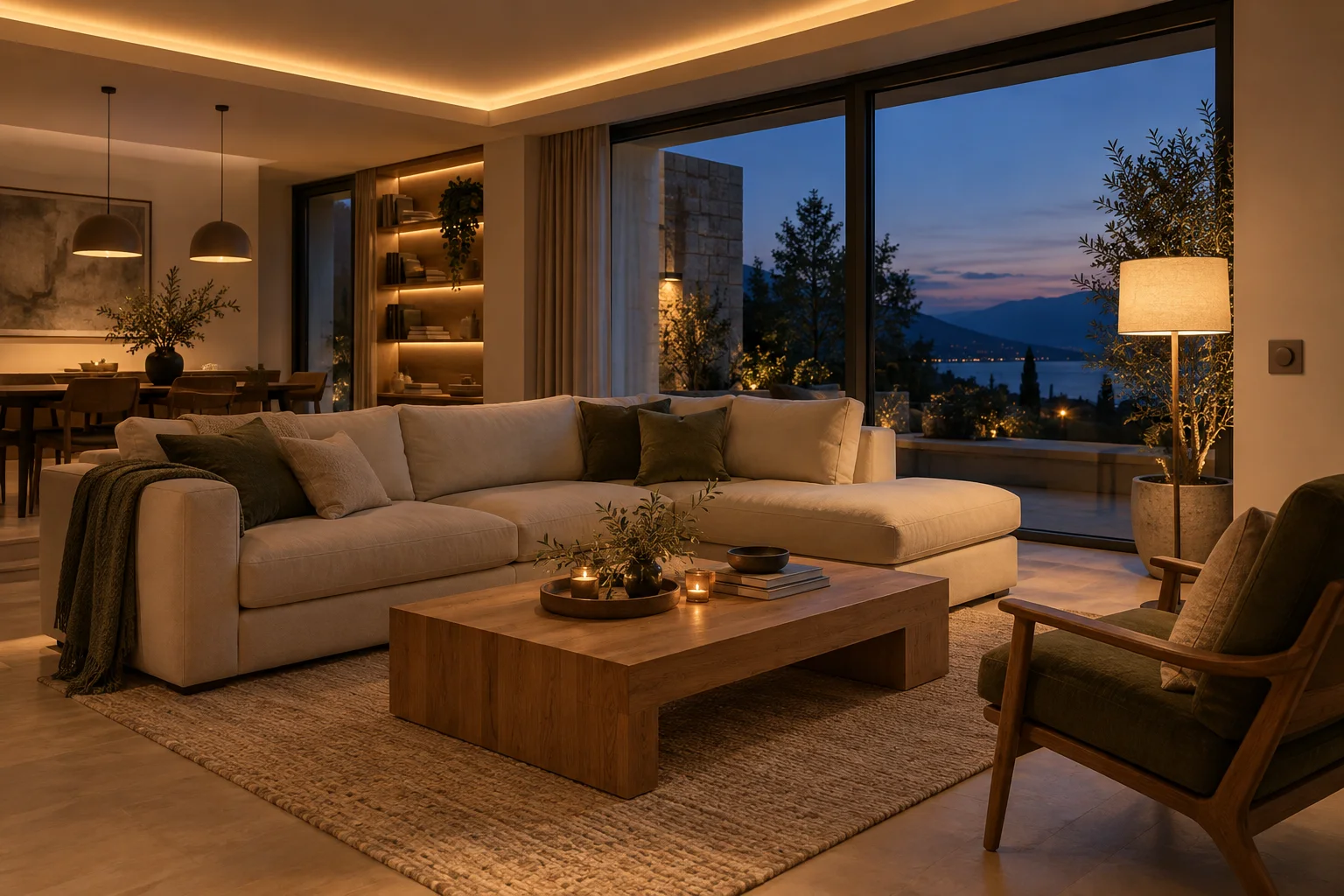
A living room in the evening with dimmed cove lighting and a floor lamp
An example routineThe same room. Different light for each activity.
  1. Choose a scene
  2. Brightness adjusts
  3. The right atmosphere

What to check before buying

  • An on/off relay cannot dim lights. We check lamps, drivers, dimming method, load and low-brightness behaviour.

CasaSmart

We can handle installation.

  • Check connection requirements
  • Agree components and work costs
  • Configure and demonstrate the controls
Request installation quote

What it needs to work

The Yeelight Pro app, scenes, remotes and voice assistants work through a Yeelight Pro gateway (S20 Gateway or S Series Hub), purchased separately.

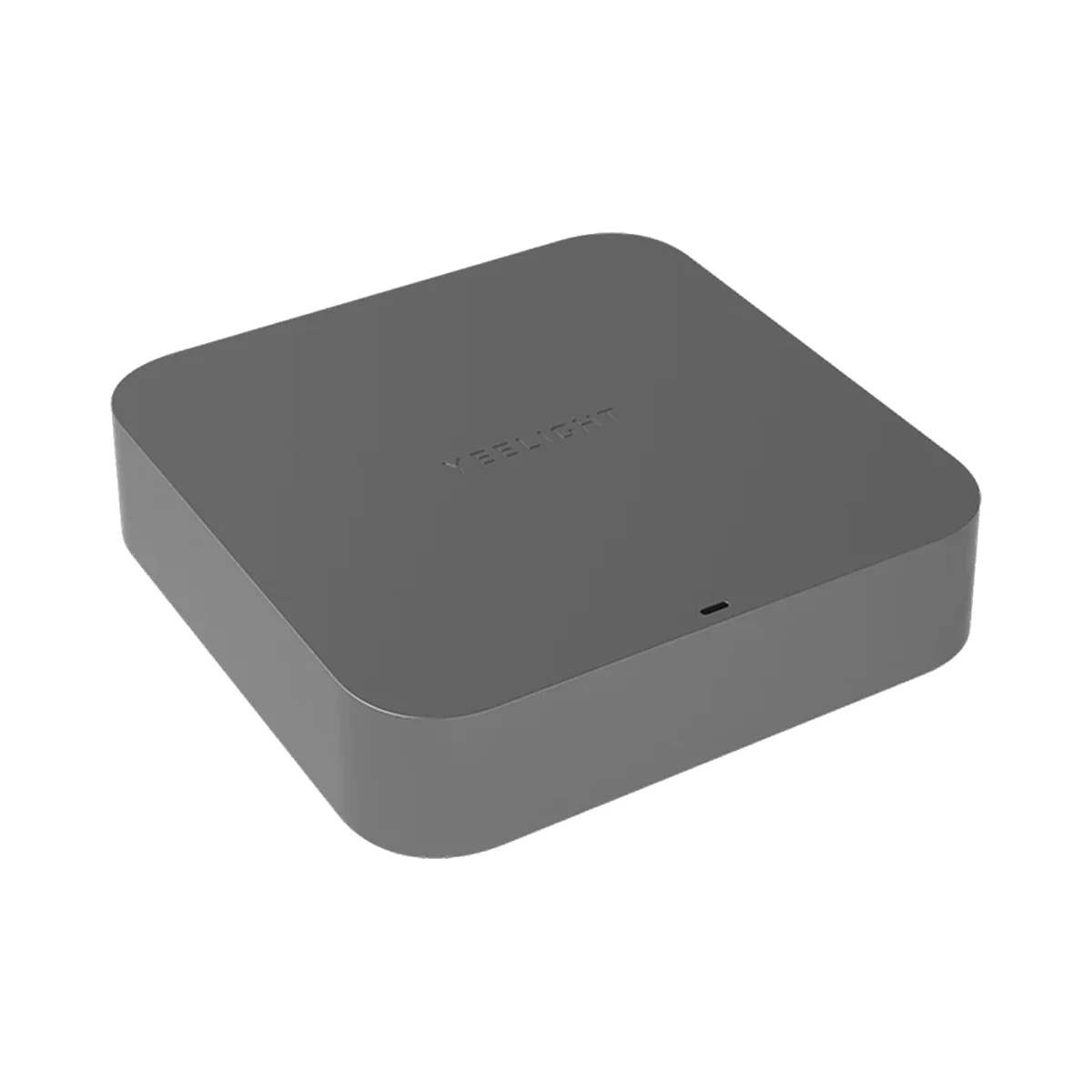
Manufacturer photo (series): Yeelight Pro S20 Gateway, Bluetooth Mesh, Wi-Fi, Ethernet, DC 5V 1A, greyManufacturer photo (series)Series photo

Yeelight

Bluetooth
Bluetooth

BLE (Bluetooth Mesh) · Yeelight Pro Bluetooth Mesh devices

Bluetooth is used for setup or short-range connection; the role depends on the model.

Smart hubs & gateways

Yeelight Pro S20 Gateway, Bluetooth Mesh, Wi-Fi, Ethernet, DC 5V 1A, grey

Connection to the router
Wi-Fi, Ethernet (cable)
Wi-Fi bands
2.4 GHz
Power source
DC adapter

Model: YP-0194

Price to be confirmedRequest
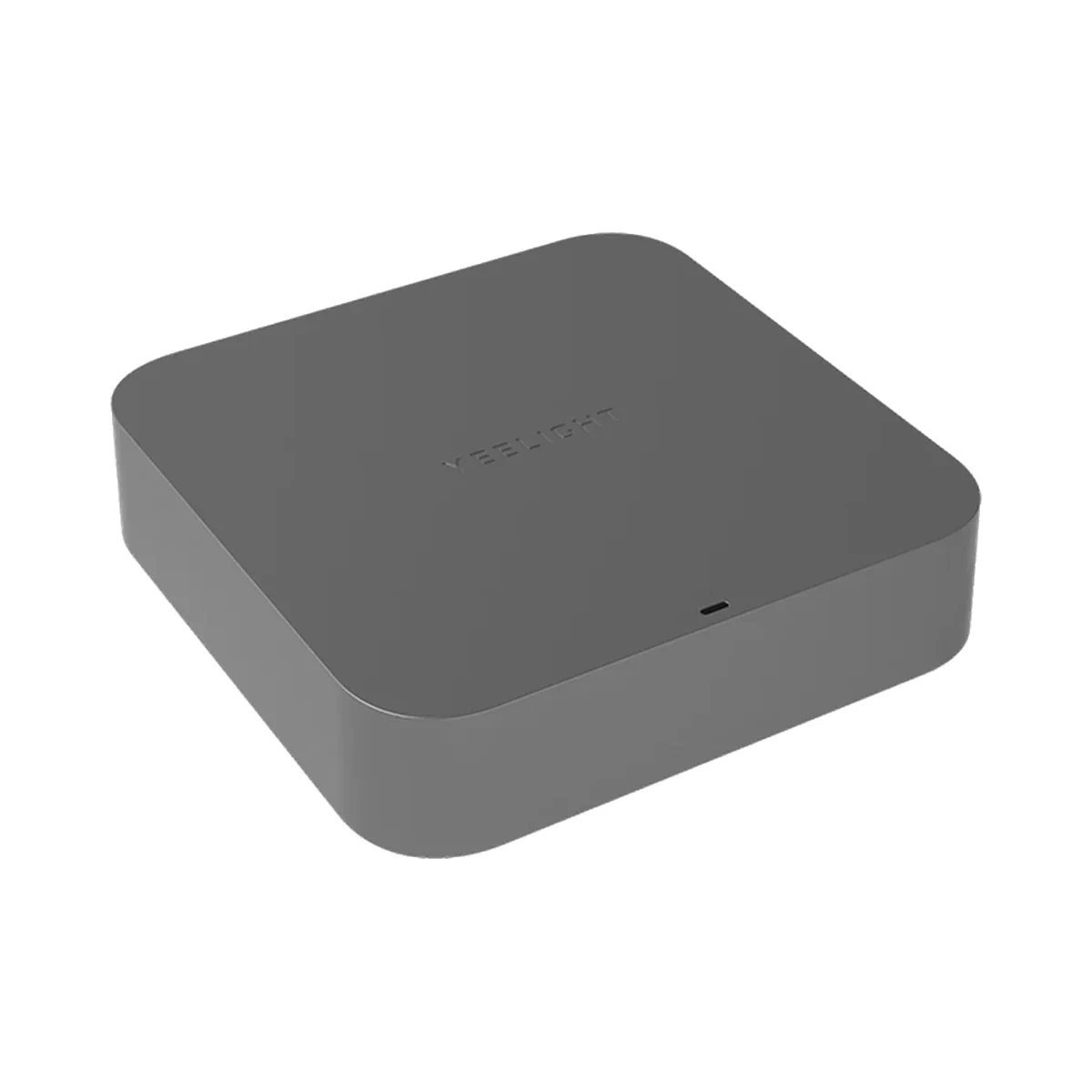
Manufacturer photo (series): Yeelight Pro S Series YP-0194 central gateway for Yeelight Pro, DC 5V 1A, greyManufacturer photo (series)Series photo

Yeelight

Bluetooth
Bluetooth

BLE (Bluetooth Mesh) · Yeelight Pro Bluetooth Mesh devices

Bluetooth is used for setup or short-range connection; the role depends on the model.

Smart hubs & gateways

Yeelight Pro S Series YP-0194 central gateway for Yeelight Pro, DC 5V 1A, grey

Connection to the router
Wi-Fi, Ethernet (cable)
Wi-Fi bands
2.4 GHz
Power source
DC adapter
Price to be confirmedRequest
Manufacturer photo (series): Yeelight Pro S smart screen 6.9″, wall touch panel with gateway, 220V, blackManufacturer photo (series)Series photo

Yeelight

Bluetooth
Bluetooth

Bluetooth Mesh

Bluetooth is used for setup or short-range connection; the role depends on the model.

Touch control panels

Yeelight Pro S smart screen 6.9″, wall touch panel with gateway, 220V, black

Screen size
6.9″
Built-in gateway
Bluetooth Mesh gateway
Max current per channel
16 A

Model: YP-0717

Price to be confirmedRequest
Yeelight Pro S smart screen 6.9″, wall touch panel with gateway, 220V, white

Yeelight

Bluetooth
Bluetooth

Bluetooth Mesh

Bluetooth is used for setup or short-range connection; the role depends on the model.

Touch control panels

Yeelight Pro S smart screen 6.9″, wall touch panel with gateway, 220V, white

Screen size
6.9″
Built-in gateway
Bluetooth Mesh gateway
Max current per channel
16 A

Model: YP-0717

Price to be confirmedRequest

Similar devices

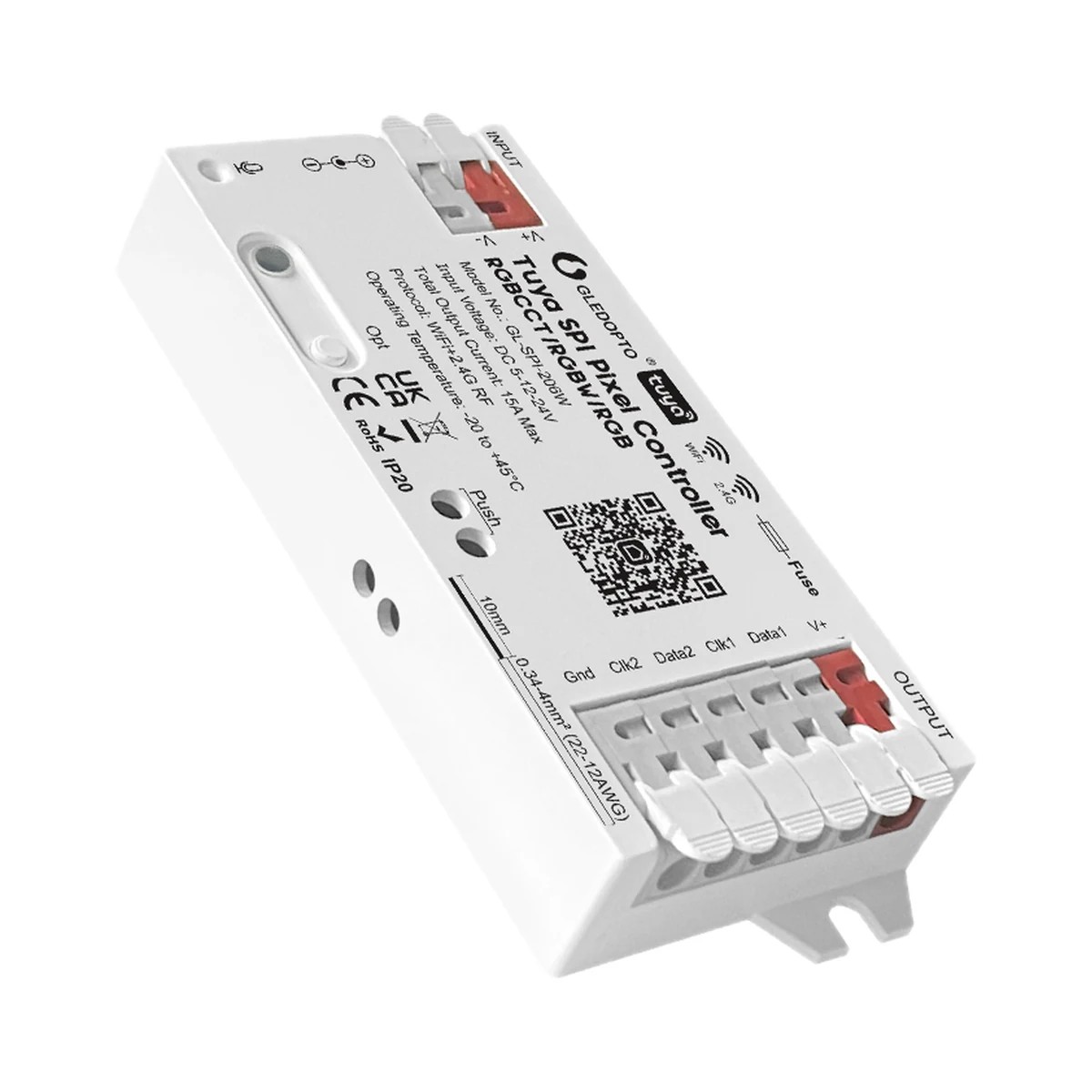
Gledopto GL-SPI-206W Tuya Wi-Fi addressable SPI pixel LED controller

GLEDOPTO

Wi-Fi
Wi-Fi

Wi-Fi, Bluetooth

Check the supported network band.

Bluetooth
Bluetooth

Wi-Fi, Bluetooth

Bluetooth is used for setup or short-range connection; the role depends on the model.

LED strip controllers

Gledopto GL-SPI-206W Tuya Wi-Fi addressable SPI pixel LED controller

Supported strip types
Addressable RGB, Addressable RGBW
Maximum total current
15 A
Strip control type
Addressable strips (pixels)
549 MDL
In stock
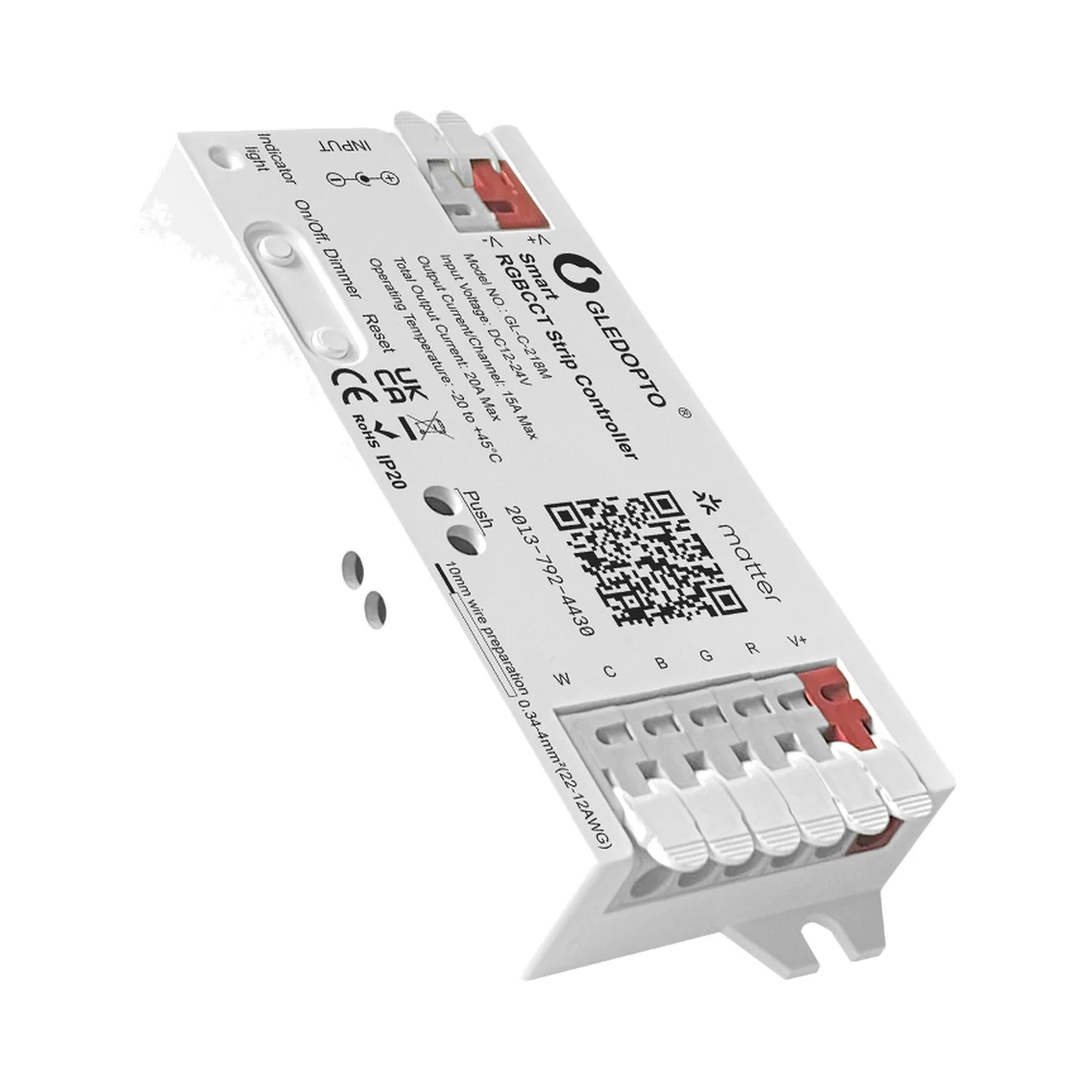
Gledopto GL-C-218M Matter-over-Wi-Fi RGB+CCT LED strip controller

GLEDOPTO

Matter
Matter

Wi-Fi, Matter · Apple Home, Amazon Alexa, Google Home (via Matter)

Matter features depend on the model and firmware.

Wi-Fi
Wi-Fi

Wi-Fi, Matter

Check the supported network band.

LED strip controllers

Gledopto GL-C-218M Matter-over-Wi-Fi RGB+CCT LED strip controller

Supported strip types
RGB+CCT
Maximum total current
20 A
Strip control type
Standard strips (PWM)
419 MDL
In stock
Gledopto GL-C-017WL-D ESP32 WLED addressable LED controller, 4 outputs, UART

GLEDOPTO

Wi-Fi
Wi-Fi

Wi-Fi

Check the supported network band.

LED strip controllers

Gledopto GL-C-017WL-D ESP32 WLED addressable LED controller, 4 outputs, UART

Supported strip types
Addressable RGB, Addressable RGBW
Maximum total current
15 A
Strip control type
Addressable strips (pixels)
499 MDL
In stock
Sonoff Orb-DIM MINI-DIM-E Matter Wi-Fi wall dimmer switch with physical buttons

Sonoff

Matter
Matter

Wi-Fi, Matter · eWeLink; any Matter app (Apple Home, Google Home, Amazon Alexa, SmartThings, Home Assistant)

Matter features depend on the model and firmware.

Wi-Fi
Wi-Fi

Wi-Fi, Matter · Wi-Fi 802.11 b/g/n20: 2412–2472 MHz, 802.11 n40: 2422–2462 MHz; Bluetooth LE: 2402–2480 MHz

Check the supported network band.

Wall dimmers

Sonoff Orb-DIM MINI-DIM-E Matter Wi-Fi wall dimmer switch with physical buttons

Channels
1
Hub
No
Max power per channel
400 W
899 MDL
In stock

Tell us what you need.

Buy just a device, add installation, or hand the whole project over to us.

Discuss your needs