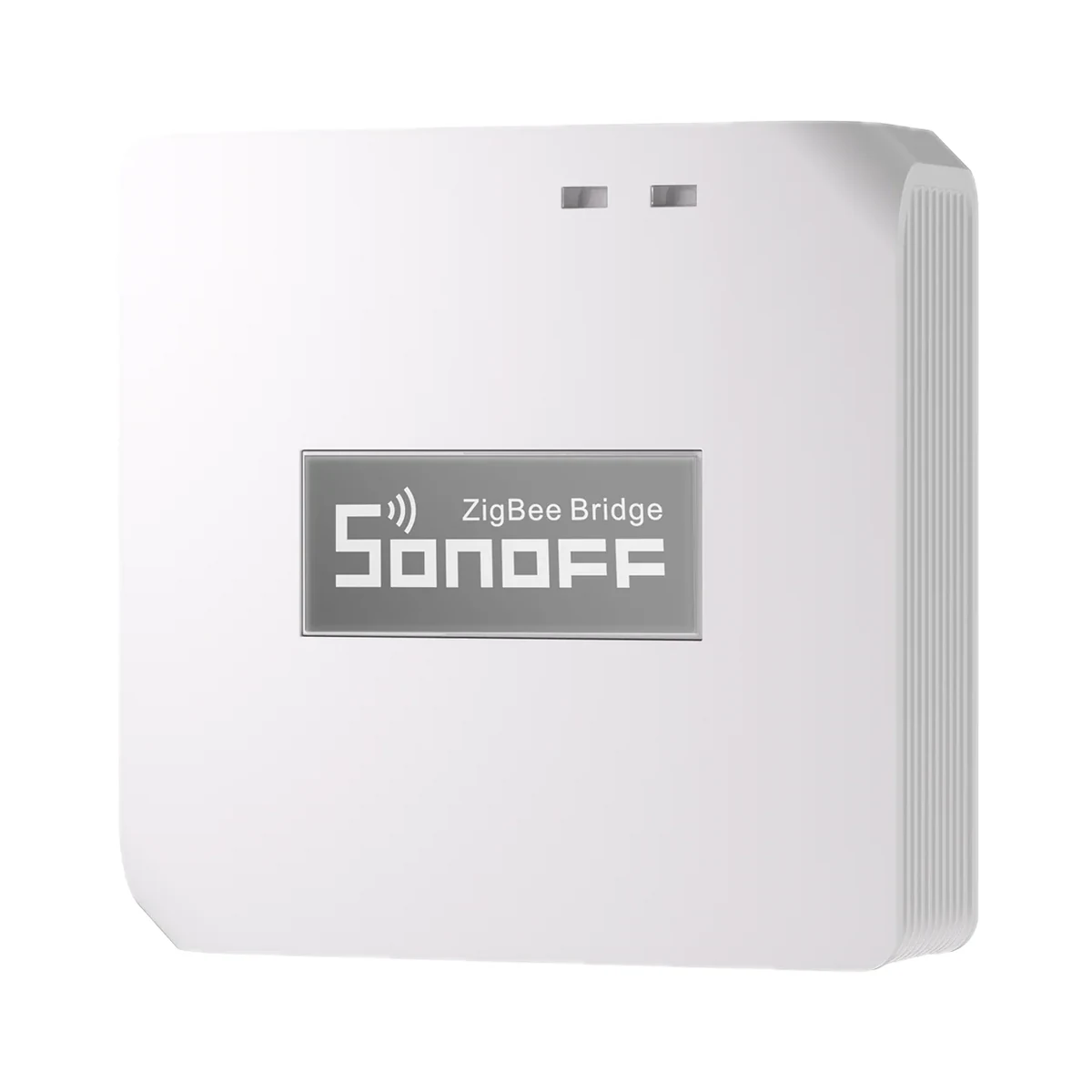
Smart hubs & gateways
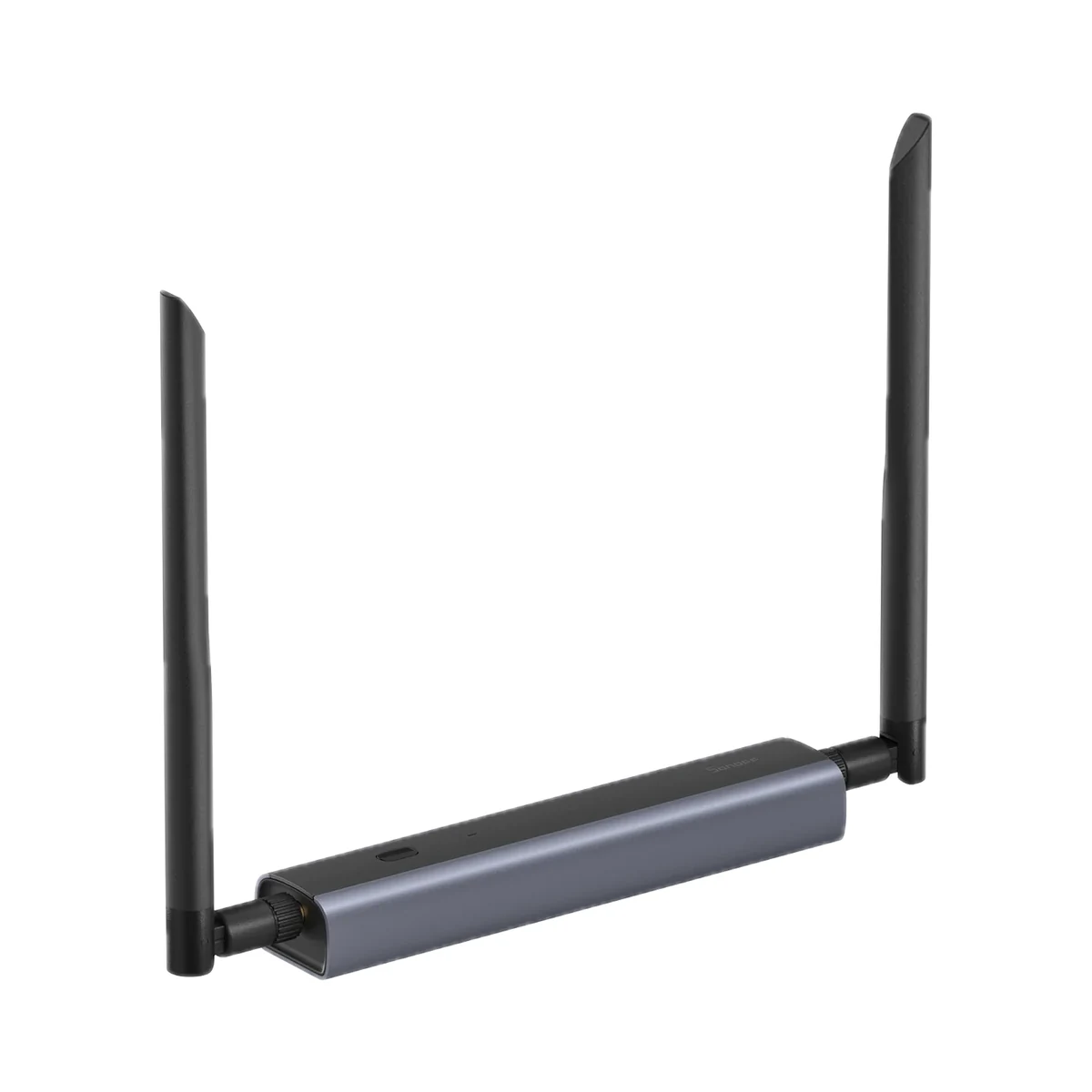
Sonoff Zigbee Bridge Pro (ZBBridge-P) Zigbee 3.0 hub for eWeLink
- Connection to the router
- Wi-Fi
- Matter role
- Not supported
- Max connected devices
- 128
599 MDL
In stock
Sonoff · TRVZB
Via a Zigbee coordinator or hub · Zigbee 2405–2480 MHz, ≤ 10 dBm
Check hub compatibility.
Manufacturer images
A compatible hub is required.
Suitable gateways and hubsSonoff TRVZB smart Zigbee 3.0 radiator valve with heating schedules, open-window detection, child lock and frost protection, controlled via eWeLink and Home Assistant.
Connection: Zigbee / eWeLink
The manufacturer lists this hub / connection method. Features depend on the integration and firmware; see the manufacturer matrix.
Supported functions: Operation mode · History record
Unsupported functions: Manual temperature adjustment · Temperature calibration · Local scene · OTA
Connection: Zigbee / eWeLink
The manufacturer lists this hub / connection method. Features depend on the integration and firmware; see the manufacturer matrix.
Supported functions: Operation mode · Manual temperature adjustment · Temperature calibration · History record · Local scene · OTA
Connection: Zigbee / eWeLink
The manufacturer lists this hub / connection method. Features depend on the integration and firmware; see the manufacturer matrix.
Supported functions: Operation mode · Manual temperature adjustment · Temperature calibration · History record · Local scene · OTA
Connection: Zigbee / eWeLink
The manufacturer lists this hub / connection method. Features depend on the integration and firmware; see the manufacturer matrix.
Supported functions: Operation mode · Manual temperature adjustment · Temperature calibration · History record · Local scene · OTA
Connection: Zigbee / eWeLink
The manufacturer lists this hub / connection method. Features depend on the integration and firmware; see the manufacturer matrix.
Supported functions: Operation mode · Manual temperature adjustment · Temperature calibration · History record · Local scene · OTA
Connection: ZHA
The manufacturer lists this hub / connection method. Features depend on the integration and firmware; see the manufacturer matrix.
Supported functions: Operation mode · History record · Local scene · OTA
Unsupported functions: Manual temperature adjustment · Temperature calibration
Connection: Zigbee2MQTT
The manufacturer lists this hub / connection method. Features depend on the integration and firmware; see the manufacturer matrix.
Supported functions: Operation mode · Manual temperature adjustment · Temperature calibration · History record · Local scene · OTA
Connection: Zigbee / Alexa
The manufacturer lists this hub / connection method. Features depend on the integration and firmware; see the manufacturer matrix.
Supported functions: Operation mode · Manual temperature adjustment
Unsupported functions: Temperature calibration · History record · Local scene · OTA
Connection: Zigbee / Alexa
The manufacturer lists this hub / connection method. Features depend on the integration and firmware; see the manufacturer matrix.
Supported functions: Operation mode · Manual temperature adjustment
Unsupported functions: Temperature calibration · History record · Local scene · OTA
Connection: Zigbee / Alexa
The manufacturer lists this hub / connection method. Features depend on the integration and firmware; see the manufacturer matrix.
Supported functions: Operation mode · Manual temperature adjustment
Unsupported functions: Temperature calibration · History record · Local scene · OTA
Connection: Zigbee / SmartThings
The manufacturer lists this hub / connection method. Features depend on the integration and firmware; see the manufacturer matrix.
Supported functions: Operation mode · History record · Local scene
Unsupported functions: Manual temperature adjustment · Temperature calibration · OTA
Connection: Zigbee / SmartThings
The manufacturer lists this hub / connection method. Features depend on the integration and firmware; see the manufacturer matrix.
Supported functions: Operation mode · History record · Local scene
Unsupported functions: Manual temperature adjustment · Temperature calibration · OTA
Connection: Zigbee
This manufacturer manual explicitly states no support.
Connection: Zigbee
This manufacturer manual explicitly states no support.
Connection: Zigbee
This manufacturer manual explicitly states no support.
We deliver across Moldova. Availability, delivery timing and cost are confirmed with a manager before order fulfilment.
The right choice starts with specifications
SKU: SONOFF-TRVZB
Specifications checked against the linked manufacturer documents.Checked 18 October 2026
Connectivity — what it meansThe wireless link or network the device uses. Wi-Fi connects straight to the router; Zigbee, Thread and Bluetooth Mesh work through a hub or gateway. | ZigbeeZigbee 3.0 (IEEE 802.15.4, 2405–2480 MHz) [1] |
|---|---|
Hub required — what it meansWhether the device needs a separate hub, gateway or coordinator to work in a smart home. If so, it is sold separately unless stated otherwise. | Hub requiredA Zigbee 3.0 gateway is needed: the maker recommends SONOFF ZBBridge-P, ZBBridge-U, NSPanel Pro, iHost; ZBDongle-P/-E and other Zigbee 3.0 hubs also work. Philips Hue, IKEA and FRITZ!Box gateways are not supported [1] |
Matter support — what it meansWhether the device supports the Matter standard, directly or through a bridge. Matter lets you add it to Apple Home, Google Home, Alexa and Home Assistant. | Via a bridge (hub)Into Apple Home via a Matter bridge: the SONOFF ZBBridge-U hardware or the eWeLink CUBE software bridge [1] |
Home Assistant — what it meansHow the device connects to Home Assistant: a built-in integration, a Zigbee coordinator, Matter or the maker’s cloud integration. | Via a Zigbee coordinator or hubThrough a Zigbee coordinator (e.g. ZBDongle-P/-E): Zigbee2MQTT exposes all functions; ZHA lacks manual setpoint and calibration in older versions, and external-sensor control needs the maker's script [1] |
App — what it meansThe maker’s app used to set up and control the device. | eWeLink [1] |
Processor / radio chip — what it meansThe microcontroller or radio module inside, per the maker (for example ESP32). For firmware such as WLED and ESPHome it determines available features and whether the device can be re-flashed. | Silicon Labs EFR32MG22C224F512GN32 [3] |
| Radio frequencies and transmit power | Zigbee 2405–2480 MHz, ≤ 10 dBm [3] |
Valve connection thread — what it meansThe head's native thread for the radiator's thermostatic valve. M30 × 1.5 is the most common standard; Danfoss and some other valves need an adapter. | M30 × 1.5 [1] |
|---|---|
Adapters included — what it meansWhich valve types have adapters in the box. The brand is usually stamped on the radiator valve body; if it is not in the list, the adapter is bought separately. | Danfoss RA, Danfoss RAV, Danfoss RAVL, Caleffi, Giacomini, Herz M28 × 1.5, Comap M28 × 1.5The box has 6 adapters: RA, RAV, RAVL (Danfoss), CAL (Caleffi, Emmeti), GIA (Giacomini, Roca) and M28 × 1.5 (Herz, Comap/SAR, Oventrop Uni LA, Honeywell, MMA, Siemens, TA, etc.). The full valve list is in the official compatibility guide [2] |
Dimensions (W × H × D) — what it meansThe device’s size in millimetres as the maker states it. Check that it fits the wall box, niche or shelf. | 59.4 × 59.4 × 95 mmThe knowledge base says 58.4 × 58.4 × 94 mm. 95 mm is the length including the nut [2] |
Weight — what it meansThe device’s weight without packaging, per the maker. | 154 g [2] |
| Housing material | Polycarbonate (PC) [1] |
Certifications — what it meansStandards and certifications the maker lists for this model (for example CE, RoHS, Zigbee 3.0, Matter). | CE, RoHS [3] |
Batteries or battery — what it meansWhich cells it takes and how many. A built-in rechargeable battery is stated in the value. | 3 × AA (LR6, 1.5 V alkaline)Batteries are not included. The maker advises against 1.2 V NiMH rechargeables: their voltage does not last long [1] |
|---|---|
Battery life — what it meansTypical life on one set of batteries or one charge, per the maker. Frequent triggers, cold and a weak signal shorten it. | 6 months“More than six months” on ordinary batteries; depends on battery capacity and conditions, and drains faster in the cold [1] |
Power source — what it meansWhere the device gets its power: 230 V mains, an adapter, USB, batteries or a built-in battery. | Batteries [1] |
Supply voltage — what it meansThe supply voltage (and current, if stated) as the maker gives it. It must match your mains or adapter. | 4.5 V ⎓ (3 × 1.5 V AA) [1] |
External sensor support — what it meansWhether the head can regulate by a separate room sensor rather than its own sensor next to the hot radiator. This keeps the temperature more accurate where people actually are; it usually needs a compatible sensor and a hub. | YesIn eWeLink, with ZBBridge-P, ZBBridge-U or Bridge-M, SONOFF SNZB-02, -02D, -02P, -02DR2, -02WD, -02LD, -02B, -02M or -02UL can be chosen as the external sensor. In Home Assistant (ZHA) this needs the maker's script [2] |
|---|---|
Sensor calibration — what it meansHow many degrees the built-in sensor reading can be offset by hand if it reads higher or lower than a room thermometer, e.g. −9…+9 °C. | −7 °C±7 °C is what the maker states for Home Assistant (ZHA 2024.3 or later). The eWeLink range is not stated; calibration is unavailable via the first-generation ZBBridge, old ZHA, Alexa and SmartThings [1] |
Setpoint range — what it meansThe temperature you can set, from minimum to maximum. The lower limit matters for keeping the home frost-free while nobody is in. | 4–35 °C [1] |
|---|---|
Weekly schedule — what it meansHow the schedule stored in the device is organised: each day separately, 'weekdays + Saturday + Sunday', or 'weekdays + weekend'. 'App only' means the hub or cloud runs the schedule, so it stops working without a connection. | Each day separately (7 days)In eWeLink (“Smart Schedule”) intervals are set separately for each weekday and can be copied between days; the head follows them in Auto mode. The maker does not say explicitly whether the schedule is stored in the head itself [2] |
Schedule periods per day — what it meansHow many times a day the device changes the setpoint by itself following the schedule. A typical weekday has 4–6 changes: wake-up, leaving, coming back, night. | Not stated by the manufacturer |
Functions — what it meansExtra modes stated by the maker: child lock, frost protection (the boiler starts if the home gets too cold), open-window detection, eco mode, holiday mode, boost heating and keeping settings after a power cut. | Child lock, frost protection, open-window detection, valve anti-scale exerciseWindow: after a drop of more than 1.5 °C within 4.5 min the head sets 12 °C (“OP”). Frost protection turns on below 5 °C and off above 7 °C; the threshold is adjustable in the app. Valve exercise every Monday at 00:00 (“CA”). Eco, holiday and boost modes are not stated [1] |
Manual valve opening setting — what it meansWhether the app lets you set how far the valve is open (e.g. 0–100 %) instead of regulating by temperature. Used for balancing radiators and in advanced Home Assistant automations. | YesIn eWeLink: valve opening and closing percentage, 0–100 % [1] |
Display — what it meansWhether the unit has its own screen with readings. With a screen you can see the temperature without a phone; without one, only in the app. | LED digitsThe spec does not name the display type; official photos show glowing dot digits under the housing. It shows target temperature, mode, heating, connection and low battery; it can be rotated 180° [2] |
On-device controls — what it meansHow you operate the device without a phone: touch buttons on glass, mechanical buttons or a rotary knob (ring). | Rotary knob or ring, mechanical buttonsRotary knob and a middle button; the configuration key is under the removable cover [3] |
| Data history | 6 months of history in eWeLink [2] |
Operating temperature — what it meansThe air temperature range the device is rated for. The lower limit matters outdoors, on balconies and in unheated rooms. | 0–60 °CThe V1.0 user manual says −10…50 °C [2] |
|---|---|
Operating humidity — what it meansThe rated relative humidity range, non-condensing. | 5–95%Non-condensing [1] |
Colour — what it meansThe housing colour of this model. Other colours in the same series are separate products. | White [1] |
|---|
Package contents — what it meansWhat comes in the box, per the maker. | Radiator head, RA, RAV, RAVL, CAL, GIA and M28 adapters, fixings (screw, nut, 4 pins), quick guide, card with a QR code to the installation video. Batteries not included. [4] |
|---|---|
Manufacturer warranty — what it meansThe warranty period the maker states. Confirm warranty terms in Moldova with the seller. | 24 months“2-Year Hassle-Free Warranty” on the official SONOFF store page; the regional seller's warranty terms may differ [2] |
The table shows the primary document’s value. Below is what other manufacturer documents state; we check the supplied version’s label before sale.
We deliver across Moldova. Availability, delivery timing and cost are confirmed with a manager before order fulfilment.
A website order is submitted for confirmation without charging your card. The payment method and final amount are agreed with a manager before payment.
The warranty is at least 12 months. The exact period and conditions for equipment and installation work are stated in the sales documents and the accepted proposal. Further support is agreed for each project.
Current conditions are published on the Return policy page. Email office@casasmart.md with your order number for the steps relevant to your situation. Statutory consumer rights continue to apply.
In your home
One thermostat cannot account for a sunny room, a closed bedroom and different schedules. Zoning helps avoid overheating and unnecessary heating.
See the complete solution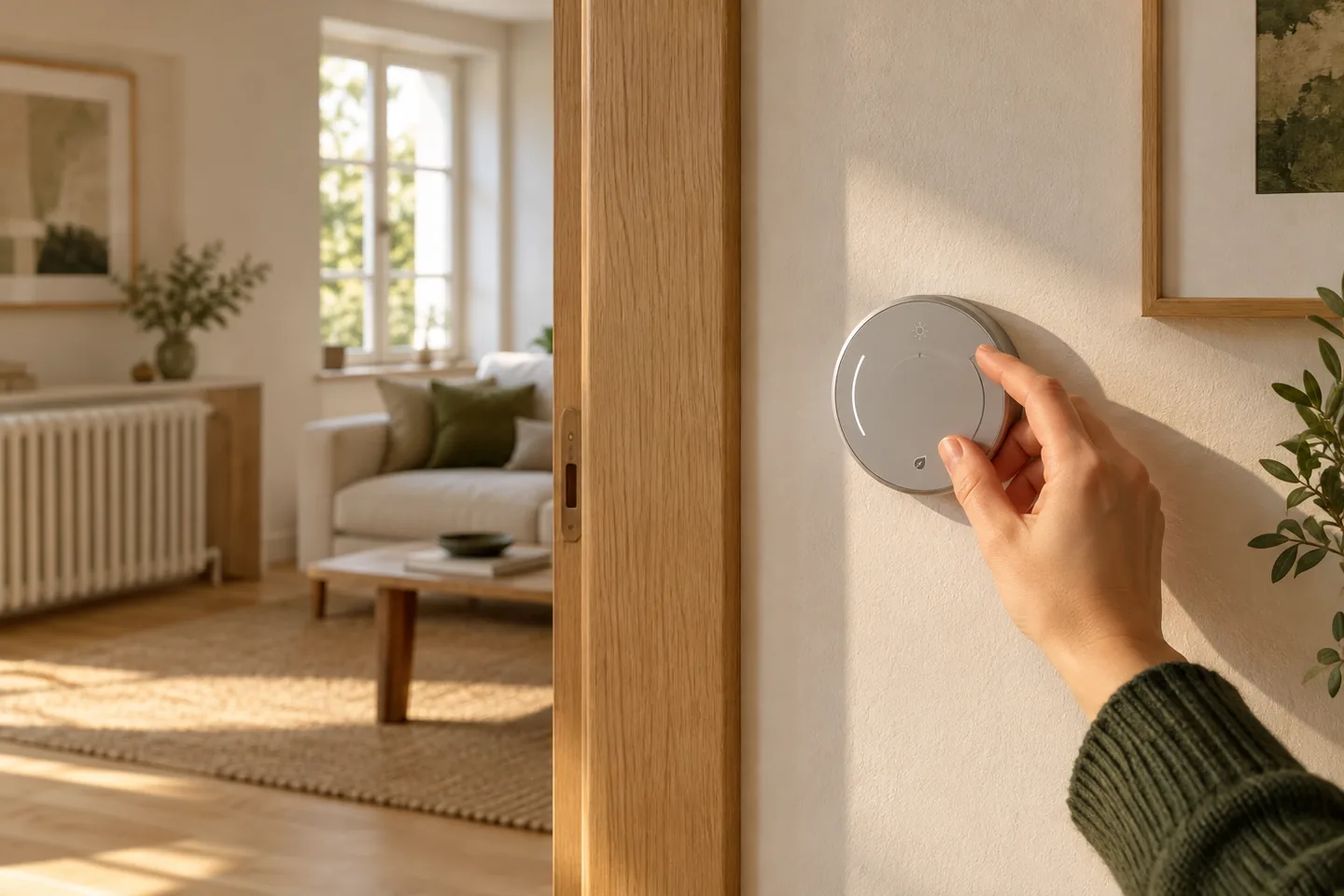
CasaSmart
A compatible hub is required.
Smart hubs & gateways
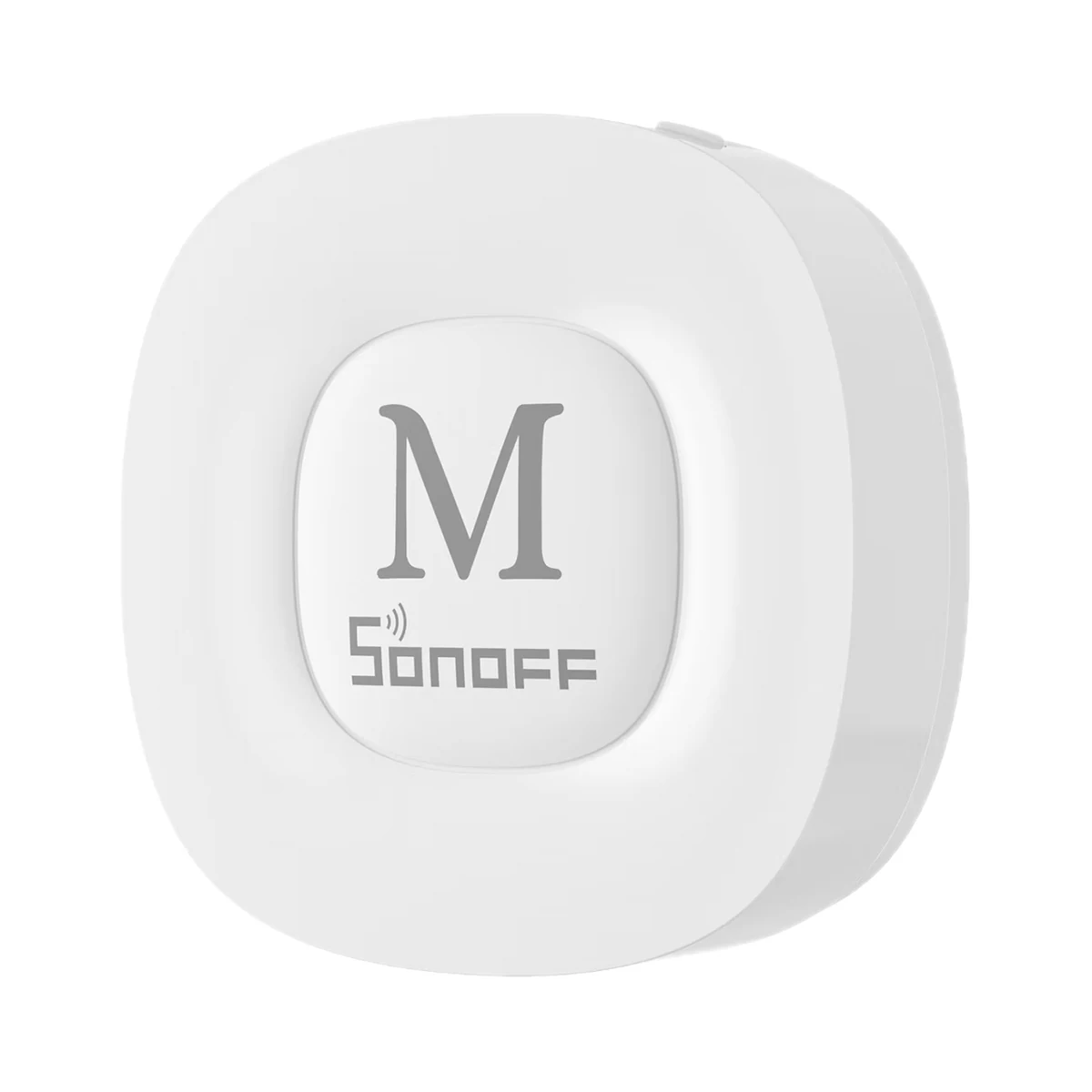
Smart hubs & gateways
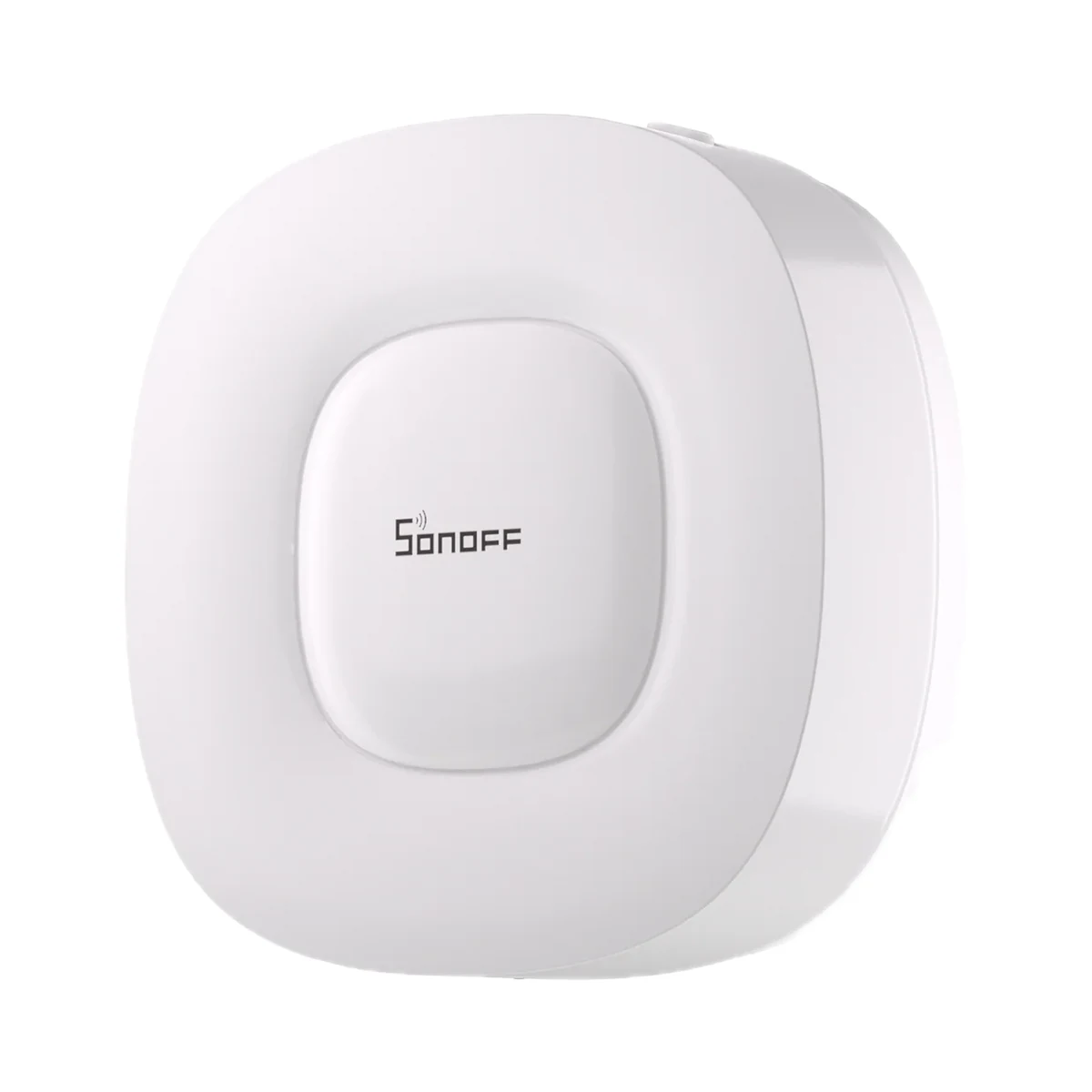
Smart hubs & gateways
Network coordinators
Thermostat relays
Thermostat relays
Temperature & humidity
Temperature & humidity
Buy just a device, add installation, or hand the whole project over to us.