Smart hubs & gateways
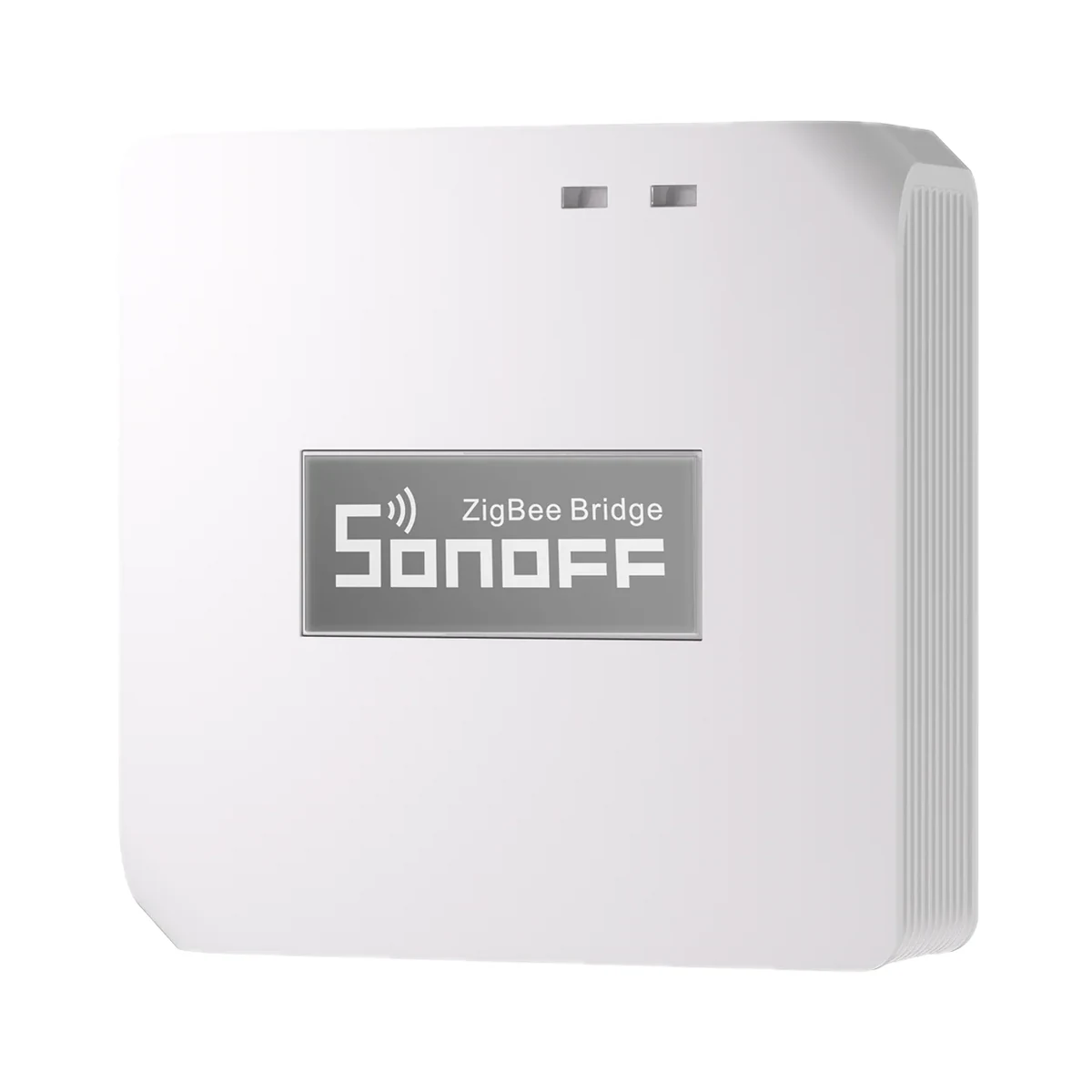
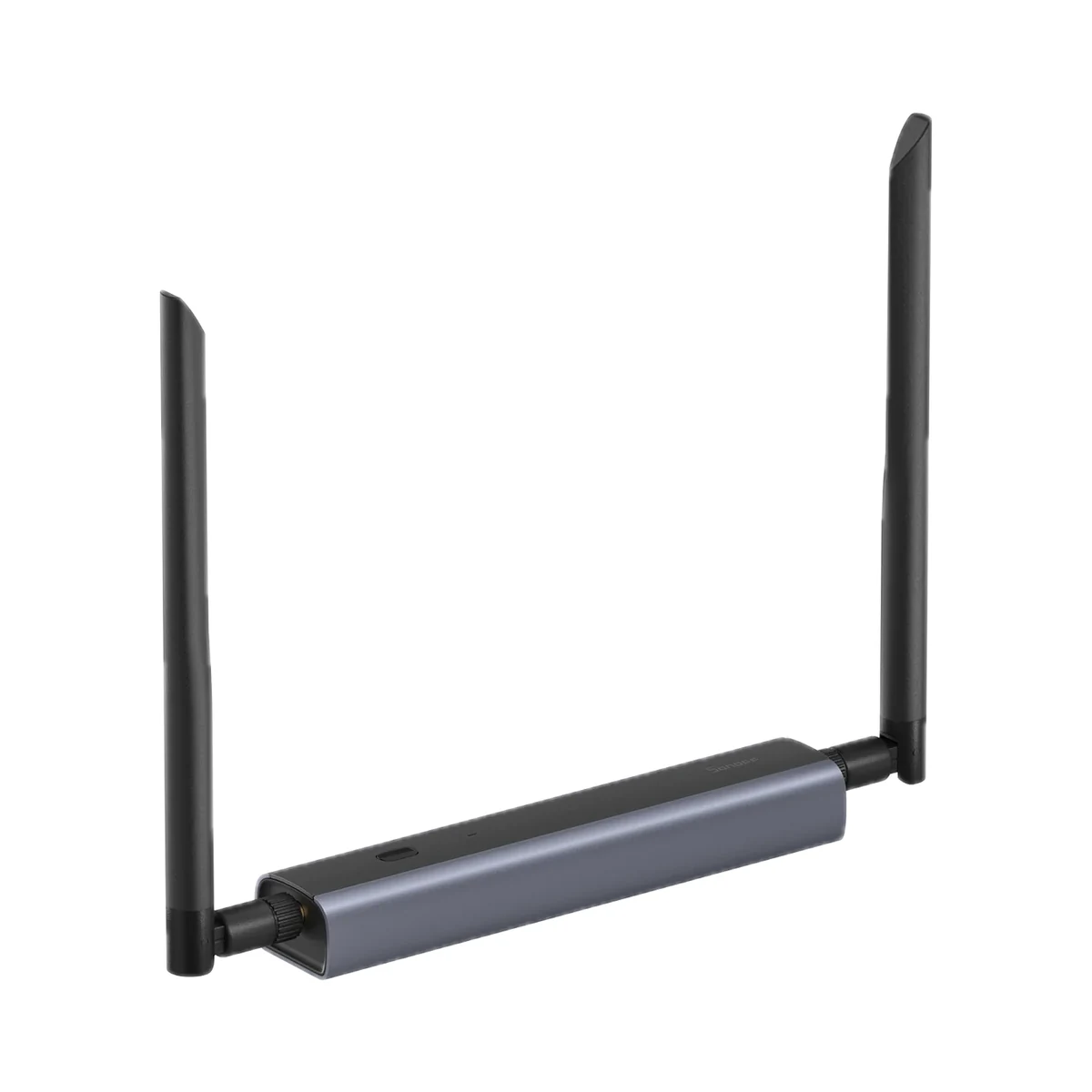
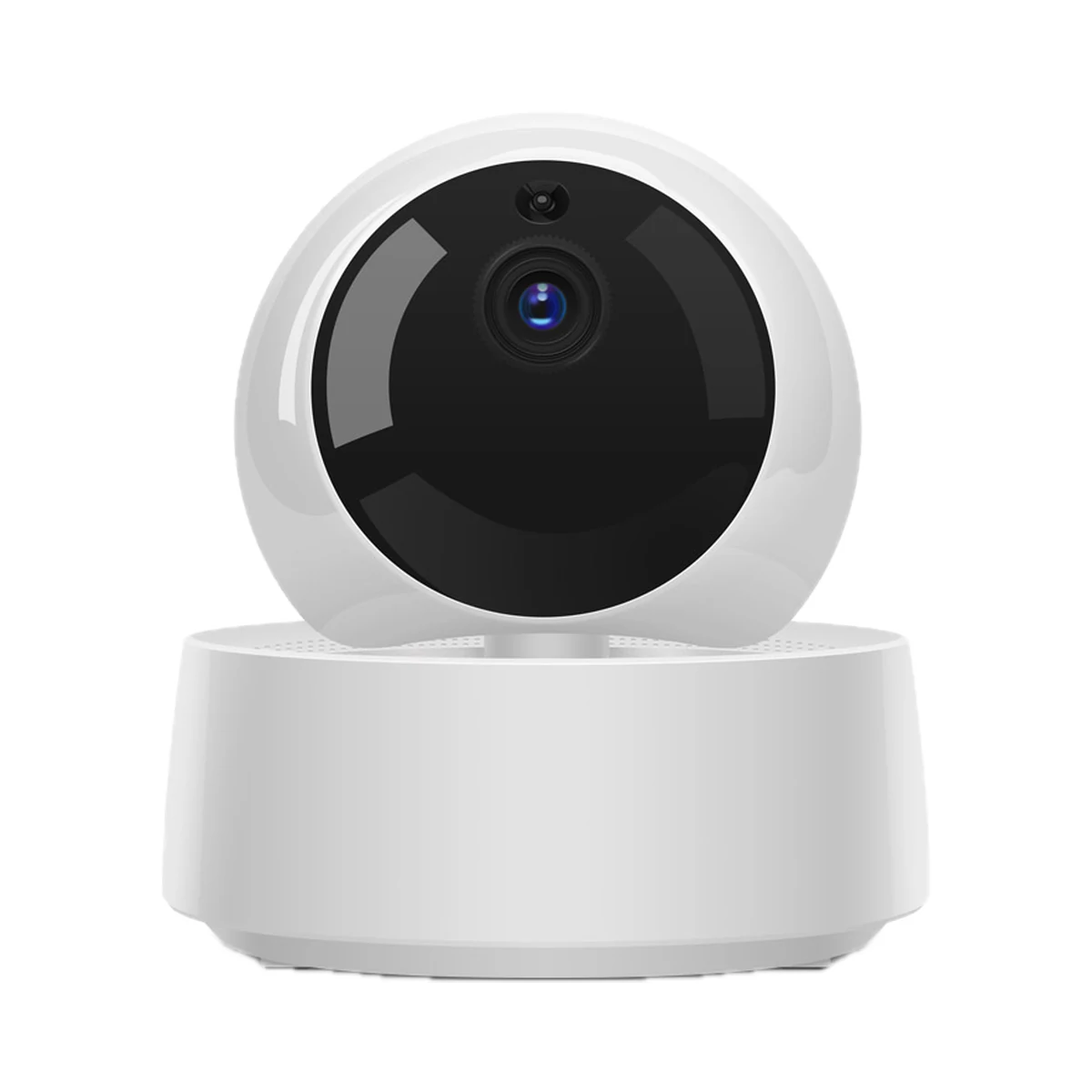
Sonoff Zigbee Bridge Pro (ZBBridge-P) Zigbee 3.0 hub for eWeLink
- Connection to the router
- Wi-Fi
- Matter role
- Not supported
- Max connected devices
- 128
599 MDL
In stock
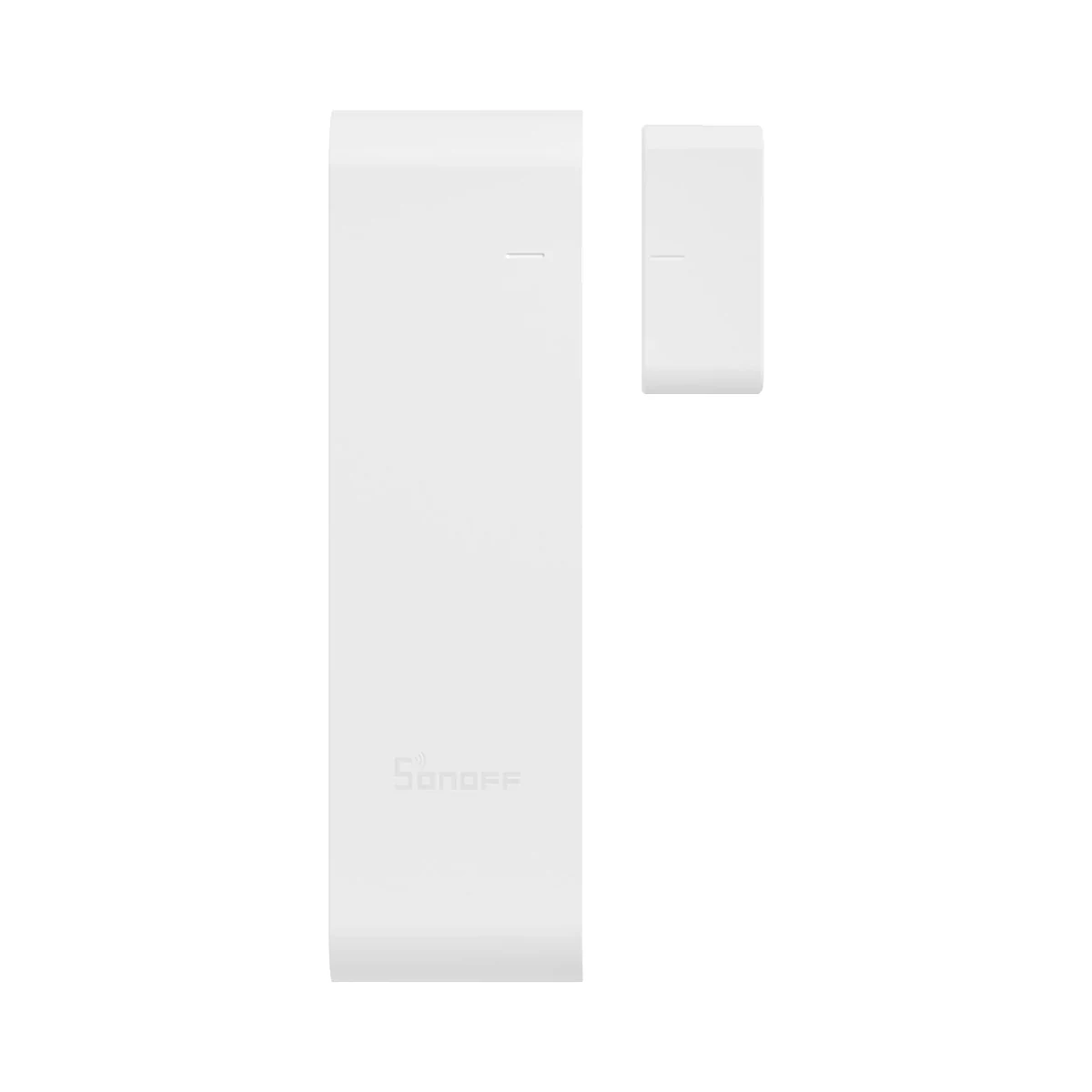
Sonoff · SNZB-04P
Via a Zigbee coordinator / hub
Check hub compatibility.
Manufacturer images
A compatible hub is required.
Suitable gateways and hubsBy day the SNZB-04P flips on the hallway light as the door opens; with the flat empty it turns guard and pushes an instant alert — automations call for a Zigbee 3.0 coordinator.
Connection: Zigbee / eWeLink
The manufacturer lists this hub / connection method. Features depend on the integration and firmware; see the manufacturer matrix.
Supported functions: Device status (closed/open) · History record
Unsupported functions: Sensor forcibly removed · Remain closed/open for a set duration · Local scene · OTA
Connection: Zigbee / eWeLink
The manufacturer lists this hub / connection method. Features depend on the integration and firmware; see the manufacturer matrix.
Supported functions: Device status (closed/open) · History record · Sensor forcibly removed · Remain closed/open for a set duration · Local scene · OTA
Connection: Zigbee / eWeLink
The manufacturer lists this hub / connection method. Features depend on the integration and firmware; see the manufacturer matrix.
Supported functions: Device status (closed/open) · History record · Sensor forcibly removed · Remain closed/open for a set duration · Local scene · OTA
Connection: Zigbee / eWeLink
The manufacturer lists this hub / connection method. Features depend on the integration and firmware; see the manufacturer matrix.
Supported functions: Device status (closed/open) · History record · Sensor forcibly removed · Remain closed/open for a set duration · Local scene · OTA
Connection: Zigbee / eWeLink
The manufacturer lists this hub / connection method. Features depend on the integration and firmware; see the manufacturer matrix.
Supported functions: Device status (closed/open) · History record · Sensor forcibly removed · Remain closed/open for a set duration · Local scene · OTA
Connection: ZHA
The manufacturer lists this hub / connection method. Features depend on the integration and firmware; see the manufacturer matrix.
Supported functions: Device status (closed/open) · History record · Sensor forcibly removed · Remain closed/open for a set duration · Local scene · OTA
Connection: Zigbee2MQTT
The manufacturer lists this hub / connection method. Features depend on the integration and firmware; see the manufacturer matrix.
Supported functions: Device status (closed/open) · History record · Sensor forcibly removed · Remain closed/open for a set duration · Local scene · OTA
Connection: Zigbee / SmartThings
The manufacturer lists this hub / connection method. Features depend on the integration and firmware; see the manufacturer matrix.
Supported functions: Device status (closed/open) · History record · Sensor forcibly removed · Remain closed/open for a set duration · Local scene
Connection: Zigbee / SmartThings
The manufacturer lists this hub / connection method. Features depend on the integration and firmware; see the manufacturer matrix.
Supported functions: Device status (closed/open) · History record · Sensor forcibly removed · Remain closed/open for a set duration · Local scene
Connection: Zigbee
This manufacturer manual explicitly states no support.
Connection: Zigbee
This manufacturer manual explicitly states no support.
Connection: Zigbee
This manufacturer manual explicitly states no support.
We deliver across Moldova. Availability, delivery timing and cost are confirmed with a manager before order fulfilment.
The right choice starts with specifications
SKU: SONOFF-SNZB-04P · Document model: SNZB-04P
Specifications checked against the linked manufacturer documents.Checked 18 October 2026
Connectivity — what it meansThe wireless link or network the device uses. Wi-Fi connects straight to the router; Zigbee, Thread and Bluetooth Mesh work through a hub or gateway. | ZigbeeZigbee 3.0 (IEEE 802.15.4) [1] |
|---|---|
Hub required — what it meansWhether the device needs a separate hub, gateway or coordinator to work in a smart home. If so, it is sold separately unless stated otherwise. | Hub requiredAdded through a Zigbee gateway: SONOFF ZBBridge, ZBBridge-P, NSPanel Pro, iHost, ZBDongle-P/-E; third-party: Echo Plus 2nd, Echo Show 2nd, Echo 4th Gen, SmartThings Hub V3 / Aeotec V3 and other Zigbee 3.0 hubs. Philips, IKEA and FRITZ!Box gateways are not supported [1] |
Wireless range — what it meansThe stated radio range, usually in open space. Walls and floors cut it noticeably. | 70 mOpen area (SONOFF comparison chart) [4] |
Home Assistant — what it meansHow the device connects to Home Assistant: a built-in integration, a Zigbee coordinator, Matter or the maker’s cloud integration. | Via a Zigbee coordinator / hubVia ZHA or Zigbee2MQTT with a Zigbee dongle (e.g. SONOFF ZBDongle-P/-E) [2] |
Works without internet — what it meansWhether the device keeps working over the local network or through a hub when the internet is down. Cloud features (remote access, voice assistants) need the internet. | YesLocal Zigbee scenes keep working without internet with ZBBridge-P/-U, NSPanel Pro, iHost (and in HA/SmartThings); not with the first-generation ZBBridge [2] |
App — what it meansThe maker’s app used to set up and control the device. | eWeLinkVia the eWeLink cloud the status is available in Alexa, Google Home, SmartThings, Alice and IFTTT; in Apple Home through a Matter bridge [1] |
Processor / radio chip — what it meansThe microcontroller or radio module inside, per the maker (for example ESP32). For firmware such as WLED and ESPHome it determines available features and whether the device can be re-flashed. | EFR32MG22 [1] |
Matter support — what it meansWhether the device supports the Matter standard, directly or through a bridge. Matter lets you add it to Apple Home, Google Home, Alexa and Home Assistant. | Via a bridgeApple Home via a Matter bridge (ZBBridge-U or eWeLink CUBE) [2] |
| Pairing window | 180 s [1] |
Maximum magnet gap — what it meansThe largest gap between sensor and magnet at installation at which the closed state is still detected reliably. It matters on doors and windows where the leaf and frame are not flush. | 20 mm'Installation distance ≤ 20 mm': the gap with the door/window closed must be under 20 mm. Per SONOFF's comparison chart the magnet mounts horizontally only [1] |
|---|---|
Mounting — what it meansHow and where it is installed: in a wall box, on a wall or ceiling, on a DIN rail, on a table or in a socket. | Adhesive tapeWith 3M adhesive tape; mounting height up to 2 m [1] |
Dimensions — what it meansThe device’s size in millimetres as the maker states it. Check that it fits the wall box, niche or shelf. | Sensor: 50.5 × 32 × 21.9 mm; magnet: 27 × 12 × 12.4 mm [1] |
Weight — what it meansThe device’s weight without packaging, per the maker. | 33 gNet weight; whether the battery is included is not stated [1] |
| Installation environment | Indoors [1] |
Certifications — what it meansStandards and certifications the maker lists for this model (for example CE, RoHS, Zigbee 3.0, Matter). | CE, FCC, ISED, RoHS [1] |
Tamper detection — what it meansReports when the sensor's housing is opened or the sensor is removed. Relevant when the sensor is used in security automations. | YesThe tamper button triggers when sensor and magnet are removed together. 'Removed' status works with ZBBridge-P/-U, NSPanel Pro, iHost, Home Assistant (ZHA, Z2M) and SmartThings; not with ZBBridge [2] |
|---|---|
| 'Open/closed for a set time' trigger | Yes (eWeLink; needs ZBBridge-P/-U, NSPanel Pro or iHost, not the first-generation ZBBridge)Triggers 'Remain closed/opened for a duration'; hub table shows × for ZBBridge. No time range is stated for SNZB-04P. Product page: 'Customizable Door Left Open Alert' [3] |
Open trigger distance — what it meansHow many millimetres the magnet has to move away before the sensor reports "open". The smaller the value, the earlier a slight opening — such as airing the room — is noticed. | Not stated by the manufacturer |
|---|---|
Light sensor — what it meansSome door sensors also detect the light level. This lets you, for example, switch the light on when the door opens only after dark. | NoneNo light sensor is mentioned in the specifications or the feature list [3] |
Batteries or battery — what it meansWhich cells it takes and how many. A built-in rechargeable battery is stated in the value. | 1 × CR2477 [1] |
|---|---|
Battery life — what it meansTypical life on one set of batteries or one charge, per the maker. Frequent triggers, cold and a weak signal shorten it. | 60 months'Over 5 years' — SONOFF lab estimate at 25 °C, connected to a SONOFF gateway, 50 triggers a day [2] |
Supply voltage — what it meansThe supply voltage (and current, if stated) as the maker gives it. It must match your mains or adapter. | 3 V ⎓ (CR2477) [1] |
Power source — what it meansWhere the device gets its power: 230 V mains, an adapter, USB, batteries or a built-in battery. | Batteries [1] |
Low-battery alert — what it meansThe sensor warns in the app in good time that its battery is running low, so it does not need manual checks. | Yes [1] |
Operating temperature — what it meansThe air temperature range the device is rated for. The lower limit matters outdoors, on balconies and in unheated rooms. | −10…60 °C [1] |
|---|---|
Operating humidity — what it meansThe rated relative humidity range, non-condensing. | 5–95%Non-condensing [1] |
| Operating altitude | 5000 mMaximum [1] |
Colour — what it meansThe housing colour of this model. Other colours in the same series are separate products. | White [1] |
|---|
Manufacturer warranty — what it meansThe warranty period the maker states. Confirm warranty terms in Moldova with the seller. | 24 months'2-Year Hassle-Free Warranty' on the product page of the official SONOFF store (a store-wide term, not model-specific) [2] |
|---|
The table shows the primary document’s value. Below is what other manufacturer documents state; we check the supplied version’s label before sale.
We deliver across Moldova. Availability, delivery timing and cost are confirmed with a manager before order fulfilment.
A website order is submitted for confirmation without charging your card. The payment method and final amount are agreed with a manager before payment.
The warranty is at least 12 months. The exact period and conditions for equipment and installation work are stated in the sales documents and the accepted proposal. Further support is agreed for each project.
Current conditions are published on the Return policy page. Email office@casasmart.md with your order number for the steps relevant to your situation. Statutory consumer rights continue to apply.
In your home
A sensor reports measurements or events. What happens next depends on configuration and separate control devices.
See the complete solution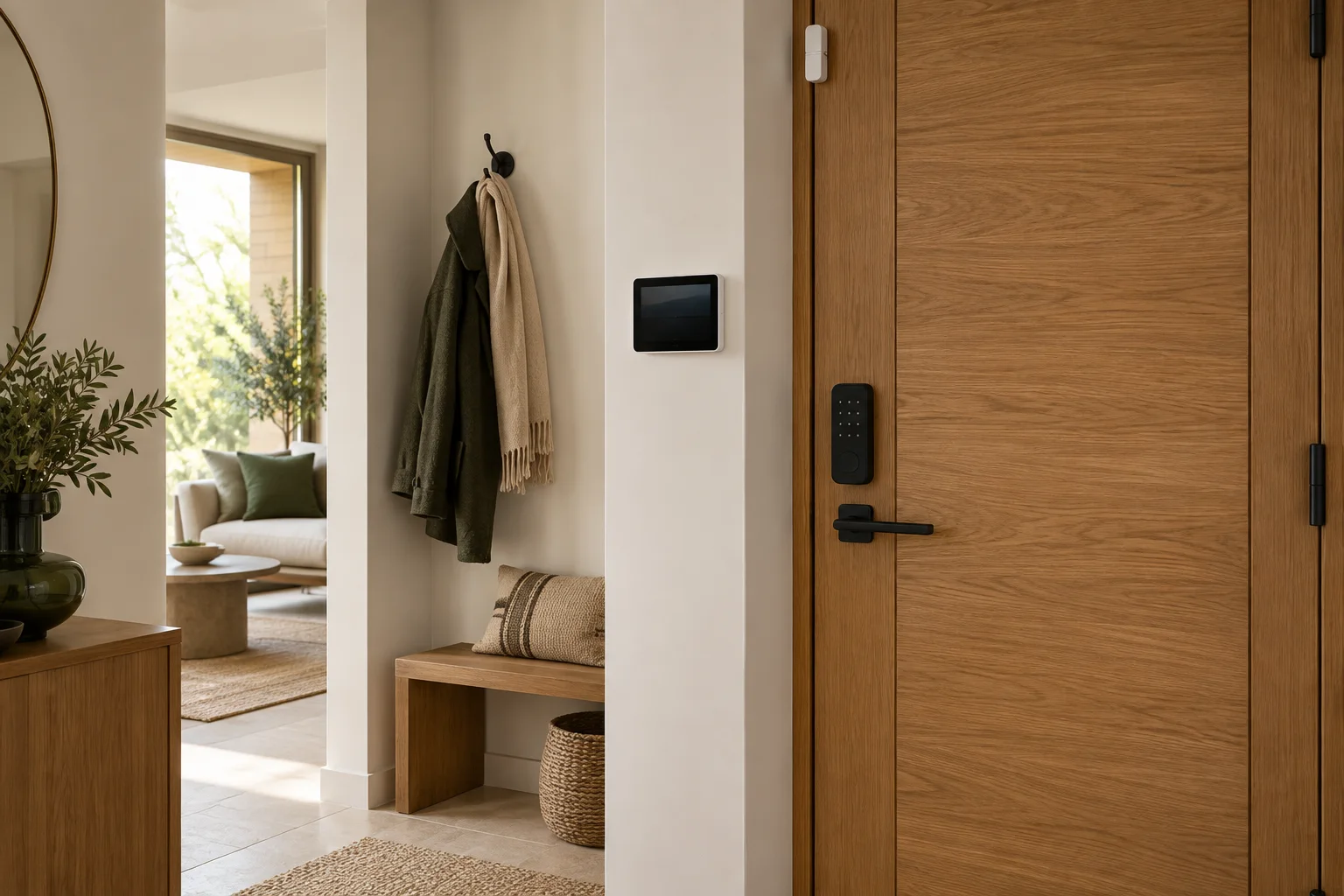
CasaSmart
A compatible hub is required.
Smart hubs & gateways
Smart hubs & gateways
Smart hubs & gateways
Network coordinators
Door & window sensors
Motion sensors
Presence sensors
Indoor cameras
Buy just a device, add installation, or hand the whole project over to us.