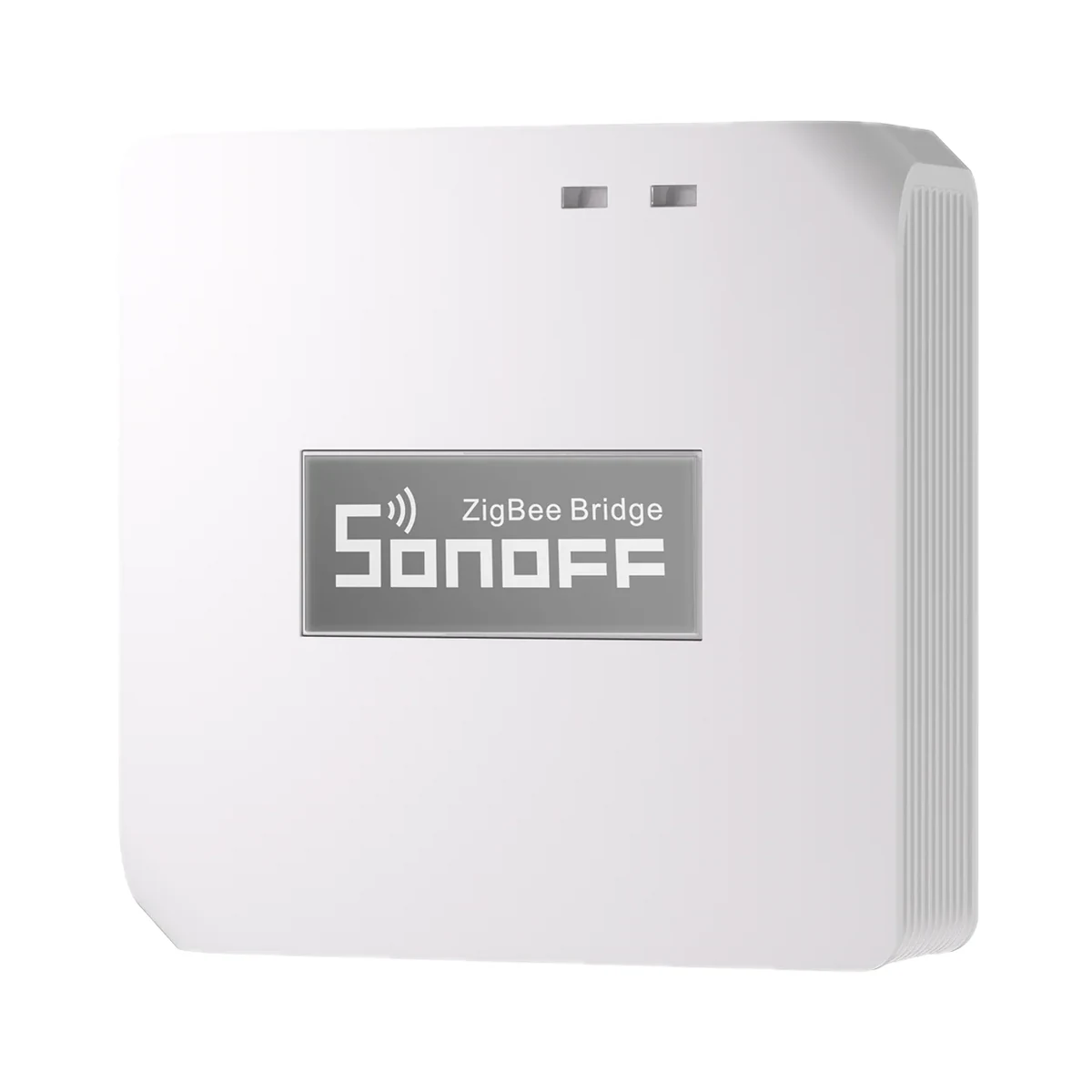
Smart hubs & gateways
Sonoff Zigbee Bridge Pro (ZBBridge-P) Zigbee 3.0 hub for eWeLink
- Connection to the router
- Wi-Fi
- Matter role
- Not supported
- Max connected devices
- 128
599 MDL
In stock
Sonoff · MINI-ZBDIM
Via a Zigbee coordinator or hub · Zigbee 2405–2480 MHz; BLE 2402–2480 MHz
Check hub compatibility.
Manufacturer images
A compatible hub is required.
Suitable gateways and hubsAn evening dim-to-30% travels over the Zigbee mesh with no Wi-Fi: the MINI-ZBDIM takes commands from a Zigbee hub (required, sold separately), relays the network as a router and runs fully locally with Home Assistant.
Connection: Zigbee / eWeLink
The manufacturer lists this hub / connection method. Features depend on the integration and firmware; see the manufacturer matrix.
Supported functions: ON/OFF · Brightness adjustment · Switch mode · Timer · Inching setting · Power-on state · Power monitoring · Dimmer settings: auto calibration, manual calibration, minimum brightness, transition time, switch-triggered fade rate · Push notifications and logs · OTA
Connection: Zigbee / eWeLink
The manufacturer lists this hub / connection method. Features depend on the integration and firmware; see the manufacturer matrix.
Supported functions: ON/OFF · Brightness adjustment · Switch mode · Timer · Inching setting · Power-on state · Power monitoring · Dimmer settings: auto calibration, manual calibration, minimum brightness, transition time, switch-triggered fade rate · Push notifications and logs · OTA
Connection: Zigbee / eWeLink
The manufacturer lists this hub / connection method. Features depend on the integration and firmware; see the manufacturer matrix.
Supported functions: ON/OFF · Brightness adjustment · Switch mode · Timer · Inching setting · Power-on state · Power monitoring · Dimmer settings: auto calibration, manual calibration, minimum brightness, transition time, switch-triggered fade rate · Push notifications and logs · OTA
Connection: Zigbee / eWeLink
The manufacturer lists this hub / connection method. Features depend on the integration and firmware; see the manufacturer matrix.
Supported functions: ON/OFF · Brightness adjustment · Switch mode · Timer · Inching setting · Power-on state · Power monitoring · Dimmer settings: auto calibration, manual calibration, minimum brightness, transition time, switch-triggered fade rate · Push notifications and logs · OTA
Connection: ZHA
The manufacturer lists this hub / connection method. Features depend on the integration and firmware; see the manufacturer matrix.
Supported functions: ON/OFF · Brightness adjustment · Switch mode · Timer · Inching setting · Power-on state · Power monitoring · Dimmer settings: auto calibration, manual calibration, minimum brightness, transition time, switch-triggered fade rate · Push notifications and logs · OTA
Connection: Zigbee2MQTT
The manufacturer lists this hub / connection method. Features depend on the integration and firmware; see the manufacturer matrix.
Supported functions: ON/OFF · Brightness adjustment · Switch mode · Timer · Inching setting · Power-on state · Power monitoring · Dimmer settings: auto calibration, manual calibration, minimum brightness, transition time, switch-triggered fade rate · Push notifications and logs · OTA
Connection: Zigbee
This manufacturer manual explicitly states no support.
Connection: Zigbee
This manufacturer manual explicitly states no support.
We deliver across Moldova. Availability, delivery timing and cost are confirmed with a manager before order fulfilment.
The right choice starts with specifications
SKU: SONOFF-MINI-ZBDIM · Document model: MINI-ZBDIM
Specifications checked against the linked manufacturer documents. Load limits, package details and measurement conditions are retained.Checked 18 October 2026
Connectivity — what it meansThe wireless link or network the device uses. Wi-Fi connects straight to the router; Zigbee, Thread and Bluetooth Mesh work through a hub or gateway. | ZigbeeZigbee 3.0 (IEEE 802.15.4); acts as a network router (repeater). The EU declaration also lists Bluetooth LE 2402–2480 MHz; its role is not explained in the documents [1] |
|---|---|
Hub required — what it meansWhether the device needs a separate hub, gateway or coordinator to work in a smart home. If so, it is sold separately unless stated otherwise. | Hub (gateway) requiredA Zigbee gateway is needed for the app and automations. Recommended: SONOFF ZBBridge-P, ZBBridge-U, NSPanel Pro, iHost; also compatible: ZBDongle-P/-E, Dongle-M, Dongle-PMG24, Dongle-LMG21 (Home Assistant). Philips Hue gateways and the FRITZ!Box Zigbee gateway are not supported [1] |
Matter support — what it meansWhether the device supports the Matter standard, directly or through a bridge. Matter lets you add it to Apple Home, Google Home, Alexa and Home Assistant. | Via the maker's bridge hubInto Apple Home via a Matter bridge: SONOFF ZBBridge-U or eWeLink CUBE (software bridge) [2] |
Home Assistant — what it meansHow the device connects to Home Assistant: a built-in integration, a Zigbee coordinator, Matter or the maker’s cloud integration. | Via a Zigbee coordinator or hubVia ZHA or Zigbee2MQTT with a Zigbee adapter (SONOFF Dongle Plus MG24, Dongle Lite MG21, Dongle Max, ZBDongle-P/-E); for full functionality in ZHA the maker provides the mini-zbdim.py quirk script [3] |
Works without internet — what it meansWhether the device keeps working over the local network or through a hub when the internet is down. Cloud features (remote access, voice assistants) need the internet. | YesProduct page: Home Assistant integration via ZHA or Zigbee2MQTT 'for local automation'. Via eWeLink it depends on the gateway [2] |
App — what it meansThe maker’s app used to set up and control the device. | eWeLink [1] |
Processor / radio chip — what it meansThe microcontroller or radio module inside, per the maker (for example ESP32). For firmware such as WLED and ESPHome it determines available features and whether the device can be re-flashed. | EFR32MG21 [1] |
| Radio frequencies and transmit power | Zigbee 2405–2480 MHz; BLE 2402–2480 MHz [1] |
LED load per channel — what it meansTotal LED lamp wattage per channel that the maker allows. Add up the watts of all lamps on that circuit and compare; for dimmers only dimmable lamps count. If the maker gives the figure in VA or as a total for all channels, the note says so. | 200 WThe maker states 200 VA for dimmable LED lamps (apparent power, not watts). Lamps must be dimmable [1] |
|---|---|
Max power per channel (resistive) — what it meansPower of incandescent lamps, 230 V halogen lamps, heaters and other resistive loads per channel. For LEDs, motors and power supplies the permitted power is lower — see the separate figures. | 400 W400 W for incandescent and halogen lamps; up to 200 W for dimmable electronic transformers [1] |
Max current per channel — what it meansThe highest current one channel handles with a resistive load. For LED lamps check the separate “LED load” figure, which is usually noticeably lower. | 2 A'Max. load 2A'; the manual requires a 2 A MCB or RCBO ahead of the module [2] |
Minimum load — what it meansThe lowest lamp wattage on the circuit at which the device works reliably. It matters for no-neutral wiring and for dimmers with LED lamps: below it, lights may flicker or glow faintly when off. | Not stated by the manufacturer |
Supply voltage — what it meansThe supply voltage (and current, if stated) as the maker gives it. It must match your mains or adapter. | 220–240 V ~, 50 HzSingle-phase only; the product page warns not to exceed or go below the voltage limits [1] |
| Incandescent and 230 V halogen lamps | 400 W [3] |
| Load: electronic transformers | 200 WDimmable electronic transformers only [3] |
Neutral wire (N) — what it meansWhether the wall box needs a neutral wire. Older wiring often brings only the live wire to the switch; then pick a model that works without N. | RequiredTerminals: L (live), N (neutral), O (lamp output), S1, S2 (switch) [1] |
|---|---|
Mounting — what it meansHow and where it is installed: in a wall box, on a wall or ceiling, on a DIN rail, on a table or in a socket. | In a wall boxFits a standard wall box behind the switch [3] |
Dimensions (W × H × D) — what it meansThe device’s size in millimetres as the maker states it. Check that it fits the wall box, niche or shelf. | 45 × 39.4 × 16.8 mm [1] |
| Housing material | Polycarbonate (PC), V-0 flame ratingThe V-0 rating is shown in the product page infographic [1] |
Weight — what it meansThe device’s weight without packaging, per the maker. | 24.5 g [1] |
| Wire size | 18–16 AWG (≈0.75–1.5 mm²), copper only, solid or stranded [1] |
| Upstream circuit breaker | 2 A MCB or RCBO [1] |
Certifications — what it meansStandards and certifications the maker lists for this model (for example CE, RoHS, Zigbee 3.0, Matter). | CE, RoHS [1] |
| Compatible mounting boxes | 86 type, EU (round) and 120 type; box depth ≥ 60 mm'Compatible Mounting Box Sizes' image on the product page [2] |
Dimming method — what it meansHow the dimmer cuts the mains sine wave. Trailing-edge dimming usually runs dimmable LED lamps more quietly and with less flicker; leading-edge is designed for incandescent lamps and conventional transformers. Universal models pick the mode themselves or let you switch it in settings. | Trailing edgeProduct page: 'trailing-edge dimming'. The eWeLink dimmer settings include 'dimming type' and 'load type'; the available options are not listed in the documents [2] |
|---|---|
Min/max brightness calibration — what it meansWhether you can set the lowest and highest brightness to suit your lamps. This helps remove flicker or buzzing of LED lamps at low brightness and avoids the dead part of the scale where the lamp no longer lights. | YesAuto calibration (hold the button 10 s or in the app) and manual setting of the lower and upper brightness limits in eWeLink or Home Assistant [1] |
Wired wall switch input — what it meansWhether you can keep an ordinary wall switch or push button and wire it to the module, so the light works from both the switch and the app. Shows which switch types are supported; on dimmers a momentary button usually also adjusts brightness when held. | Rocker switch (latching), momentary push buttonInputs S1 and S2: single rocker, single or double push button (default double: S1 on/brighter, S2 off/dimmer), SONOFF EDIM triple button. Two-location control is possible. The mode is set by triple-pressing the module button or in the app [3] |
|---|---|
State after power restore — what it meansWhat state the load returns to when power comes back after an outage: on, off, as it was before, or the opposite. The options you can choose in settings are listed. | On, Off, last state, opposite of last stateOn/Off/Last state/Flip, with an adjustable delay of 0.5 s – 59 min 59.5 s; in eWeLink, ZHA and Zigbee2MQTT [3] |
Overheat protection — what it meansThe module cuts or reduces the load by itself if it gets too hot inside the box. A dimmer in a cramped wall box heats up more than an ordinary relay. | YesBuilt-in NTC temperature sensor: output is cut on overheating and the app sends an alert [3] |
Channels — what it meansHow many separate loads (light circuits, appliances, motors) the device controls independently. | 1 [1] |
Energy metering — what it meansWhether the switch shows in the app how much the connected appliance uses: live power and accumulated kWh. | YesReal-time load power is shown in the app (eWeLink, ZHA, Zigbee2MQTT) [3] |
| External switch modes | Edge, single pulse, dual pulse, triple pulse [3] |
| Surge protection | Yes'Lightning and Surge Protection': output is cut on surges (maker infographic) [2] |
Remote included — what it meansWhether a remote for phone-free control is in the box. The remote’s link type is shown under “Connection protocol”; compatible remotes sold separately are listed by the manufacturer. | NoThe package image on the product page shows the module and the manual, no remote [2] |
|---|---|
Manufacturer warranty — what it meansThe warranty period the maker states. Confirm warranty terms in Moldova with the seller. | 24 months'2-Year Hassle-Free Warranty' in the official SONOFF store; terms for purchases elsewhere are not stated [2] |
Operating temperature — what it meansThe air temperature range the device is rated for. The lower limit matters outdoors, on balconies and in unheated rooms. | −10…40 °C [1] |
|---|---|
Operating humidity — what it meansThe rated relative humidity range, non-condensing. | 5–95%Non-condensing [1] |
Colour — what it meansThe housing colour of this model. Other colours in the same series are separate products. | White [1] |
|---|
We deliver across Moldova. Availability, delivery timing and cost are confirmed with a manager before order fulfilment.
A website order is submitted for confirmation without charging your card. The payment method and final amount are agreed with a manager before payment.
The warranty is at least 12 months. The exact period and conditions for equipment and installation work are stated in the sales documents and the accepted proposal. Further support is agreed for each project.
Current conditions are published on the Return policy page. Email office@casasmart.md with your order number for the steps relevant to your situation. Statutory consumer rights continue to apply.
In your home
A basic switch only offers on or off. Adjustable lighting adapts the room to an activity and brings different light sources together.
See the complete solution
CasaSmart
A compatible hub is required.
Smart hubs & gateways
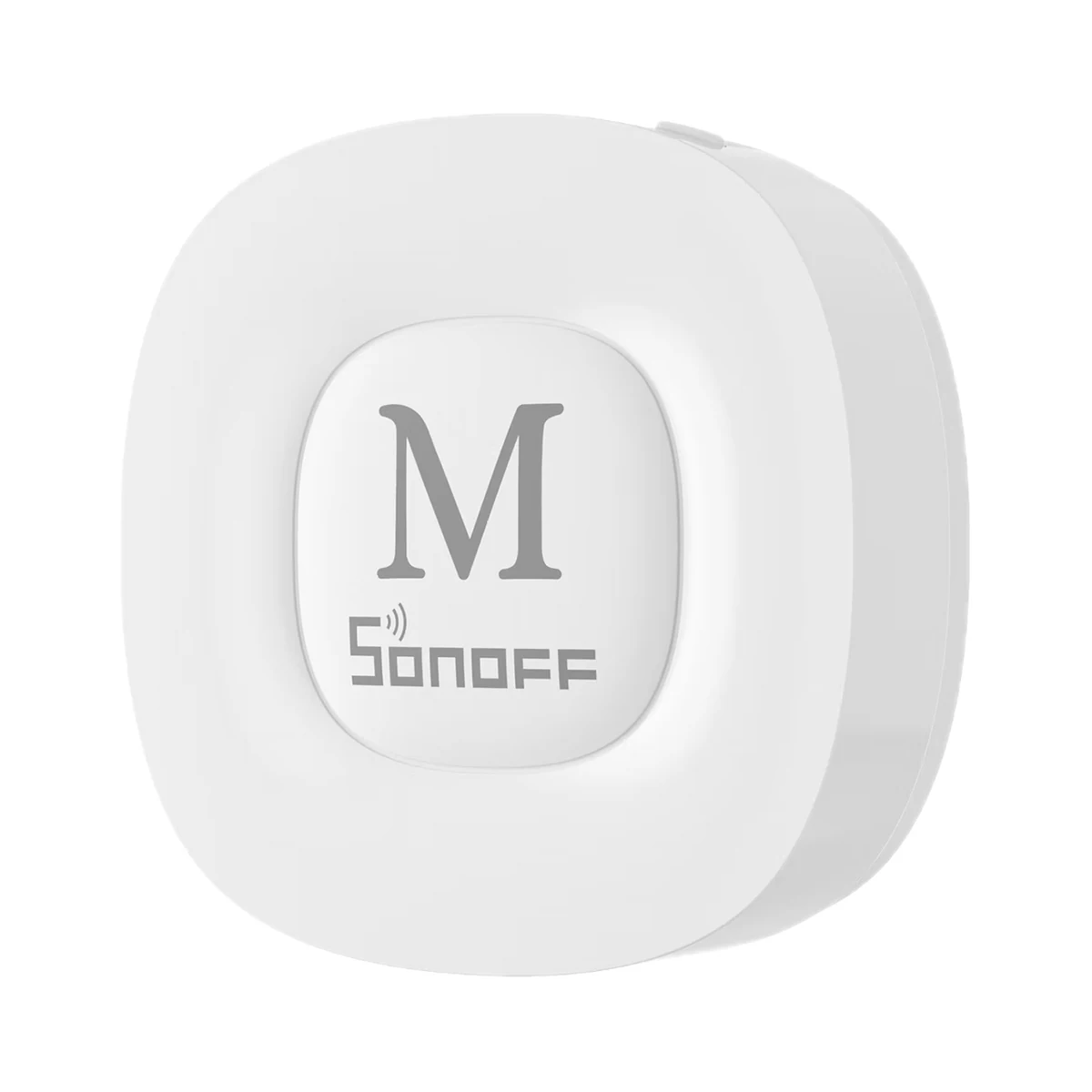
Smart hubs & gateways
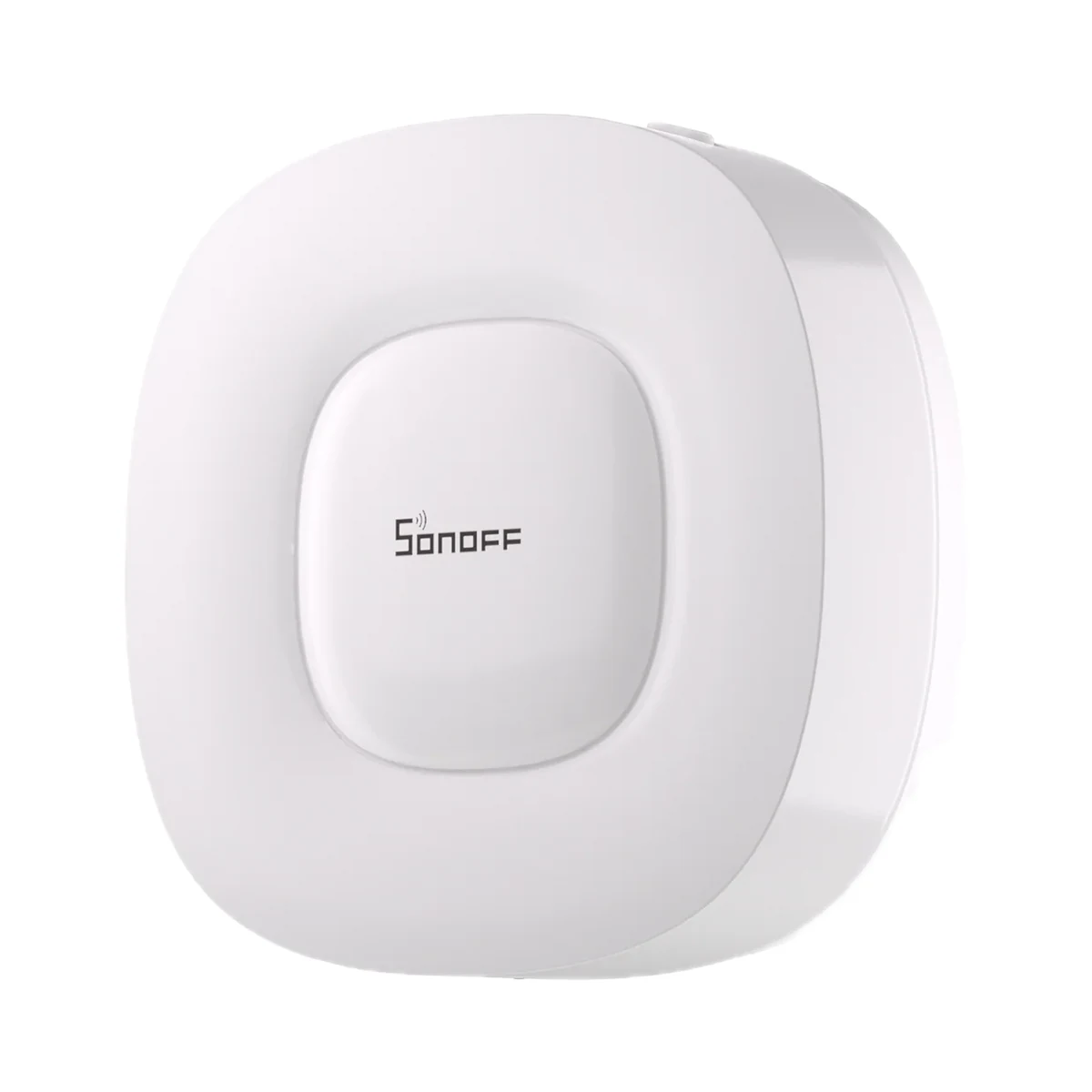
Smart hubs & gateways
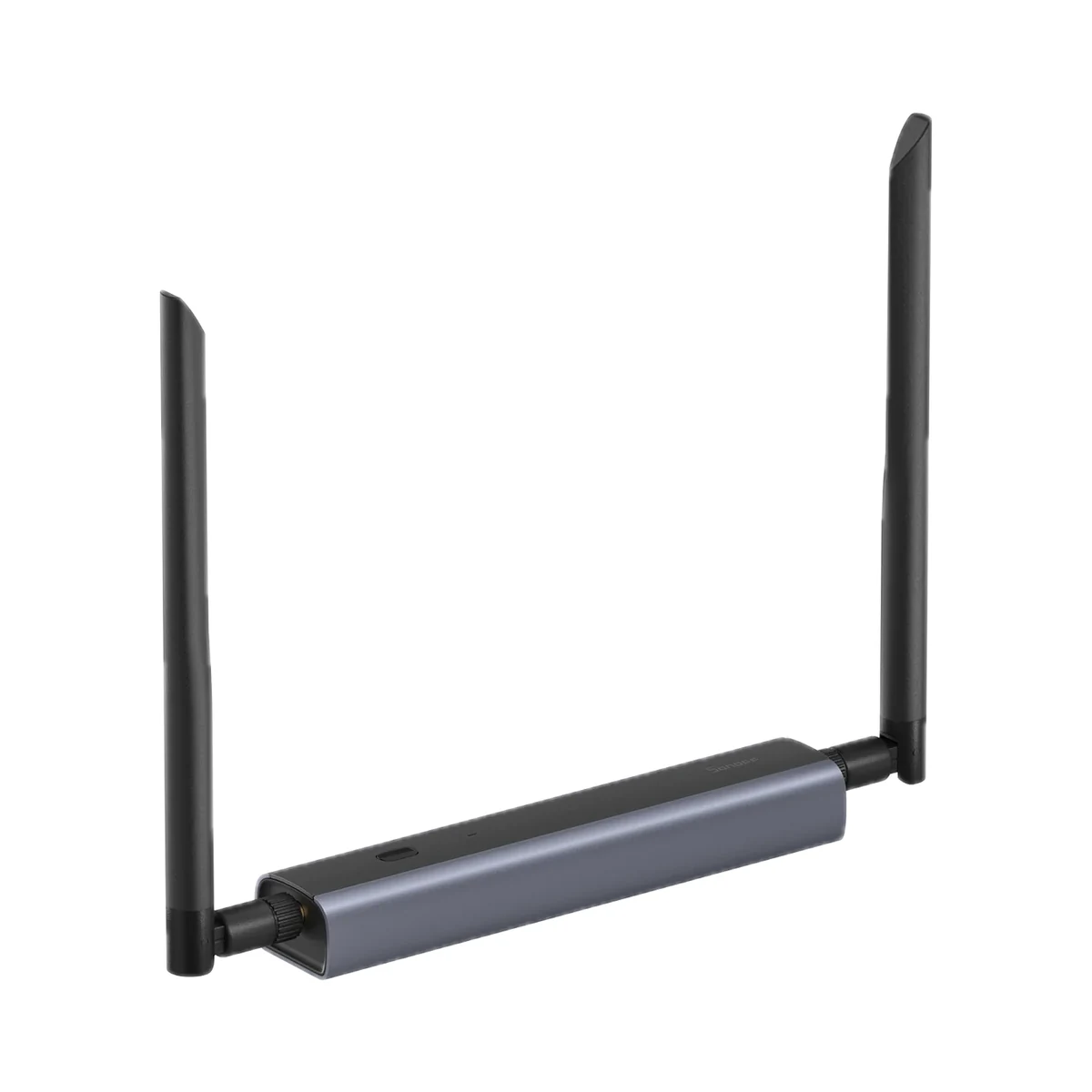
Network coordinators
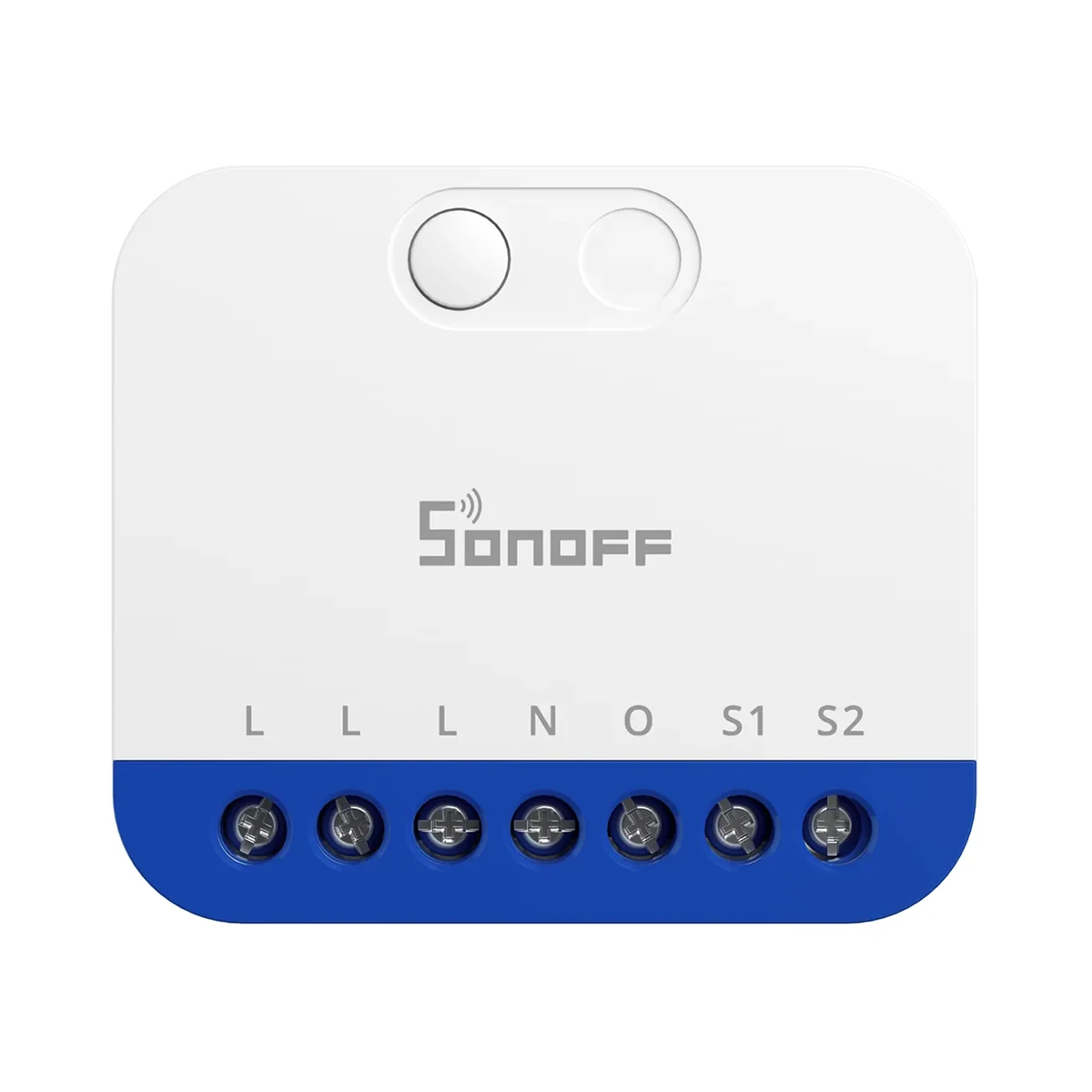
Dimmer modules
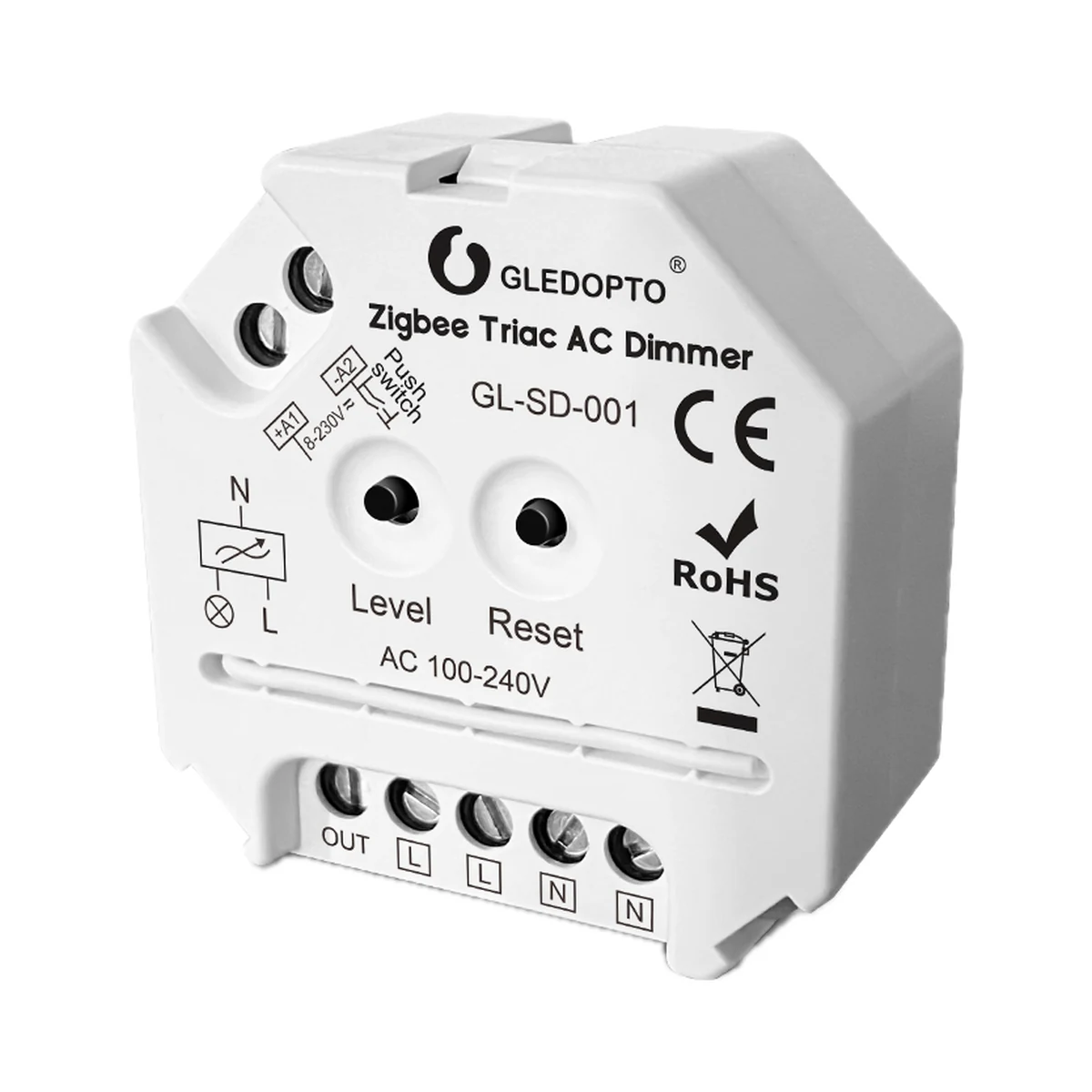
Dimmer modules
Buy just a device, add installation, or hand the whole project over to us.