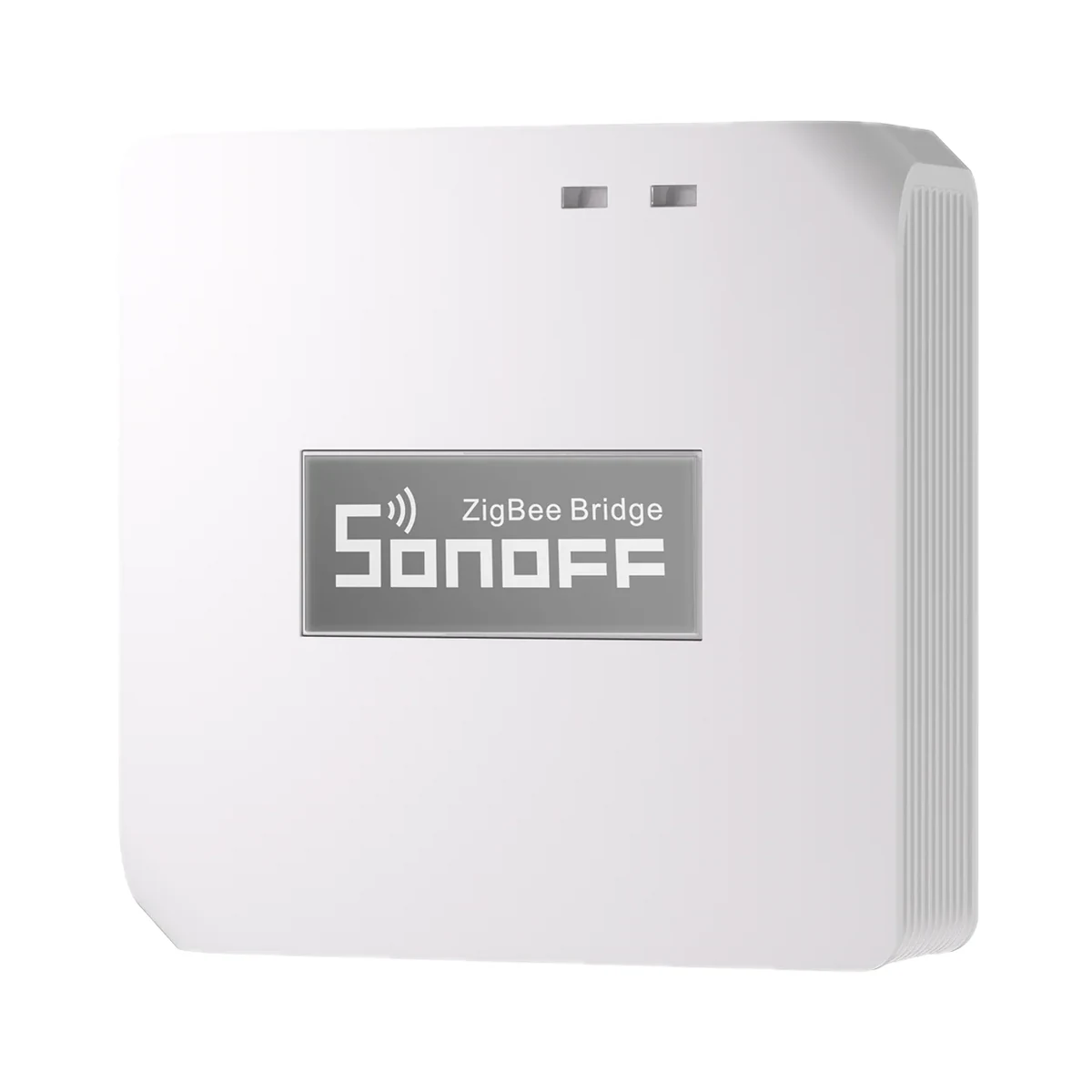
Smart hubs & gateways
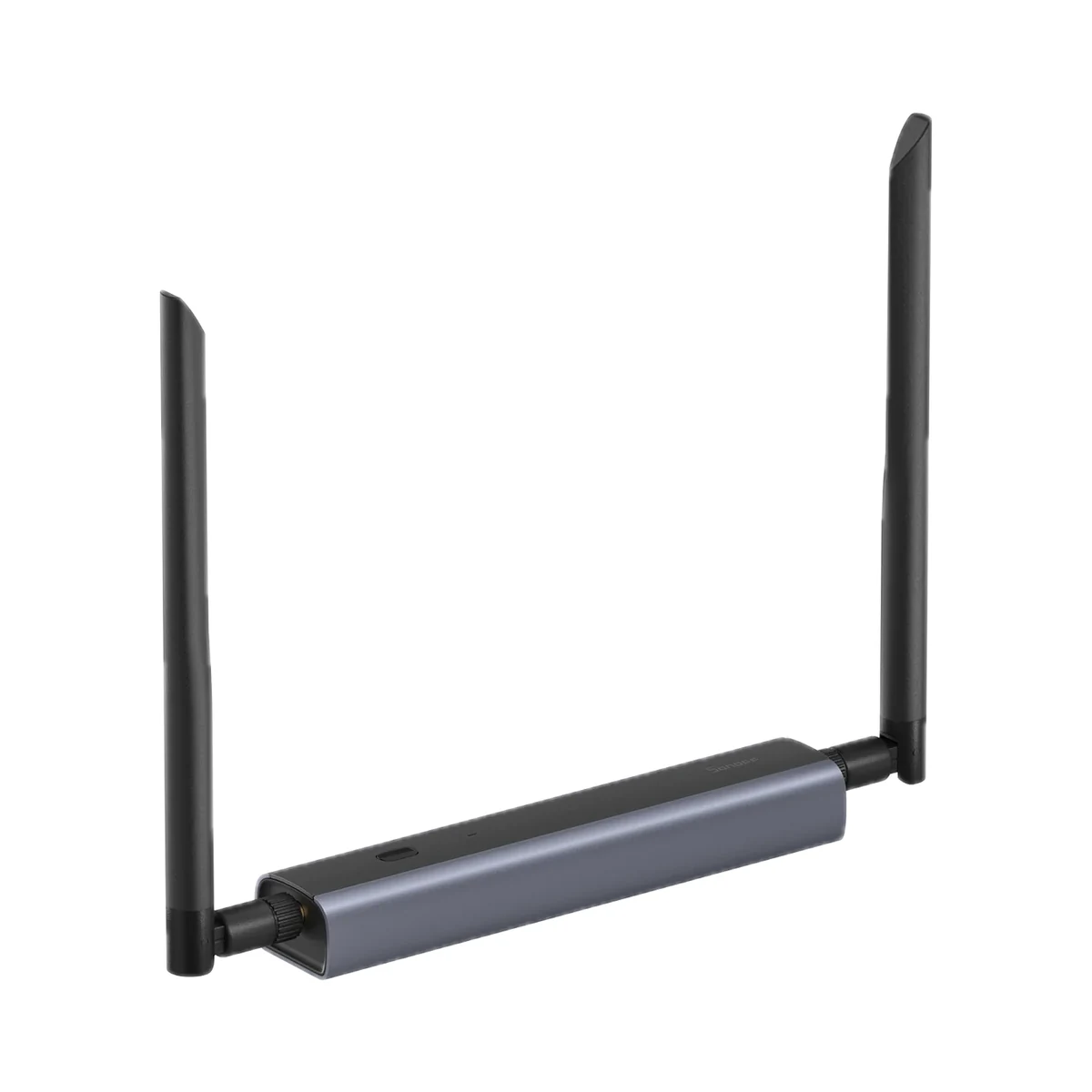
Sonoff Zigbee Bridge Pro (ZBBridge-P) Zigbee 3.0 hub for eWeLink
- Connection to the router
- Wi-Fi
- Matter role
- Not supported
- Max connected devices
- 128
599 MDL
In stock
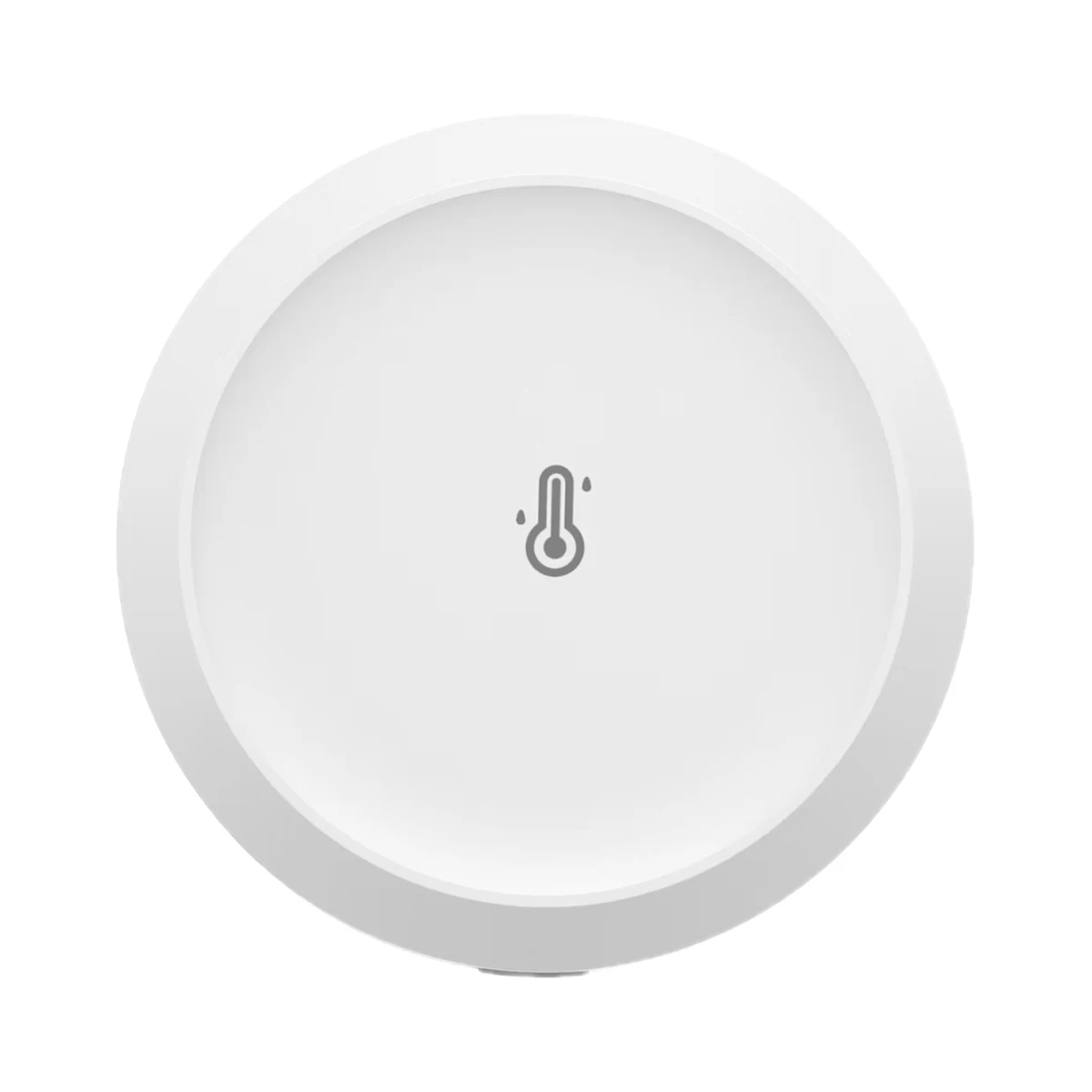
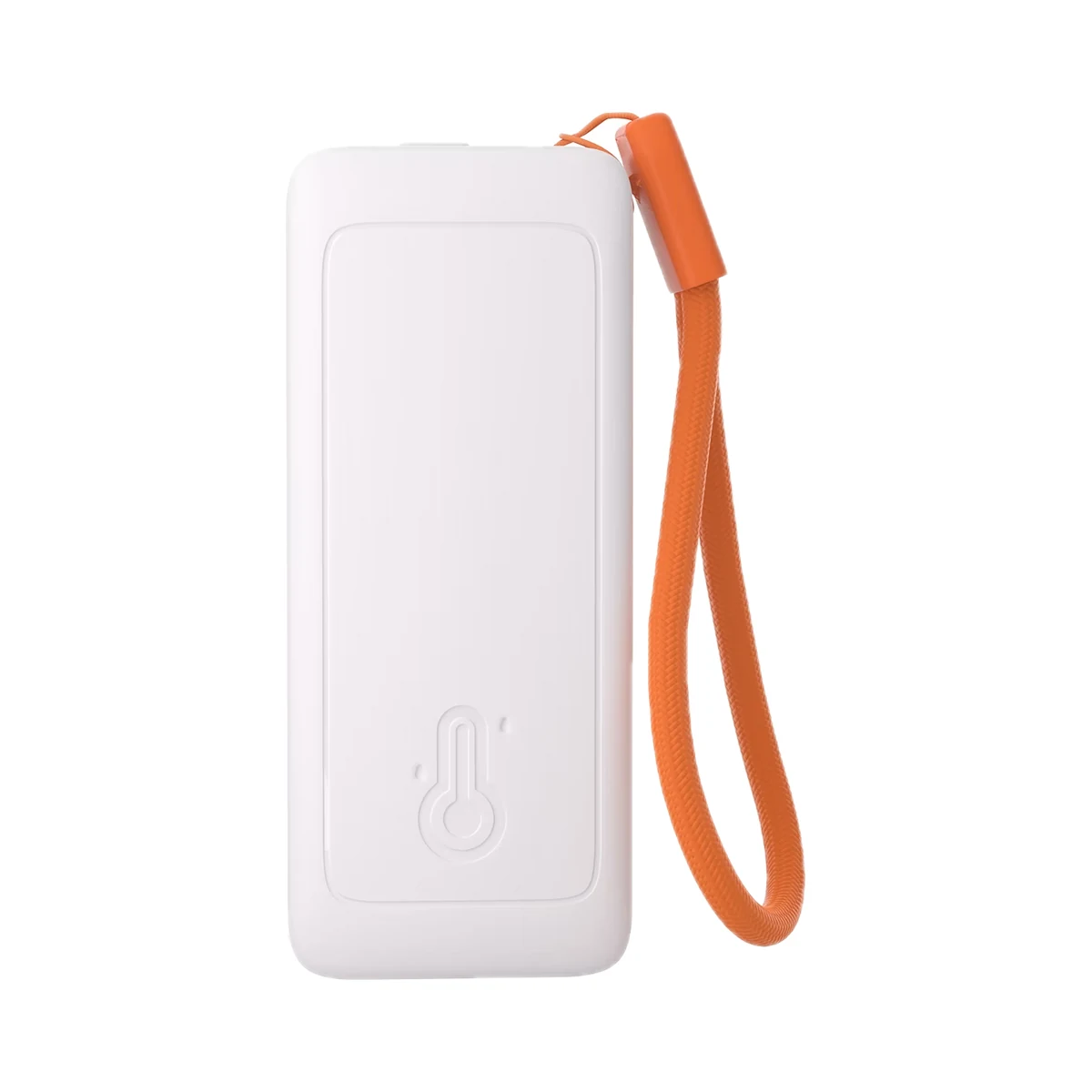
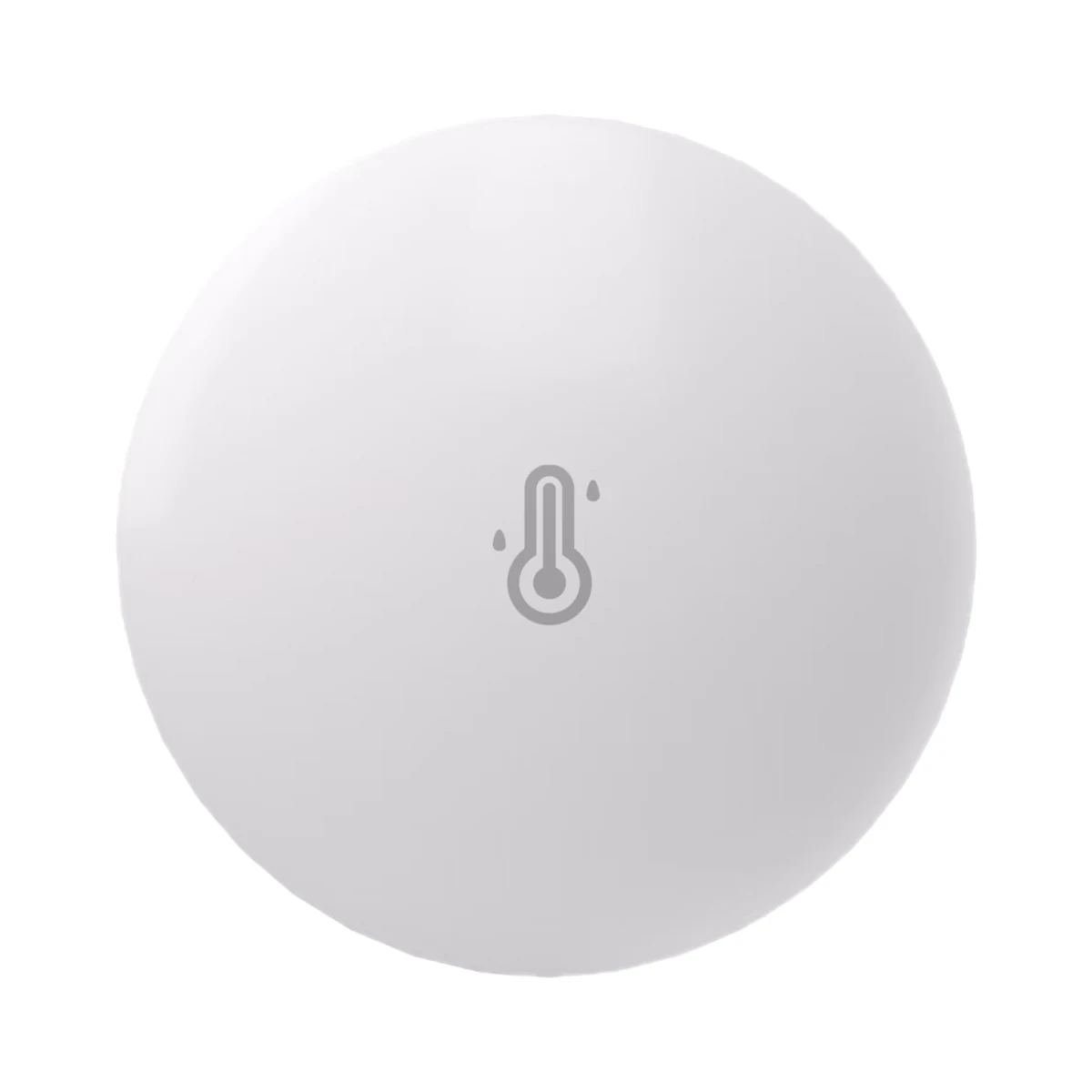
Sonoff · SNZB-02DR2
Zigbee, Bluetooth LE · Via a Zigbee coordinator / hub
Check hub compatibility.
Zigbee, Bluetooth LE · Zigbee 3.0 (IEEE 802.15.4), Bluetooth (Proximity mode)
Bluetooth is used for setup or short-range connection; the role depends on the model.
Manufacturer images
The requirement depends on the connection method.
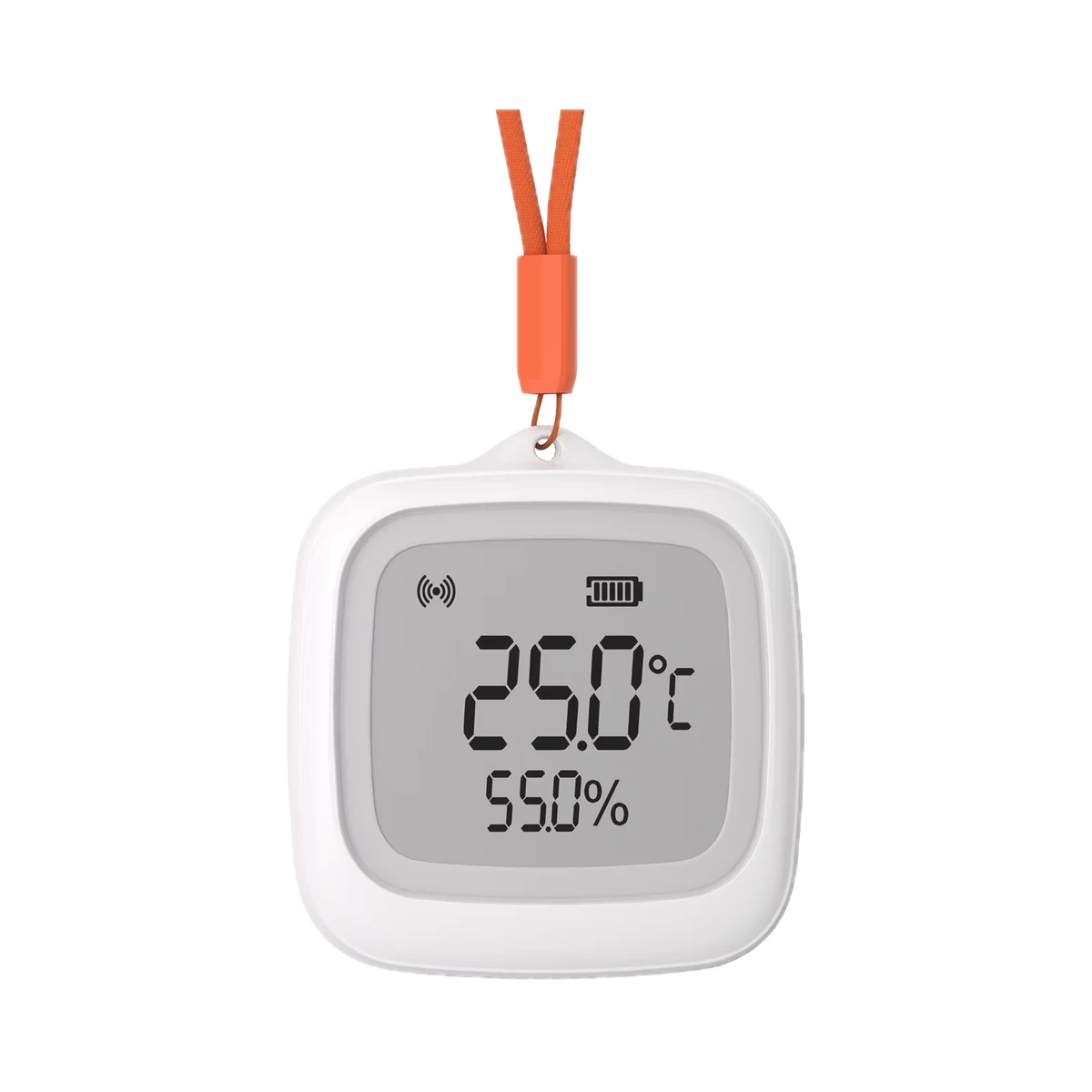
Suitable gateways and hubsSonoff's screen sensor enters a new generation: the AirGuard TH shows daily highs and lows on its 3.6-inch LCD, plus a second sensor's readings when paired to a SONOFF gateway; Bluetooth Proximity mode needs no hub at all.
Connection: Zigbee / eWeLink
The manufacturer lists this hub / connection method. Features depend on the integration and firmware; see the manufacturer matrix.
Supported functions: Temperature display · Humidity display · Comfort level display · Temperature and humidity thresholds · Calibration · Temperature unit · Low battery warning · Zigbee OTA update · Bluetooth OTA update · Zigbee signal strength · Other features
Connection: Zigbee / eWeLink
The manufacturer lists this hub / connection method. Features depend on the integration and firmware; see the manufacturer matrix.
Supported functions: Temperature display · Humidity display · Comfort level display · Temperature and humidity thresholds · Calibration · Temperature unit · Low battery warning · Zigbee OTA update · Bluetooth OTA update · Zigbee signal strength · Other features
Connection: Zigbee / eWeLink
The manufacturer lists this hub / connection method. Features depend on the integration and firmware; see the manufacturer matrix.
Supported functions: Temperature display · Humidity display · Comfort level display · Temperature and humidity thresholds · Calibration · Temperature unit · Low battery warning · Zigbee OTA update · Bluetooth OTA update · Zigbee signal strength · Other features
Connection: Zigbee / eWeLink
The manufacturer lists this hub / connection method. Features depend on the integration and firmware; see the manufacturer matrix.
Supported functions: Temperature display · Humidity display · Comfort level display · Temperature and humidity thresholds · Calibration · Temperature unit · Low battery warning · Zigbee OTA update · Bluetooth OTA update · Zigbee signal strength · Other features
Connection: ZHA
The manufacturer lists this hub / connection method. Features depend on the integration and firmware; see the manufacturer matrix.
Supported functions: Temperature display · Humidity display · Comfort level display · Temperature and humidity thresholds · Calibration · Temperature unit · Low battery warning · Zigbee OTA update · Bluetooth OTA update · Zigbee signal strength
Unsupported functions: Other features
Connection: Zigbee / Alexa
The manufacturer lists this hub / connection method. Features depend on the integration and firmware; see the manufacturer matrix.
Supported functions: Temperature display · Temperature and humidity thresholds · Temperature unit · Low battery warning · Zigbee OTA update · Zigbee signal strength
Unsupported functions: Humidity display · Comfort level display · Calibration · Bluetooth OTA update · Other features
Connection: Zigbee / Alexa
The manufacturer lists this hub / connection method. Features depend on the integration and firmware; see the manufacturer matrix.
Supported functions: Temperature display · Temperature and humidity thresholds · Temperature unit · Low battery warning · Zigbee OTA update · Zigbee signal strength
Unsupported functions: Humidity display · Comfort level display · Calibration · Bluetooth OTA update · Other features
Connection: Zigbee / Alexa
The manufacturer lists this hub / connection method. Features depend on the integration and firmware; see the manufacturer matrix.
Supported functions: Temperature display · Temperature and humidity thresholds · Temperature unit · Low battery warning · Zigbee OTA update · Zigbee signal strength
Unsupported functions: Humidity display · Comfort level display · Calibration · Bluetooth OTA update · Other features
Connection: Zigbee / SmartThings
The manufacturer lists this hub / connection method. Features depend on the integration and firmware; see the manufacturer matrix.
Supported functions: Temperature display · Humidity display · Comfort level display · Temperature unit · Zigbee OTA update · Bluetooth OTA update · Zigbee signal strength
Unsupported functions: Temperature and humidity thresholds · Calibration · Low battery warning · Other features
Connection: Zigbee
This manufacturer manual explicitly states no support.
Connection: Zigbee
This manufacturer manual explicitly states no support.
Connection: Zigbee
This manufacturer manual explicitly states no support.
We deliver across Moldova. Availability, delivery timing and cost are confirmed with a manager before order fulfilment.
The right choice starts with specifications
SKU: SONOFF-SNZB-02DR2 · Document model: SNZB-02DR2
Specifications checked against the linked manufacturer documents.Checked 18 October 2026
Measured parameters — what it meansWhich values the monitor measures with its own sensors. Data the app pulls from the internet (such as outdoor air quality) is not included. | Temperature, HumidityDew point and vapour pressure deficit (VPD) are calculated by the eWeLink app from temperature and humidity; they are not measured separately [1] |
|---|---|
Temperature accuracy — what it meansPermitted error of the built-in sensor, ± °C. A value of 1 means that at 21 °C in the room the thermostat may show anything from 20 to 22 °C. | 0.2 °COver −20…60 °C. Display resolution is 0.1 °C [1] |
Humidity accuracy — what it meansThe possible deviation of relative humidity readings (± % RH) according to the manufacturer. The smaller the number, the closer the readings are to reality; if accuracy differs across the range, the conditions are in the note. | 2%Over 0–100 % RH. Resolution: 1 % on the display, 0.1 % in the app [1] |
Temperature measuring range — what it meansThe range over which the probe measures temperature. The upper limit matters for hot water, heating circuits or a sauna; the lower limit for a freezer or outdoors. | −20…60 °C"Detection Range" in the images on the official product page; it matches the range given for accuracy and the operating temperature [2] |
Humidity measuring range — what it meansThe range over which the probe measures relative humidity (% RH). Not applicable to temperature-only probes. | 0–100%As shown on the device diagram and in the FAQ (±2 % accuracy over 0–100 % RH). The spec graphic on the same page gives 5–95 % RH non-condensing, which is the device's operating humidity [2] |
Data update interval — what it meansHow often the sensor measures or sends new values according to the manufacturer. Many models also report straight away when a value changes noticeably — the conditions are in the note. | 5 sWhen a value changes, data is sent every 5 s by default; the interval is adjustable from 5 s to 1 h, and the change thresholds from ±0.2 to ±1 °C (default ±0.2 °C) and ±1 to ±5 % RH (default ±1 %). The support page states real-time updates every 2 s; "Finer Monitoring" mode charts data every minute and switches off after 3 minutes [2] |
| Sensing element | Sensirion SHT40-AD1B-R3 [2] |
Display — what it meansWhether the unit has its own screen with readings. With a screen you can see the temperature without a phone; without one, only in the app. | LCD [1] |
|---|---|
Screen size — what it meansThe indoor screen's diagonal in inches (1″ = 2.54 cm). It decides how large the visitor appears and from how far away you can see them. | 3.6″ [1] |
Shown on the display — what it meansWhich data you can see on the scale itself, without a phone. All other metrics are available only in the app. | Temperature, Humidity, comfort indicator, battery levelAlso: daily maximum and minimum temperature and humidity, readings of a second (remote) sensor, and Zigbee and Bluetooth signal icons. The remote-sensor display works when both sensors are added to the same SONOFF gateway (ZBBridge-P, ZBBridge-U, NSPanel Pro, iHost) with firmware 1.0.4 or later; in ZHA and Zigbee2MQTT it needs a SONOFF script [3] |
| Measurement history | Up to 6 months in eWeLink: average, max and min values by day, week, month and half-year; CSV export [1] |
Connectivity — what it meansThe wireless link or network the device uses. Wi-Fi connects straight to the router; Zigbee, Thread and Bluetooth Mesh work through a hub or gateway. | Zigbee, Bluetooth LETwo modes: Zigbee 3.0 (IEEE 802.15.4) through a gateway, and Bluetooth (Proximity mode) — a direct connection to the phone in the eWeLink app. Once added to a gateway, Proximity mode is disabled; switching modes resets the device [1] |
|---|---|
Hub required — what it meansWhether the device needs a separate hub, gateway or coordinator to work in a smart home. If so, it is sold separately unless stated otherwise. | Hub optionalWithout a gateway (Proximity mode) readings and history are visible on a nearby phone over Bluetooth. Remote access, scenes, notifications and the remote-sensor display need a Zigbee gateway: SONOFF ZBBridge-P, ZBBridge-U, NSPanel Pro, iHost; also ZBDongle-P/-E, Dongle-M, Dongle-PMG24, Dongle-LMG21, Amazon Echo with built-in Zigbee, Aeotec SmartThings Hub V3. Philips, IKEA and Fritzbox gateways are not supported [1] |
Home Assistant — what it meansHow the device connects to Home Assistant: a built-in integration, a Zigbee coordinator, Matter or the maker’s cloud integration. | Via a Zigbee coordinator / hubVia ZHA or Zigbee2MQTT with a Zigbee coordinator (e.g. a SONOFF Dongle). ZHA currently needs a SONOFF script [1] |
App — what it meansThe maker’s app used to set up and control the device. | eWeLink [1] |
Processor / radio chip — what it meansThe microcontroller or radio module inside, per the maker (for example ESP32). For firmware such as WLED and ESPHome it determines available features and whether the device can be re-flashed. | TLSR8656F512ET32 [1] |
| Wireless standard | Zigbee 3.0 (IEEE 802.15.4), Bluetooth (Proximity mode) [3] |
Wireless range — what it meansThe stated radio range, usually in open space. Walls and floors cut it noticeably. | 120 mAs stated in a product-page image ("Zigbee Chip Cover 120 m"), conditions not given. For reliable operation the manufacturer recommends no more than 50 m to the gateway through walls [2] |
Matter support — what it meansWhether the device supports the Matter standard, directly or through a bridge. Matter lets you add it to Apple Home, Google Home, Alexa and Home Assistant. | Via a bridgeIn Apple Home via a software Matter bridge (SONOFF ZBBridge-U or eWeLink CUBE) [2] |
Batteries or battery — what it meansWhich cells it takes and how many. A built-in rechargeable battery is stated in the value. | 2 × AAA (LR03)Batteries are included [1] |
|---|---|
Battery life — what it meansTypical life on one set of batteries or one charge, per the maker. Frequent triggers, cold and a weak signal shorten it. | Not stated by the manufacturer |
Supply voltage — what it meansThe supply voltage (and current, if stated) as the maker gives it. It must match your mains or adapter. | 3 V ⎓ (2 × 1.5 V) [1] |
Ingress protection (IP) — what it meansProtection against dust (first digit) and water (second). IP20 is for dry rooms only, IP44 resists splashes, IP65 and up handle water jets and outdoor use. | Not stated by the manufacturer |
|---|---|
Mounting — what it meansHow and where it is installed: in a wall box, on a wall or ceiling, on a DIN rail, on a table or in a socket. | Desk or shelf, WallOn a desk using the fold-out stand; on a wall, hung on a screw through the hanging hole [3] |
Dimensions — what it meansThe device’s size in millimetres as the maker states it. Check that it fits the wall box, niche or shelf. | 95 × 70 × 18.2 mm [1] |
Weight — what it meansThe device’s weight without packaging, per the maker. | 99.3 gWith batteries [1] |
| Housing material | PC + ABS [1] |
Certifications — what it meansStandards and certifications the maker lists for this model (for example CE, RoHS, Zigbee 3.0, Matter). | CE, FCC, RoHS [1] |
Operating temperature — what it meansThe air temperature range the device is rated for. The lower limit matters outdoors, on balconies and in unheated rooms. | −20…60 °C [1] |
|---|---|
Operating humidity — what it meansThe rated relative humidity range, non-condensing. | 5–95%Non-condensing [1] |
Colour — what it meansThe housing colour of this model. Other colours in the same series are separate products. | White [1] |
|---|
We deliver across Moldova. Availability, delivery timing and cost are confirmed with a manager before order fulfilment.
A website order is submitted for confirmation without charging your card. The payment method and final amount are agreed with a manager before payment.
The warranty is at least 12 months. The exact period and conditions for equipment and installation work are stated in the sales documents and the accepted proposal. Further support is agreed for each project.
Current conditions are published on the Return policy page. Email office@casasmart.md with your order number for the steps relevant to your situation. Statutory consumer rights continue to apply.
In your home
A sensor reports measurements or events. What happens next depends on configuration and separate control devices.
See the complete solution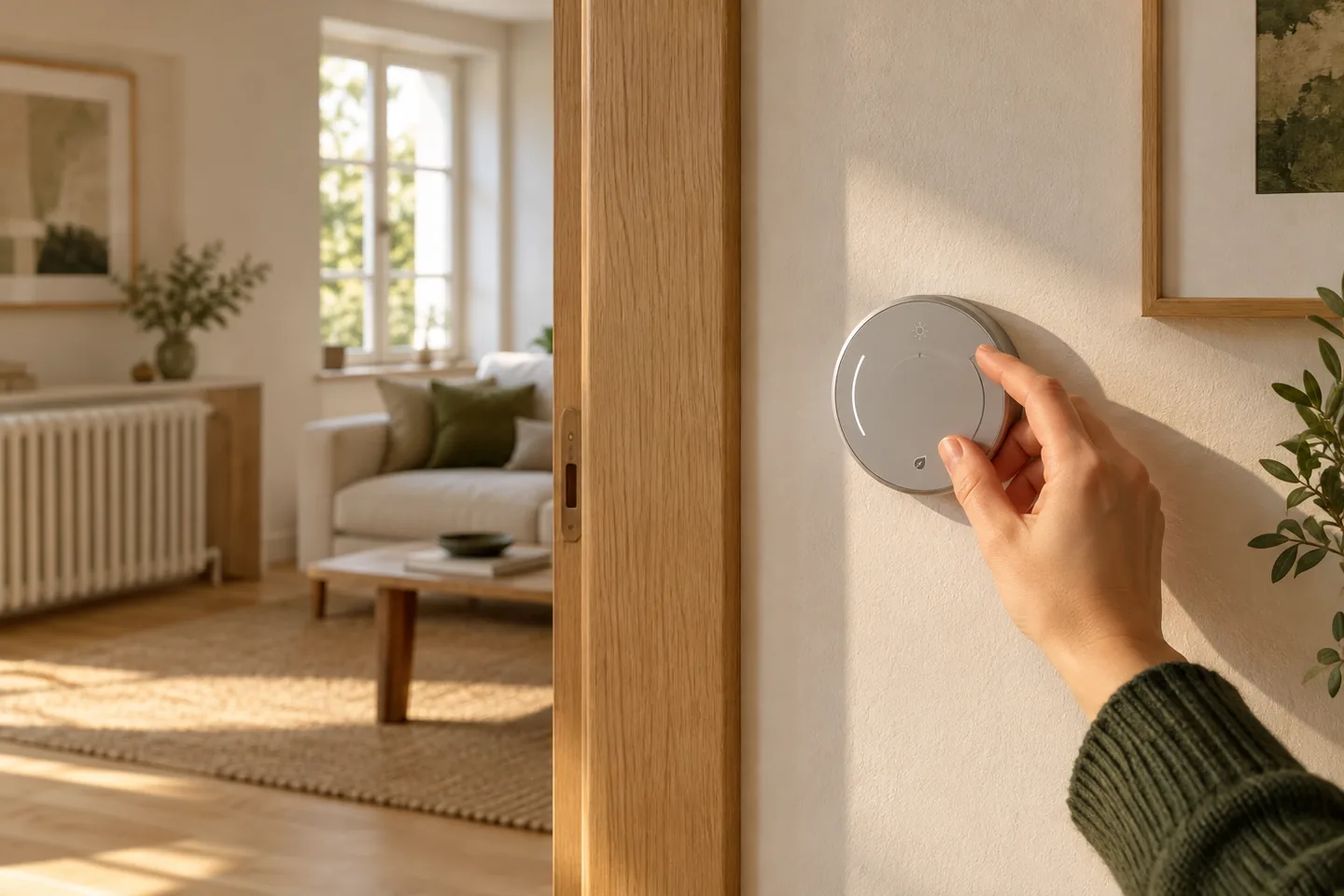
CasaSmart
The requirement depends on the connection method.
Smart hubs & gateways
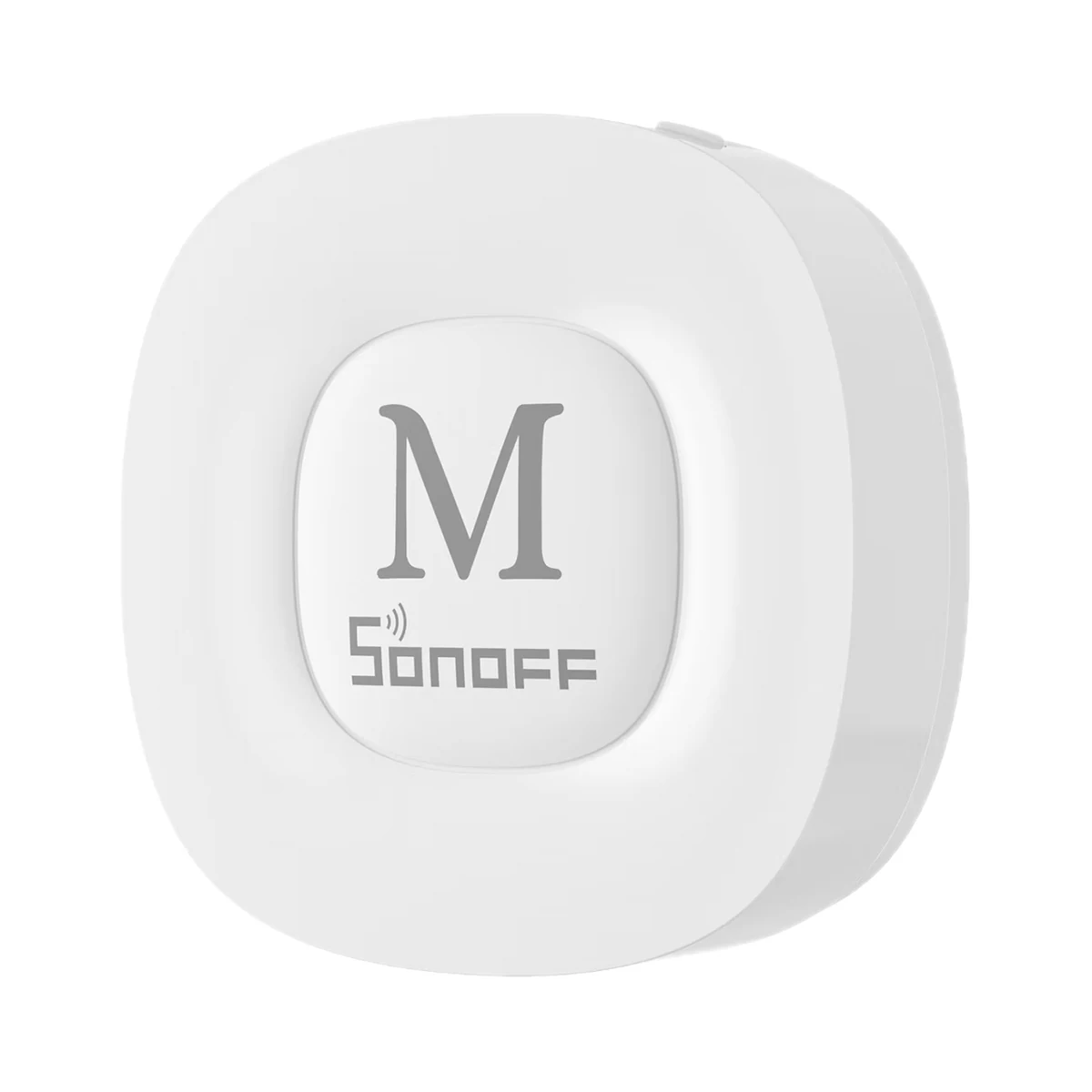
Smart hubs & gateways
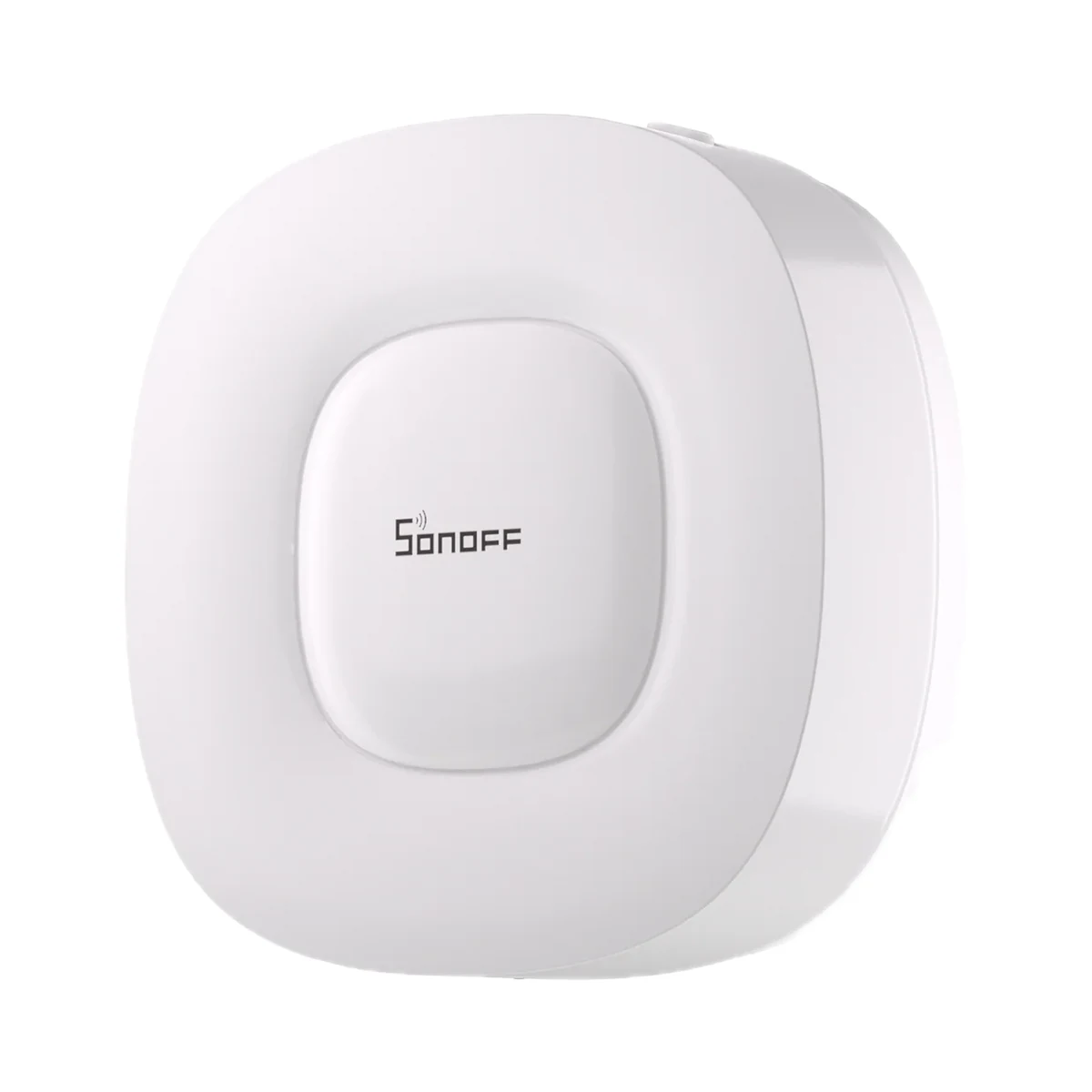
Smart hubs & gateways
Network coordinators
Temperature & humidity
Temperature & humidity
Temperature & humidity
Temperature & humidity
Buy just a device, add installation, or hand the whole project over to us.