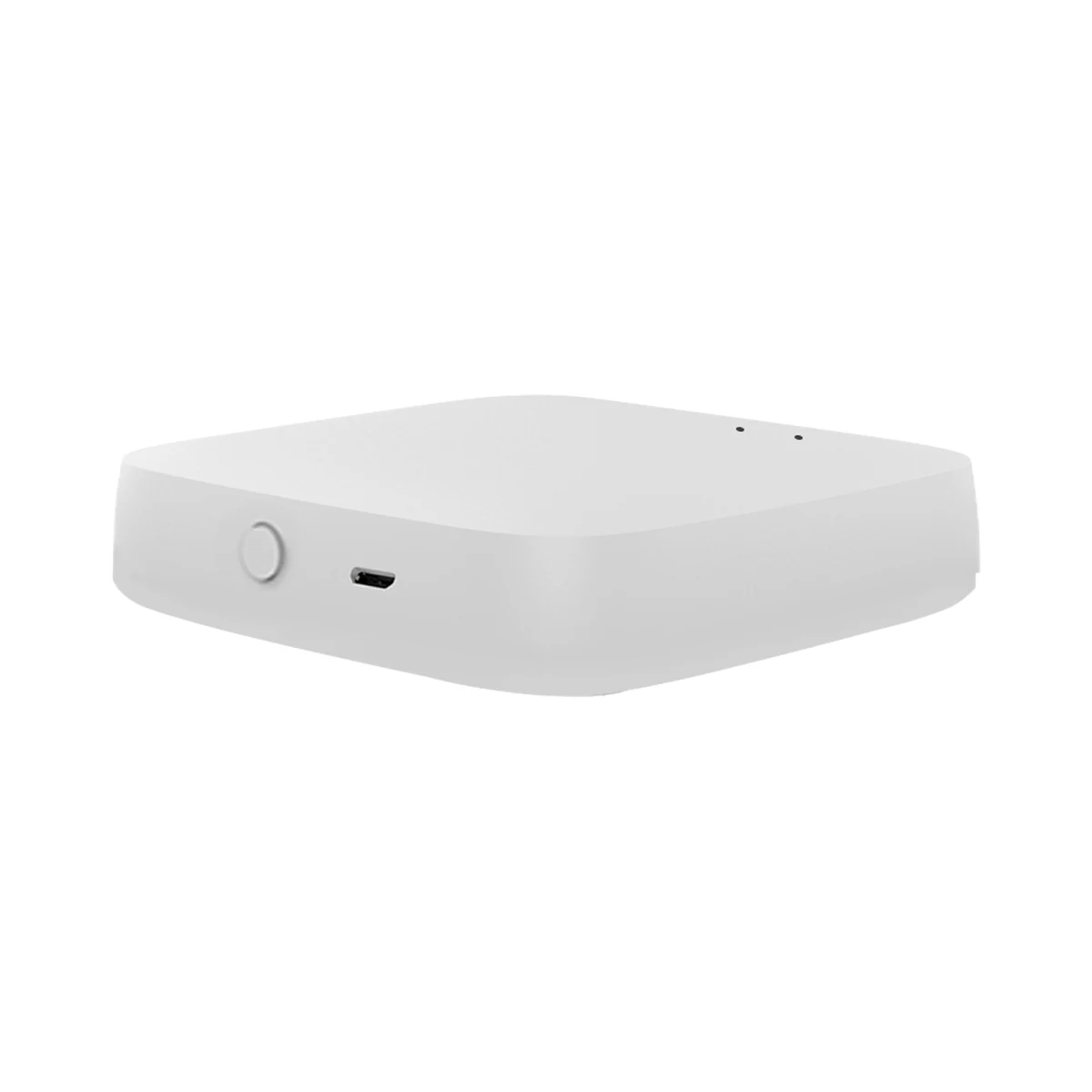
Smart hubs & gateways
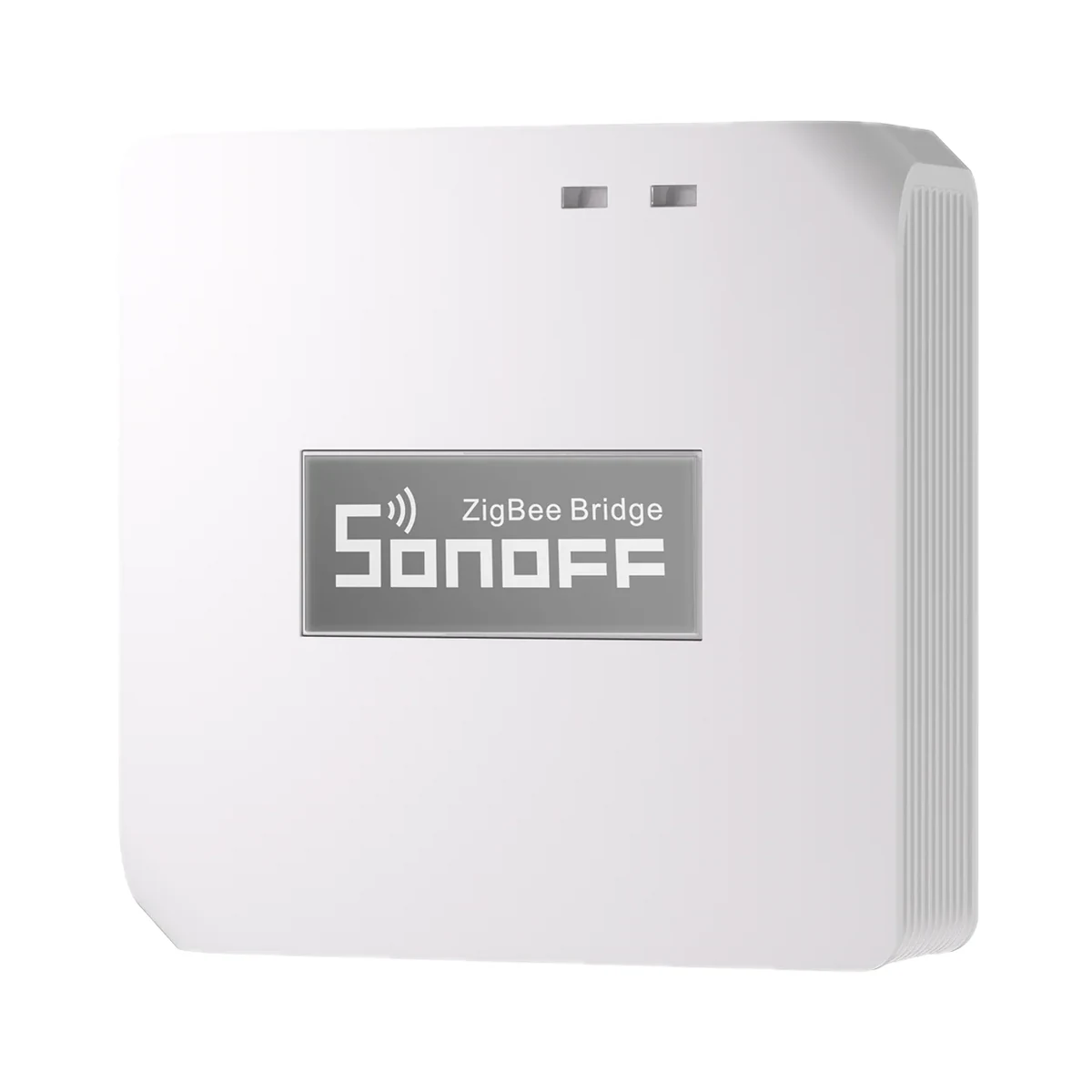
Moes ZHUB-W-MS Tuya Zigbee 3.0 Wi-Fi gateway, up to 50 devices
- Connection to the router
- Wi-Fi
- Matter role
- Not supported
- Max connected devices
- 50
499 MDL
In stock
Moes · ZT-SR-EU2-GY-MS
Via a Zigbee coordinator or hub
Check hub compatibility.
Manufacturer images
A Zigbee gateway is needed: per the manual the gateway is added to the MOES app first and the button is then paired to it. The maker names MOES/Tuya Zigbee gateways.
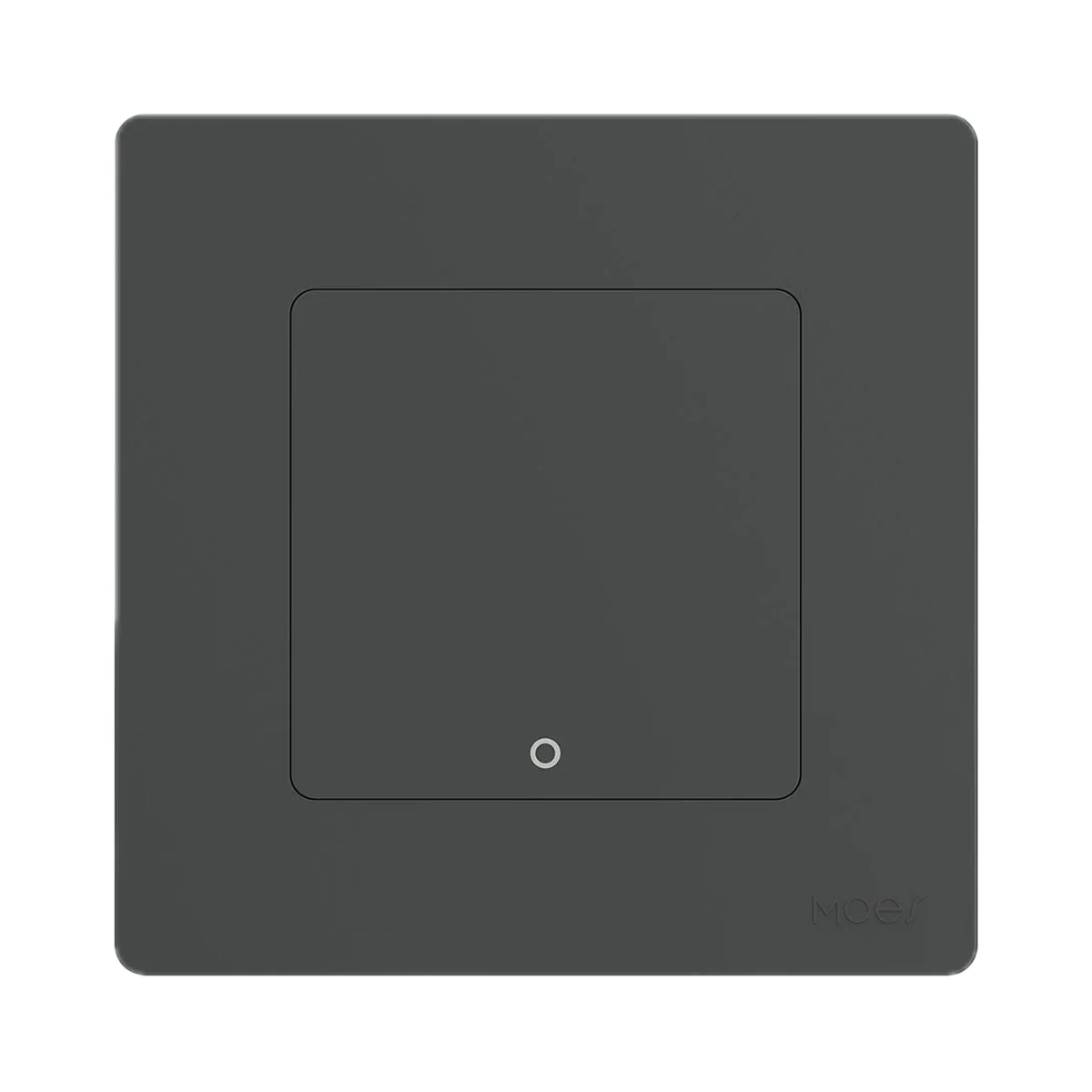
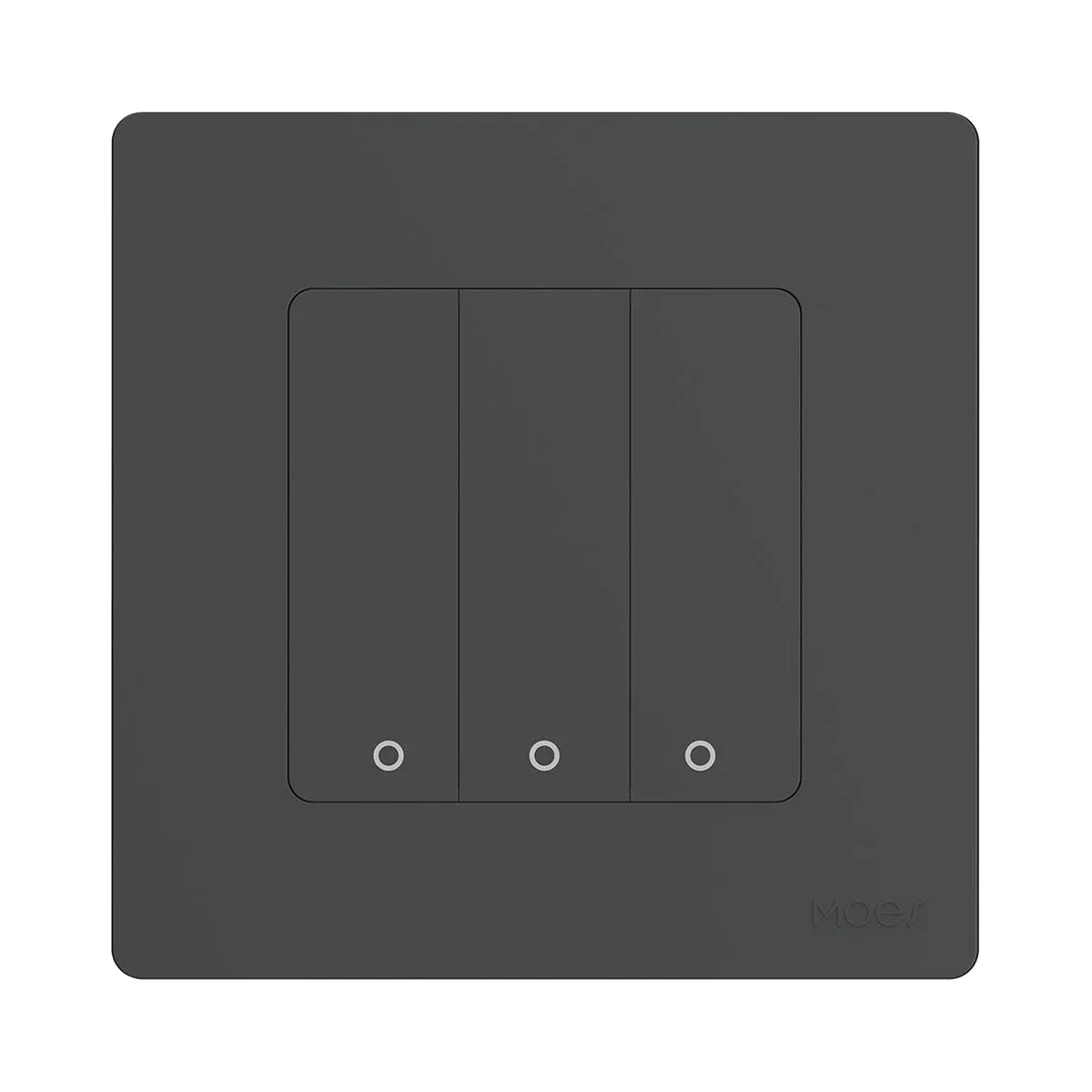
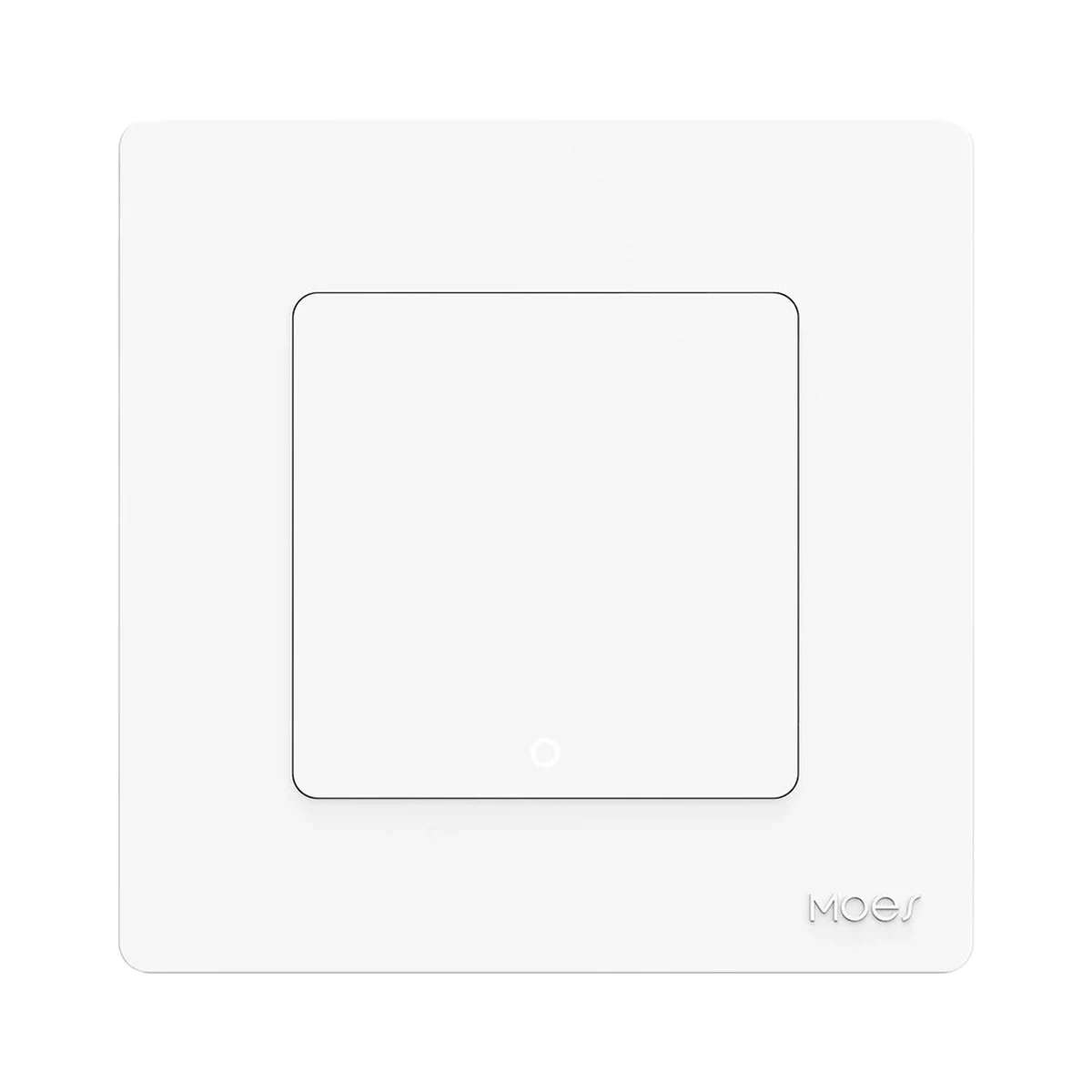
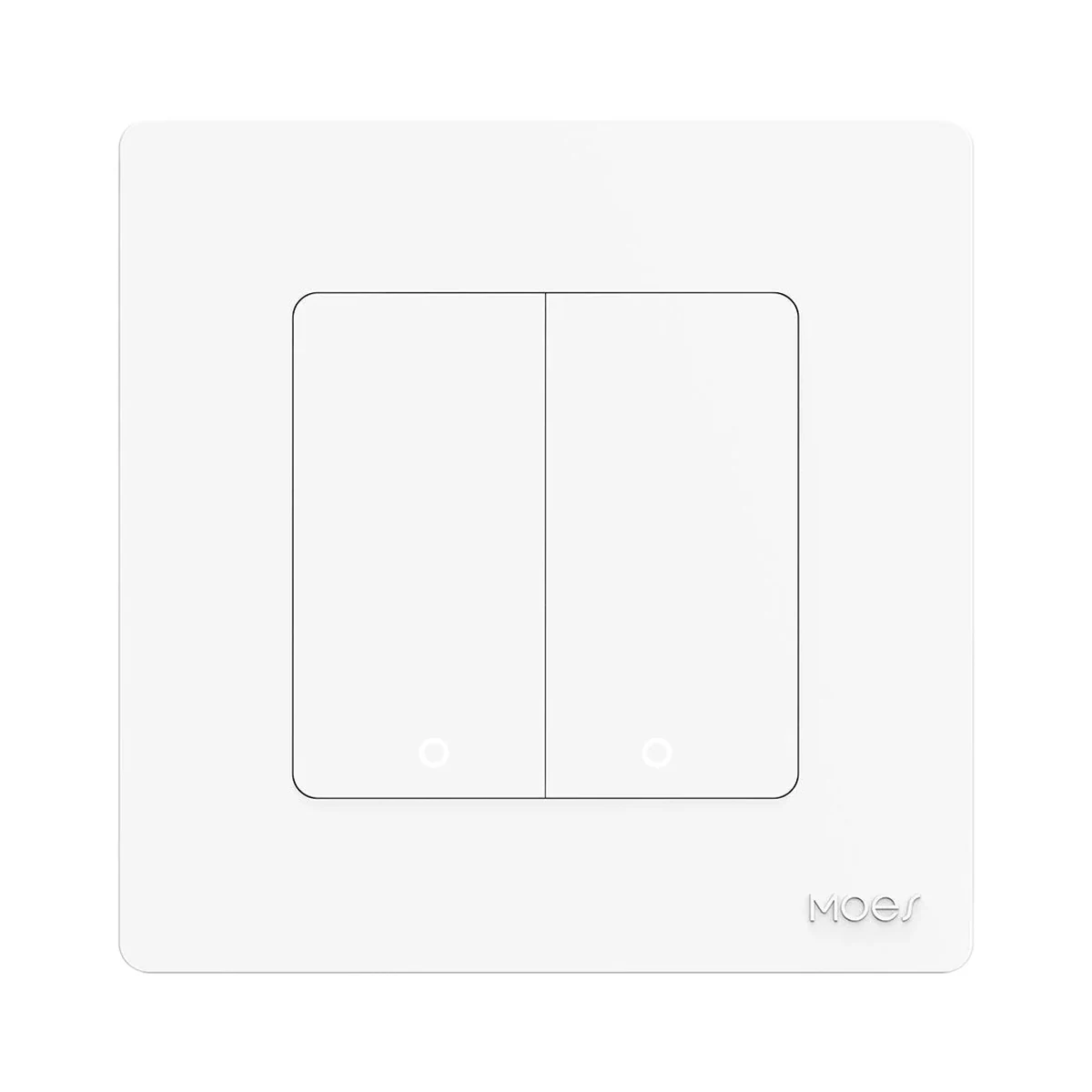
Suitable gateways and hubsWireless MOES Star Ring scene switch in an 86 × 86 mm wall-switch format: 2 mechanical keys, each with single press, double press and 5 s hold — up to 6 scenes. Zigbee 3.0: needs a Zigbee gateway and the MOES app (or Tuya Smart / Smart Life). Runs on a CR2032 coin cell and fixes with double-sided tape, no wiring needed. Colour: grey.
23 specifications from manufacturer documentsWe deliver across Moldova. Availability, delivery timing and cost are confirmed with a manager before order fulfilment.
The right choice starts with specifications
SKU: ZT-SR-EU2-GY-MS · Document model: ZT-SR-EU
Specifications checked against the linked manufacturer documents.Checked 18 October 2026
Connectivity — what it meansThe wireless link or network the device uses. Wi-Fi connects straight to the router; Zigbee, Thread and Bluetooth Mesh work through a hub or gateway. | ZigbeeZigbee 3.0, 2.405–2.480 GHz band [1] |
|---|---|
Hub required — what it meansWhether the device needs a separate hub, gateway or coordinator to work in a smart home. If so, it is sold separately unless stated otherwise. | Hub requiredA Zigbee gateway is needed: per the manual the gateway is added to the MOES app first and the button is then paired to it. The maker names MOES/Tuya Zigbee gateways [2] |
Direct control without a hub — what it meansWhether the button can control compatible bulbs, relays or controllers directly, with no gateway or internet — via TouchLink, direct Zigbee binding or radio pairing with a receiver. Which devices this works with is in the note. | NoThe manual describes operation only through a Zigbee gateway and scenes in the MOES app; no direct binding to bulbs or relays without a gateway is described [2] |
Wireless range — what it meansThe stated radio range, usually in open space. Walls and floors cut it noticeably. | Not stated by the manufacturer |
App — what it meansThe maker’s app used to set up and control the device. | MOES (Tuya Smart / Smart Life also work) [2] |
Home Assistant — what it meansHow the device connects to Home Assistant: a built-in integration, a Zigbee coordinator, Matter or the maker’s cloud integration. | Via a Zigbee coordinator or hubZigbee 3.0 — via a Zigbee coordinator. The official Star Ring series page states Zigbee2MQTT compatibility and that ZHA is not supported; the page is shared by the series' wall switches and scene switches [3] |
Transmit power — what it meansThe coordinator's maximum radio output. Higher power gives a steadier link to distant devices, but range in a home depends more on walls and the number of routers in the network. | 10 dBmMaximum: below +10 dBm [1] |
Device form — what it meansWhat the device looks like and where it is used: a wall panel in place of a regular switch, a compact button you can stick anywhere or carry around, a handheld remote, or a desktop rotary knob. | Wall panelWireless 86 × 86 mm panel shaped like a wall switch; the maker offers it as an alternative to a hard-wired switch [2] |
|---|---|
Number of keys — what it meansHow many separate buttons or touch keys can each be given their own commands. For lighting remotes with zone keys, the number of zones is given separately. | 2Variant "Scene Switch / Grey / 2 Gang" on the official page [3] |
Press types — what it meansWhich actions the button tells apart: single, double or triple press, long press, turning. Each can trigger its own scene, so one button does the job of several. If the set depends on the gateway or mode, this is stated in the note. | Single press, double press, long pressLong press means holding for 5 seconds. Each key triggers up to three scenes assigned in the app [2] |
Number of commands (scenes) — what it meansHow many different commands the device can be given in total — keys × press types — according to the manufacturer. The actual number may depend on the gateway or app; this is stated in the note. | 62 keys × 3 press types; per the manual each key can be given up to three scenes in the MOES app [2] |
Control type — what it meansHow you operate the device by hand: a mechanical button with travel and a click, touching glass with no travel, a rotary knob, or a touch ring for picking colour and brightness. | Mechanical keysThe manual lists a mechanical push button (Mechanical Push On/Off Button) [2] |
| LED indicator | YesLights up on a press; fast flashing means it is in pairing mode [2] |
Power source — what it meansWhere the device gets its power: 230 V mains, an adapter, USB, batteries or a built-in battery. | Batteries [1] |
|---|---|
Batteries or battery — what it meansWhich cells it takes and how many. A built-in rechargeable battery is stated in the value. | 1 × CR2032The coin cell goes into the slot under the back cover. Whether it is included is not stated [2] |
Battery life — what it meansTypical life on one set of batteries or one charge, per the maker. Frequent triggers, cold and a weak signal shorten it. | Not stated by the manufacturer |
| Standby current | 0.02 mA20 µA [1] |
Mounting — what it meansHow and where it is installed: in a wall box, on a wall or ceiling, on a DIN rail, on a table or in a socket. | Adhesive tapeWith double-sided tape on the back; clean and dry the wall first. Whether the tape is included is not stated [2] |
|---|---|
Dimensions — what it meansThe device’s size in millimetres as the maker states it. Check that it fits the wall box, niche or shelf. | 86 × 86 × 8.6 mm [1] |
| Button lifecycle | 500 000The ZT-SR-EU data sheet gives 500,000 presses; the 5 million figure in the store page description refers to the series as a whole [1] |
Certifications — what it meansStandards and certifications the maker lists for this model (for example CE, RoHS, Zigbee 3.0, Matter). | EU declaration of conformity: RED 2014/53/EU, EMC 2014/30/EU, RoHS 2011/65/EU [4] |
Colour — what it meansThe housing colour of this model. Other colours in the same series are separate products. | GreyOfficial variant name Grey (dark grey); the page's marketing text calls the series colours Ivory and Nickel Black [3] |
|---|
Operating temperature — what it meansThe air temperature range the device is rated for. The lower limit matters outdoors, on balconies and in unheated rooms. | −10…45 °CThe −10…65 °C range in the store page's spec block belongs to the mains-powered Star Ring switch (ZS-SR), not to this button [1] |
|---|---|
Operating humidity — what it meansThe rated relative humidity range, non-condensing. | up to 90%Below 90 % relative humidity [1] |
Manufacturer warranty — what it meansThe warranty period the maker states. Confirm warranty terms in Moldova with the seller. | 24 monthsTwo-year after-sales service under the warranty card in the manual; claims go through the seller, freight not included [2] |
|---|
We deliver across Moldova. Availability, delivery timing and cost are confirmed with a manager before order fulfilment.
A website order is submitted for confirmation without charging your card. The payment method and final amount are agreed with a manager before payment.
The warranty is at least 12 months. The exact period and conditions for equipment and installation work are stated in the sales documents and the accepted proposal. Further support is agreed for each project.
Current conditions are published on the Return policy page. Email office@casasmart.md with your order number for the steps relevant to your situation. Statutory consumer rights continue to apply.
In your home
With your hands full or on a nighttime trip down the hall, finding a switch is awkward. Routines light the way and turn off forgotten lights.
See the complete solution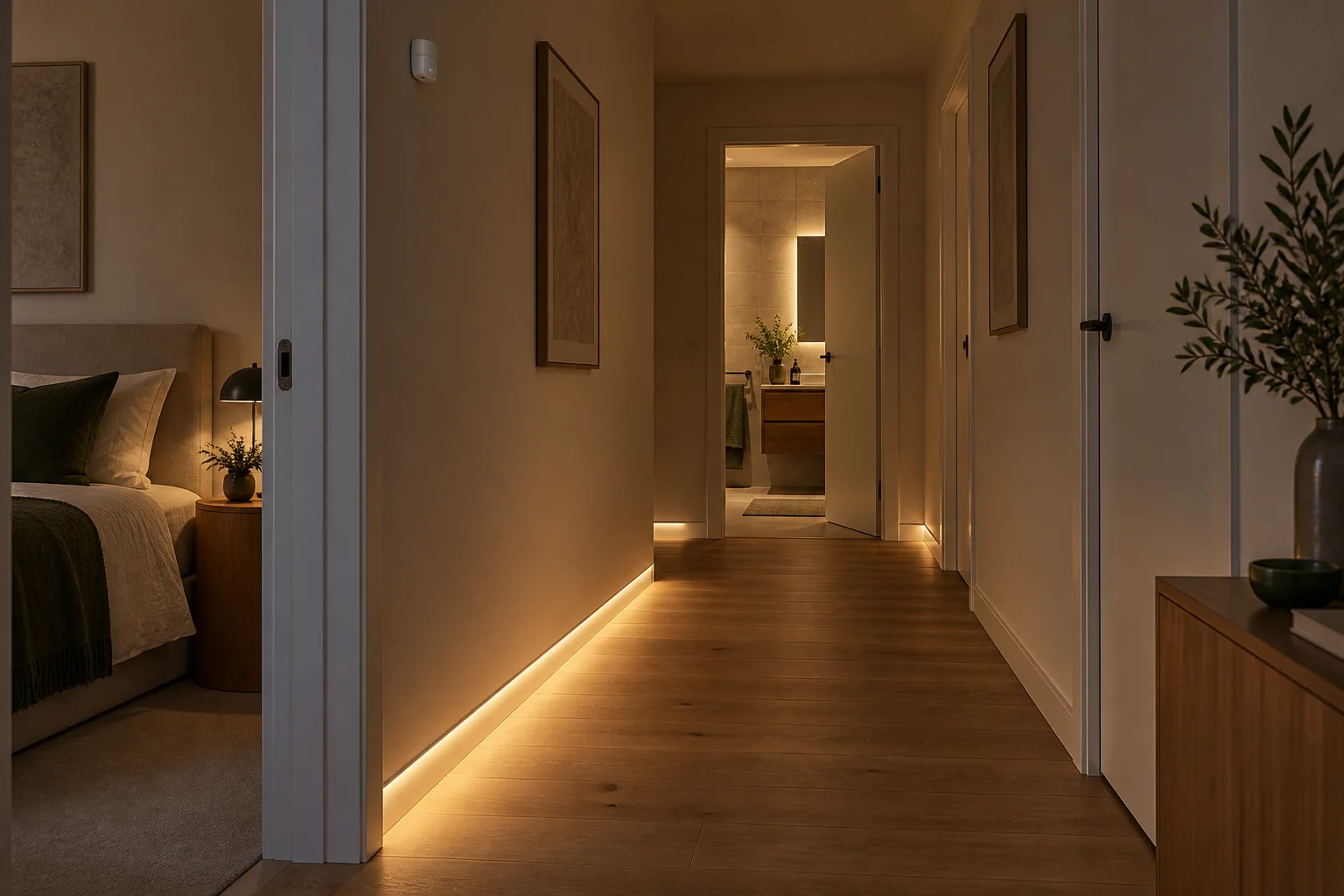
CasaSmart
A Zigbee gateway is needed: per the manual the gateway is added to the MOES app first and the button is then paired to it. The maker names MOES/Tuya Zigbee gateways.
Smart hubs & gateways
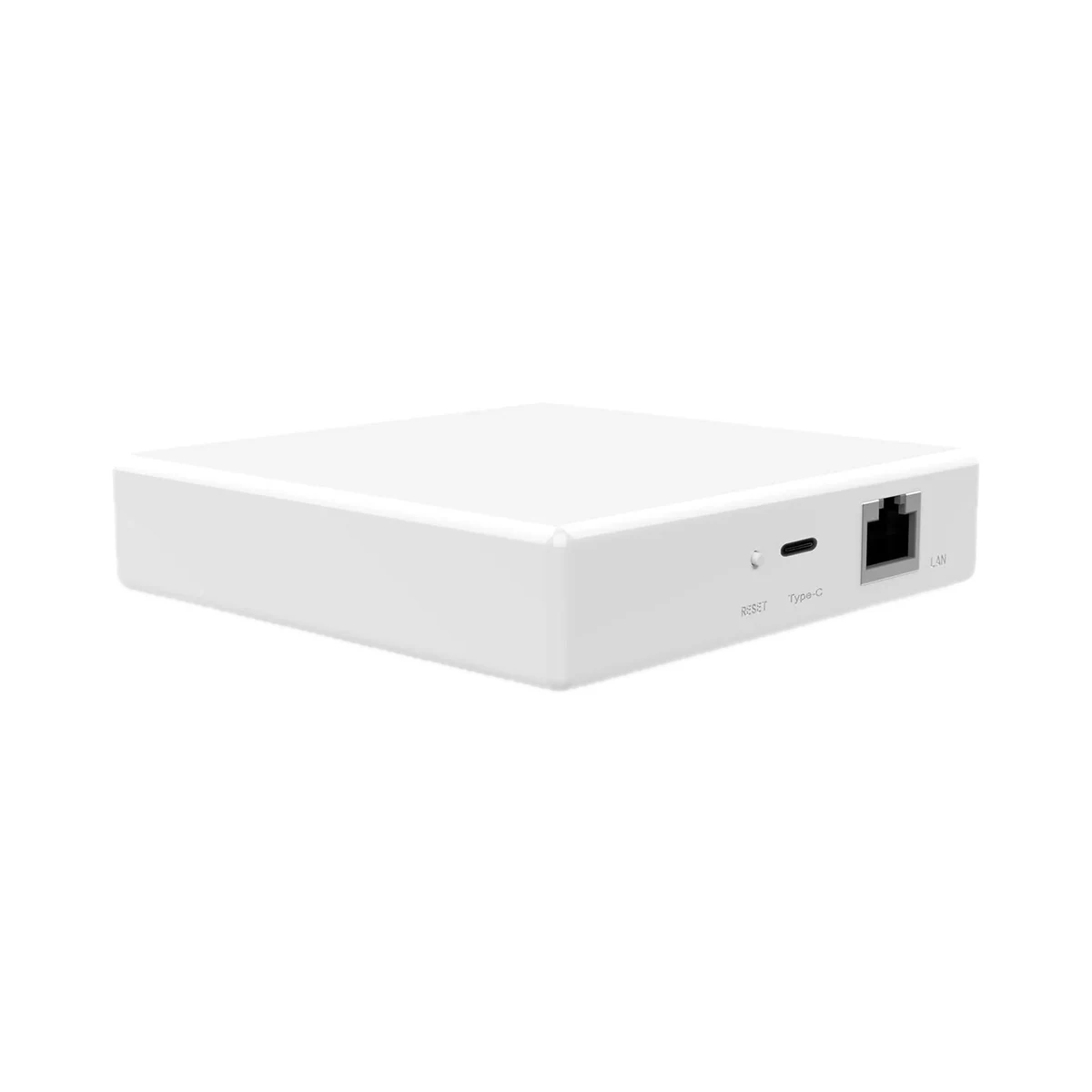
Smart hubs & gateways
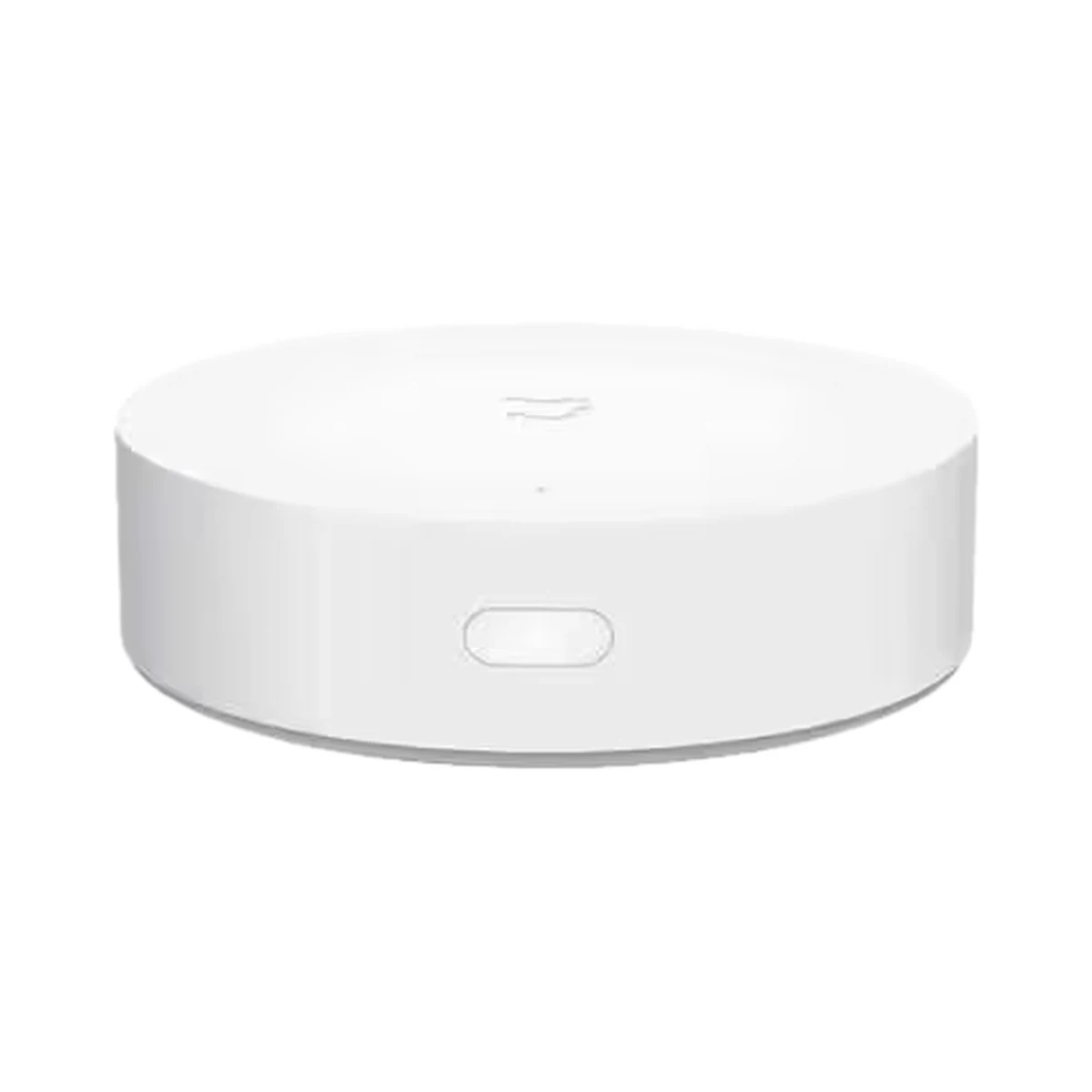
Smart hubs & gateways
Model: YTC4044GL
Smart hubs & gateways
Scene buttons & remotes
Scene buttons & remotes
Scene buttons & remotes
Scene buttons & remotes
Buy just a device, add installation, or hand the whole project over to us.