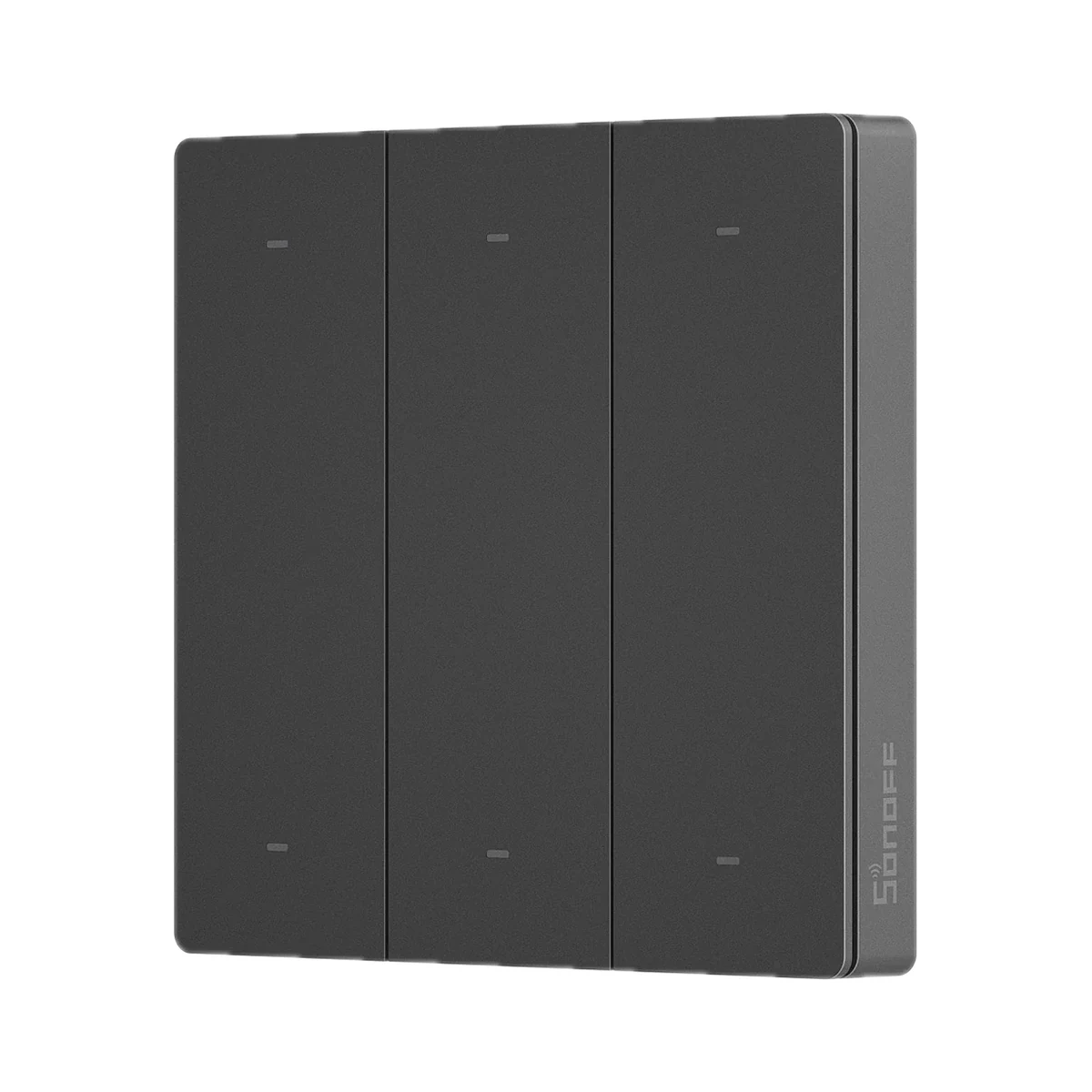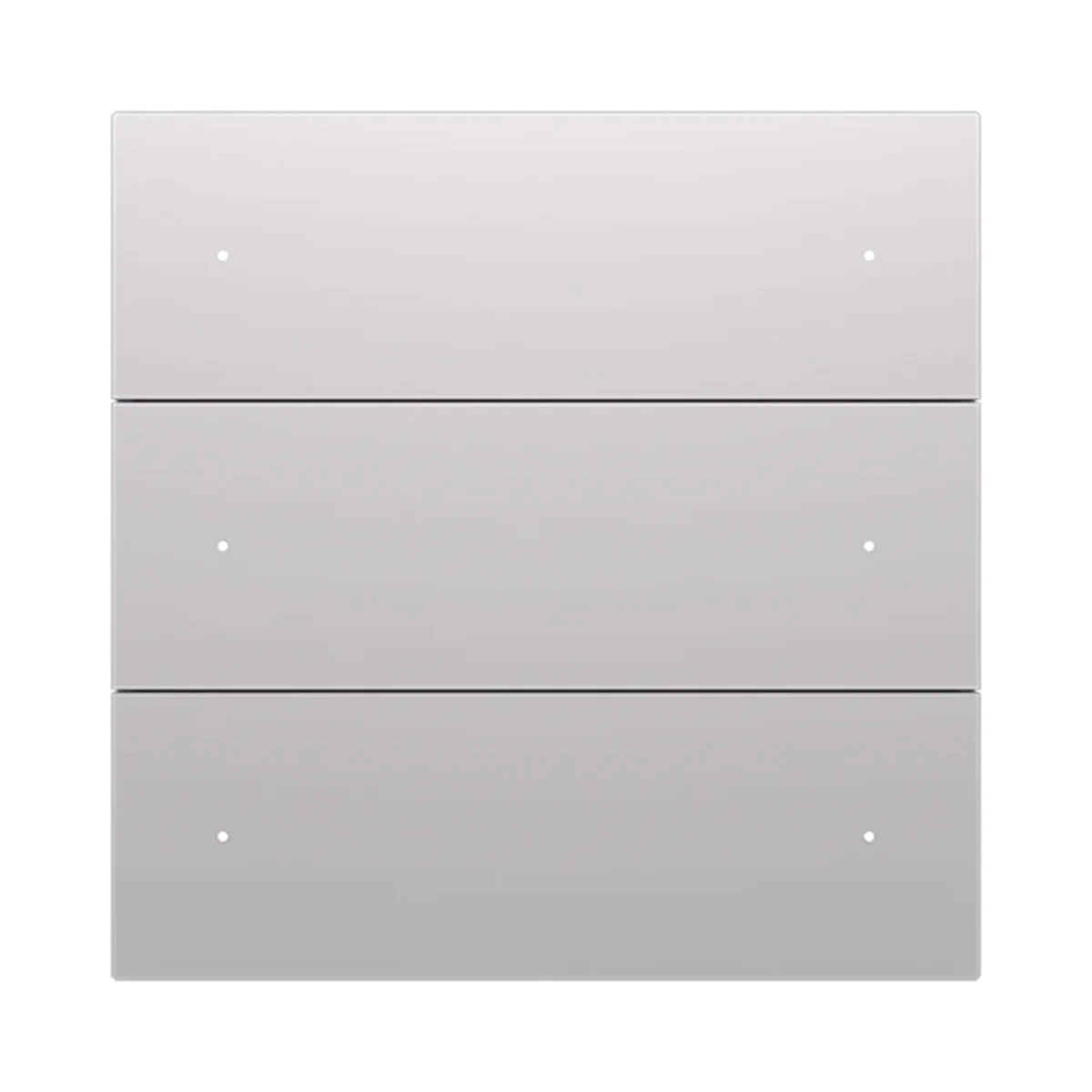
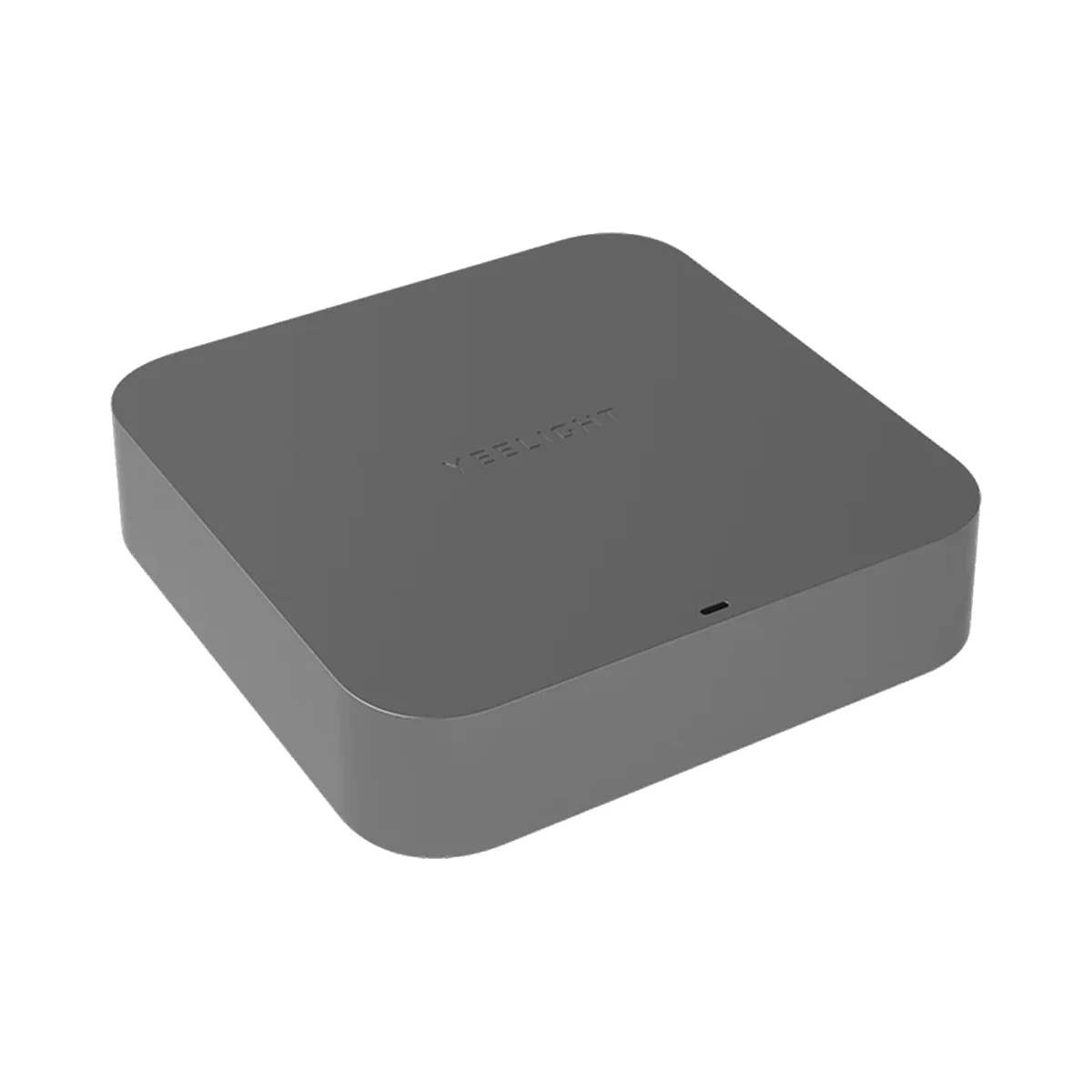
Manufacturer photo (series)Series photoSmart hubs & gateways
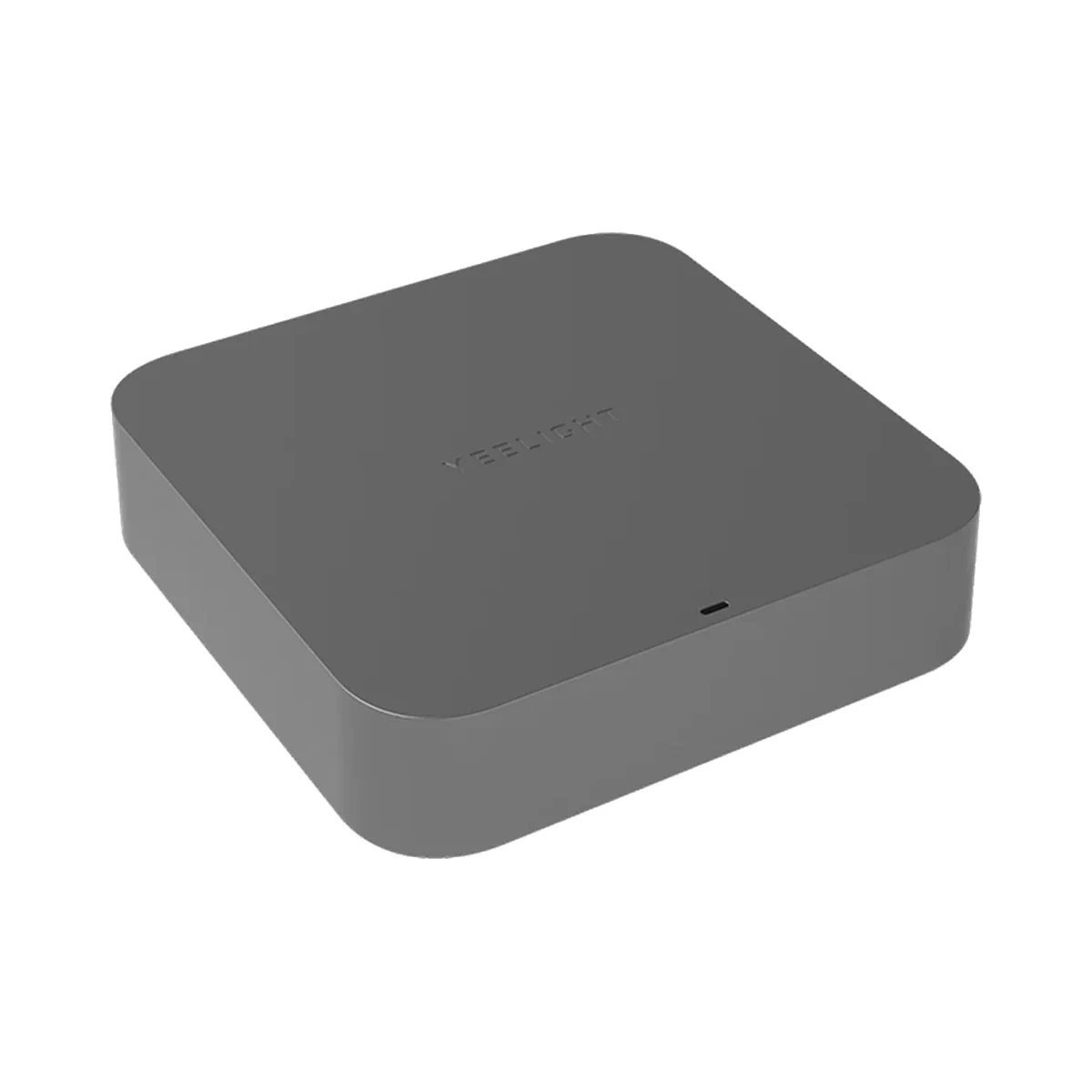
Yeelight Pro S20 Gateway, Bluetooth Mesh, Wi-Fi, Ethernet, DC 5V 1A, grey
- Connection to the router
- Wi-Fi, Ethernet (cable)
- Wi-Fi bands
- 2.4 GHz
- Power source
- DC adapter
Model: YP-0194
Yeelight · YP-0157
Bluetooth Mesh
Bluetooth is used for setup or short-range connection; the role depends on the model.
According to the manual, app connection and smart control require a Yeelight Pro Bluetooth Mesh gateway, purchased separately.
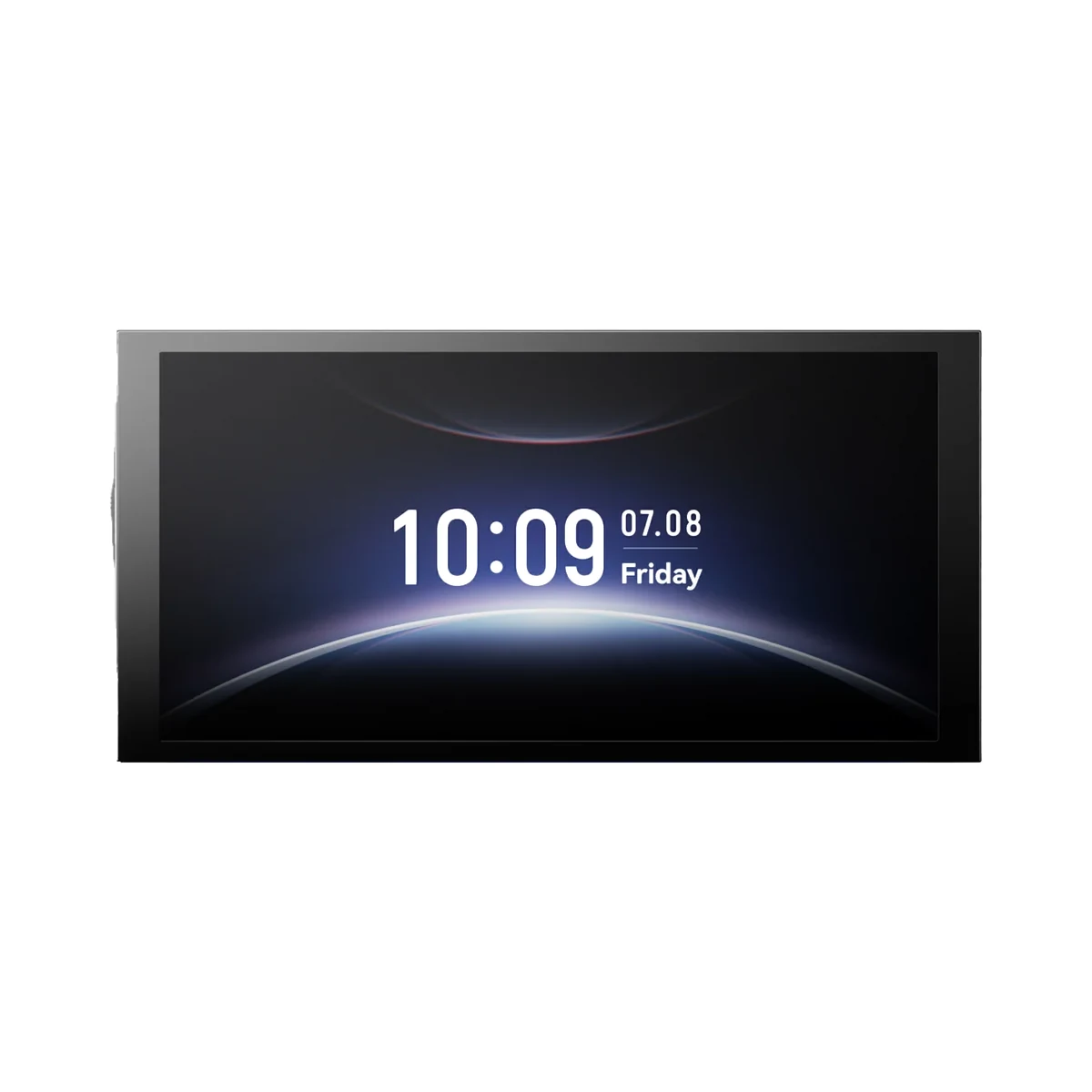
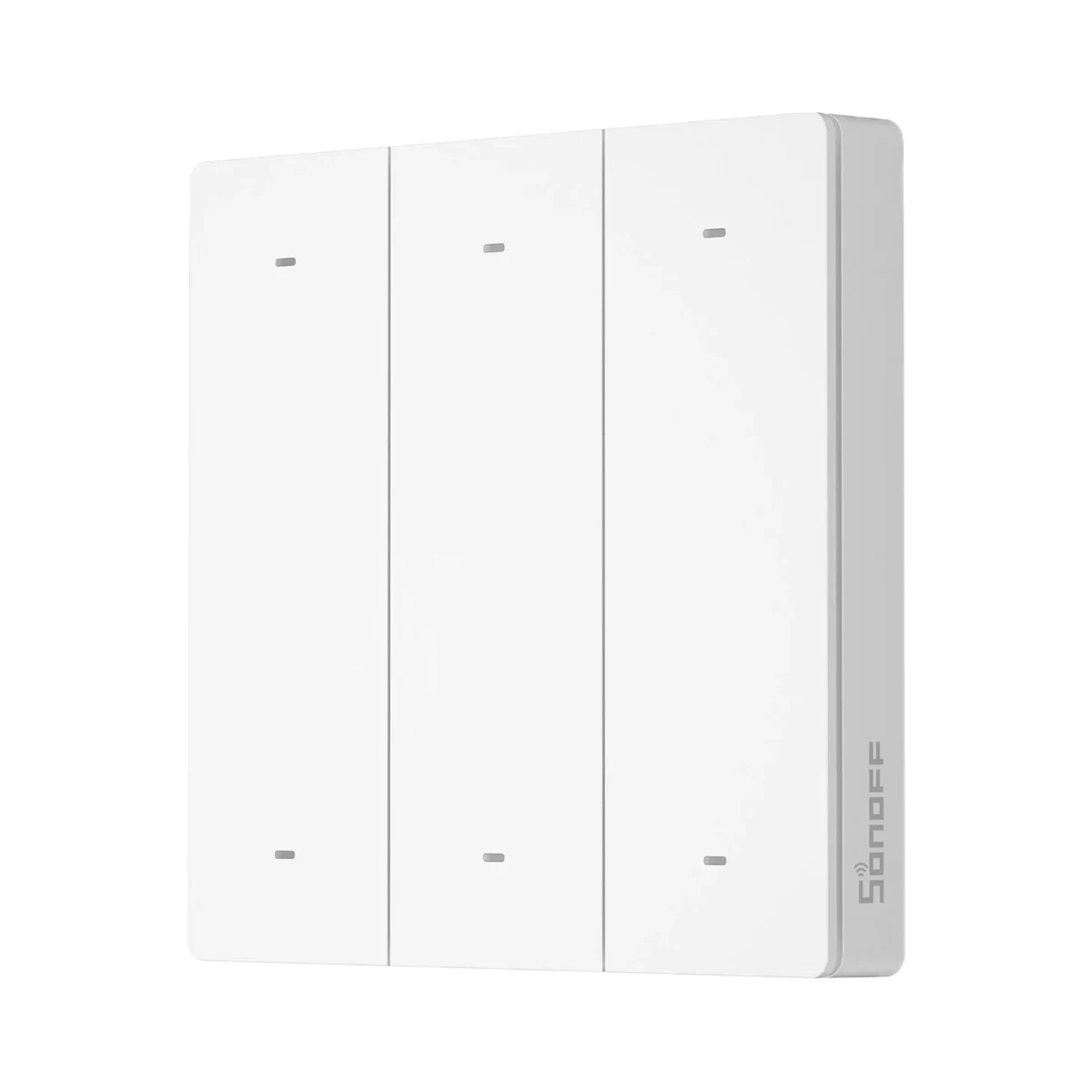
Suitable gateways and hubsYeelight Pro E table controller with four buttons and a rotary knob: the buttons pick a light, group or scene, and turning the knob adjusts brightness and colour temperature.
20 specifications from manufacturer documentsWe deliver across Moldova. Availability, delivery timing and cost are confirmed with a manager before order fulfilment.
The right choice starts with specifications
Document model: YP-0157
Specifications checked against the linked manufacturer documents.Checked 18 October 2026
Connectivity — what it meansThe wireless link or network the device uses. Wi-Fi connects straight to the router; Zigbee, Thread and Bluetooth Mesh work through a hub or gateway. | Bluetooth MeshBluetooth Mesh of the Yeelight Pro system (BLE Mesh in the brochure) [1] |
|---|---|
Hub required — what it meansWhether the device needs a separate hub, gateway or coordinator to work in a smart home. If so, it is sold separately unless stated otherwise. | Hub requiredAccording to the manual, app connection and smart control require a Yeelight Pro Bluetooth Mesh gateway (S20 Gateway or S Series hub), purchased separately [2] |
Direct control without a hub — what it meansWhether the button can control compatible bulbs, relays or controllers directly, with no gateway or internet — via TouchLink, direct Zigbee binding or radio pairing with a receiver. Which devices this works with is in the note. | Not stated by the manufacturer |
Wireless range — what it meansThe stated radio range, usually in open space. Walls and floors cut it noticeably. | Not stated by the manufacturer |
App — what it meansThe maker’s app used to set up and control the device. | Yeelight ProThe Chinese-language manual names the 易来 (Yeelight) app and the installer app 易来服务端; the device is added by scanning its MAC address QR code [2] |
Home Assistant — what it meansHow the device connects to Home Assistant: a built-in integration, a Zigbee coordinator, Matter or the maker’s cloud integration. | Not stated by the manufacturer |
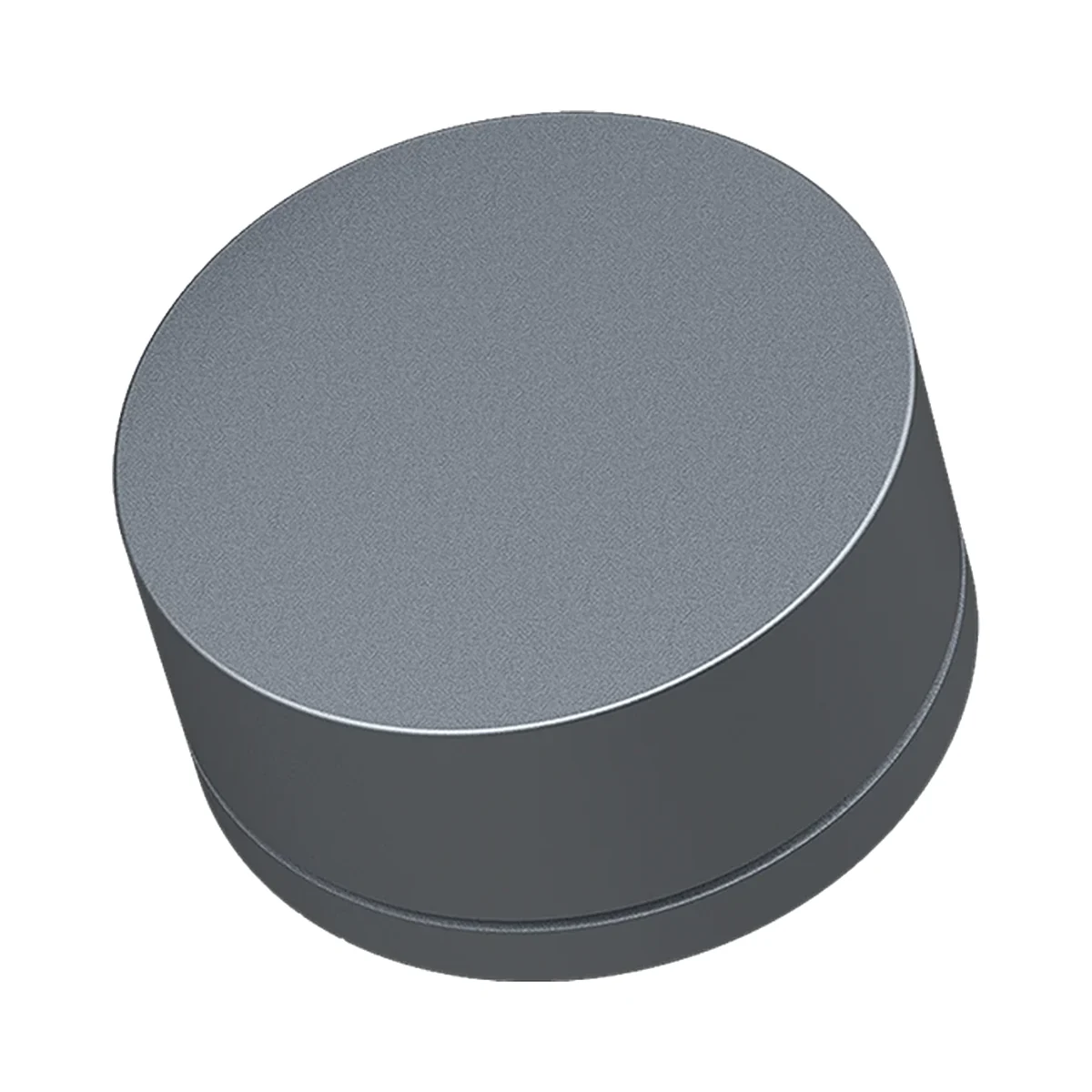
Device form — what it meansWhat the device looks like and where it is used: a wall panel in place of a regular switch, a compact button you can stick anywhere or carry around, a handheld remote, or a desktop rotary knob. | Desktop rotary knob [2] |
|---|---|
Number of keys — what it meansHow many separate buttons or touch keys can each be given their own commands. For lighting remotes with zone keys, the number of zones is given separately. | 4Up, down, left and right keys plus the rotary knob [2] |
Press types — what it meansWhich actions the button tells apart: single, double or triple press, long press, turning. Each can trigger its own scene, so one button does the job of several. If the set depends on the gateway or mode, this is stated in the note. | Single press, TurningThe keys take single presses; turning the knob adjusts brightness and colour temperature of the chosen light or group. Press sequences are used only for reset, calibration and firmware update [2] |
Number of commands (scenes) — what it meansHow many different commands the device can be given in total — keys × press types — according to the manufacturer. The actual number may depend on the gateway or app; this is stated in the note. | 44 keys × single press; each can be bound to a light, a group or a scene, and the knob then adjusts the chosen target [2] |
Control type — what it meansHow you operate the device by hand: a mechanical button with travel and a click, touching glass with no travel, a rotary knob, or a touch ring for picking colour and brightness. | Mechanical keys, rotary knob [2] |
| Custom key engraving | YesThe key plate is removable (4 screws under the battery cover) and supports custom laser-engraved labels [2] |
Power source — what it meansWhere the device gets its power: 230 V mains, an adapter, USB, batteries or a built-in battery. | Batteries [2] |
|---|---|
Batteries or battery — what it meansWhich cells it takes and how many. A built-in rechargeable battery is stated in the value. | 2 × AAA [3] |
Battery life — what it meansTypical life on one set of batteries or one charge, per the maker. Frequent triggers, cold and a weak signal shorten it. | Not stated by the manufacturer |
Zones (light groups) — what it meansHow many independent groups of lights the remote switches with separate zone keys. Given for lighting remotes; on scene buttons each key already triggers its own command. | 4Each of the 4 keys is bound to a light, a group or a scene; the knob then adjusts the chosen target [2] |
|---|---|
Light adjustment from the device — what it meansWhat you can change about the light right from the device besides on/off: brightness, colour temperature, colour, dynamic modes. Works only with compatible lights and controllers. | Brightness, colour temperatureAdjusted by turning the knob after choosing a light or group with a key [2] |
Tilt angle — what it meansHow many degrees the light head can be tilted to aim the light at a wall, an object or a work surface. If it tilts both ways (for example ±25°), the tilt in one direction is shown and the full range is in the note. Does not apply to fixed fixtures. | 15°With the base flipped; in the normal position the housing stands straight [2] |
Mounting — what it meansHow and where it is installed: in a wall box, on a wall or ceiling, on a DIN rail, on a table or in a socket. | On a table or shelfThe base stands upright or flipped; flipped, the housing tilts by 15° [2] |
|---|---|
Dimensions — what it meansThe device’s size in millimetres as the maker states it. Check that it fits the wall box, niche or shelf. | Φ71.6 × 39.2 mmDiameter × height; identical in the manual, catalogue and brochure [2] |
Colour — what it meansThe housing colour of this model. Other colours in the same series are separate products. | BlackThe official E Series page lists colour 黑色 (black); the supplier name says grey [3] |
|---|
Operating temperature — what it meansThe air temperature range the device is rated for. The lower limit matters outdoors, on balconies and in unheated rooms. | −10…40 °C [2] |
|---|---|
Operating humidity — what it meansThe rated relative humidity range, non-condensing. | 0–85% [2] |
Batteries included — what it meansWhether batteries come in the box or have to be bought separately. | YesTwo AAA batteries are included [2] |
|---|
App control, schedules and scenes require a Yeelight Pro gateway (S20 Gateway or S Series hub), sold separately.
We deliver across Moldova. Availability, delivery timing and cost are confirmed with a manager before order fulfilment.
A website order is submitted for confirmation without charging your card. The payment method and final amount are agreed with a manager before payment.
The warranty is at least 12 months. The exact period and conditions for equipment and installation work are stated in the sales documents and the accepted proposal. Further support is agreed for each project.
Current conditions are published on the Return policy page. Email office@casasmart.md with your order number for the steps relevant to your situation. Statutory consumer rights continue to apply.
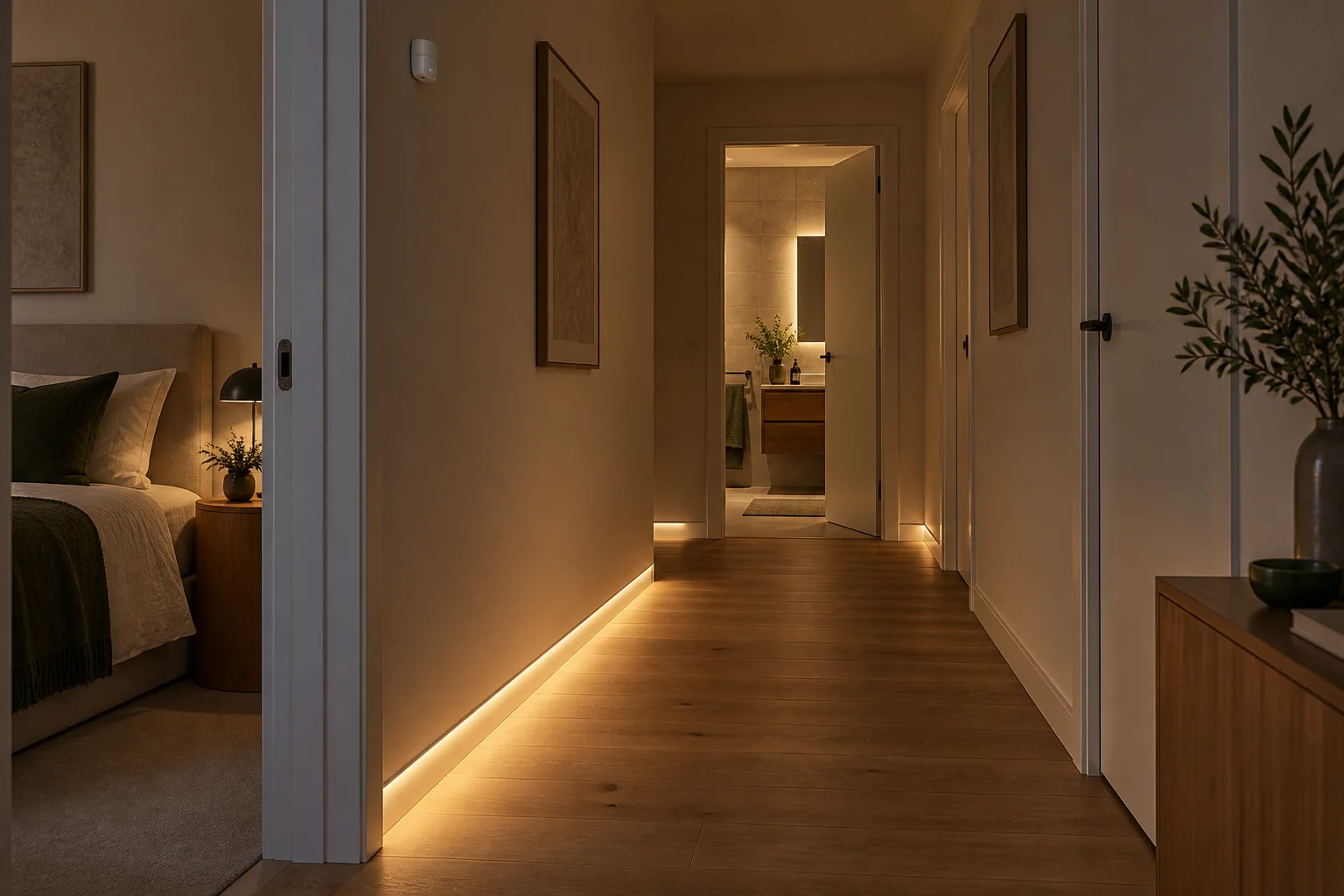
In your home
With your hands full or on a nighttime trip down the hall, finding a switch is awkward. Routines light the way and turn off forgotten lights.
See the complete solution
CasaSmart
According to the manual, app connection and smart control require a Yeelight Pro Bluetooth Mesh gateway, purchased separately.
Manufacturer photo (series)Series photoSmart hubs & gateways
Model: YP-0194
Manufacturer photo (series)Series photoSmart hubs & gateways
Manufacturer photo (series)Series photoTouch control panels
Model: YP-0717

Touch control panels
Model: YP-0717

Scene buttons & remotes

Scene buttons & remotes
Manufacturer photo (series)Series photoScene buttons & remotes
Model: YLP090
Manufacturer photo (series)Series photoScene buttons & remotes
Model: YP-0098
Buy just a device, add installation, or hand the whole project over to us.