Showroom: 153 Columna St, ChișinăuDelivery across MoldovaInstallation and setup by our own team+373 76 004 003ViberWhatsAppTelegram

Yeelight · YP-0564

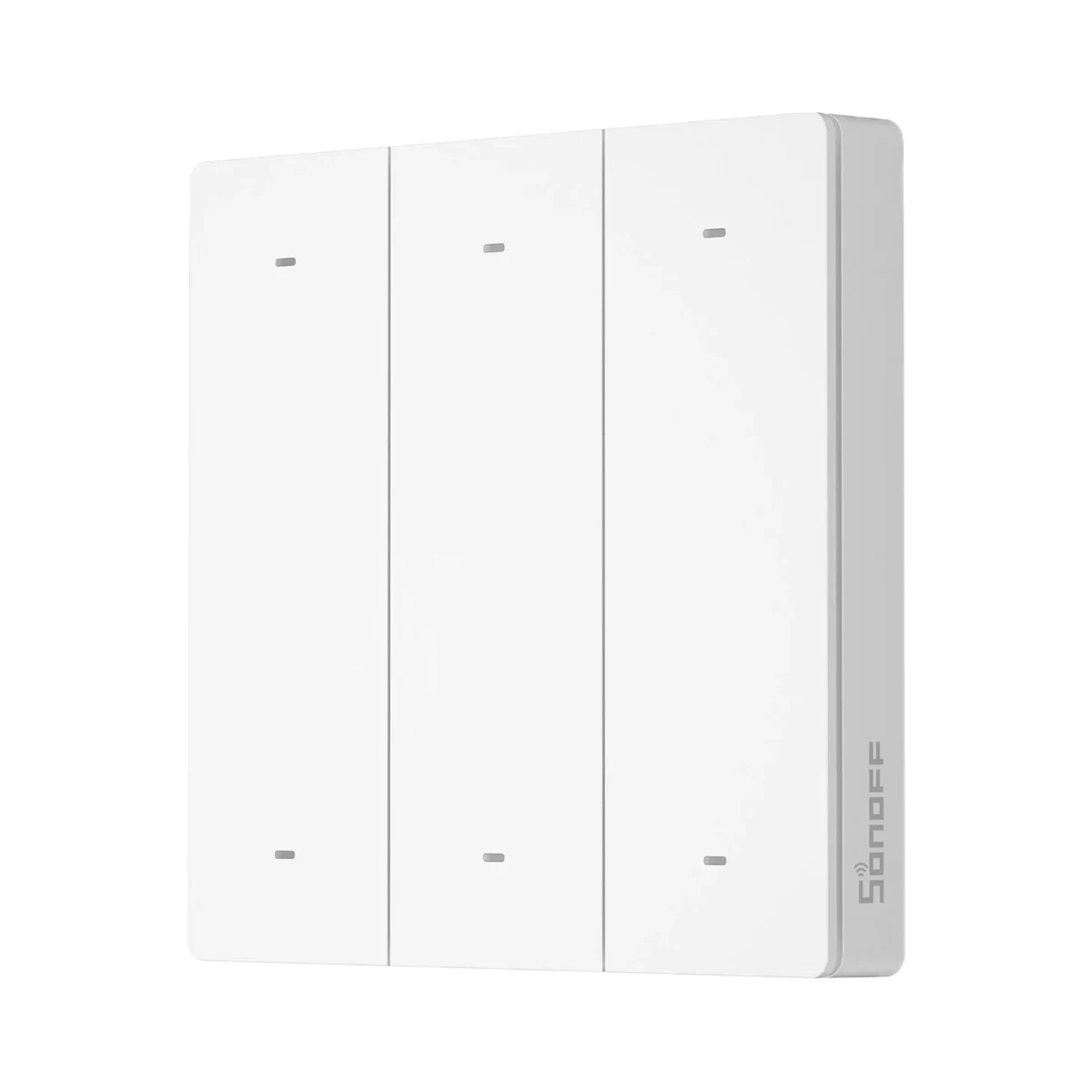
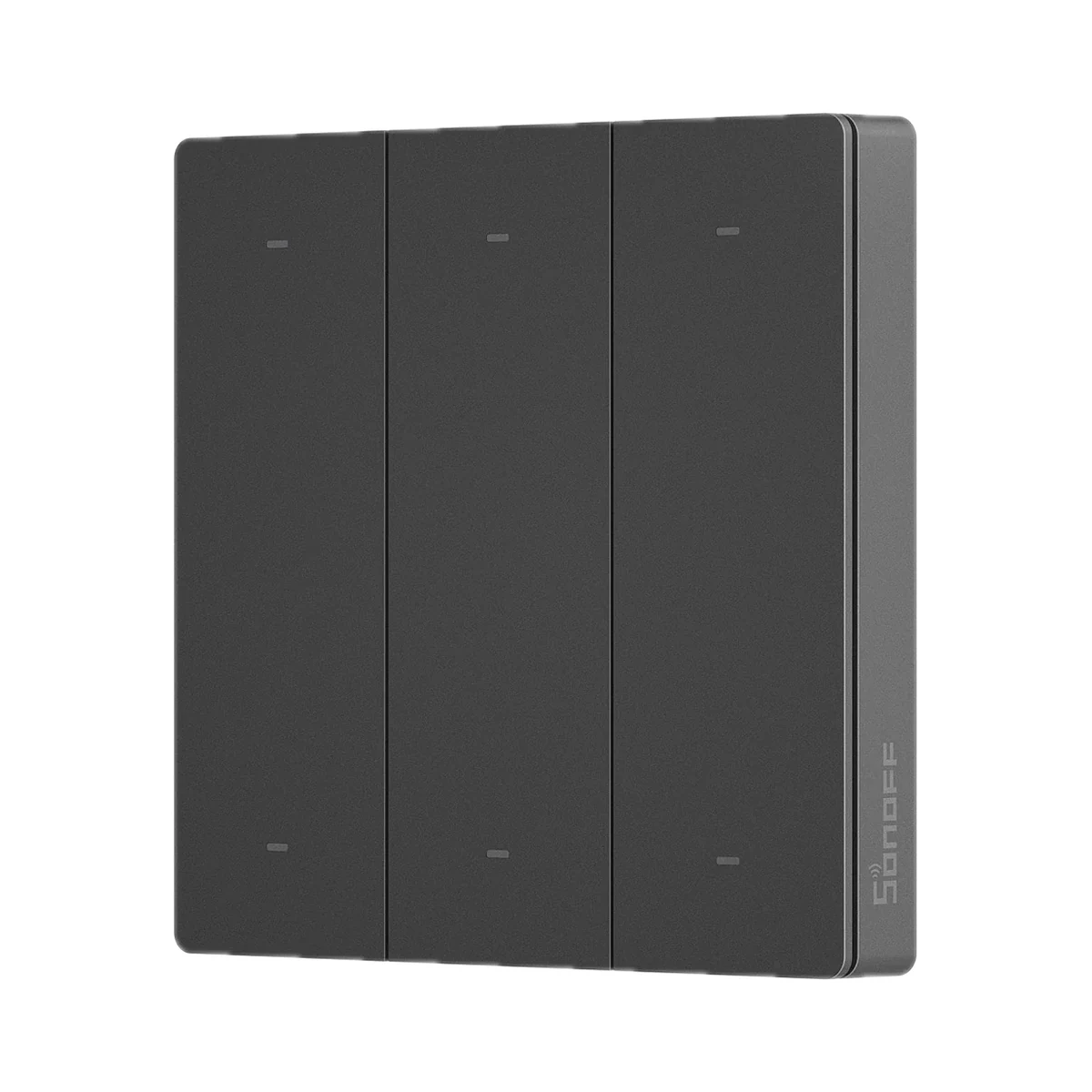
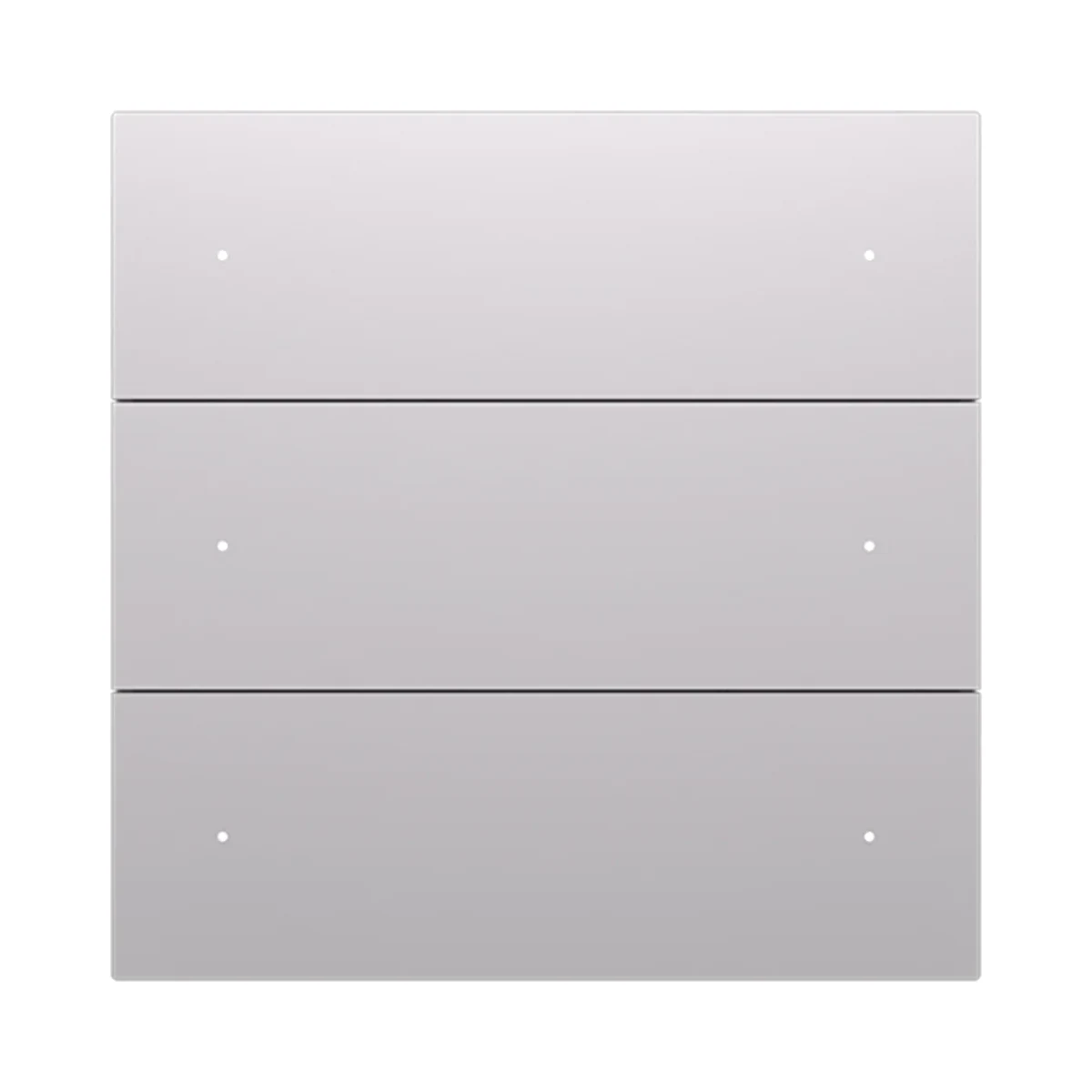
Yeelight Pro D wireless 4-button scene panel, 2×CR2032, Bluetooth Mesh, grey

Price to be confirmedPre-order
Scene buttons & remotes
Bluetooth
Bluetooth

Bluetooth Mesh

Bluetooth is used for setup or short-range connection; the role depends on the model.

Price to be confirmedPre-order
What it needs to work

According to the manual, app connection and smart control require a Yeelight Pro Bluetooth Mesh gateway, purchased separately.

Suitable gateways and hubs
Check compatibility
Connectivity
Bluetooth Mesh
Number of keys
4
Power source
Batteries

Wireless Yeelight Pro D panel for four scenes, 10 mm thin: runs on two CR2032 cells, fixes to the wall with no wiring or chasing, and sends commands over Bluetooth Mesh.

15 specifications from manufacturer documents

We deliver across Moldova. Availability, delivery timing and cost are confirmed with a manager before order fulfilment.

The right choice starts with specifications

Device passport

Document model: YP-0564

Specifications checked against the linked manufacturer documents.Checked 18 October 2026

Connectivity and compatibility6
Connectivity — what it means

The wireless link or network the device uses. Wi-Fi connects straight to the router; Zigbee, Thread and Bluetooth Mesh work through a hub or gateway.

Bluetooth MeshBluetooth Mesh of the Yeelight Pro system [1]
Hub required — what it means

Whether the device needs a separate hub, gateway or coordinator to work in a smart home. If so, it is sold separately unless stated otherwise.

Hub requiredAccording to the manual, app connection and smart control require a Yeelight Pro Bluetooth Mesh gateway (S20 Gateway or S Series hub), purchased separately [1]
Direct control without a hub — what it means

Whether the button can control compatible bulbs, relays or controllers directly, with no gateway or internet — via TouchLink, direct Zigbee binding or radio pairing with a receiver. Which devices this works with is in the note.

Not stated by the manufacturer
Wireless range — what it means

The stated radio range, usually in open space. Walls and floors cut it noticeably.

Not stated by the manufacturer
App — what it means

The maker’s app used to set up and control the device.

Yeelight ProThe Chinese-language manual names the 易来 (Yeelight) app and the installer app 易来服务端; the device is added by scanning its MAC address QR code [1]
Home Assistant — what it means

How the device connects to Home Assistant: a built-in integration, a Zigbee coordinator, Matter or the maker’s cloud integration.

Not stated by the manufacturer
Control and features5
Device form — what it means

What the device looks like and where it is used: a wall panel in place of a regular switch, a compact button you can stick anywhere or carry around, a handheld remote, or a desktop rotary knob.

Wall panelSurface-mounted 86 × 86 mm panel with no wiring [1]
Number of keys — what it means

How many separate buttons or touch keys can each be given their own commands. For lighting remotes with zone keys, the number of zones is given separately.

4Keys K1–K4 [1]
Press types — what it means

Which actions the button tells apart: single, double or triple press, long press, turning. Each can trigger its own scene, so one button does the job of several. If the set depends on the gateway or mode, this is stated in the note.

Not stated by the manufacturer
Number of commands (scenes) — what it means

How many different commands the device can be given in total — keys × press types — according to the manufacturer. The actual number may depend on the gateway or app; this is stated in the note.

Not stated by the manufacturer
Control type — what it means

How you operate the device by hand: a mechanical button with travel and a click, touching glass with no travel, a rotary knob, or a touch ring for picking colour and brightness.

Not stated by the manufacturer
Power3
Power source — what it means

Where the device gets its power: 230 V mains, an adapter, USB, batteries or a built-in battery.

Batteries [1]
Batteries or battery — what it means

Which cells it takes and how many. A built-in rechargeable battery is stated in the value.

2 × CR2032 [1]
Battery life — what it means

Typical life on one set of batteries or one charge, per the maker. Frequent triggers, cold and a weak signal shorten it.

Not stated by the manufacturer
Housing and installation3
Mounting — what it means

How and where it is installed: in a wall box, on a wall or ceiling, on a DIN rail, on a table or in a socket.

Adhesive tapeA metal back plate and an adhesive pad are included [1]
Dimensions — what it means

The device’s size in millimetres as the maker states it. Check that it fits the wall box, niche or shelf.

86 × 86 × 10 mm [1]
Housing material
AG (anti-glare) glassStated for the D series on the Yeelight catalogue page [2]
Model and version1
Colour — what it means

The housing colour of this model. Other colours in the same series are separate products.

Grey [2]
Operating conditions2
Operating temperature — what it means

The air temperature range the device is rated for. The lower limit matters outdoors, on balconies and in unheated rooms.

−10…40 °C [1]
Operating humidity — what it means

The rated relative humidity range, non-condensing.

0–90% [1]
Package contents2
Batteries included — what it means

Whether batteries come in the box or have to be bought separately.

YesThe cells come fitted: remove the key plate via the slot at the bottom of the housing and pull out the insulating strip [1]
Package contents — what it means

What comes in the box, per the maker.

Scene panel, metal back plate, adhesive pad [1]

App control, schedules and scenes require a Yeelight Pro gateway (S20 Gateway or S Series hub), sold separately.

Clear purchase details

Delivery and stock

We deliver across Moldova. Availability, delivery timing and cost are confirmed with a manager before order fulfilment.

How is payment handled?

A website order is submitted for confirmation without charging your card. The payment method and final amount are agreed with a manager before payment.

Warranty and documents

The warranty is at least 12 months. The exact period and conditions for equipment and installation work are stated in the sales documents and the accepted proposal. Further support is agreed for each project.

Can I return the product?

Current conditions are published on the Return policy page. Email office@casasmart.md with your order number for the steps relevant to your situation. Statutory consumer rights continue to apply.

Delivery, payment and returns

In your home

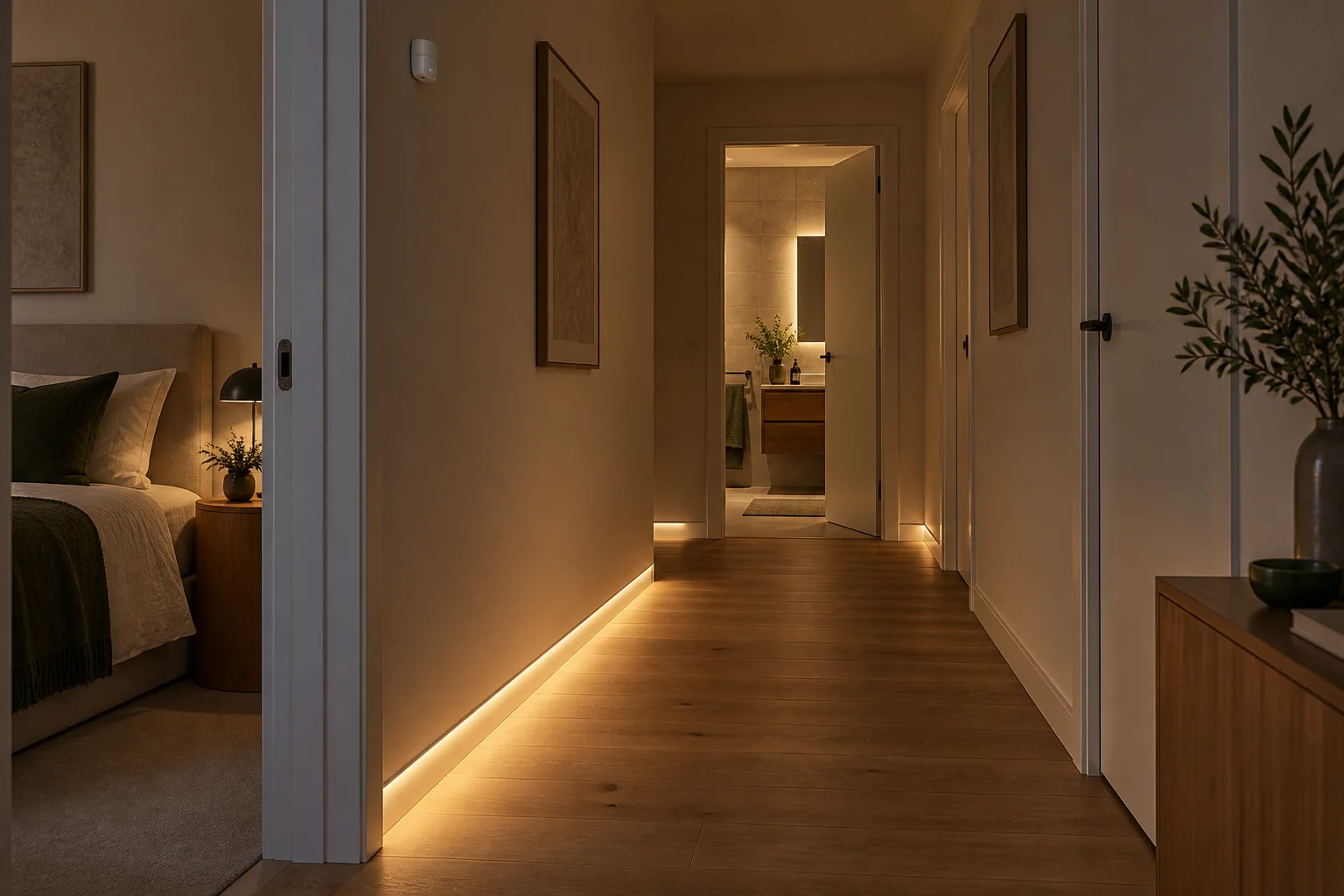
Your home greets you with light — even at night.

With your hands full or on a nighttime trip down the hall, finding a switch is awkward. Routines light the way and turn off forgotten lights.

See the complete solution
A hallway at night with soft floor-level lighting
An example routineWalk in — the light turns on by itself.
  1. You walk in
  2. Sensor detects
  3. Light turns on

What to check before buying

  • A seated person and a hallway need different detection settings. We tune detection zones, switch-off delays and familiar switches.
  • Power — Batteries: plan it for the mounting spot.

CasaSmart

We can handle installation.

  • Check connection requirements
  • Agree components and work costs
  • Configure and demonstrate the controls
Request installation quote

What it needs to work

According to the manual, app connection and smart control require a Yeelight Pro Bluetooth Mesh gateway, purchased separately.

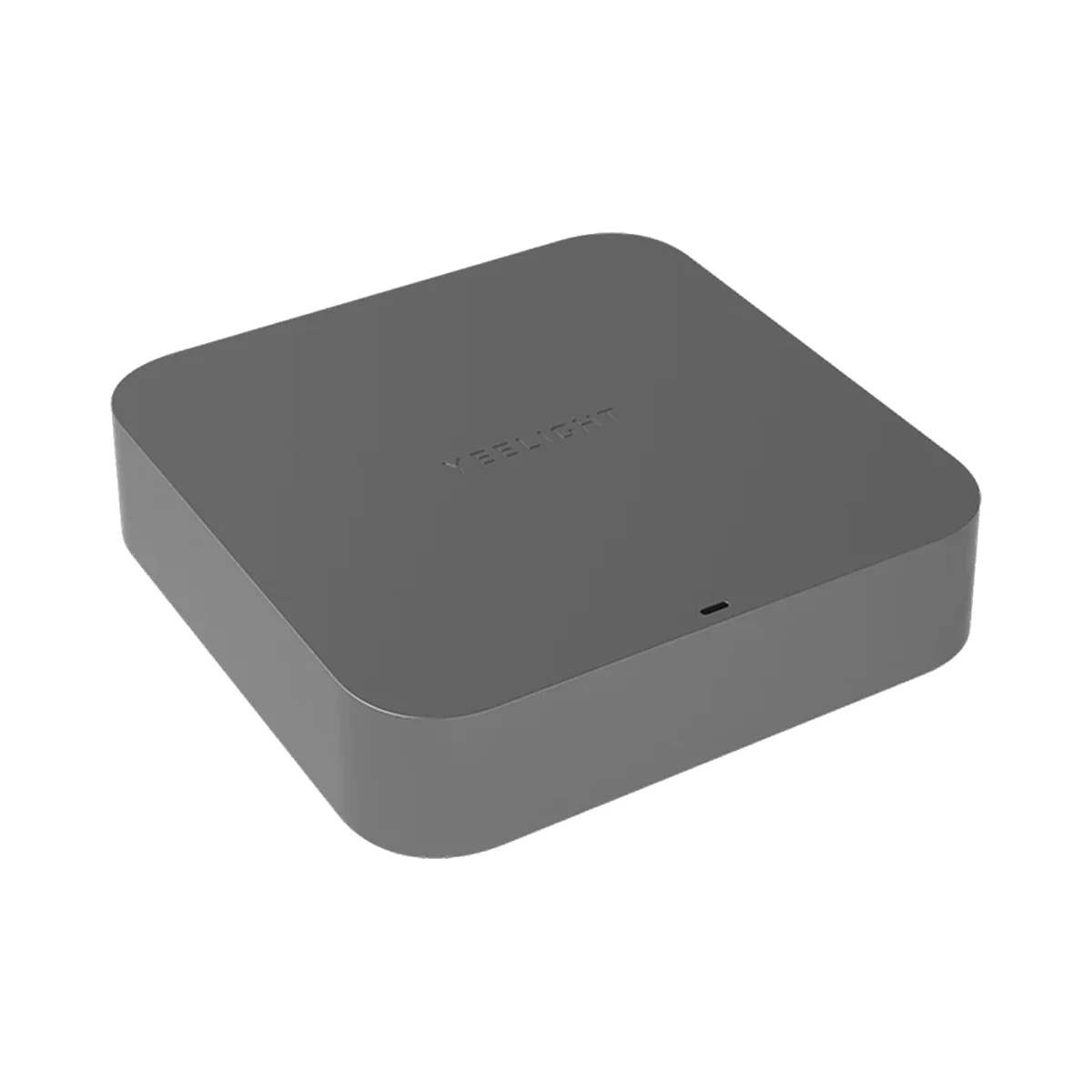
Manufacturer photo (series): Yeelight Pro S20 Gateway, Bluetooth Mesh, Wi-Fi, Ethernet, DC 5V 1A, greyManufacturer photo (series)Series photo

Yeelight

Bluetooth
Bluetooth

BLE (Bluetooth Mesh) · Yeelight Pro Bluetooth Mesh devices

Bluetooth is used for setup or short-range connection; the role depends on the model.

Smart hubs & gateways

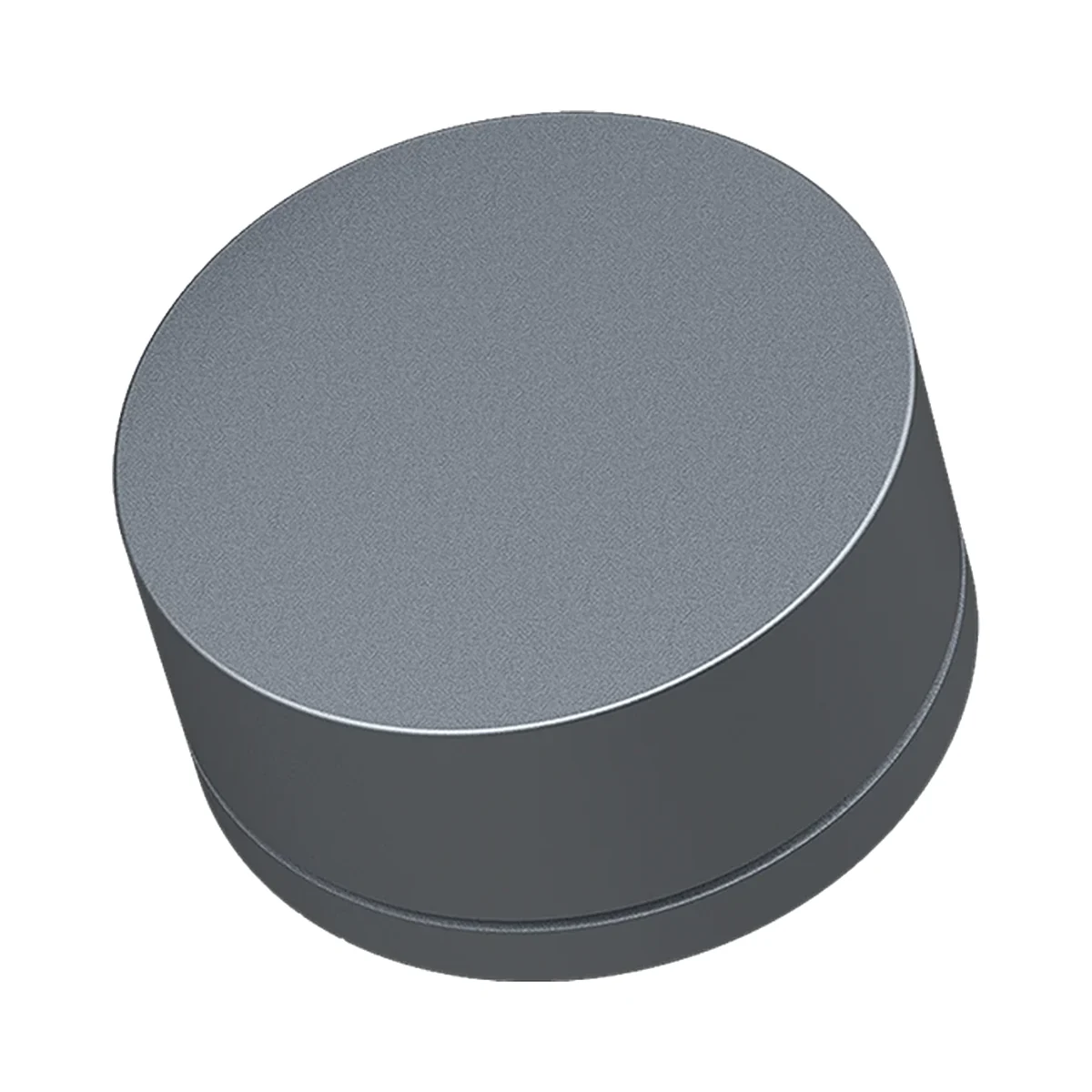
Yeelight Pro S20 Gateway, Bluetooth Mesh, Wi-Fi, Ethernet, DC 5V 1A, grey

Connection to the router
Wi-Fi, Ethernet (cable)
Wi-Fi bands
2.4 GHz
Power source
DC adapter

Model: YP-0194

Price to be confirmedRequest
Manufacturer photo (series): Yeelight Pro S Series YP-0194 central gateway for Yeelight Pro, DC 5V 1A, greyManufacturer photo (series)Series photo

Yeelight

Bluetooth
Bluetooth

BLE (Bluetooth Mesh) · Yeelight Pro Bluetooth Mesh devices

Bluetooth is used for setup or short-range connection; the role depends on the model.

Smart hubs & gateways

Yeelight Pro S Series YP-0194 central gateway for Yeelight Pro, DC 5V 1A, grey

Connection to the router
Wi-Fi, Ethernet (cable)
Wi-Fi bands
2.4 GHz
Power source
DC adapter
Price to be confirmedRequest
Manufacturer photo (series): Yeelight Pro S smart screen 6.9″, wall touch panel with gateway, 220V, blackManufacturer photo (series)Series photo

Yeelight

Bluetooth
Bluetooth

Bluetooth Mesh

Bluetooth is used for setup or short-range connection; the role depends on the model.

Touch control panels

Yeelight Pro S smart screen 6.9″, wall touch panel with gateway, 220V, black

Screen size
6.9″
Built-in gateway
Bluetooth Mesh gateway
Max current per channel
16 A

Model: YP-0717

Price to be confirmedRequest
Yeelight Pro S smart screen 6.9″, wall touch panel with gateway, 220V, white

Yeelight

Bluetooth
Bluetooth

Bluetooth Mesh

Bluetooth is used for setup or short-range connection; the role depends on the model.

Touch control panels

Yeelight Pro S smart screen 6.9″, wall touch panel with gateway, 220V, white

Screen size
6.9″
Built-in gateway
Bluetooth Mesh gateway
Max current per channel
16 A

Model: YP-0717

Price to be confirmedRequest

Similar devices

Sonoff SwitchMan R5W scene controller, 6 buttons, eWeLink-Remote, white

Sonoff

Scene buttons & remotes

Sonoff SwitchMan R5W scene controller, 6 buttons, eWeLink-Remote, white

Connectivity
eWeLink-Remote (Sonoff)
Number of keys
6
Power source
Batteries
349 MDL
In stock
Sonoff SwitchMan R5 scene controller, 6 buttons, eWeLink-Remote, dim gray

Sonoff

Scene buttons & remotes

Sonoff SwitchMan R5 scene controller, 6 buttons, eWeLink-Remote, dim gray

Connectivity
eWeLink-Remote (Sonoff)
Number of keys
6
Power source
Batteries
349 MDL
In stock
Manufacturer photo (series): Yeelight Pro M20 table rotary switch, 2×AAA, Bluetooth Mesh, greyManufacturer photo (series)Series photo

Yeelight

Bluetooth
Bluetooth

Bluetooth Mesh

Bluetooth is used for setup or short-range connection; the role depends on the model.

Scene buttons & remotes

Yeelight Pro M20 table rotary switch, 2×AAA, Bluetooth Mesh, grey

Number of keys
1
Power source
Batteries
Hub
Yes

Model: YLP090

Price to be confirmedRequest
Yeelight Pro E20 6-button scene panel, 220V, neutral required, Bluetooth Mesh, white

Yeelight

Bluetooth
Bluetooth

Bluetooth Mesh

Bluetooth is used for setup or short-range connection; the role depends on the model.

Scene buttons & remotes

Yeelight Pro E20 6-button scene panel, 220V, neutral required, Bluetooth Mesh, white

Number of keys
6
Power source
230 V mains
Hub
Yes

Model: YP-0095

Price to be confirmedRequest

Tell us what you need.

Buy just a device, add installation, or hand the whole project over to us.

Discuss your needs