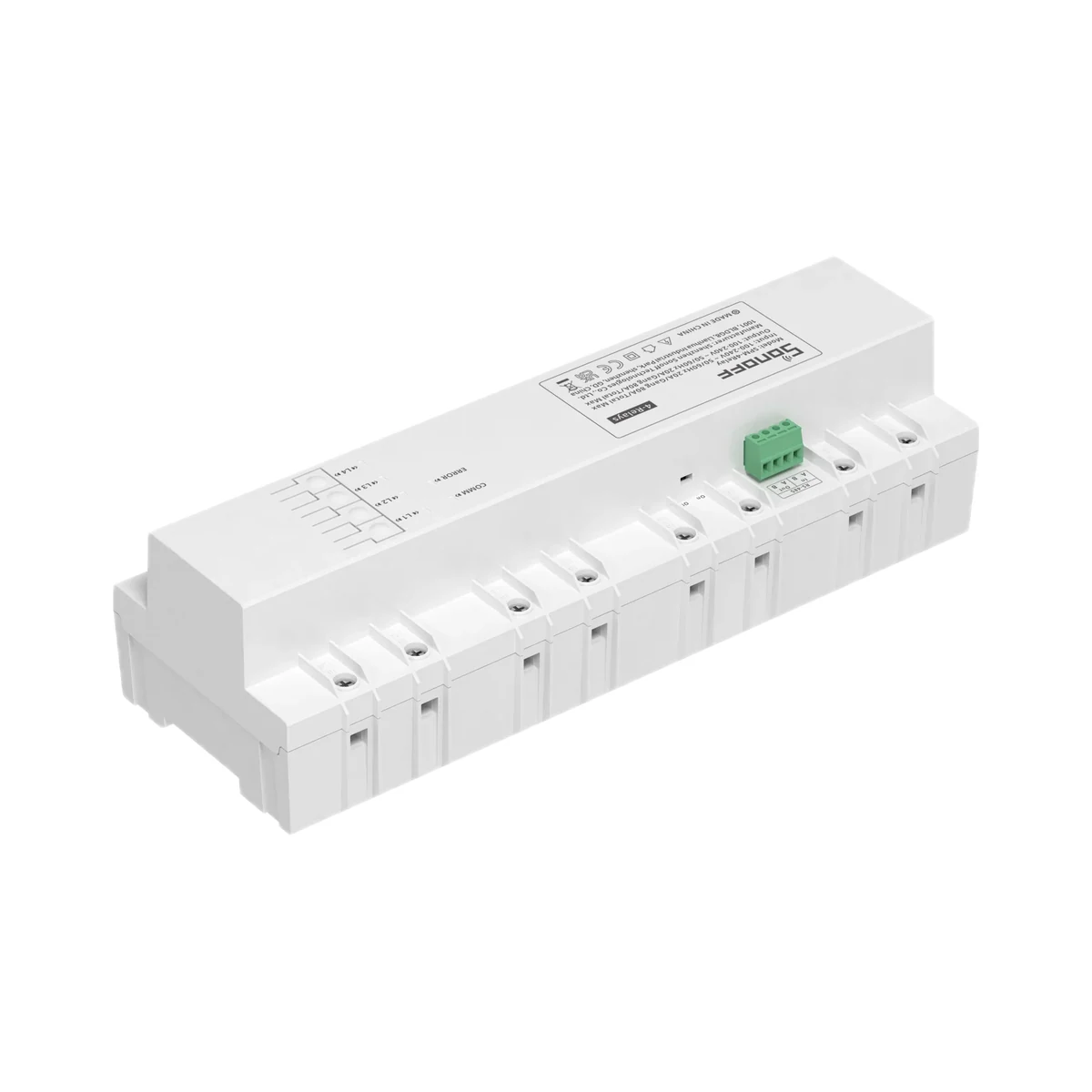
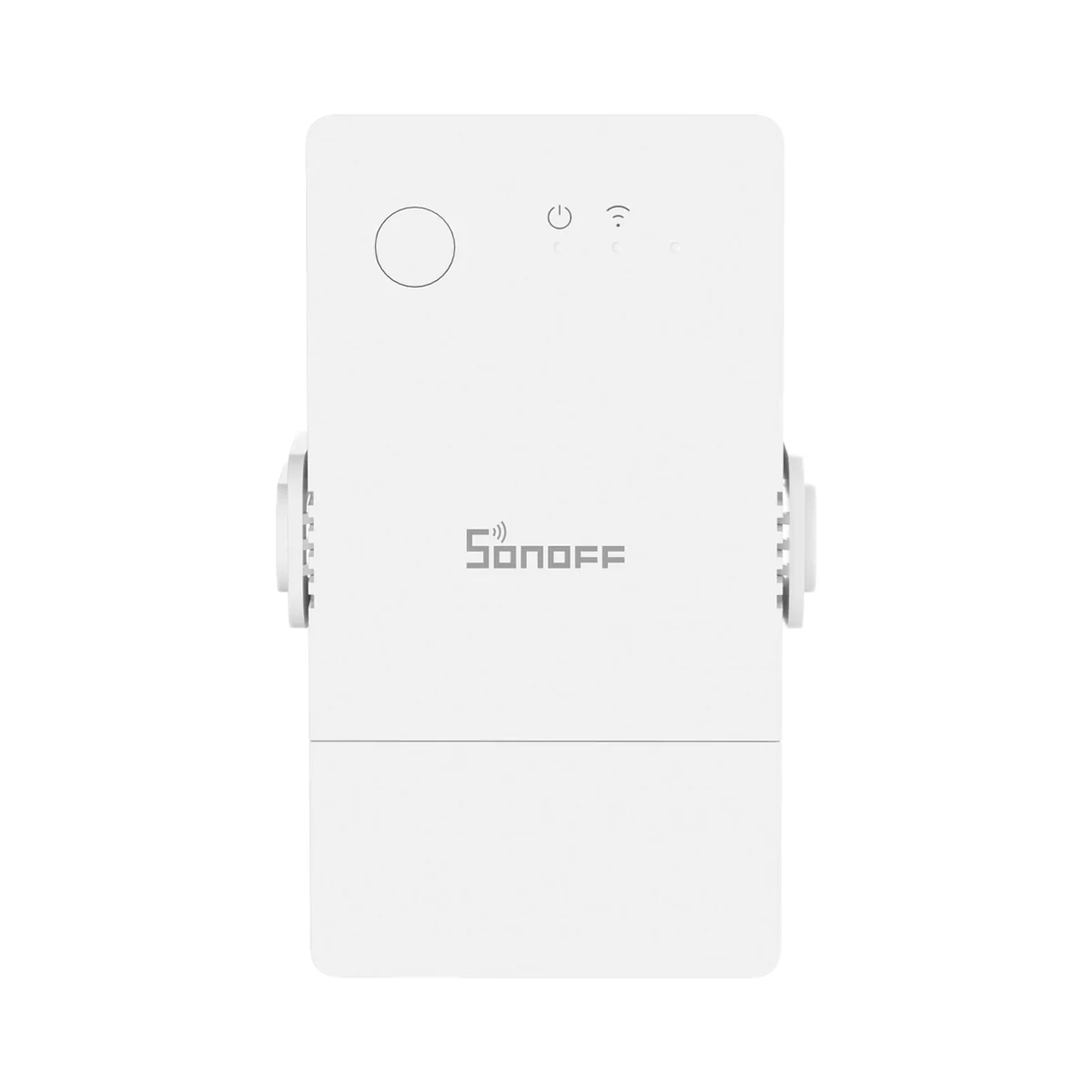
Energy metering relays
Sonoff SPM-4Relay expansion module for SPM-Main, 4 × 20 A relays with energy metering
- Max load current per channel
- 20 A
- Connectivity
- RS-485 (wired bus)
- Mounting
- DIN rail (panel)
1,699 MDL
3 left
Sonoff · POWR3
Wi-Fi · IEEE 802.11 b/g/n, 2.4 GHz (2400–2483.5 MHz)
Check the supported network band.
Manufacturer images
Built for the heaviest loads in a home — instant water heaters, electric boilers, saunas — the POWR3 switches up to 25 A / 5500 W and meters every kilowatt-hour they burn.
Connects to the router over Wi-Fi and is added to eWeLink directly.
We deliver across Moldova. Availability, delivery timing and cost are confirmed with a manager before order fulfilment.
The right choice starts with specifications
SKU: SONOFF-POWR3 · Document model: POWR3
Specifications checked against the linked manufacturer documents. Load limits, package details and measurement conditions are retained.Checked 18 October 2026
Max load current per channel — what it meansThe highest current the relay switches and measures on one channel. As a guide at 230 V: 16 A ≈ 3.7 kW, 20 A ≈ 4.6 kW, 25 A ≈ 5.8 kW, 32 A ≈ 7.4 kW — compare with your water heater, underfloor heating or heater. | 25 AMax load 25 A / 5500 W [1] |
|---|---|
Max power per channel (resistive) — what it meansMaximum resistive load per channel per the documentation: water heater, heater, underfloor heating. For motors and large power supplies the permitted power is lower. | 5500 W [1] |
Max total current — what it meansCurrent the device handles across all channels at once. On multi-channel models the total is often lower than per-channel current × number of channels. | 25 ASingle-channel device: total current equals the channel current [1] |
Supply voltage — what it meansThe supply voltage (and current, if stated) as the maker gives it. It must match your mains or adapter. | 100–240 V AC, 50/60 Hz [2] |
Standby power — what it meansHow much power the device draws on its own while idle. It matters for devices that run around the clock. | Not stated by the manufacturer |
Power source — what it meansWhere the device gets its power: 230 V mains, an adapter, USB, batteries or a built-in battery. | 230 V mains [2] |
Connectivity — what it meansThe wireless link or network the device uses. Wi-Fi connects straight to the router; Zigbee, Thread and Bluetooth Mesh work through a hub or gateway. | Wi-Fi2.4 GHz Wi-Fi (IEEE 802.11 b/g/n) [1] |
|---|---|
Hub required — what it meansWhether the device needs a separate hub, gateway or coordinator to work in a smart home. If so, it is sold separately unless stated otherwise. | No hub neededConnects to the router over Wi-Fi and is added to eWeLink directly [2] |
Matter support — what it meansWhether the device supports the Matter standard, directly or through a bridge. Matter lets you add it to Apple Home, Google Home, Alexa and Home Assistant. | Via the maker's bridge hubVia the Matter bridge in the maker's eWeLink CUBE (CUBE OS) — for Apple Home, Google Home, Alexa, SmartThings and Home Assistant [3] |
Works without internet — what it meansWhether the device keeps working over the local network or through a hub when the internet is down. Cloud features (remote access, voice assistants) need the internet. | YeseWeLink offers LAN control: the app talks to the device through the router without the cloud [1] |
Home Assistant — what it meansHow the device connects to Home Assistant: a built-in integration, a Zigbee coordinator, Matter or the maker’s cloud integration. | Via the maker's integrationMaker: POWR3 data and consumption show in Home Assistant through the eWeLink add-on; also via the eWeLink CUBE Matter bridge [4] |
App — what it meansThe maker’s app used to set up and control the device. | eWeLink [2] |
Processor / radio chip — what it meansThe microcontroller or radio module inside, per the maker (for example ESP32). For firmware such as WLED and ESPHome it determines available features and whether the device can be re-flashed. | Espressif ESP8266 [1] |
| Wi-Fi | IEEE 802.11 b/g/n, 2.4 GHz (2400–2483.5 MHz) [1] |
Mounting — what it meansHow and where it is installed: in a wall box, on a wall or ceiling, on a DIN rail, on a table or in a socket. | DIN rail (panel)Maker: the housing is designed for DIN-rail mounting (clip on the back). Wires go to terminals under the cover [1] |
|---|---|
Terminal wire size — what it meansWhich wire sizes the terminals accept, in mm². High loads need cable of matching size, chosen by an electrician for the current and run length. | Not stated by the manufacturer |
Dimensions (W × H × D) — what it meansThe device’s size in millimetres as the maker states it. Check that it fits the wall box, niche or shelf. | 162 × 122 × 45.5 mm [2] |
Weight — what it meansThe device’s weight without packaging, per the maker. | 490 g [1] |
| Housing material | Polycarbonate (PC), V0 flame class [2] |
Certifications — what it meansStandards and certifications the maker lists for this model (for example CE, RoHS, Zigbee 3.0, Matter). | CE, FCC, UKCA, RoHS [1] |
Channels — what it meansHow many separate circuits the relay switches and measures. A multi-channel unit tracks each panel circuit separately. | 1 [1] |
|---|---|
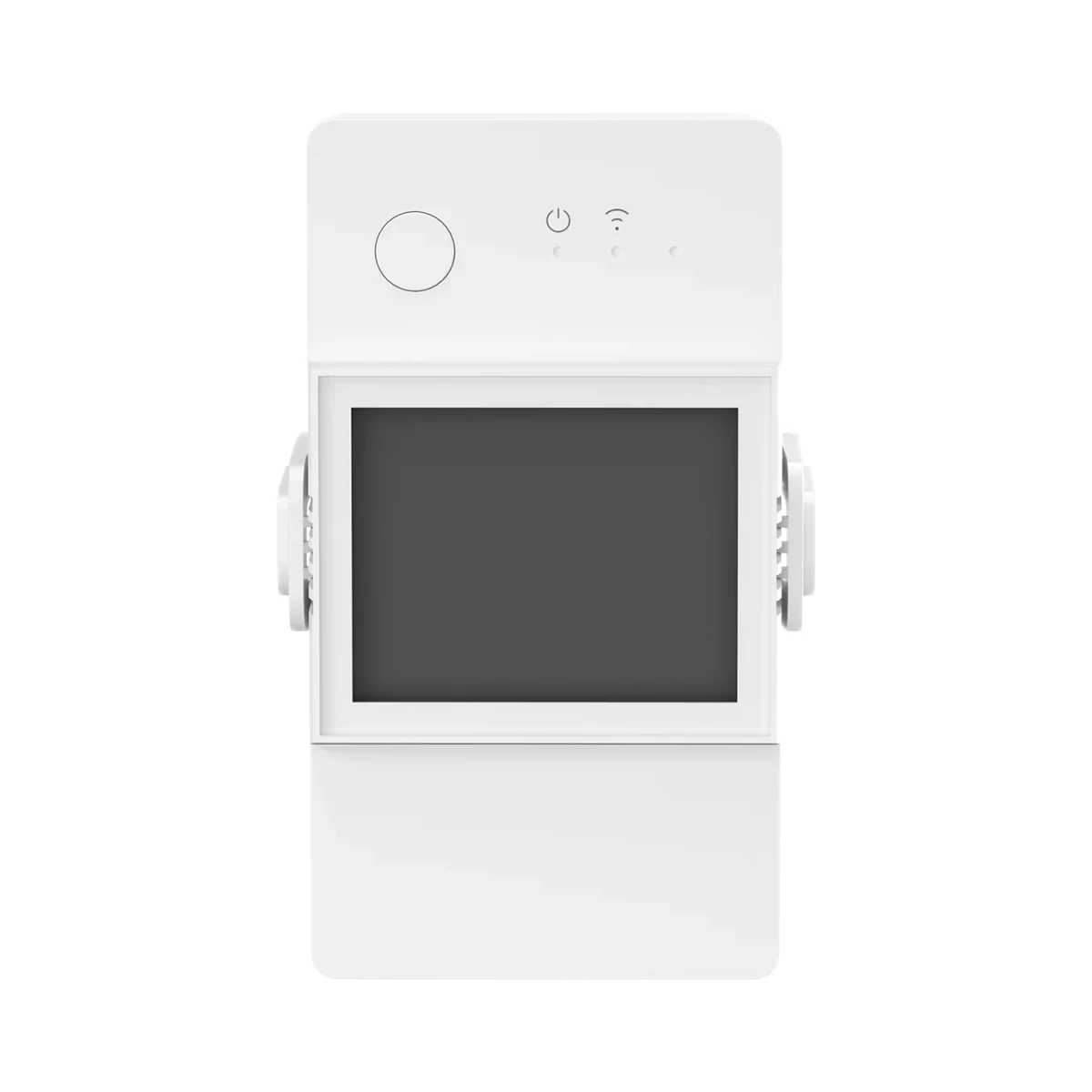
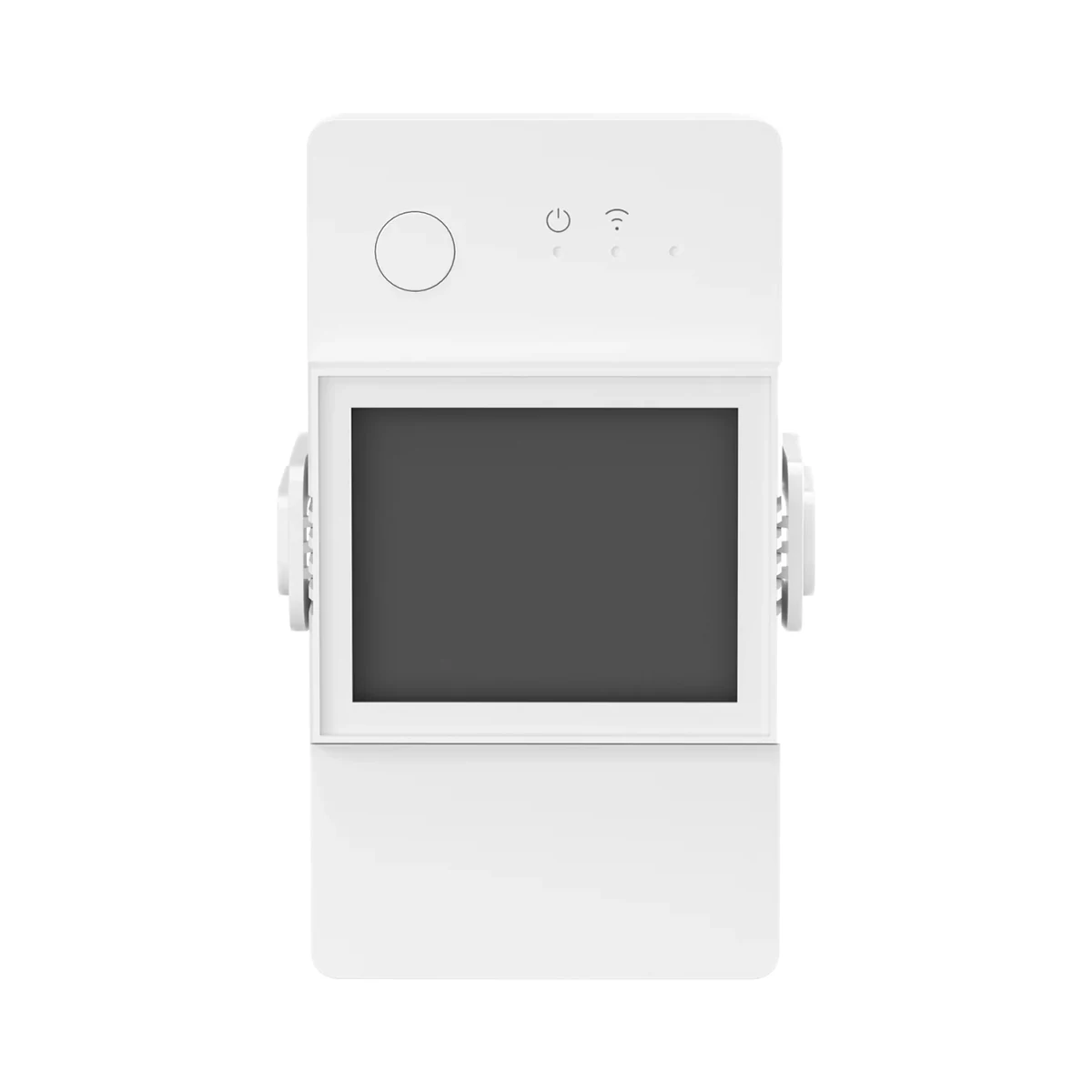
Built-in display — what it meansA screen on the housing shows power, voltage and consumption right at the panel, no phone needed. | NoThe housing has a pairing button (also a manual switch), a restart button and a blue Wi-Fi LED; no screen [2] |
Cut-off on set limits — what it meansThe device switches the load off by itself if current, power or voltage limits set in the app are exceeded. It does not replace the circuit breaker in the panel. | YesWhen set load limits are exceeded, power is cut and can be restored remotely. Protection works without a network connection too [1] |
Wired wall switch input — what it meansWhether you can keep an ordinary wall switch or push button and wire it to the module, so the light works from both the switch and the app. Shows which switch types are supported; on dimmers a momentary button usually also adjusts brightness when held. | No inputThe manual's wiring diagrams show only L In, N In, L Out and N terminals; no switch input [2] |
| Relay type | Normally closed relay: with no power or if the device fails, the circuit stays closedPower-on state is set in the app: on, off or last state [1] |
| Inching mode | Supported [1] |
| Power-on state after outage | On / Off / Last state (set in eWeLink) [1] |
Measured values — what it meansWhich values the device reports in the app. Energy in kWh lets you work out costs; voltage helps spot sags and surges on the line. | Voltage (V), current (A), power (W), energy (kWh)Real-time current, voltage and power; total energy and cost for the last 4 months with daily breakdown. Data is reported only above 0.03 A, 5 V or 2 W [1] |
|---|---|
Measurement accuracy — what it meansMeasurement error per the documentation, e.g. ±2 % for power. Unless meter certification (such as MID) is stated, readings are for tracking use, not for billing with the supplier. | Not stated by the manufacturer |
| History and cost tracking | 4-month energy and cost, manual measurement over a chosen period, electricity tariff, Alexa energy dashboard [1] |
Operating temperature — what it meansThe air temperature range the device is rated for. The lower limit matters outdoors, on balconies and in unheated rooms. | −10…40 °C [2] |
|---|---|
Operating humidity — what it meansThe rated relative humidity range, non-condensing. | 5–95%Non-condensing [1] |
| Installation environment | Indoor only [1] |
Colour — what it meansThe housing colour of this model. Other colours in the same series are separate products. | White [1] |
|---|
The table shows the primary document’s value. Below is what other manufacturer documents state; we check the supplied version’s label before sale.
We deliver across Moldova. Availability, delivery timing and cost are confirmed with a manager before order fulfilment.
A website order is submitted for confirmation without charging your card. The payment method and final amount are agreed with a manager before payment.
The warranty is at least 12 months. The exact period and conditions for equipment and installation work are stated in the sales documents and the accepted proposal. Further support is agreed for each project.
Current conditions are published on the Return policy page. Email office@casasmart.md with your order number for the steps relevant to your situation. Statutory consumer rights continue to apply.
In your home
A whole-home meter does not show which appliances consume more. Separate monitoring helps reveal habits and useful changes.
See the complete solution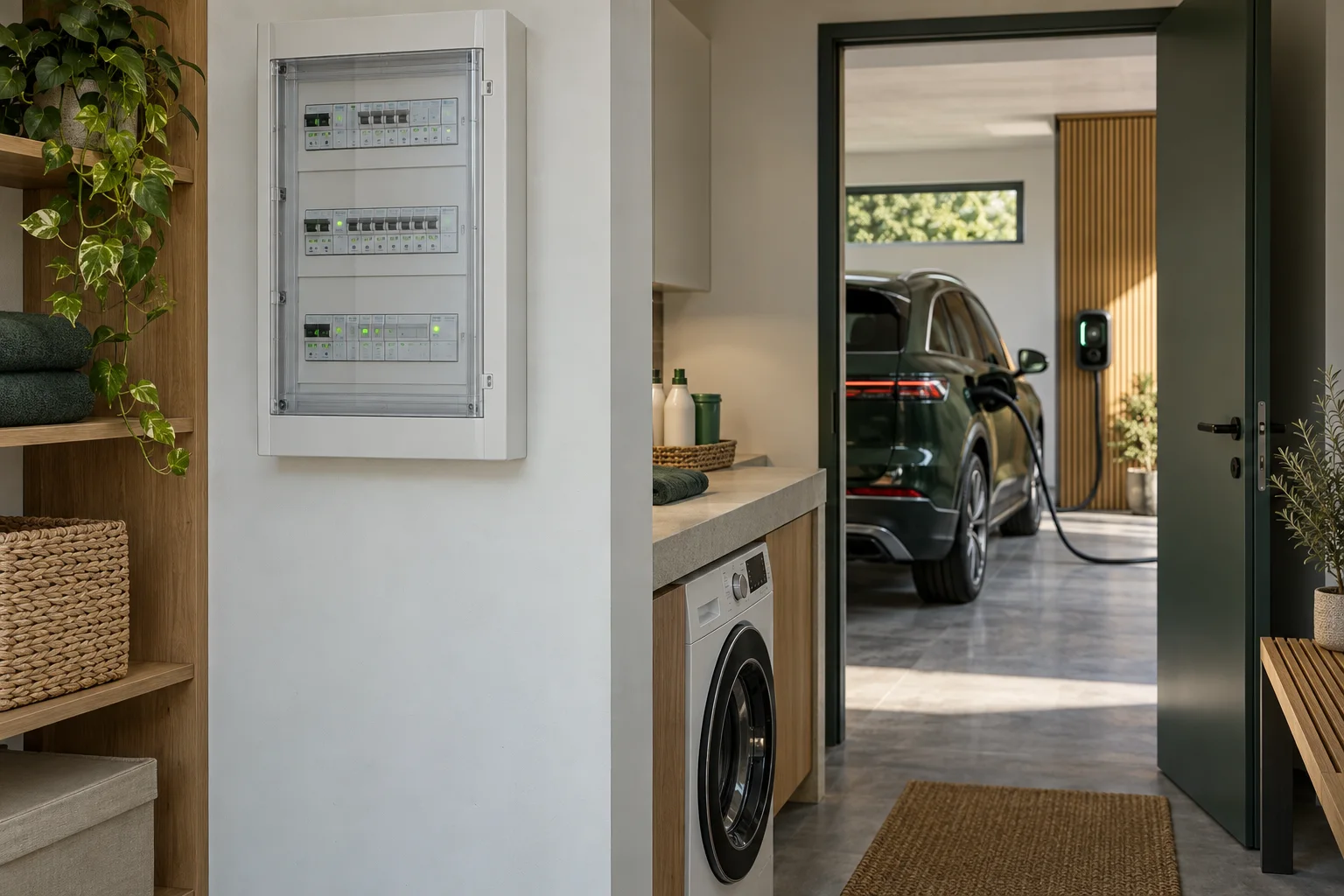
CasaSmart
Energy metering relays
Energy metering relays
 Manufacturer photo (series)Series photo
Energy metering relays
 Manufacturer photo (series)Series photo
Energy metering relays
Buy just a device, add installation, or hand the whole project over to us.