Showroom: 153 Columna St, ChișinăuDelivery across MoldovaInstallation and setup by our own team+373 76 004 003ViberWhatsAppTelegram

Moes · WHT-S02-GB

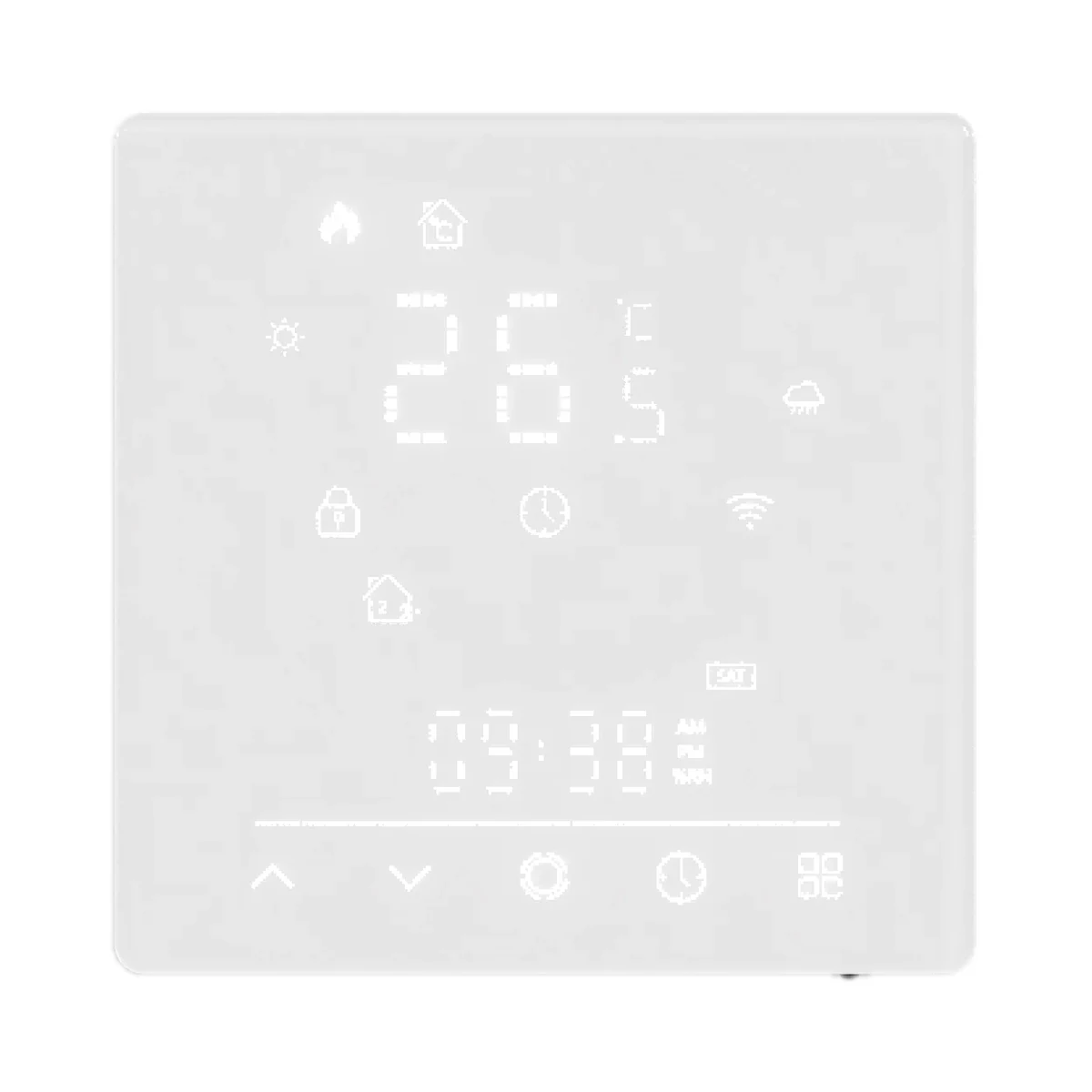
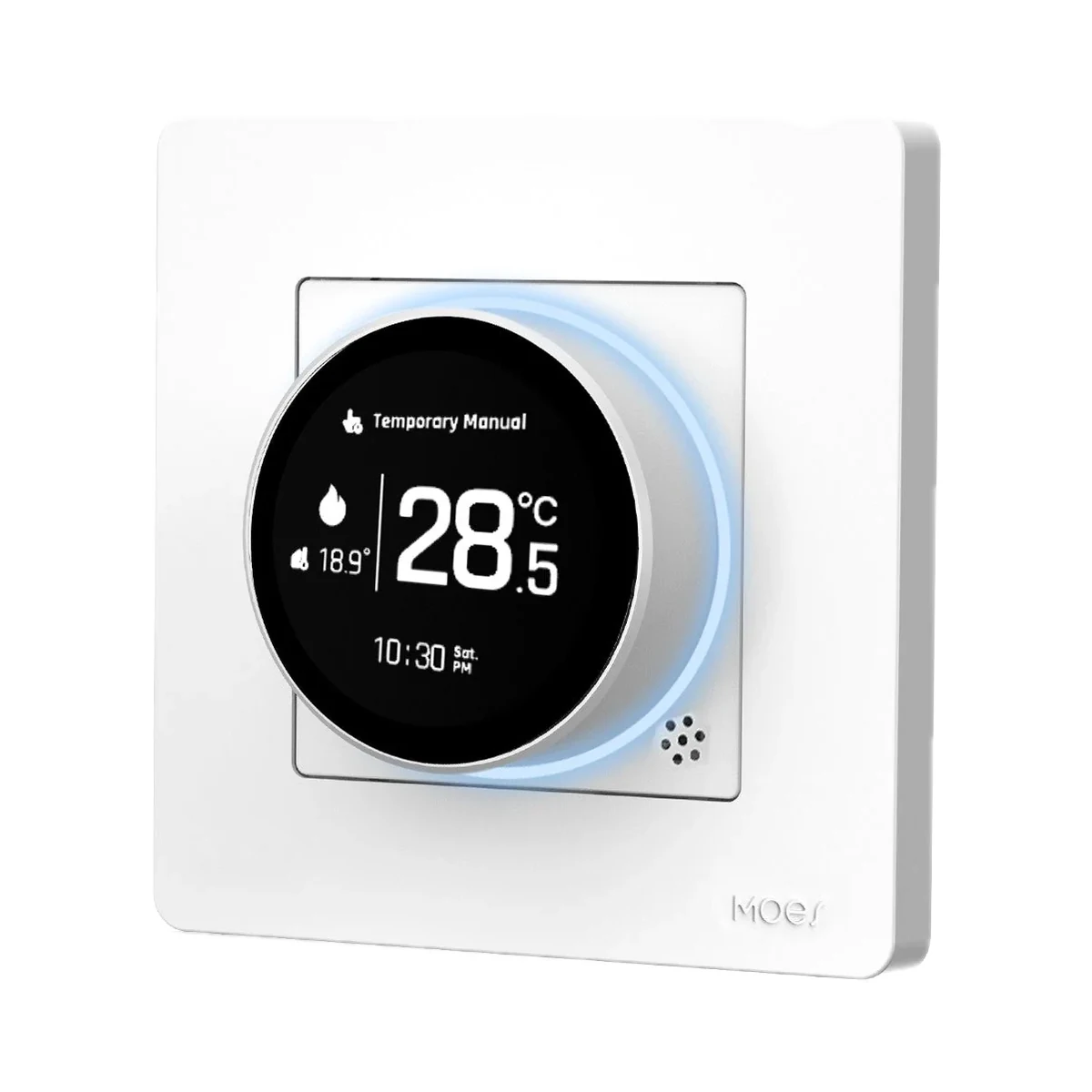
Moes WHT-S02 electric floor heating thermostat 16 A, Matter over Wi-Fi, white

999 MDLIn stock
Underfloor heating thermostats
Matter
Matter

Wi-Fi, Matter · MOES App, Tuya Smart / Smart Life; Apple Home, Google Home, Amazon Alexa, SmartThings (Matter)

Matter features depend on the model and firmware.

Wi-Fi
Wi-Fi

Wi-Fi, Matter

Check the supported network band.

999 MDLIn stock
Buy with installation
Check compatibility
Maximum load current
16 A
Connectivity
Wi-Fi, Matter
Hub required
No hub needed

Schedules a warm floor across 42 weekly slots and works with Apple Home, Google Home and Alexa over Matter via Wi-Fi — no separate Tuya hub; those platforms need their own Matter controller.

No separate hub required

Connects directly to a 2.4 GHz Wi-Fi router; Apple Home, Google Home, Alexa and SmartThings need their own Matter controller.

Source ↗

38 specifications from manufacturer documents

We deliver across Moldova. Availability, delivery timing and cost are confirmed with a manager before order fulfilment.

The right choice starts with specifications

Device passport

SKU: MWHT-S02-GB-WH-MS · Document model: WHT-S02

Specifications checked against the linked manufacturer documents.Checked 18 October 2026

Control and features9
Heating system — what it means

What the thermostat output is rated for according to the maker. Electric underfloor heating connects directly through the thermostat relay, water underfloor heating through an actuator or pump, and a boiler through its room-thermostat input.

Electric underfloor heatingVersion GB is for electric underfloor heating ('Electric Floor' diagram, load on the relay terminals). GA (water floor) and GC (boiler, dry contact) are different SKUs [1]
Floor temperature limit — what it means

The upper floor-temperature limit above which the thermostat cuts heating even if the room is still cool. Protects laminate, parquet and tiles. Shown as the adjustable range; works with the floor probe.

10–70 °CSetting 9 'High temperature protection': 10–70 °C, default 45 °C. The manual does not explicitly tie it to the floor probe; external-sensor limiting works in AL mode [1]
Setpoint range — what it means

The temperature you can set, from minimum to maximum. The lower limit matters for keeping the home frost-free while nobody is in.

5–35 °C5–35 °C per the technical data. In settings the lower limit can be raised to 15 °C (item 5) and the upper limit set from 15 to 45 °C (item 6, default 35 °C) [2]
Hysteresis (dead band) — what it means

How far the temperature must drift from the setpoint before heating switches on again. A smaller value gives a steadier temperature but more frequent relay and boiler cycles. Shown as the adjustable range.

1–5 °CSetting 2 'Deadzone temperature', default 1 °C [1]
Weekly schedule — what it means

How the schedule stored in the device is organised: each day separately, 'weekdays + Saturday + Sunday', or 'weekdays + weekend'. 'App only' means the hub or cloud runs the schedule, so it stops working without a connection.

Each day separately (7 days)Maker's infographic: 5+2, 6+1 and 7-day modes; the manual programs each weekday separately, although one line of the manual says 'weekdays + weekend' [2]
Schedule periods per day — what it means

How many times a day the device changes the setpoint by itself following the schedule. A typical weekday has 4–6 changes: wake-up, leaving, coming back, night.

66 periods per day; the site says 'up to 42 schedules a week' (7 × 6) [1]
Functions — what it means

Extra modes stated by the maker: child lock, frost protection (the boiler starts if the home gets too cold), open-window detection, eco mode, holiday mode, boost heating and keeping settings after a power cut.

Child lock, frost protection, eco mode, settings kept after power lossButton lock (full or all but power), low-temperature protection 0–10 °C (item 8, off by default), economy mode with its own 0–30 °C setpoint, settings kept during power loss [1]
On-device controls — what it means

How you operate the device without a phone: touch buttons on glass, mechanical buttons or a rotary knob (ring).

Touch buttons [1]
Clock error
less than 1 % [2]
Power3
Maximum load current — what it means

The current the built-in relay can switch. For electric underfloor heating at 230 V, 16 A corresponds to roughly 3.6 kW; more powerful cables or mats are connected through an intermediate contactor.

16 A16 A for the GB (electric heating) version; GA and GC are rated 5 A [2]
Supply voltage — what it means

The supply voltage (and current, if stated) as the maker gives it. It must match your mains or adapter.

95–240 V AC, 50/60 HzA 24 V version also exists; the actual voltage is printed on the back. The GB diagram shows AC 95–240 V [1]
Standby power — what it means

How much power the device draws on its own while idle. It matters for devices that run around the clock.

1.5 WLess than 1.5 W [2]
Connectivity and compatibility8
Connectivity — what it means

The wireless link or network the device uses. Wi-Fi connects straight to the router; Zigbee, Thread and Bluetooth Mesh work through a hub or gateway.

Wi-Fi, MatterMatter over Wi-Fi, 2.4 GHz only. Bluetooth on the phone must be on while adding the device [2]
Hub required — what it means

Whether the device needs a separate hub, gateway or coordinator to work in a smart home. If so, it is sold separately unless stated otherwise.

No hub neededConnects directly to a 2.4 GHz Wi-Fi router; Apple Home, Google Home, Alexa and SmartThings need their own Matter controller [1]
Matter support — what it means

Whether the device supports the Matter standard, directly or through a bridge. Matter lets you add it to Apple Home, Google Home, Alexa and Home Assistant.

Built-in [2]
Home Assistant — what it means

How the device connects to Home Assistant: a built-in integration, a Zigbee coordinator, Matter or the maker’s cloud integration.

Via a separate integrationThrough the Matter standard (Home Assistant Matter integration). Moes does not mention Home Assistant separately [2]
Voice assistants — what it means

Which voice assistants the maker states the device works with. This usually needs an internet connection and, for Zigbee devices, a hub.

Amazon Alexa, Google Assistant, Apple Home (Siri)The maker also lists Samsung SmartThings (via Matter) [2]
Transmit power — what it means

The coordinator's maximum radio output. Higher power gives a steadier link to distant devices, but range in a home depends more on walls and the number of routers in the network.

16 dBm [1]
Wi-Fi band — what it means

2.4 GHz passes through walls better and reaches further, but is more often crowded by neighbours' networks. 5 GHz is faster and less congested but weaker behind walls. A 2.4 GHz-only camera won't join a network that runs on 5 GHz only. The Wi-Fi generation (e.g. Wi-Fi 6) is in the note.

2.42.4 GHz only [1]
App — what it means

The maker’s app used to set up and control the device.

MOES App, Tuya Smart / Smart Life; Apple Home, Google Home, Amazon Alexa, SmartThings (Matter) [1]
Measurement and detection5
Sensor modes — what it means

Which temperature the thermostat regulates by: air (the built-in sensor), floor (a remote probe in the screed), or air with a maximum floor-temperature limit.

Air (built-in sensor), floor (remote probe), air with floor limitSetting 4: In — internal sensor, Ou — external sensor, AL — air control with the external sensor as limit (default AL) [1]
Sensor calibration — what it means

How many degrees the built-in sensor reading can be offset by hand if it reads higher or lower than a room thermometer, e.g. −9…+9 °C.

−9 °CSetting 1 'Temperature compensation', for the internal sensor [1]
Temperature accuracy — what it means

Permitted error of the built-in sensor, ± °C. A value of 1 means that at 21 °C in the room the thermostat may show anything from 20 to 22 °C.

1 °C [2]
Sensing element
NTC3950, 10 kΩ [2]
Temperature display range
5–70 °C [2]
Package contents3
Floor probe included — what it means

Whether the box includes a wired remote temperature probe, laid in a conduit in the screed. For electric underfloor heating it is needed for floor mode and to protect the floor covering from overheating.

YesPacking list on the site: 'Floor Sensor 1pc (For GB version only)'. The manual calls the sensor optional [2]
Manufacturer warranty — what it means

The warranty period the maker states. Confirm warranty terms in Moldova with the seller.

24 monthsWarranty terms printed in the manual, from the date of purchase [1]
Package contents — what it means

What comes in the box, per the maker.

Thermostat, 2 screws, user guide, floor sensor (GB version only) [2]
Housing and installation6
Neutral wire (N) — what it means

Whether the wall box needs a neutral wire. Older wiring often brings only the live wire to the switch; then pick a model that works without N.

RequiredThe wiring diagram feeds power to the L and N terminals [1]
Mounting — what it means

How and where the thermostat is installed. In Moldova round Ø60 mm wall boxes (the European standard) are the most common; square 86 × 86 mm boxes are rarer. Surface and desktop versions need no wall box.

Round Ø60 mm wall box, Square 86 × 86 mm wall box86 × 86 mm square box or European 60 mm round box; fixing hole spacing 60 ± 2 mm [1]
Dimensions (W × H × D) — what it means

The device’s size in millimetres as the maker states it. Check that it fits the wall box, niche or shelf.

88 × 88 mm, 12.4 mm above the wall; in-wall part 50 × 50 mmThe depth of the in-wall part is not given on the drawing [1]
Ingress protection (IP) — what it means

Protection against dust (first digit) and water (second). IP20 is for dry rooms only, IP44 resists splashes, IP65 and up handle water jets and outdoor use.

IP20 [1]
Housing material
PC + ABS, fireproof [1]
Recommended wire gauge
2 × 1.5 mm² or 1 × 2.5 mm² [1]
Model and version1
Colour — what it means

The housing colour of this model. Other colours in the same series are separate products.

WhiteOn the maker's page the GB version is offered in white only (SKU …-WH-…) [2]
Operating conditions3
Operating temperature — what it means

The air temperature range the device is rated for. The lower limit matters outdoors, on balconies and in unheated rooms.

0–45 °C [2]
Operating humidity — what it means

The rated relative humidity range, non-condensing.

5–95%Non-condensing [2]
Storage temperature
−5…45 °C [2]

Clear purchase details

Delivery and stock

We deliver across Moldova. Availability, delivery timing and cost are confirmed with a manager before order fulfilment.

How is payment handled?

A website order is submitted for confirmation without charging your card. The payment method and final amount are agreed with a manager before payment.

Warranty and documents

The warranty is at least 12 months. The exact period and conditions for equipment and installation work are stated in the sales documents and the accepted proposal. Further support is agreed for each project.

Can I return the product?

Current conditions are published on the Return policy page. Email office@casasmart.md with your order number for the steps relevant to your situation. Statutory consumer rights continue to apply.

Delivery, payment and returns

In your home

A cooler bedroom. Your own comfort in every room.

One thermostat cannot account for a sunny room, a closed bedroom and different schedules. Zoning helps avoid overheating and unnecessary heating.

See the complete solution
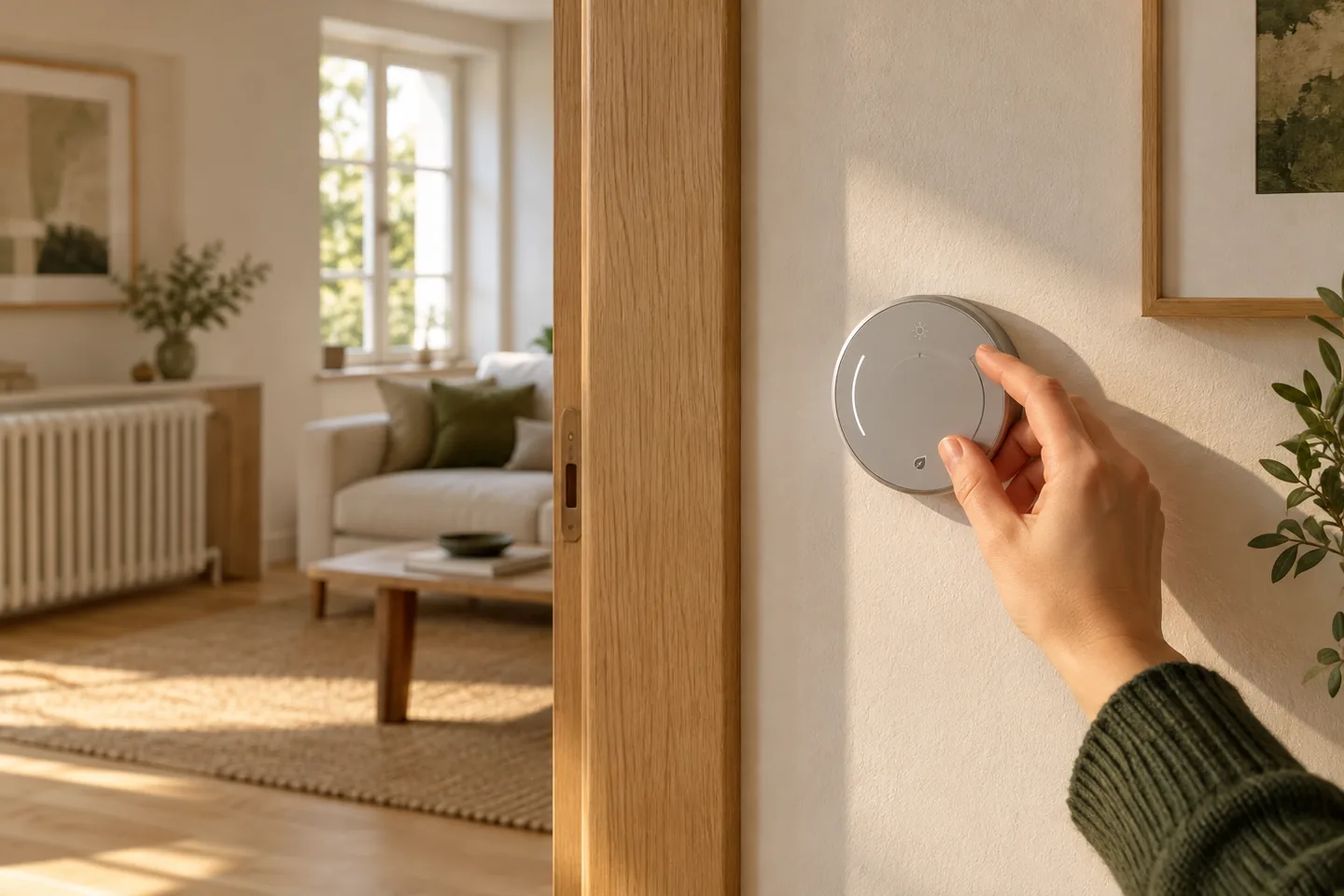
A hand adjusts a wall thermostat in a living room with a radiator
An example routineEach room has its own temperature.
  1. Room sensor
  2. Your settings
  3. The right zone

What to check before buying

  • Check the Matter controller and supported model functions; Thread may need a border router.
  • A neutral wire (N) is required: check it is in the back box, the box depth, the rated load and the manufacturer diagram.
  • Check Wi-Fi band, app, region and internet requirements.

CasaSmart

We can handle installation.

  • Check connection requirements
  • Agree components and work costs
  • Configure and demonstrate the controls
Request installation quote

Similar devices

Manufacturer photo (series): Moes ZHT-SR Star Ring Zigbee electric floor heating thermostat 16A greyManufacturer photo (series)Series photo

Moes

Zigbee
Zigbee

Via a Zigbee coordinator or hub

Check hub compatibility.

Underfloor heating thermostats

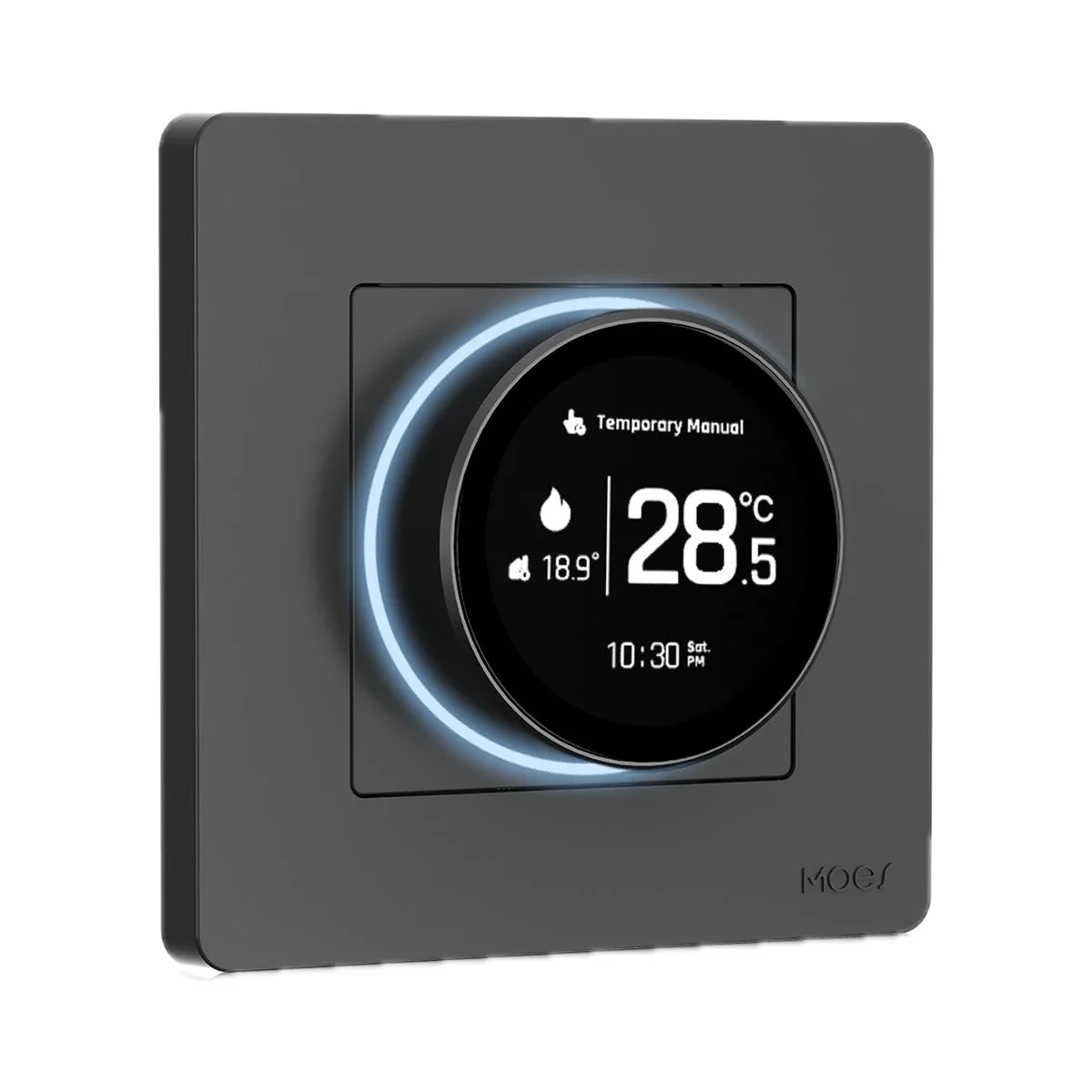
Moes ZHT-SR Star Ring Zigbee electric floor heating thermostat 16A grey

Maximum load current
16 A
Hub
Yes
Heating system
Electric underfloor heating

Model: ZHT-SR-GB

1,599 MDL
1 left
Manufacturer photo (series): Moes ZHT-SR-GC Star Ring Zigbee gas/water boiler thermostat, 5 A, whiteManufacturer photo (series)Series photo

Moes

Zigbee
Zigbee

Via a Zigbee coordinator or hub

Check hub compatibility.

Boiler thermostats

Moes ZHT-SR-GC Star Ring Zigbee gas/water boiler thermostat, 5 A, white

Relay output type
Dry (volt-free) contact
Hub
Yes
Boiler control method
On/off (contact)
1,499 MDL
2 left
Manufacturer photo (series): Moes WHT-S02 Matter-over-WiFi gas/water boiler thermostat 5A whiteManufacturer photo (series)Series photo

Moes

Matter
Matter

Wi-Fi, Matter · MOES; also Apple Home, Google Home, Alexa, SmartThings via Matter

Matter features depend on the model and firmware.

Wi-Fi
Wi-Fi

Wi-Fi, Matter

Check the supported network band.

Boiler thermostats

Moes WHT-S02 Matter-over-WiFi gas/water boiler thermostat 5A white

Relay output type
Dry (volt-free) contact
Hub
No
Boiler control method
On/off (contact)

Model: WHT-S02-GC

899 MDL
In stock
Sonoff TH Elite THR316D 16 A Wi-Fi thermostat relay with LCD display and dry contact

Sonoff

Wi-Fi
Wi-Fi

Wi-Fi

Check the supported network band.

Thermostat relays

Sonoff TH Elite THR316D 16 A Wi-Fi thermostat relay with LCD display and dry contact

Maximum load current
16 A
Output type
230 V power relay, dry contact (potential-free)
Dry contact rating
5–30 V, 1 A max
529 MDL
1 left

Tell us what you need.

Buy just a device, add installation, or hand the whole project over to us.

Discuss your needs