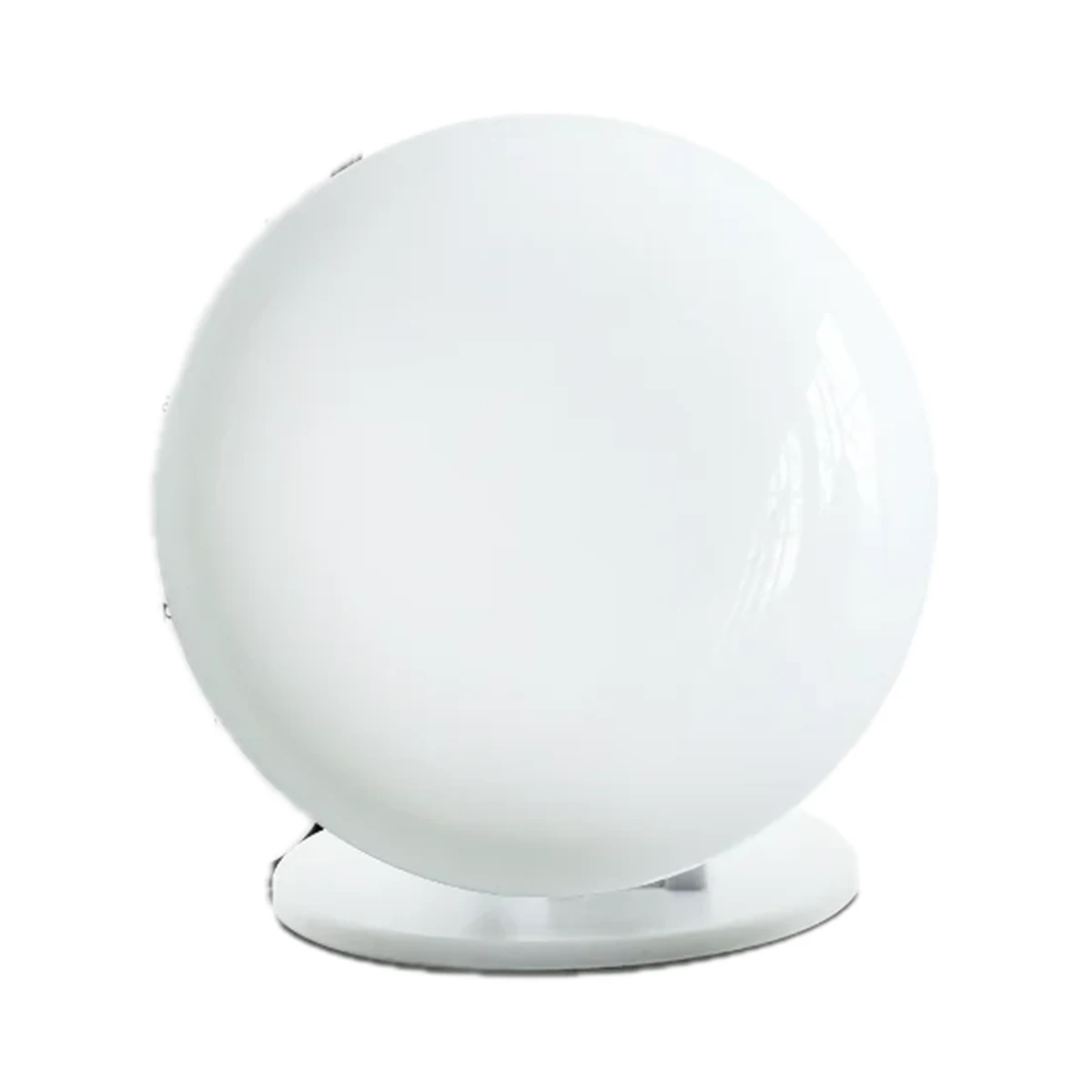
Presence sensors
LinknLink eMotion Pro 24GHz mmWave presence sensor for Home Assistant
- Motion detection range
- 6 m
- Power source
- USB (5 V)
- Detection technology
- Radar (microwave / mmWave)
499 MDL
In stock
LinknLink · eMotion Ultra
Wi-Fi, Bluetooth LE
Check the supported network band.
Wi-Fi, Bluetooth LE · IR blaster for appliances, Bluetooth gateway for sensors, temperature and humidity
Bluetooth is used for setup or short-range connection; the role depends on the model.
Manufacturer images
The flagship above the eMotion Pro 24GHz: a 60GHz radar reads the micro-presence of someone just breathing in a chair, with up to four zones, light, temperature and IR over MQTT.
No separate hub is required.
We deliver across Moldova. Availability, delivery timing and cost are confirmed with a manager before order fulfilment.
The right choice starts with specifications
SKU: eMotionUltra
Specifications checked against the linked manufacturer documents.Checked 18 October 2026
Detection technology — what it meansRadar picks up even tiny movements such as breathing or typing, so it can detect a person sitting or lying still. A PIR infrared sensor reacts to a warm body moving and uses less power; hybrid models use both. | Radar (microwave / mmWave)60 GHz mmWave radar, no PIR sensor [1] |
|---|---|
Radar frequency — what it meansThe radar's operating frequency: home sensors typically use 5.8, 24 or 60 GHz. 24 and 60 GHz radars resolve small movements and a person's position more finely, while 5.8 GHz waves pass more easily through thin partitions, so such a sensor may react to movement behind a wall. | 60 GHz [1] |
Stationary presence range — what it meansHow far away the sensor keeps detecting a person who is barely moving: working at a desk, reading or sleeping. It is usually shorter than the motion detection range; installation conditions are in the note. | 4 mAbout 4 m with a clear front-facing view; breathing and heartbeat are sensed when the person faces the sensor [1] |
Motion detection range — what it meansThe longest distance at which the sensor notices a walking person, as stated by the manufacturer. Real range depends on mounting height and direction: someone crossing the zone is noticed further away than someone walking straight at the sensor. | 6 mRecommended maximum with a clear front-facing view. The site's comparison table says "5–6 m" [1] |
Detection angle — what it meansThe width of the detection zone in degrees: horizontal for wall models or the cone angle for ceiling models; the vertical angle, if published, is in the note. The wider the angle, the more of the room the sensor covers from one spot. | 120°The 120° sector is shown in an app screenshot on the official product image; the text specification gives no angle [2] |
Configurable zones — what it meansHow many separate areas of the room can be set in the app to report presence for each one — for example, the sofa and the desk. Without zones the sensor reports presence for its whole field of view. | 4Up to 4 zones (e.g. sofa, desk, bed), each with its own automations; plus interference zones and a filtering height. Tracks the position of up to 4 people [1] |
Light sensor — what it meansSome door sensors also detect the light level. This lets you, for example, switch the light on when the door opens only after dark. | Not stated by the manufacturer |
Illuminance range — what it meansThe range over which the sensor measures light. For reference: a room at night is a few lux, ordinary home lighting is about 100–300 lx, and next to a window on a sunny day it is thousands of lux. | Not stated by the manufacturer |
Absence delay — what it meansHow long the sensor waits after signs of presence disappear before reporting the room as empty. The adjustable range is shown: a short delay turns lights off sooner, a long one is less likely to turn them off while someone is still there. | Not stated by the manufacturer |
| People tracking | 4Shows the position of up to 4 people at once [1] |
Connectivity — what it meansThe wireless link or network the device uses. Wi-Fi connects straight to the router; Zigbee, Thread and Bluetooth Mesh work through a hub or gateway. | Wi-Fi, Bluetooth LEWi-Fi 802.11 b/g/n 2.4 GHz; Bluetooth 4.0+ for adding it in the app and as a BLE hub for LinknLink accessories. Matter is announced as a future update [1] |
|---|---|
Hub required — what it meansWhether the device needs a separate hub, gateway or coordinator to work in a smart home. If so, it is sold separately unless stated otherwise. | No separate hubNo proprietary hub; connects to a 2.4 GHz router [1] |
Home Assistant — what it meansHow the device connects to Home Assistant: a built-in integration, a Zigbee coordinator, Matter or the maker’s cloud integration. | Via an integration (MQTT etc.)Via MQTT (Motion2MQTT, IR2MQTT): zones, light, temperature, humidity and IR are exposed as entities [1] |
Works without internet — what it meansWhether the device keeps working over the local network or through a hub when the internet is down. Cloud features (remote access, voice assistants) need the internet. | YesThe maker states fully local operation with Home Assistant and other MQTT platforms; voice assistants, notifications and cloud history need internet [1] |
App — what it meansThe maker’s app used to set up and control the device. | LinknLink [3] |
| BLE accessories per hub | 20 [1] |
Matter support — what it meansWhether the device supports the Matter standard, directly or through a bridge. Matter lets you add it to Apple Home, Google Home, Alexa and Home Assistant. | NoAnnounced as a future firmware update [1] |
Power source — what it meansWhere the device gets its power: 230 V mains, an adapter, USB, batteries or a built-in battery. | USB (5 V)Powered via USB-C cable; needs a certified 5 V / 2 A adapter. No battery [1] |
|---|---|
Supply voltage — what it meansThe supply voltage (and current, if stated) as the maker gives it. It must match your mains or adapter. | 5 V ⎓ 2 A (USB-C) [1] |
Mounting — what it meansHow and where it is installed: in a wall box, on a wall or ceiling, on a DIN rail, on a table or in a socket. | Desk or shelf, Wall, MagneticFoldable adjustable stand with double-sided magnets: desk, wall or magnetic attachment [1] |
|---|---|
Recommended mounting height — what it meansThe height at which the manufacturer advises placing the sensor so the stated range and angle hold. For ceiling models this is effectively the supported ceiling height. | Not stated by the manufacturer |
Dimensions — what it meansThe device’s size in millimetres as the maker states it. Check that it fits the wall box, niche or shelf. | 61 × 61 × 25 mm [1] |
Certifications — what it meansStandards and certifications the maker lists for this model (for example CE, RoHS, Zigbee 3.0, Matter). | FCC (ID 2A9BE-LL8720-P), CE, UKCA, RoHS [3] |
Additional functions — what it meansWhat else the device does besides detecting presence. For example, an IR blaster controls an air conditioner or TV, and a Zigbee router relays the signal for other sensors on the network. | IR blaster for appliances, Bluetooth gateway for sensors, temperature and humidity360° IR blaster (38 kHz, up to 15 m); BLE hub for up to 20 LinknLink accessories; temperature and humidity via the included THS cable [1] |
|---|---|
IR range — what it meansHow far the IR command reaches the appliance, per the maker. IR does not pass through walls but can bounce off them inside a room. | 15 m [1] |
| IR carrier frequency | 38 kHz [1] |
Operating temperature — what it meansThe air temperature range the device is rated for. The lower limit matters outdoors, on balconies and in unheated rooms. | 0–50 °C [1] |
|---|---|
Operating humidity — what it meansThe rated relative humidity range, non-condensing. | 0–85% [1] |
| Water protection | No [1] |
We deliver across Moldova. Availability, delivery timing and cost are confirmed with a manager before order fulfilment.
A website order is submitted for confirmation without charging your card. The payment method and final amount are agreed with a manager before payment.
The warranty is at least 12 months. The exact period and conditions for equipment and installation work are stated in the sales documents and the accepted proposal. Further support is agreed for each project.
Current conditions are published on the Return policy page. Email office@casasmart.md with your order number for the steps relevant to your situation. Statutory consumer rights continue to apply.
In your home
A sensor reports measurements or events. What happens next depends on configuration and separate control devices.
See the complete solution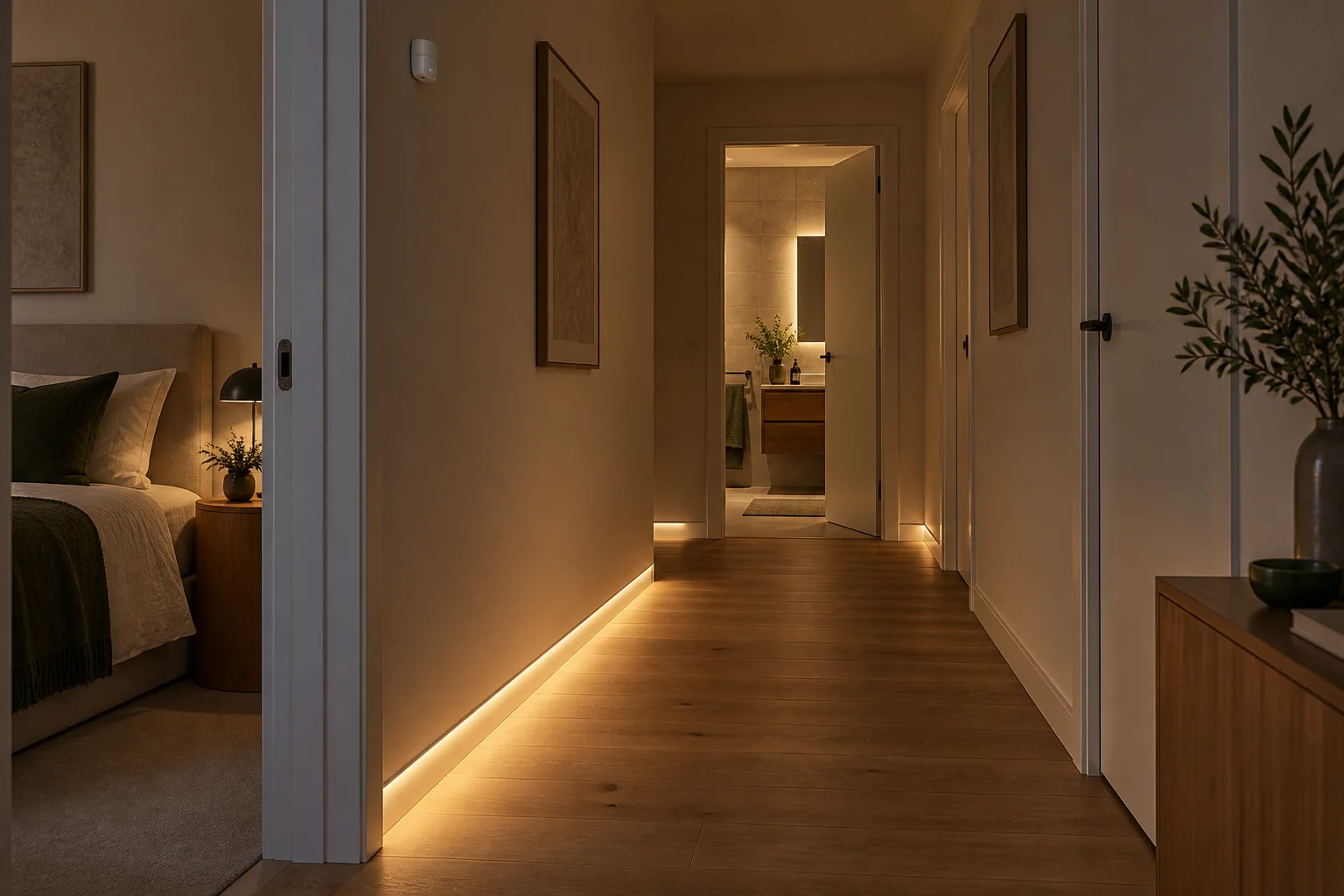
CasaSmart
Presence sensors
Wall switches
Wall switches
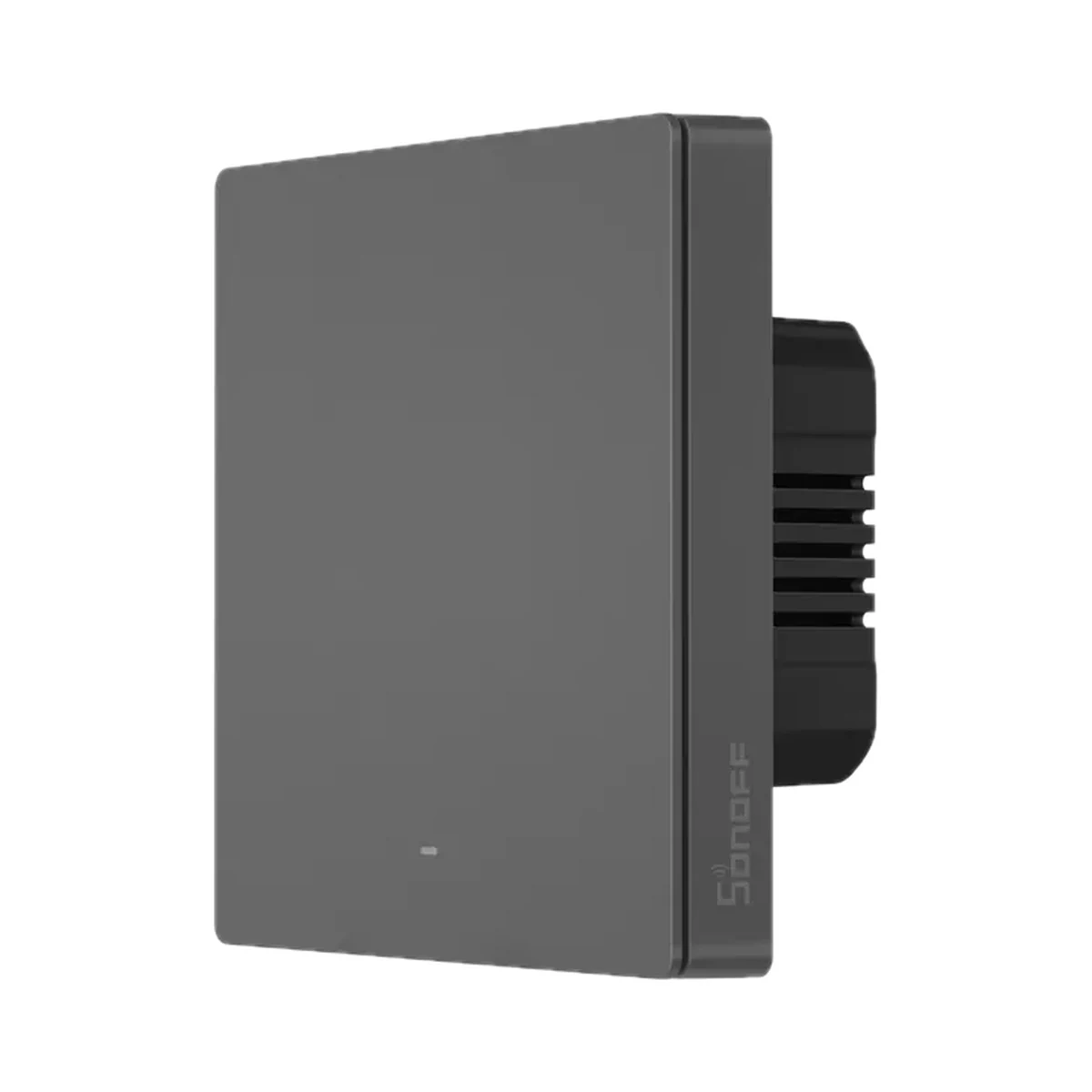
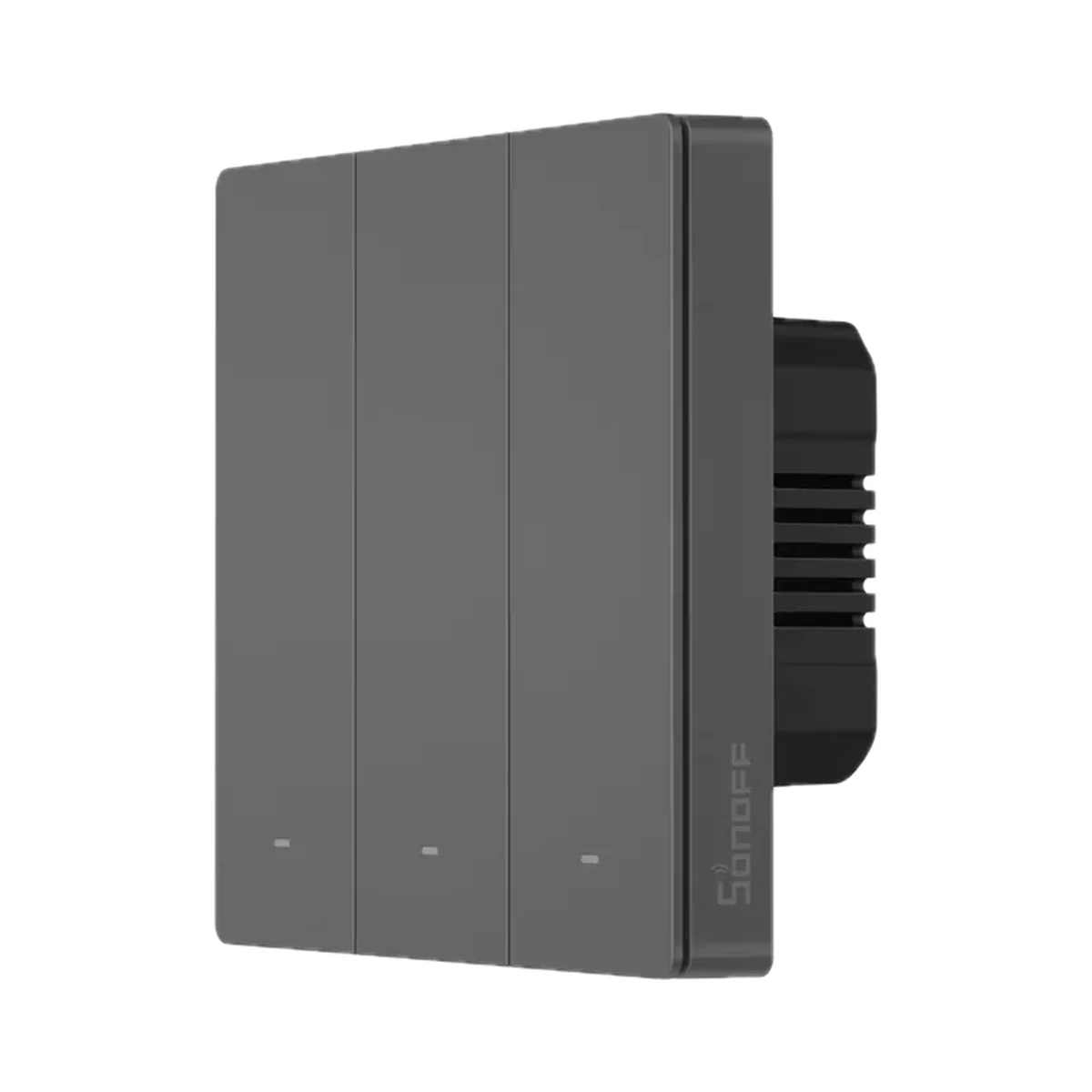
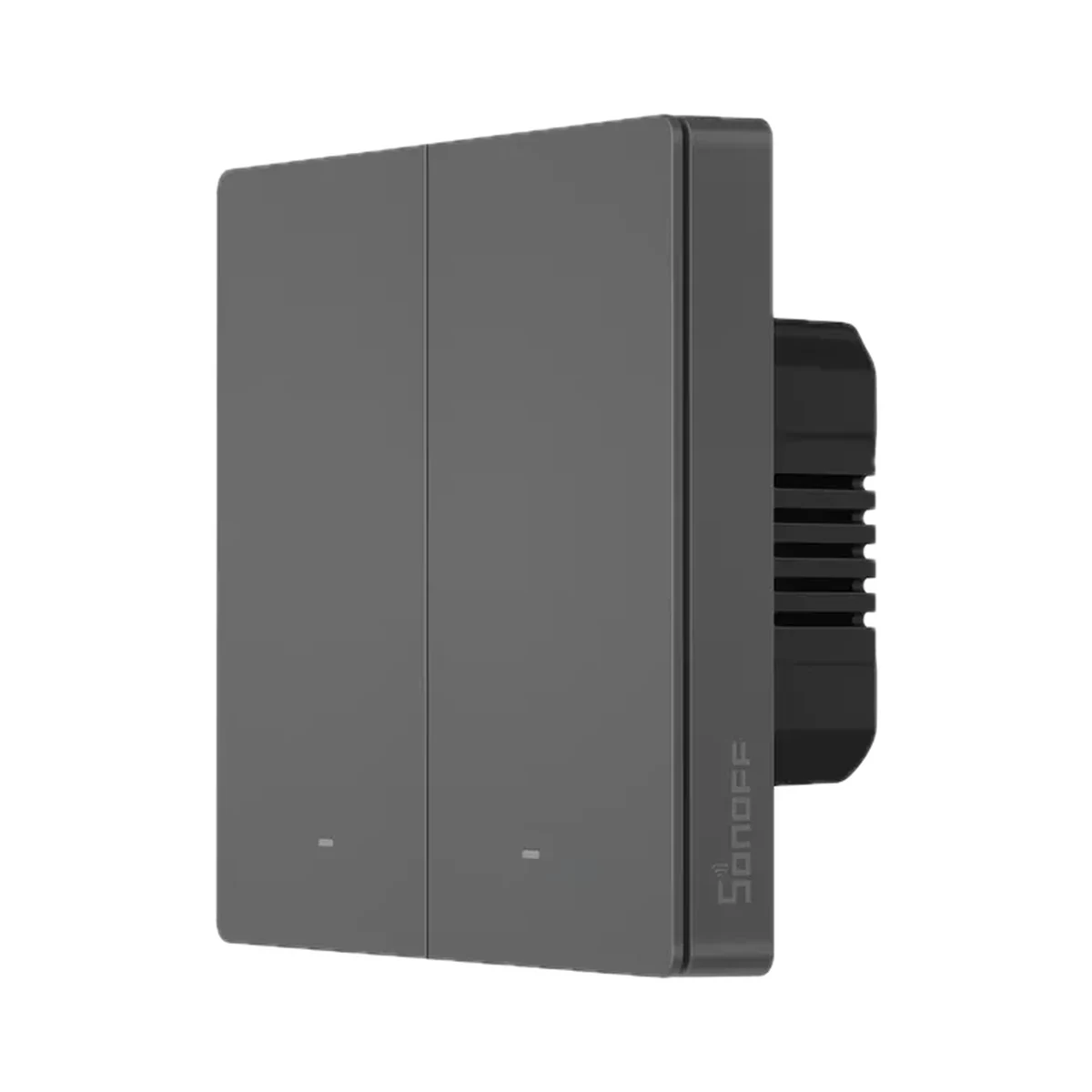
Wall switches
Model: M5-1C-86
Buy just a device, add installation, or hand the whole project over to us.