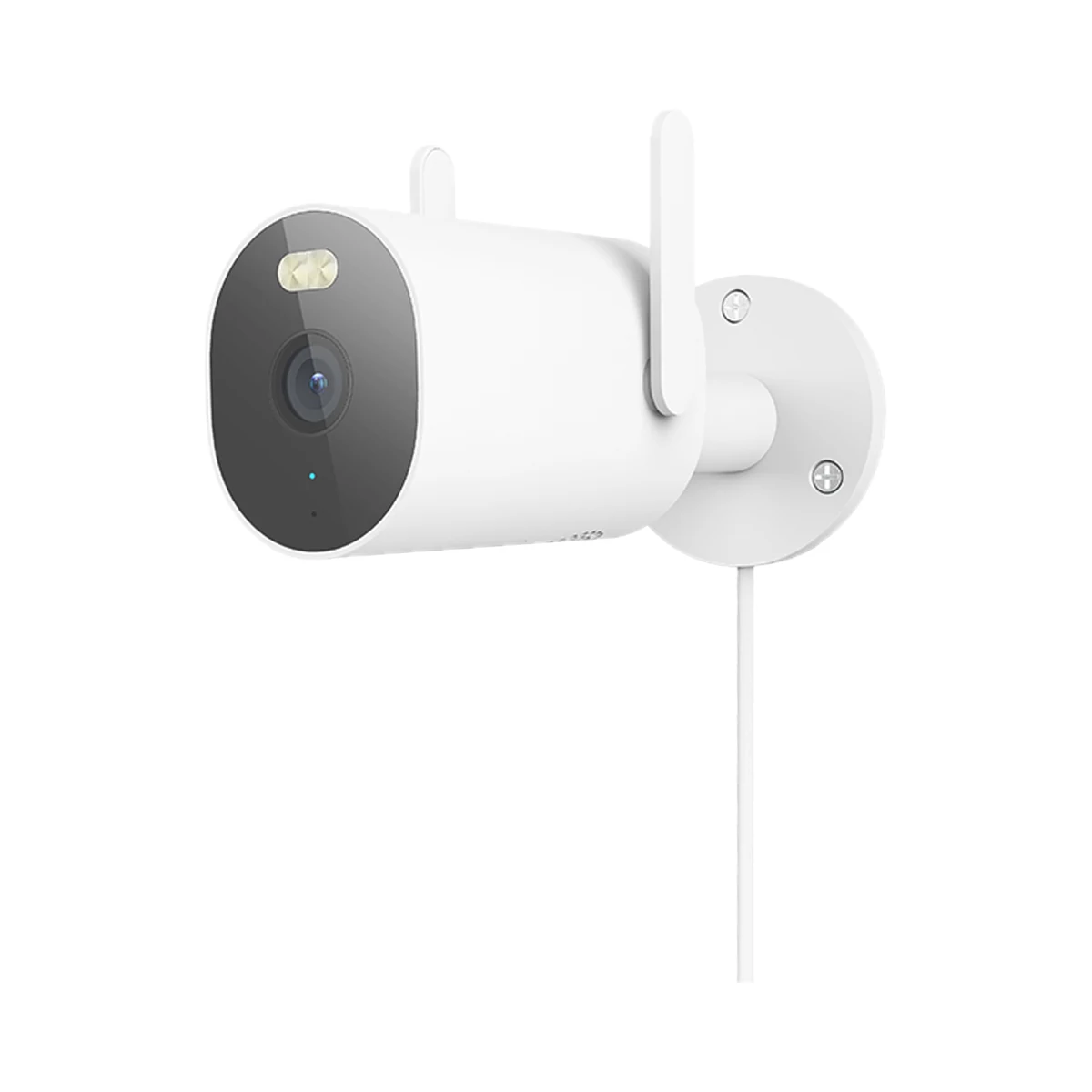
Outdoor cameras
Xiaomi Outdoor Camera AW300 MBC20 2K Wi-Fi outdoor camera, IP66
- Video resolution
- 3 MP
- Pan and tilt
- None, fixed camera
- Power source
- DC power adapter
999 MDL
1 left
Xiaomi · MJSXJ03BY
Wi-Fi, Ethernet (cable)
Check the supported network band.
Wi-Fi, Ethernet (cable) · Camera, base station, camera mount, charging cable, Ethernet cable, mounting template sticker, screws × 4, wall plugs × 4, attention sticker, user manual
Wired connection to the local network.
Manufacturer images
The camera cannot join Wi-Fi on its own — only via the included base station; one base station pairs with one camera.
The camera runs wire-free on a 10000 mAh battery with a built-in solar panel (2+ hours of direct sun a day), IP66 and 2.5K video. The included indoor base station links it to the router and holds a microSD card up to 256 GB.
31 specifications from manufacturer documentsWe deliver across Moldova. Availability, delivery timing and cost are confirmed with a manager before order fulfilment.
The right choice starts with specifications
SKU: BHR7747GL · Document model: MJSXJ03BY
Specifications checked against the linked manufacturer documents.Checked 18 October 2026
Video resolution (per lens) — what it meansHow many megapixels one lens records, per the manufacturer: more pixels show more detail when you zoom in — faces, number plates, small objects. The exact frame size in pixels is in the note; for multi-lens cameras this is the resolution of one lens, not the total. | 4 MP2560 × 1440 pixels (2.5K, 4 MP); 1/2.7″ sensor, hardware HDR [1] |
|---|---|
Pan and tilt — what it meansA fixed camera always looks in one direction. A pan-tilt (PT) camera turns on command from the app, on a schedule or to follow a person, so one camera can cover a whole room or yard. Models with one fixed and one pan-tilt lens show a wide view and a moving view at the same time. | None, fixed cameraAimed by hand on the mount [2] |
Number of lenses — what it meansHow many separate lenses, each with its own sensor, the camera has. Several lenses show different areas, or a wide and a close-up view, at the same time — each as its own picture in the app. | 1 [3] |
Diagonal field of view — what it meansHow much of the scene the lens takes in without turning. A wide angle shows more space but makes objects smaller; a narrow one shows less space but larger, more detailed objects. Horizontal and vertical angles, where published, are in the note; for multi-lens cameras this is the widest lens. | 132°Horizontal 113.3°, vertical 58.7° [1] |
Night vision — what it meansInfrared illumination is invisible to the eye and gives a black-and-white picture in total darkness. Colour night vision switches on a visible white light — the picture is in colour, but the light can be seen from outside. Cameras with very bright optics give colour under weak outside lighting without a light of their own. If both of the first two are listed, the camera switches between them, for example when it detects a person. | Infrared (black and white), colour with white light2 infrared LEDs and 4 LED fill lights; infrared mode saves power, colour mode uses visible light [1] |
Night vision range — what it meansHow far the camera's own illumination still lights the scene in the dark, per the manufacturer. Beyond that, objects are visible only with outside lighting. If different values are given for infrared and white light, they are in the note. | 10 m'Clear night vision up to 10 m' per the French mi.com page; the global page gives no range [4] |
Where recordings are stored — what it meansA microSD card stores recordings for free; in kits with an indoor unit it may sit in that unit rather than the doorbell, so recordings survive if the doorbell is taken off the door. Cloud storage keeps recordings on the maker's servers, usually with a paid subscription. | microSD card, base station or receiver, cloud (per service terms)The microSD card goes into the base station, not the camera. Without a card, event clips are kept free in the cloud for 3 days (FAQ); extended cloud storage is paid [2] |
Max microSD card size, GB — what it meansThe largest card, in gigabytes, the device accepts. Whether a card is in the box is in the note. | 25616–256 GB cards, Class 10, FAT32; no card in the box [2] |
| Lens aperture | F1.6 [2] |
| Video codec | H.265 [2] |
| Sensor size | 1/2.7″ [1] |
Event detection — what it meansWhich events the device tells apart and sends separate alerts for, besides a button press. Person recognition filters out false alarms from cars and branches, and loitering tells you someone is standing at the door without ringing. Which sensor detects motion (PIR infrared or video analysis) is in the note. | Motion, Person, Vehicle, PetMotion is detected by a PIR sensor (up to 8 m at high sensitivity); AI then tells apart people, vehicles, animals and packages. A detection zone can be set [1] |
|---|---|
| PIR detection range | 8 mAt high sensitivity, 70mai AI Lab test [1] |
Additional functions — what it meansCapabilities beyond video and ringing. Always-on video (AOV) records continuously at a reduced frame rate rather than only on events. Quick voice replies let you answer a courier with one tap. If the indoor unit extends Wi-Fi, the device works more reliably at a door far from the router. | Not stated by the manufacturer |
|---|---|
Audio — what it meansMicrophone only — the camera records sound with the video. Two-way audio — there is also a speaker, so you can talk through the app to whoever is in front of the camera. | Two-way audioSound pickup up to 8 m, noise cancellation [1] |
Power source — what it meansWhere the device gets its power: 230 V mains, an adapter, USB, batteries or a built-in battery. | Built-in batteryBuilt-in non-removable Li-ion battery; charged by the built-in solar panel or via USB-C (5 V ⎓ 2 A ≈ 8 h; 5 V ⎓ 1 A ≈ 18 h). The base station runs on USB 5 V ⎓ 2 A [2] |
|---|---|
Battery capacity — what it meansThe built-in battery’s rated capacity. Run time also depends on how the device is used. | 10 000 mAhXiaomi's stated life: ≈ 180 days at 20 × 10 s clips a day (product page); ≈ 150 days with night vision off and 5 min viewing or 20 alerts a day (FAQ); another footnote says ≈ 5 months [5] |
Solar panel — what it meansWhether the camera's battery can be topped up from a solar panel, and whether one is in the box. A panel keeps the camera running without taking it down, but in cloudy winter months it may not produce enough. The panel's power rating is in the note. | IncludedThe panel is built into the top of the camera; it needs at least 2 h of direct sun a day to keep up (20 % cell efficiency) [6] |
Supply voltage — what it meansThe supply voltage (and current, if stated) as the maker gives it. It must match your mains or adapter. | Camera: 5 V ⎓ 2 A (USB-C, charging); base station: 5 V ⎓ 2 A [2] |
| Charging time | 8 hWith a 5 V ⎓ 2 A adapter; about 18 h with 5 V ⎓ 1 A [6] |
Standby power — what it meansHow much power the device draws on its own while idle. It matters for devices that run around the clock. | 0.2 WFor the camera [2] |
Connectivity — what it meansThe wireless link or network the device uses. Wi-Fi connects straight to the router; Zigbee, Thread and Bluetooth Mesh work through a hub or gateway. | Wi-Fi, Ethernet (cable)The camera talks to the base station over 2.4 GHz Wi-Fi (802.11 b/g/n), up to ≈ 15 m apart. The base station joins the router over 2.4 GHz Wi-Fi or an Ethernet cable (included) [2] |
|---|---|
Recorder compatibility (ONVIF / RTSP) — what it meansONVIF and RTSP are open video-streaming standards. With them the camera can be connected to another brand's video recorder, Home Assistant, Frigate or video-surveillance software on a computer. Without them the camera works only through its maker's app and cloud. | Not stated by the manufacturer |
Hub required — what it meansWhether the device needs a separate hub, gateway or coordinator to work in a smart home. If so, it is sold separately unless stated otherwise. | Hub or base station requiredThe camera cannot join Wi-Fi on its own — only via the included base station; one base station pairs with one camera [6] |
Home Assistant — what it meansHow the device connects to Home Assistant: a built-in integration, a Zigbee coordinator, Matter or the maker’s cloud integration. | Not stated by the manufacturer |
App — what it meansThe maker’s app used to set up and control the device. | Xiaomi Home (Mi Home)In Europe the app is called Xiaomi Home, elsewhere Mi Home [2] |
| Camera to base station distance | 15 mApproximate; walls weaken the signal [6] |
| Compatibility | Android 8 and iOS 12.0 or later [2] |
Ingress protection (IP) — what it meansProtection against dust (first digit) and water (second). IP20 is for dry rooms only, IP44 resists splashes, IP65 and up handle water jets and outdoor use. | IP66Applies to the camera (except while charging with the port open). The base station is not water-resistant — indoors only [2] |
|---|---|
Mounting — what it meansHow and where it is installed: in a wall box, on a wall or ceiling, on a DIN rail, on a table or in a socket. | WallRecommended height 2–3 m, with the panel not shaded by trees or buildings; the product page also mentions roof mounting [2] |
Operating temperature — what it meansThe air temperature range the device is rated for. The lower limit matters outdoors, on balconies and in unheated rooms. | −20…55 °CCamera; base station −10 to 45 °C. The maker advises charging indoors [2] |
|---|
| Model code | MJSXJ03BYThe specs page says 'BW400 Pro' [2] |
|---|---|
| Manufacturer | 70mai Co., Ltd. (for Xiaomi) [2] |
Package contents — what it meansWhat comes in the box, per the maker. | Camera, base station, camera mount, charging cable, Ethernet cable, mounting template sticker, screws × 4, wall plugs × 4, attention sticker, user manualNo power adapter in the box [7] |
|---|
We deliver across Moldova. Availability, delivery timing and cost are confirmed with a manager before order fulfilment.
A website order is submitted for confirmation without charging your card. The payment method and final amount are agreed with a manager before payment.
The warranty is at least 12 months. The exact period and conditions for equipment and installation work are stated in the sales documents and the accepted proposal. Further support is agreed for each project.
Current conditions are published on the Return policy page. Email office@casasmart.md with your order number for the steps relevant to your situation. Statutory consumer rights continue to apply.
In your home
The camera shows video in the app and sends motion alerts. Plan power, Wi-Fi signal at the mounting spot and recording storage in advance.
CasaSmart
Outdoor cameras
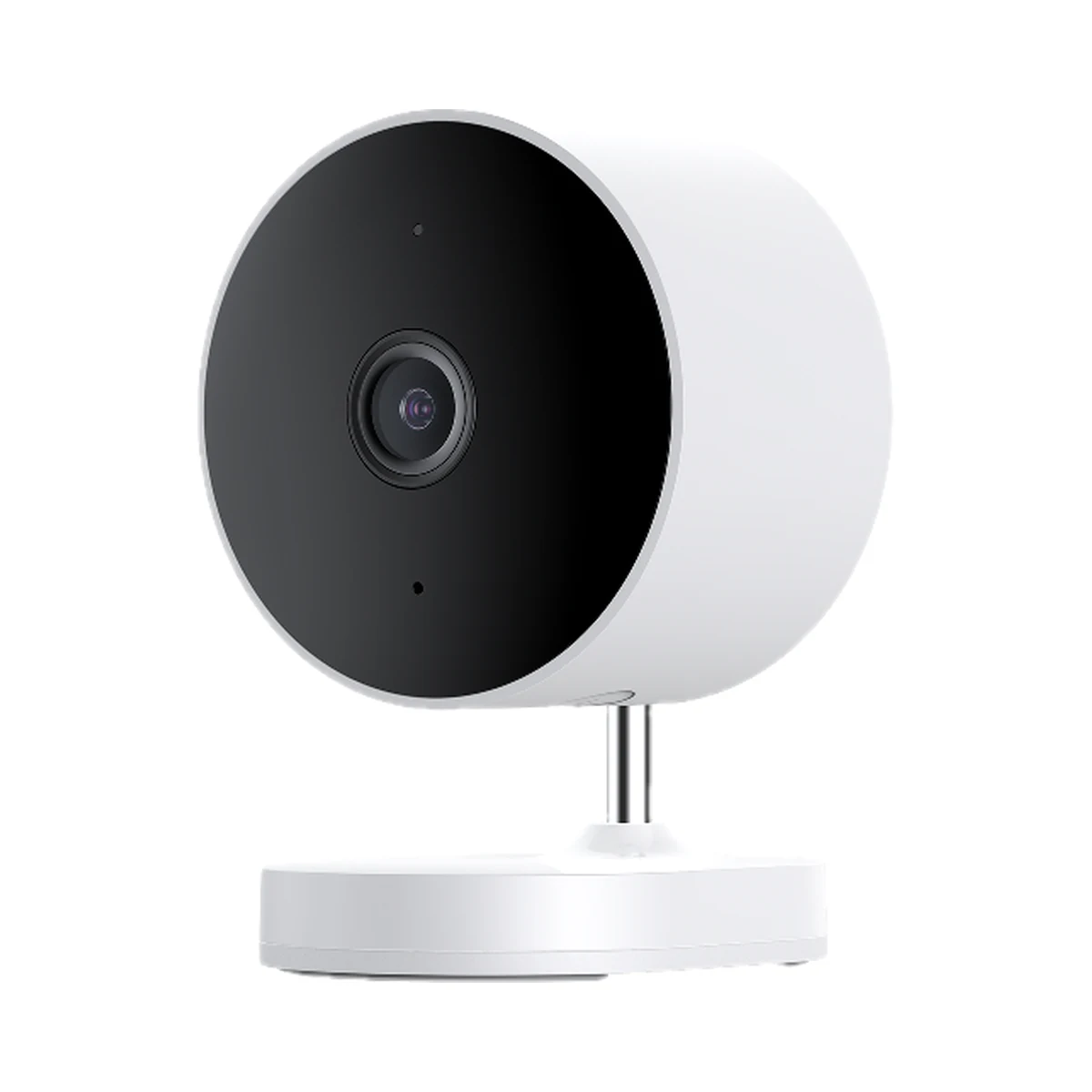
Outdoor cameras
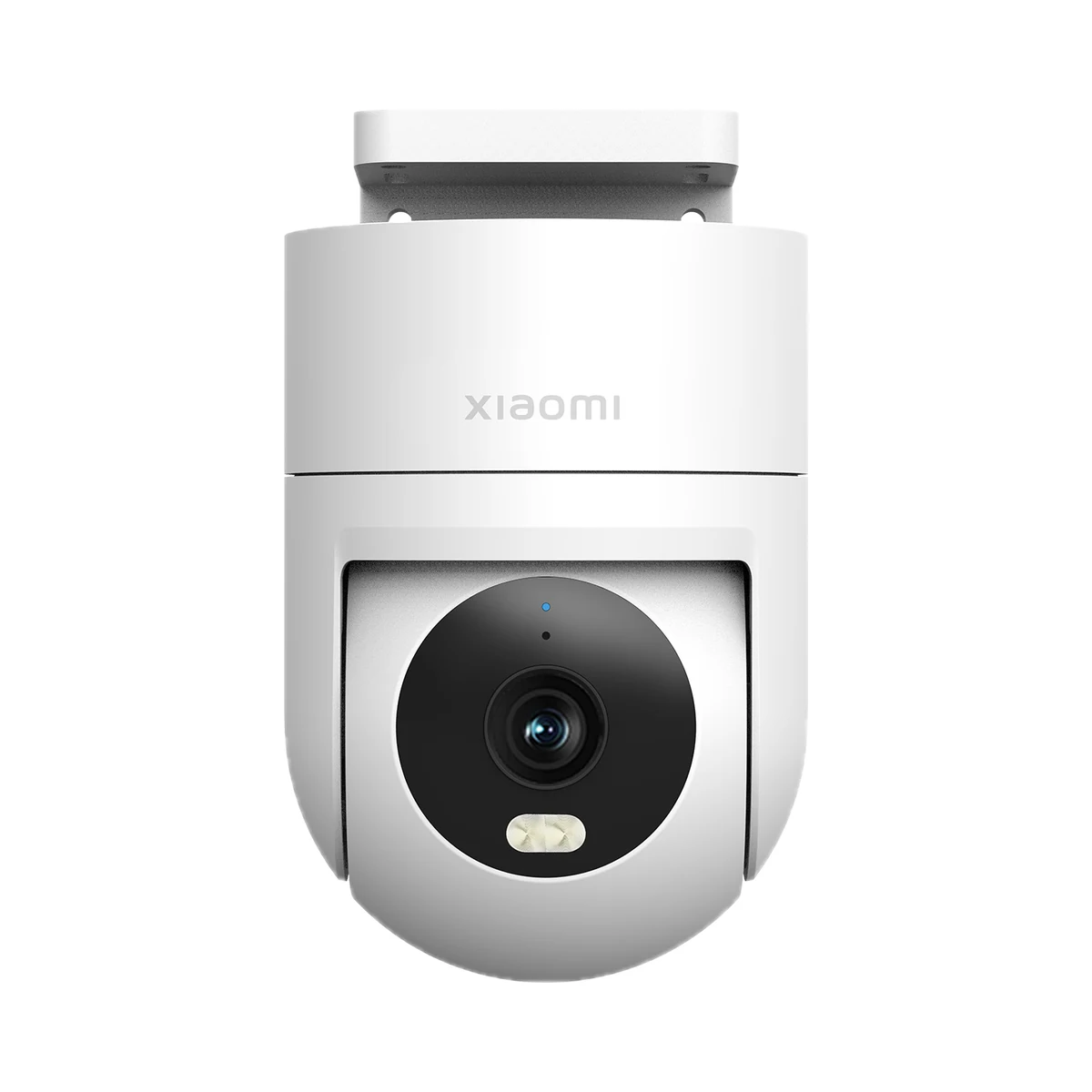
Outdoor cameras
Model: MBC21
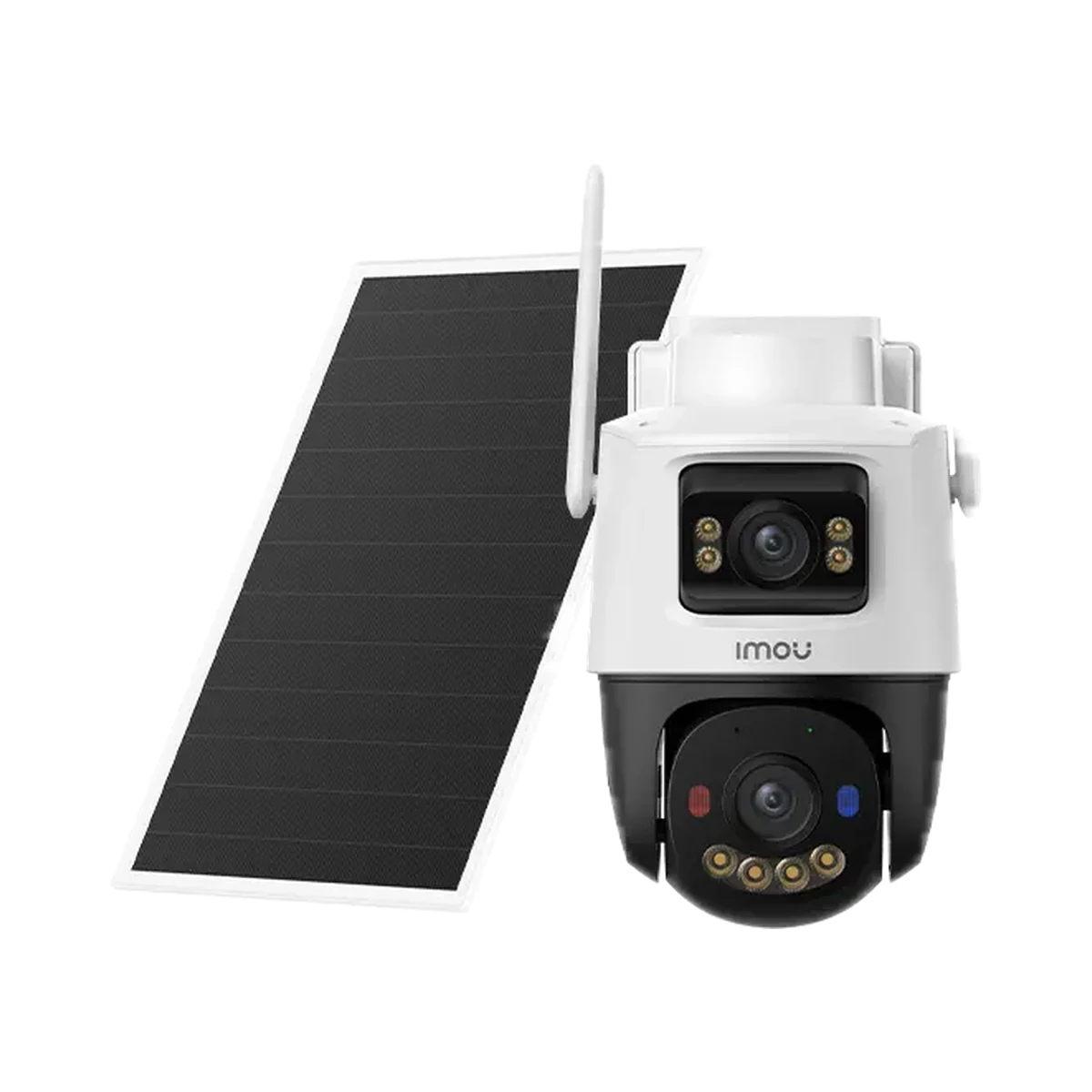
Outdoor cameras
Buy just a device, add installation, or hand the whole project over to us.