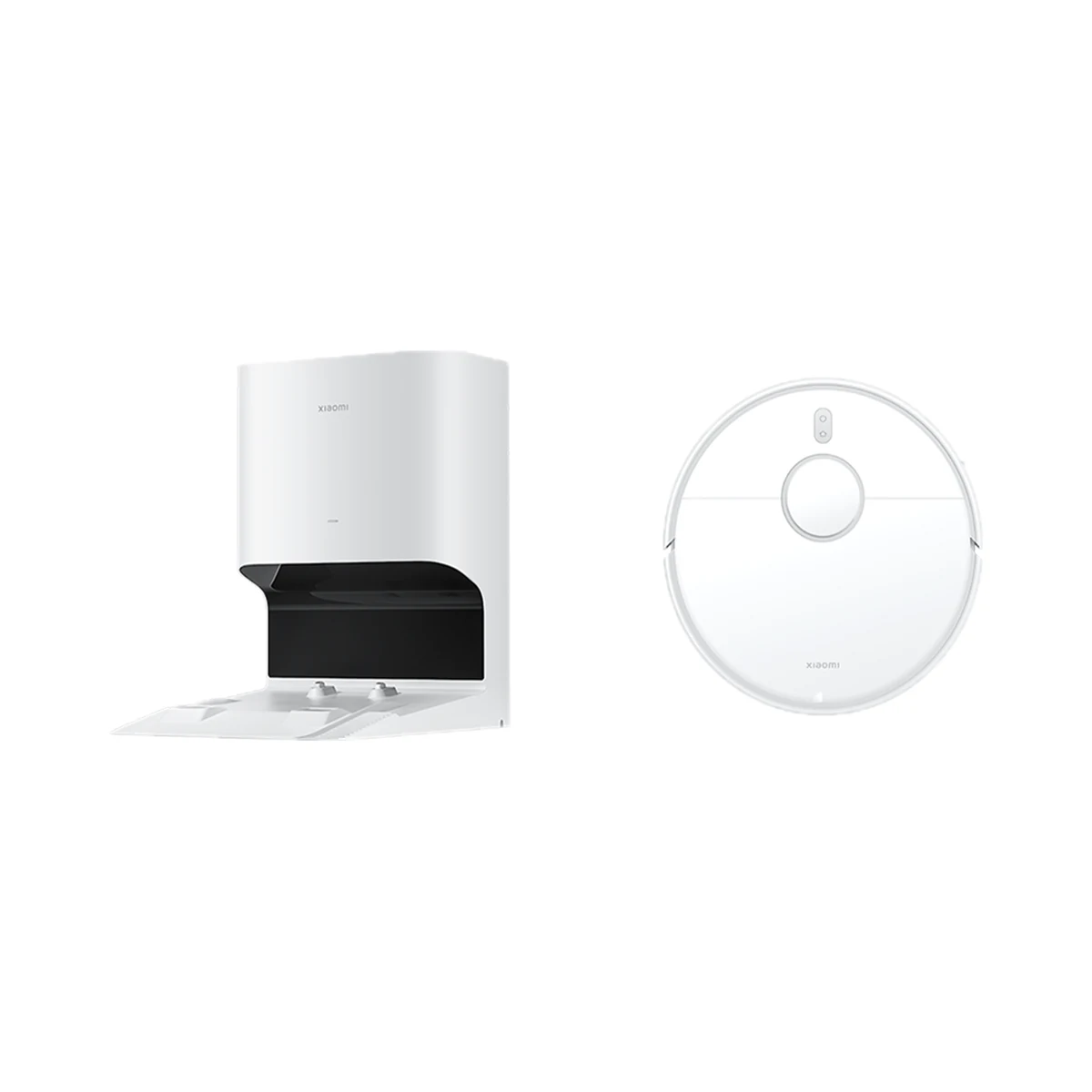
Robot vacuums
Xiaomi Robot Vacuum X10 robot vacuum with auto-empty station, 4000 Pa, LDS navigation
- Maximum suction
- 4000 Pa
- Base station
- Auto-empty station
- Mopping system
- Static mop pad
Model: B102GL
5,999 MDL
1 left
LinknLink · eRemote HA
Added via the phone's Bluetooth in the LinknLink app, then joined to 2.4 GHz Wi-Fi
Check the supported network band.
Manufacturer images
A Wi-Fi IR remote that turns the TV, air conditioner and set-top box into Home Assistant entities: after setup in the LinknLink app it is controlled locally over MQTT (IR2MQTT). Needs an MQTT broker; one device per category in HA.
Connects directly to a 2.4 GHz Wi-Fi router. Home Assistant needs an MQTT broker (not included).
We deliver across Moldova. Availability, delivery timing and cost are confirmed with a manager before order fulfilment.
The right choice starts with specifications
SKU: eRemoteHA
Specifications checked against the linked manufacturer documents.Checked 18 October 2026
Connectivity — what it meansThe wireless link or network the device uses. Wi-Fi connects straight to the router; Zigbee, Thread and Bluetooth Mesh work through a hub or gateway. | Wi-Fi2.4 GHz Wi-Fi only. The phone's Bluetooth is used only when the device is first added in the app [1] |
|---|---|
Home Assistant — what it meansHow the device connects to Home Assistant: a built-in integration, a Zigbee coordinator, Matter or the maker’s cloud integration. | Via an integration (MQTT etc.)Through the MQTT integration: an MQTT broker is needed and eRemote HA and Home Assistant must be on the same LAN. Categories passed to HA: TV, air conditioner, set-top box, media box, BD/DVD and lamp — one device per category (codes are stored on the device) [1] |
Hub required — what it meansWhether the device needs a separate hub, gateway or coordinator to work in a smart home. If so, it is sold separately unless stated otherwise. | No separate hubConnects directly to a 2.4 GHz Wi-Fi router. Home Assistant needs an MQTT broker (not included) [1] |
Works without internet — what it meansWhether the device keeps working over the local network or through a hub when the internet is down. Cloud features (remote access, voice assistants) need the internet. | YesLocal when controlled from Home Assistant over MQTT. First setup needs the LinknLink app with an account; voice assistants work through the LinknLink skill [1] |
Matter support — what it meansWhether the device supports the Matter standard, directly or through a bridge. Matter lets you add it to Apple Home, Google Home, Alexa and Home Assistant. | NoMatter is not claimed; the maker lists Home Assistant (MQTT), Alexa and Google Home [2] |
Voice assistants — what it meansWhich voice assistants the module works with, per the maker. Commands like 'turn on the air conditioner' go through the cloud, so internet access is needed. | Amazon Alexa, Google AssistantThrough the LinknLink skill in the Alexa / Google Home apps. Official images also show Siri Shortcuts (Apple Home is not claimed) [2] |
App — what it meansThe maker’s app used to set up and control the device. | LinknLink [1] |
Wi-Fi bands — what it meansWhich router bands the module connects to. If only 2.4 GHz is supported, a 2.4 GHz network must be enabled on the router. | 2.4 GHz5 GHz is not supported [2] |
| Setup | Added via the phone's Bluetooth in the LinknLink app, then joined to 2.4 GHz Wi-Fi [1] |
Signals controlled — what it meansWhich signals the device uses to replace remotes. IR controls TVs, air conditioners and receivers within a room; 433 MHz radio controls barriers, gates, radio sockets and some blinds, including through walls. | Infrared (IR)IR only. For 433 MHz radio the maker offers a separate model, eHome HA [2] |
|---|---|
Learning codes from a remote — what it meansWhether the blaster can record a command from the original remote: you press the button and it remembers it. Useful when the appliance is not in the code library. | YesManual learning of buttons from the original remote in the app ("IR Learning") [1] |
Built-in IR code library — what it meansWhether the app has a ready-made library of remotes: you pick the appliance brand and model instead of teaching every button. | YesCloud library of brands and models; the official image states over 500,000 IR codes [2] |
IR range — what it meansHow far the IR command reaches the appliance, per the maker. IR does not pass through walls but can bounce off them inside a room. | 12 m"Up to 12 m" per the maker; the signal can bounce off walls [2] |
IR coverage angle — what it meansThe sector in which the blaster emits IR. At 360° it can sit in the middle of a room and control appliances along different walls. | Not stated by the manufacturer |
| IR carrier frequency | 38 kHzThe maker requires a 38 kHz AC remote for air-conditioner setup [3] |
| Devices in Home Assistant | 1 device per category (TV, AC, set-top box, media box, BD/DVD, lamp); unlimited in the app [4] |
| IR code database | over 500,000 IR codes (cloud library) [5] |
Built-in sensors — what it meansSome blasters measure room temperature and humidity, which makes it easy to switch an air conditioner or heater on automatically via IR. | NoneThe manual's device overview lists only an LED, power input and reset button; no sensors are listed [1] |
|---|
Power source — what it meansWhere the device gets its power: 230 V mains, an adapter, USB, batteries or a built-in battery. | USB (5 V) [1] |
|---|---|
Supply voltage — what it meansThe supply voltage (and current, if stated) as the maker gives it. It must match your mains or adapter. | 5 V, USB Type-CCurrent is not stated. Type-C connector per the product page; no power adapter is included [1] |
| Power connector | USB Type-C [2] |
Mounting — what it meansHow and where it is installed: in a wall box, on a wall or ceiling, on a DIN rail, on a table or in a socket. | Not stated by the manufacturer |
|---|---|
Dimensions — what it meansThe device’s size in millimetres as the maker states it. Check that it fits the wall box, niche or shelf. | 61 × 61 × 25 mm [1] |
Weight — what it meansThe device’s weight without packaging, per the maker. | Not stated by the manufacturer |
Package contents — what it meansWhat comes in the box, per the maker. | eRemote hub × 1, USB cable × 1, user guide × 1No 5 V power adapter is included [1] |
|---|
We deliver across Moldova. Availability, delivery timing and cost are confirmed with a manager before order fulfilment.
A website order is submitted for confirmation without charging your card. The payment method and final amount are agreed with a manager before payment.
The warranty is at least 12 months. The exact period and conditions for equipment and installation work are stated in the sales documents and the accepted proposal. Further support is agreed for each project.
Current conditions are published on the Return policy page. Email office@casasmart.md with your order number for the steps relevant to your situation. Statutory consumer rights continue to apply.
In your home
It is easy to forget to start or check a useful appliance. Connecting it to schedules and presence reduces small repetitive tasks.
See the complete solution
CasaSmart
Robot vacuums
Model: B102GL
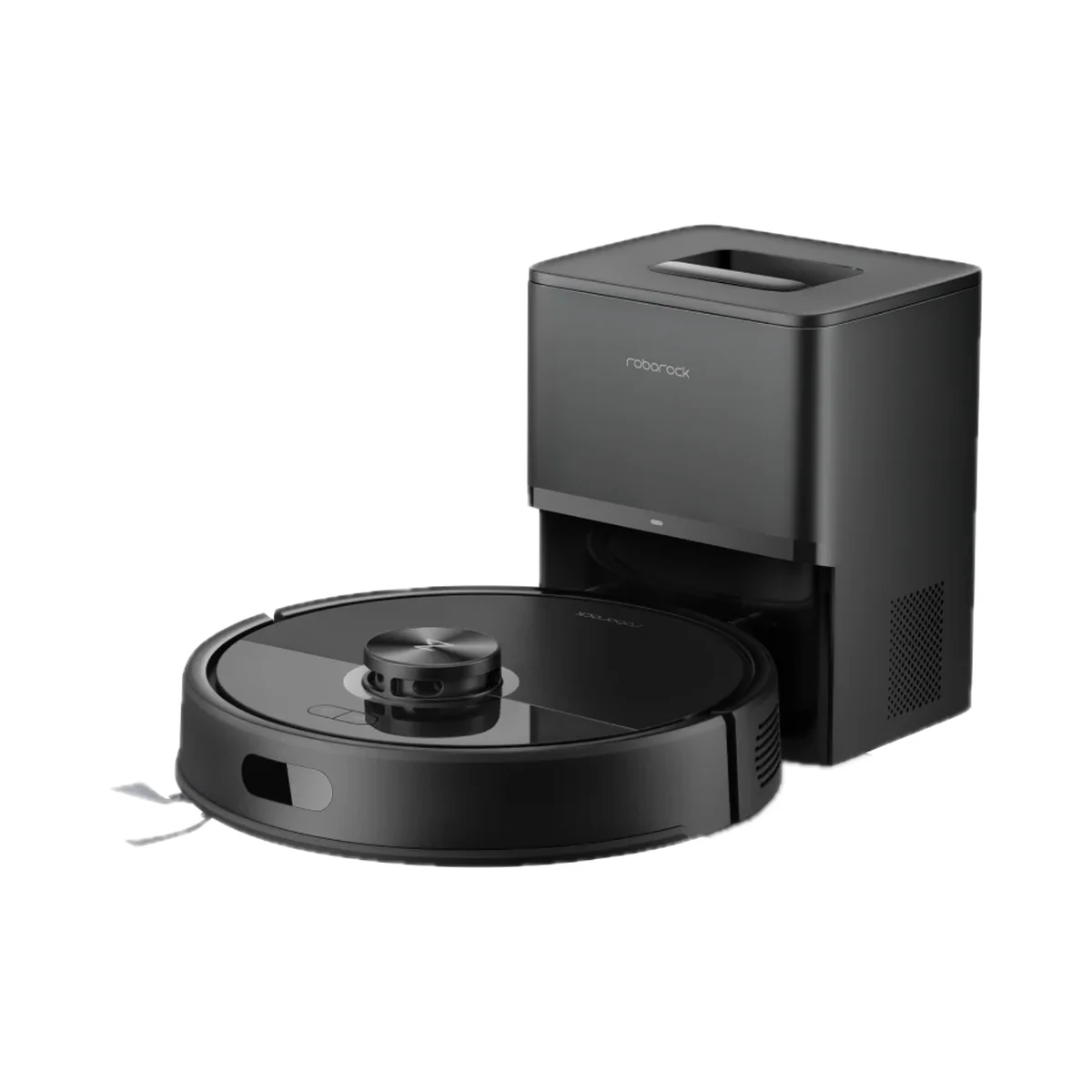
Robot vacuums
Model: RRA0TCP
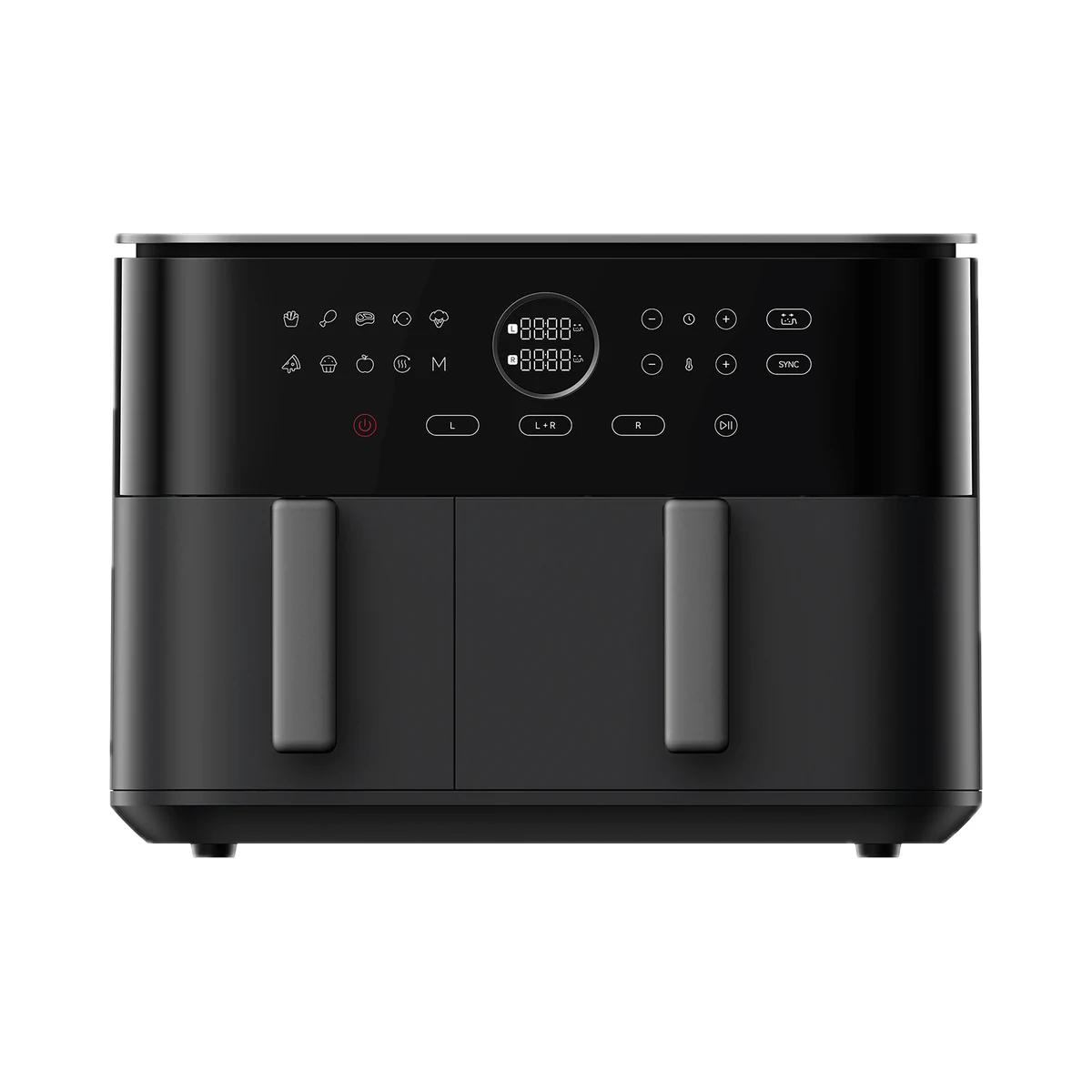
Air fryers
Model: BHR07SGEU
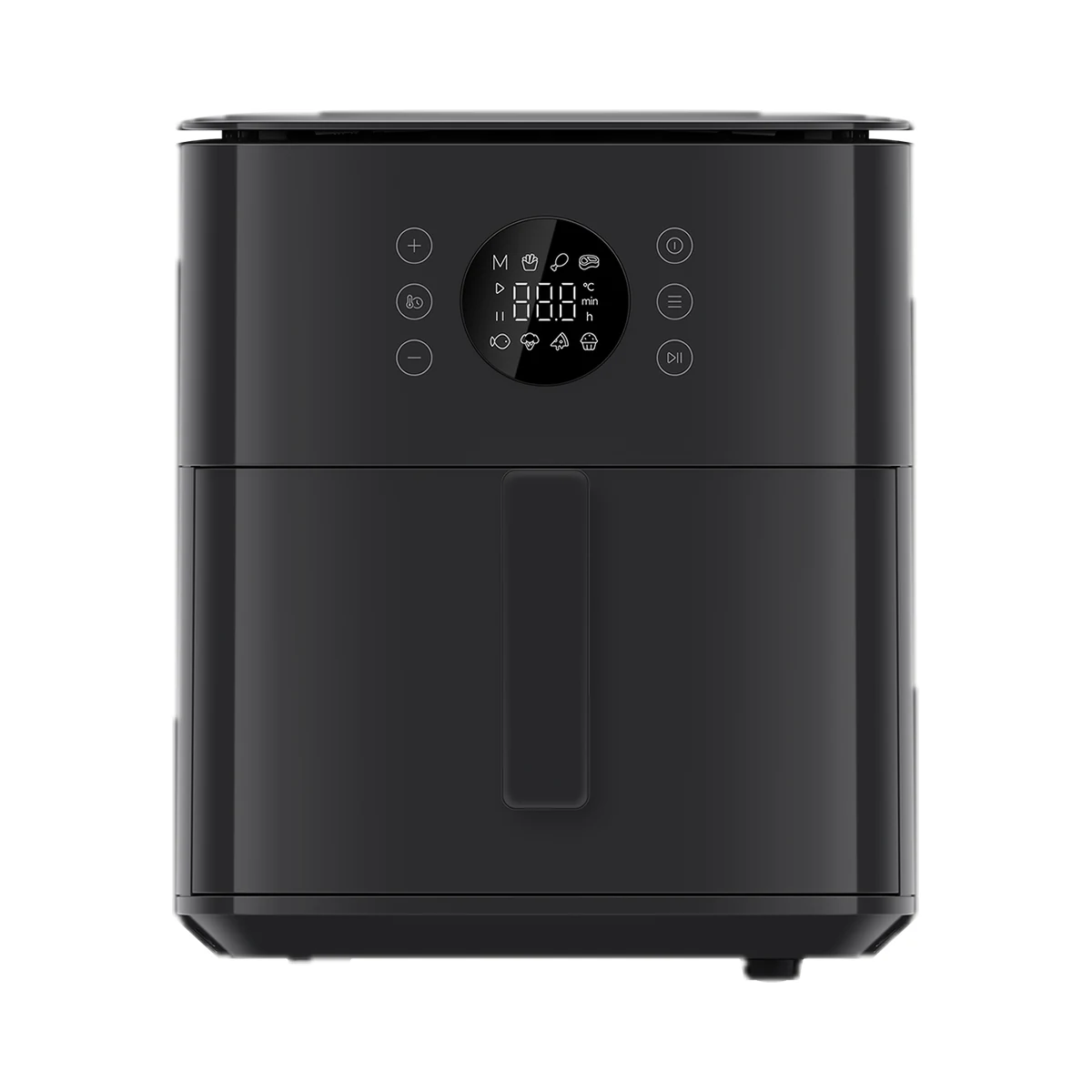
Air fryers
Buy just a device, add installation, or hand the whole project over to us.