Robot vacuums
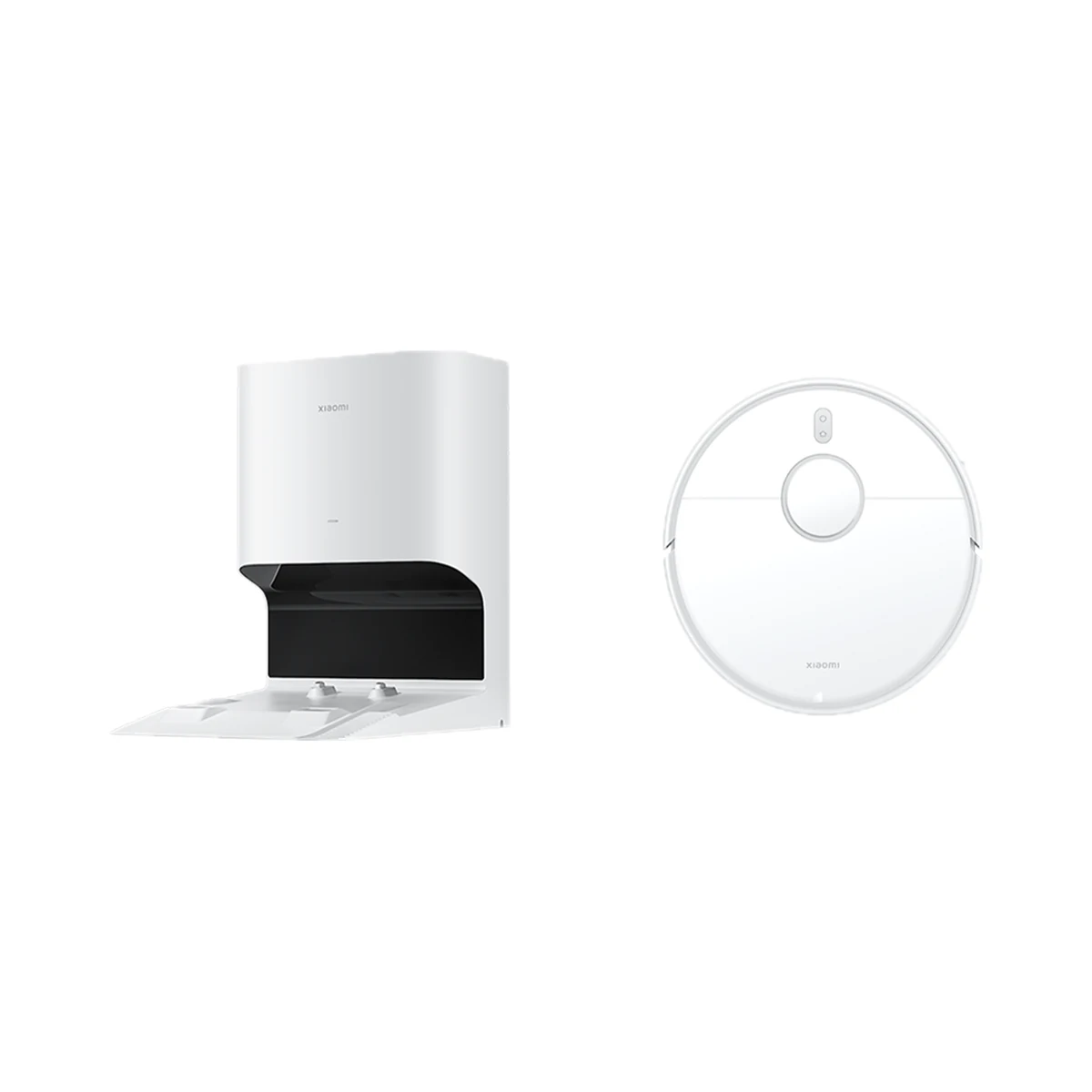
Xiaomi Robot Vacuum X10 robot vacuum with auto-empty station, 4000 Pa, LDS navigation
- Maximum suction
- 4000 Pa
- Base station
- Auto-empty station
- Mopping system
- Static mop pad
Model: B102GL
5,999 MDL
1 left
LinknLink · eHome HA
Wi-Fi, Bluetooth, RF 433 MHz
Check the supported network band.
Wi-Fi, Bluetooth, RF 433 MHz
Bluetooth is used for setup or short-range connection; the role depends on the model.
315 MHz (300–350 MHz band), 433 MHz (430–440 MHz band) · Repeats learned RF remotes
Manufacturer images
Learns the 433/315 MHz RF remotes of blinds, sockets and switches and brings them into Home Assistant through RF2MQTT and your own MQTT broker; control is local, but first setup needs the LinknLink app and internet.
Connects directly to a 2.4 GHz Wi-Fi router.
We deliver across Moldova. Availability, delivery timing and cost are confirmed with a manager before order fulfilment.
The right choice starts with specifications
SKU: eHomeHA
Specifications checked against the linked manufacturer documents.Checked 18 October 2026
RF operating frequencies — what it meansThe frequencies on which the bridge sends and receives RF commands. They must match the frequency of the device's remote, which is usually printed on its case or in its manual (433 MHz is the most common in Europe). | 315 MHz (300–350 MHz band), 433 MHz (430–440 MHz band)The maker states 300–340 MHz "where available" and 430–440 MHz "in supported regions"; final compatibility depends on the device model, region and RF code type [1] |
|---|---|
Supported RF encodings — what it meansThe encoder chips or remote protocols whose signals the bridge can receive and repeat, per the manufacturer (e.g. PT2262, EV1527). The chip model is often printed on the board inside the remote, so you can check compatibility in advance. | Not stated by the manufacturer |
Connectivity — what it meansThe wireless link or network the device uses. Wi-Fi connects straight to the router; Zigbee, Thread and Bluetooth Mesh work through a hub or gateway. | Wi-Fi, Bluetooth, RF 433 MHzWi-Fi 802.11b/g/n, 2.4 GHz only; Bluetooth 4.0+ is used during initial setup. The 300–340 MHz band is also supported (see "RF operating frequencies") [1] |
Home Assistant — what it meansHow the device connects to Home Assistant: a built-in integration, a Zigbee coordinator, Matter or the maker’s cloud integration. | Via a separate integrationThrough the built-in MQTT client (RF2MQTT): your own MQTT broker is needed; RF devices created in the LinknLink app with "Add for HA" appear in Home Assistant automatically [3] |
MQTT support — what it meansMQTT is an open messaging protocol for your home network. A bridge with MQTT passes RF commands and events to Home Assistant, Node-RED and other systems through your own MQTT broker, without the maker's cloud. | YesSet up in the app under "..." → "MQTT Connection". If the option is missing, the unit is the eHome model, which can be upgraded to eHome HA by firmware [3] |
Works without internet — what it meansWhether the device keeps working over the local network or through a hub when the internet is down. Cloud features (remote access, voice assistants) need the internet. | YesOnce connected to MQTT, devices work in Home Assistant for fully local automations. Initial setup needs the LinknLink app, an account and Wi-Fi with internet access [3] |
Hub required — what it meansWhether the device needs a separate hub, gateway or coordinator to work in a smart home. If so, it is sold separately unless stated otherwise. | No hub neededConnects directly to a 2.4 GHz Wi-Fi router [3] |
Matter support — what it meansWhether the device supports the Matter standard, directly or through a bridge. Matter lets you add it to Apple Home, Google Home, Alexa and Home Assistant. | NoMatter is not mentioned in the official specifications or description [1] |
Wireless range — what it meansThe stated radio range, usually in open space. Walls and floors cut it noticeably. | 80 mThe "80 m" figure is from the official infographic; the measurement condition is not stated. The text says the signal reaches rooms on the same floor depending on walls, distance and placement [4] |
Voice assistants — what it meansWhich voice assistants the module works with, per the maker. Commands like 'turn on the air conditioner' go through the cloud, so internet access is needed. | Amazon Alexa, Google AssistantVia the LinknLink skill in the Alexa and Google Home apps. The materials also show Apple Shortcuts, which is not Apple Home [3] |
App — what it meansThe maker’s app used to set up and control the device. | LinknLink [3] |
Bluetooth version — what it meansThe Bluetooth version used for the remote, wireless headphones, speakers and gamepads. Newer versions hold the connection more steadily and use less power on connected devices. | 4.0 and above (for setup) [1] |
| Smartphone requirements | iOS 11.0 / Android 5.1 or laterThe setup guide says iOS 9.0 / Android 5.1; the newer value from the product page is used here [1] |
What the bridge does with RF — what it means“Repeats learned remotes” means the bridge memorises your remote's buttons and sends them itself. “Code library” means a device can be picked from a list without its remote. “Receives sensor signals” means presses of RF buttons and triggers of RF sensors (door, motion) reach the app and automations. | Repeats learned RF remotesThe bridge learns the buttons of an RF remote (manual learning) and then sends them itself. A built-in RF code library and reception of RF sensor signals are not mentioned in the official materials [1] |
|---|---|
Rolling code — what it meansRemotes for gates, barriers, garage doors and many alarm systems change their code with every press (rolling code, e.g. KeeLoq). A bridge without rolling-code support works only with fixed-code remotes, typically blinds, sockets, lights and fans. | Fixed code onlyThe LinknLink knowledge base says rolling-code devices cannot be controlled even if the code is learned; Somfy and Dooya are named as incompatible. The article covers LinknLink RF devices in general [2] |
IR control (AC, TV) — what it meansWhether the bridge also has an infrared transmitter for appliances with IR remotes: air conditioners, TVs, receivers. IR needs line of sight or a reflection within the room, unlike RF, which passes through walls. | NoThe specifications list only Wi-Fi and Bluetooth plus RF; there is no IR transmitter. The maker offers the separate eRemote HA for IR appliances [1] |
Declared RF device types — what it meansThe kinds of RF devices the manufacturer explicitly lists as compatible. A specific model should still be checked against its remote's frequency and encoding. | Curtains, roller shutters, blinds, lights and switches, Sockets, Fans, heaters and electric fireplacesListed: RF bulbs, light switches, curtain and roller shutter motors, RF sockets, ceiling fans, heaters and electric fireplaces [1] |
RF command memory — what it meansHow many RF buttons (commands) or devices the bridge stores, per the manufacturer; what is counted is given in the note. It matters if you have many remotes at home. | Not stated by the manufacturer |
Power source — what it meansWhere the device gets its power: 230 V mains, an adapter, USB, batteries or a built-in battery. | USBA 5 V USB power supply rated 1 A or more is needed [3] |
|---|---|
Supply voltage — what it meansThe supply voltage (and current, if stated) as the maker gives it. It must match your mains or adapter. | 5 V ⎓ 1 A (USB)The type of USB connector on the housing is not stated in the official materials [1] |
Mounting — what it meansHow and where it is installed: in a wall box, on a wall or ceiling, on a DIN rail, on a table or in a socket. | Not stated by the manufacturer |
|---|---|
Dimensions (W × H × D) — what it meansThe device’s size in millimetres as the maker states it. Check that it fits the wall box, niche or shelf. | 70 × 33.5 × 18.5 mm [1] |
Operating temperature — what it meansThe air temperature range the device is rated for. The lower limit matters outdoors, on balconies and in unheated rooms. | 0–50 °C [1] |
|---|---|
Operating humidity — what it meansThe rated relative humidity range, non-condensing. | up to 85%≤85 % RH [1] |
| FCC ID | 2A9BE-LL8720-PThis is the ID of the LinknLink LL8720-P Wi-Fi module inside the bridge [1] |
|---|---|
| Firmware variant | eHome HA (MQTT for Home Assistant). The earlier eHome model is upgraded to eHome HA by a firmware update in the app, after which the device resets and is set up again. [5] |
We deliver across Moldova. Availability, delivery timing and cost are confirmed with a manager before order fulfilment.
A website order is submitted for confirmation without charging your card. The payment method and final amount are agreed with a manager before payment.
The warranty is at least 12 months. The exact period and conditions for equipment and installation work are stated in the sales documents and the accepted proposal. Further support is agreed for each project.
Current conditions are published on the Return policy page. Email office@casasmart.md with your order number for the steps relevant to your situation. Statutory consumer rights continue to apply.
In your home
It is easy to forget to start or check a useful appliance. Connecting it to schedules and presence reduces small repetitive tasks.
See the complete solution
CasaSmart
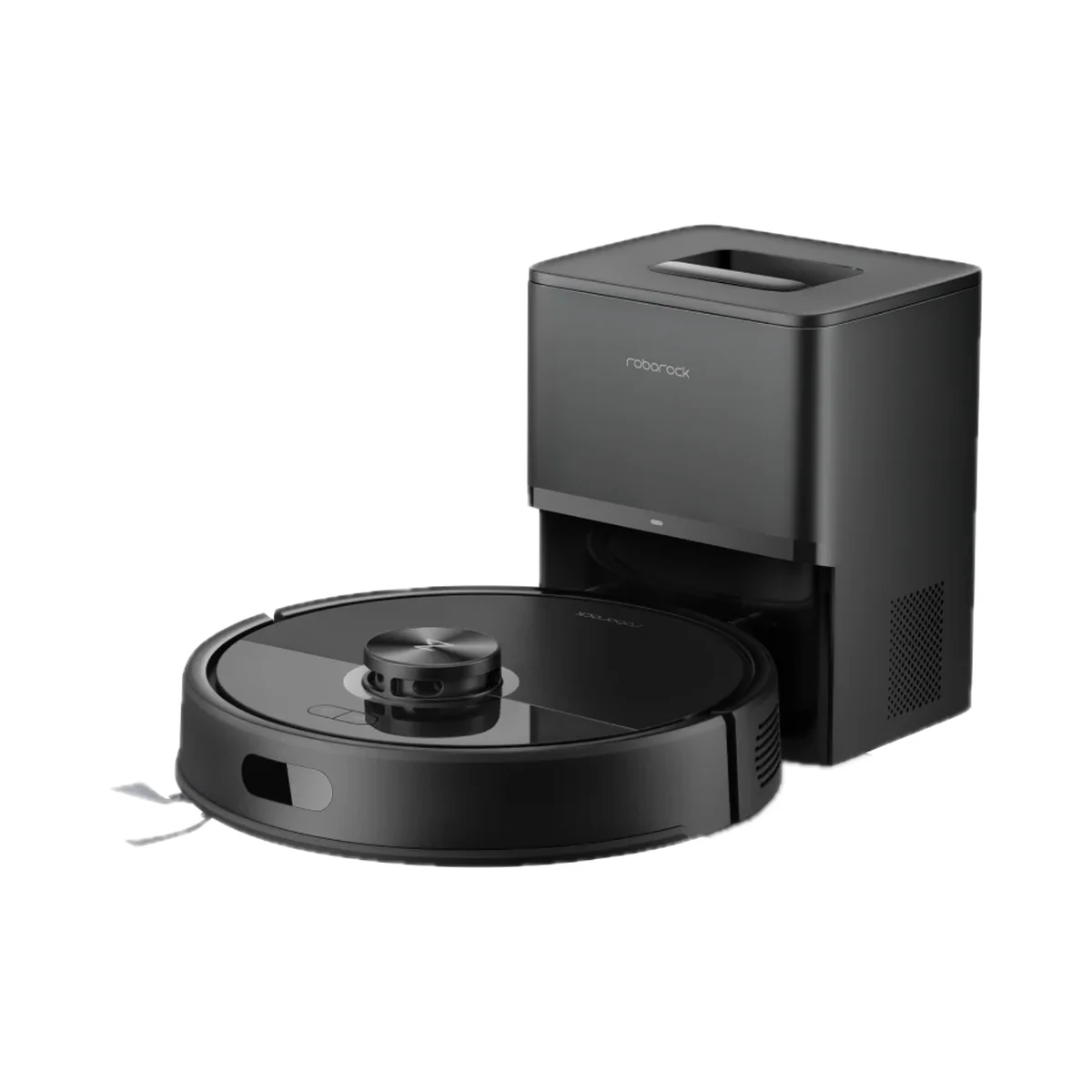
Robot vacuums
Model: B102GL
Robot vacuums
Model: RRA0TCP
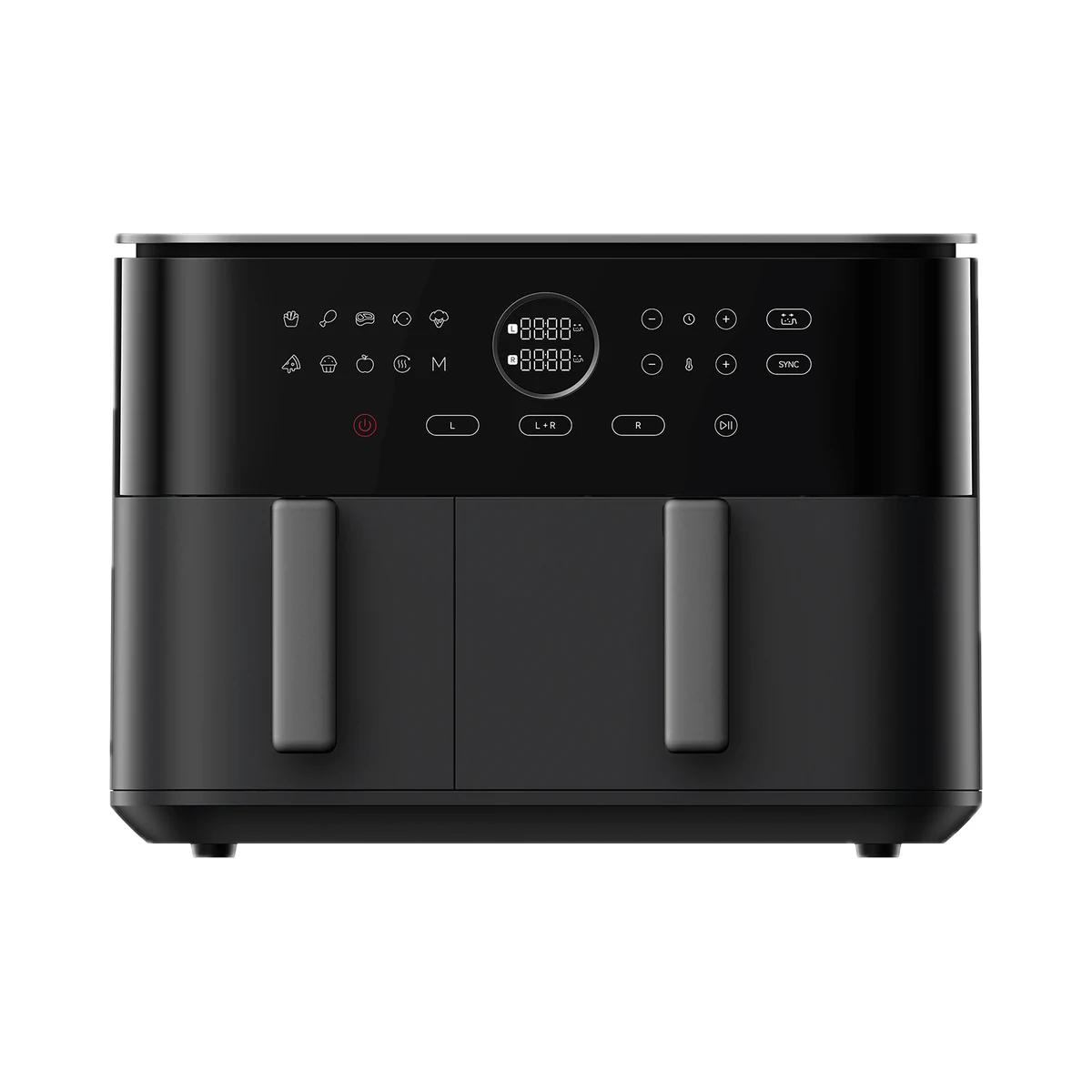
Air fryers
Model: BHR07SGEU
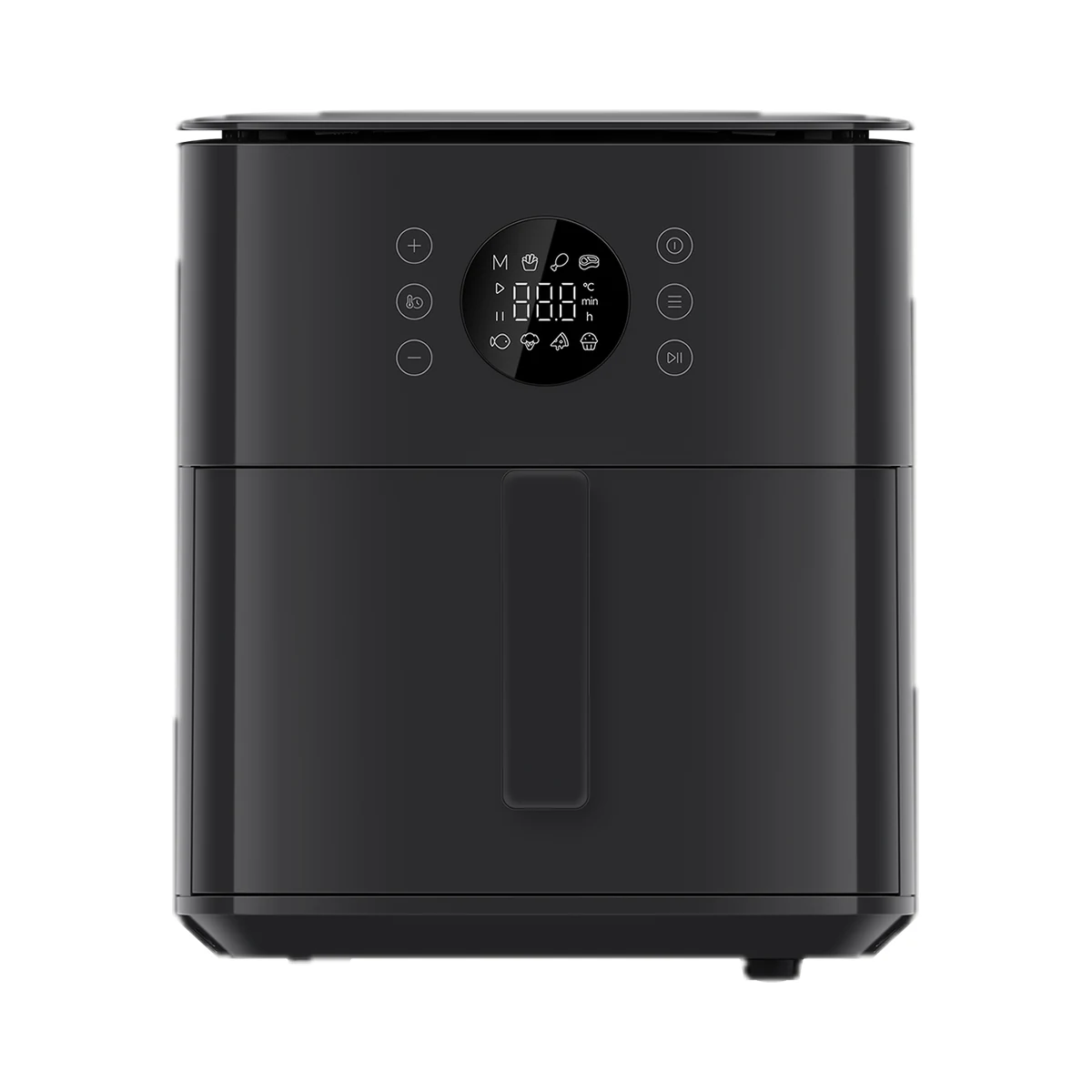
Air fryers
Buy just a device, add installation, or hand the whole project over to us.