Wi-Fi routers
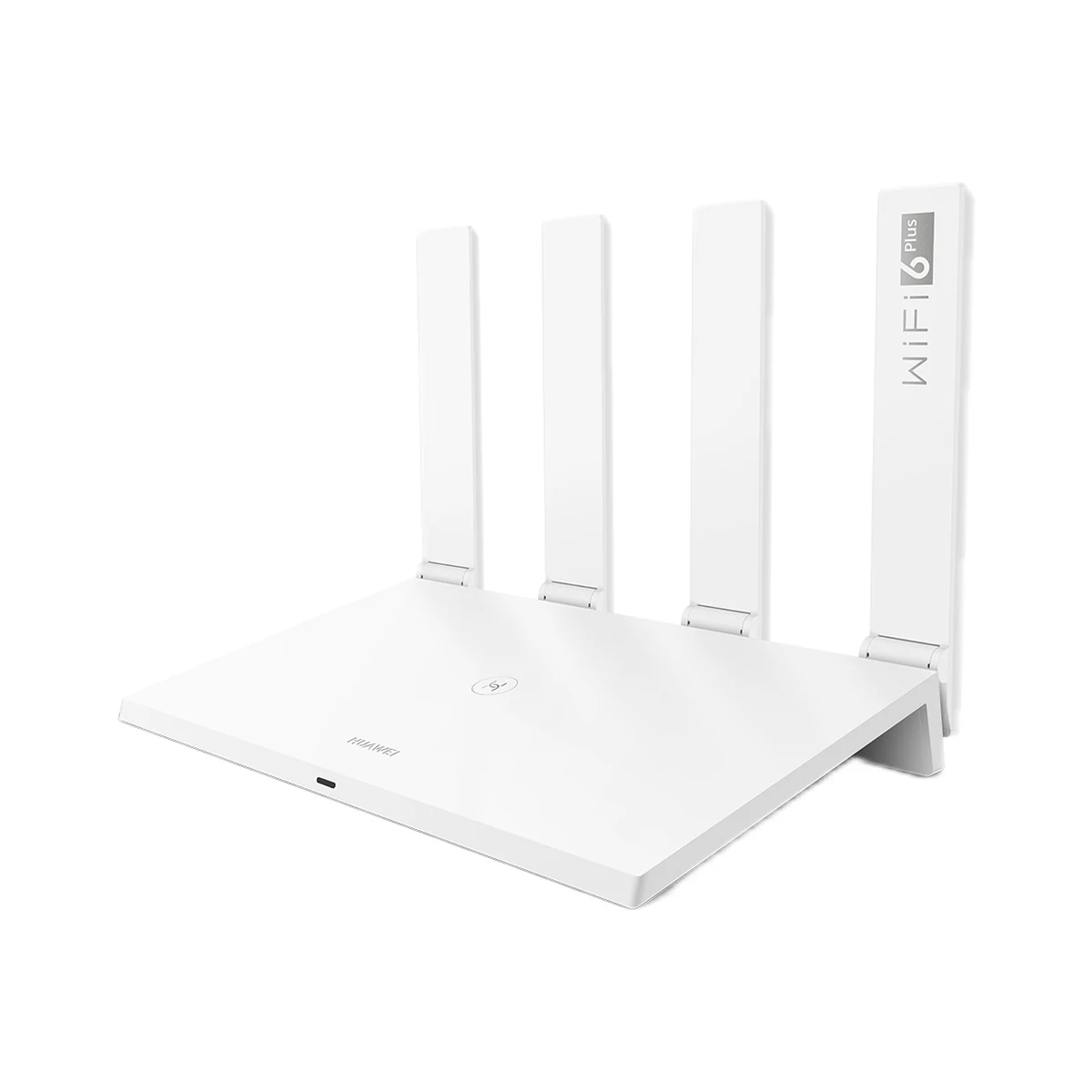
Huawei WiFi AX3 (WS7100-25) Wi-Fi 6 router, AX3000, 4 gigabit ports, white
- Wi-Fi generation
- Wi-Fi 6 (802.11ax)
- Combined Wi-Fi rate
- 2976 Mbps
- WAN (internet) port speed
- 1000 Mbps
1,299 MDL
In stock
Huawei · WiFi BE3
Wi-Fi 7 (802.11be) · Guest Wi-Fi, parental control, Wi-Fi schedule, Seamless roaming 802.11k/v/r, Auto WAN/LAN port detection, WPS button, one network name for both bands
Check the supported network band.
Manufacturer images
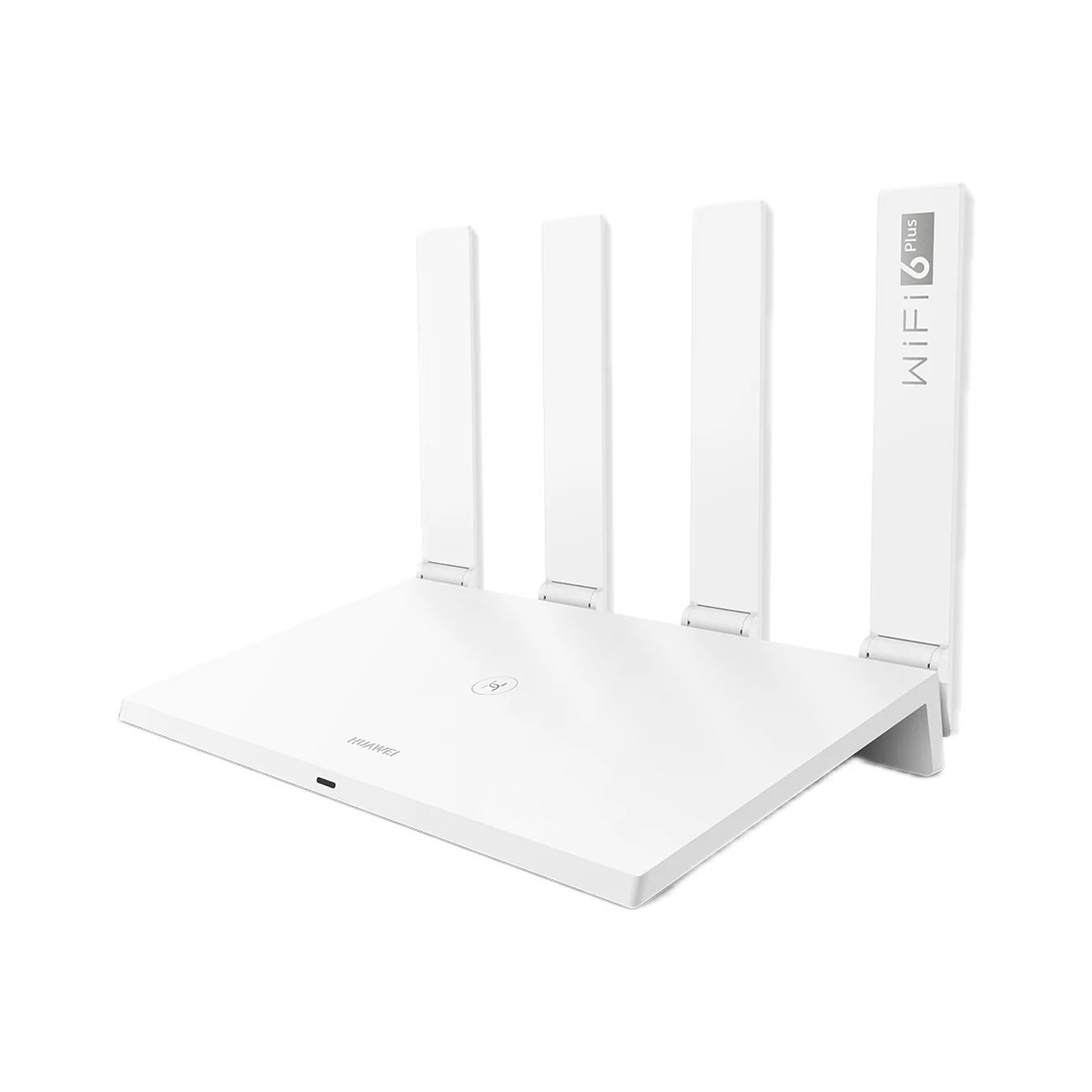
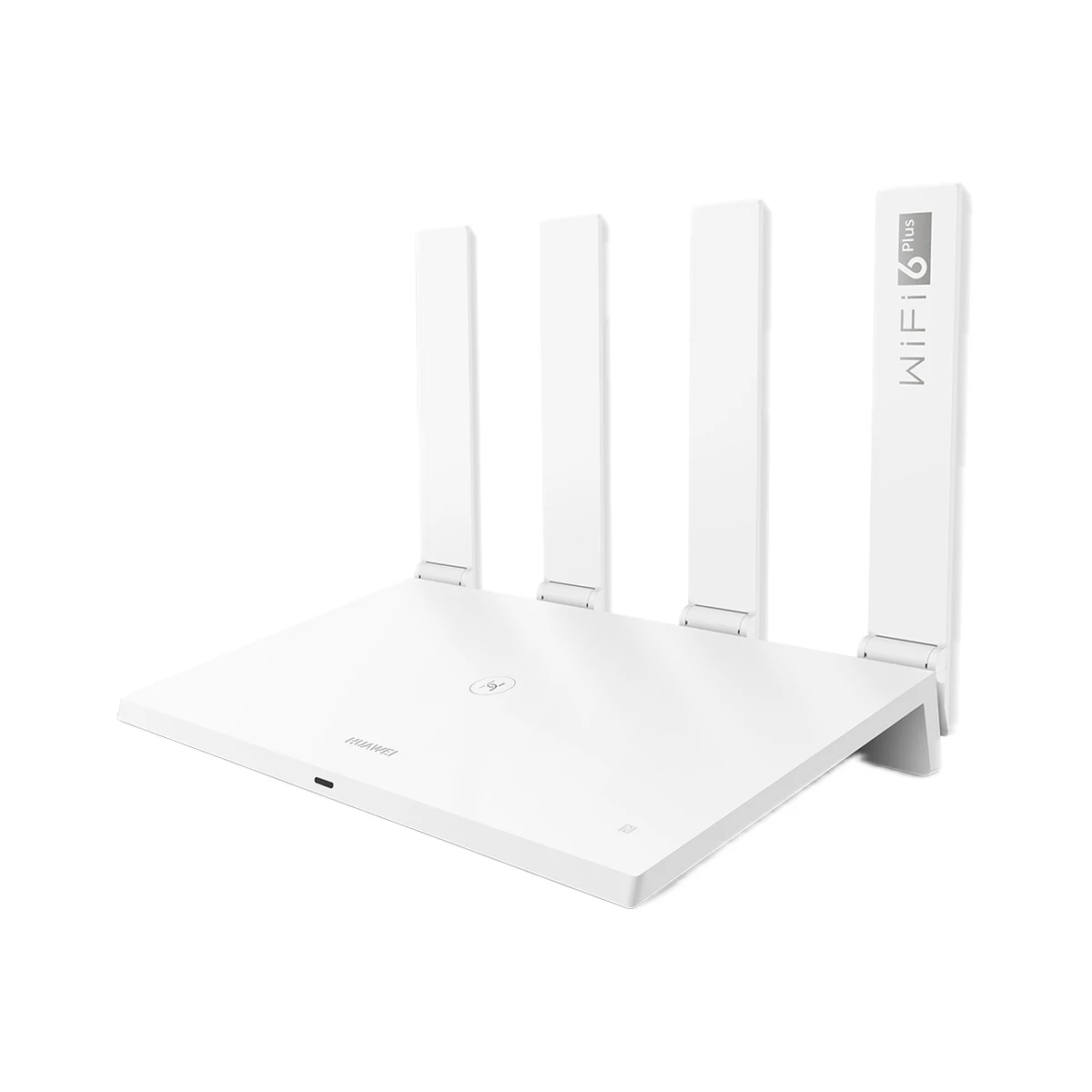
Huawei WiFi BE3 router with Wi-Fi 7: up to 3570 Mbps in total (688 + 2882 Mbps), one 2.5 Gbps port and three 1 Gbps ports, 4 antennas, HUAWEI Mesh+ and WPA3 security for your home.
29 specifications from manufacturer documentsWe deliver across Moldova. Availability, delivery timing and cost are confirmed with a manager before order fulfilment.
The right choice starts with specifications
SKU: HUAWEI-BE3-WUKUN
Specifications checked against the linked manufacturer documents.Checked 18 October 2026
Wi-Fi generation — what it meansThe Wi-Fi standard version: Wi-Fi 4 (802.11n), Wi-Fi 5 (802.11ac), Wi-Fi 6 (802.11ax), Wi-Fi 7 (802.11be). A newer generation brings gains in speed and with many devices only when phones and laptops support it too; older devices still connect but use their own standard. | Wi-Fi 7 (802.11be)IEEE 802.11be, backward compatible with 802.11a/b/g/n/ac/ax [1] |
|---|---|
Combined Wi-Fi rate (class) — what it meansThe sum of the maximum Wi-Fi link rates of all bands between the router and your devices, per the maker. On a mobile router internet speed is usually limited by the mobile network rather than Wi-Fi. | 3570 Mbps688 + 2882 Mbps, theoretical Wi-Fi 7 2×2 link rate; marketed as '3.6 Gbps'. With Wi-Fi 6 clients up to 2976 Mbps (574 + 2402) [2] |
Wi-Fi bands — what it meansThe bands the device broadcasts on. 2.4 GHz reaches further through walls and is needed by many smart devices that work only on it; 5 GHz is faster but fades more behind walls; 6 GHz has the least interference and only newer phones and laptops support it. | 2.4 GHz, 5 GHzBoth bands can be combined into one network; with Wi-Fi 7 devices it uses both bands at once (MLO) [1] |
WAN (internet) port speed — what it meansThe maximum speed of the port the provider's cable plugs into. A 100 Mbps port caps the internet at that value even on a faster plan; a gigabit port passes plans up to 1 Gbps, a 2.5 Gbps port faster ones too. | 2500 MbpsAll ports auto-detect WAN/LAN, so the provider cable can go into any of them. Only one port is 2.5 Gbps; the other three are 1 Gbps [1] |
Ethernet port count — what it meansHow many RJ45 sockets the router has. Pocket models usually have none; on desktop ones a computer, TV or another router plugs into the port. | 41 × 10/100/1000/2500 Mbps and 3 × 10/100/1000 Mbps, all auto-sensing WAN/LAN [1] |
LAN port speed — what it meansThe maximum speed of the ports for home devices. A 100 Mbps port caps a connected computer or TV at that value; a gigabit port is needed for fast file transfers and plans above 100 Mbps. | 1000 MbpsThree 1 Gbps ports; if the provider cable is in another port, the 2.5 Gbps port also works as LAN [1] |
Mesh support — what it meansMesh joins several routers or extenders into one network with one name: a phone moves to the nearest node by itself. Brand mesh works only with compatible models of the same brand (for example HUAWEI Mesh+ or Xiaomi Mesh), EasyMesh with supporting devices of different brands. A wired link between nodes (Ethernet backhaul) keeps speed up between floors. | Brand meshHUAWEI Mesh+ (the UK page names it HUAWEI HarmonyLink). Wired backhaul is not stated [1] |
Wi-Fi rate at 2.4 GHz (max) — what it meansThe maximum link rate in the 2.4 GHz band per the standard. This band usually serves distant rooms and smart devices, for which a steady signal matters more than this number. | 688 MbpsWi-Fi 7 2×2; 574 Mbps with Wi-Fi 6 clients [1] |
Wi-Fi rate at 5 GHz (max) — what it meansThe maximum link rate in the 5 GHz band per the standard. This is where fast connections of phones, laptops and TVs near the device run; the value depends on the number of MIMO streams and the channel width (80 or 160 MHz). Not applicable to 2.4 GHz-only models. | 2882 MbpsWi-Fi 7 2×2, 4096-QAM; 2402 Mbps with Wi-Fi 6 clients [1] |
MIMO per band — what it meansHow many data streams the device sends at once in each band, for example 2×2 or 4×4. More streams mean a higher peak rate and more headroom when many devices are active at once; most phones use 2 streams. | 2×2 (2.4 GHz), 2×2 (5 GHz) [2] |
Number of antennas — what it meansHow many antennas the device has; whether they are external or built-in and how they are split between bands is in the note. The antenna count alone is not the same as coverage, which also depends on transmitter power, walls and placement. | 4External folding antennas: 2 for 2.4 GHz and 2 for 5 GHz [1] |
Max. connected devices — what it meansHow many devices can join the router's Wi-Fi at once, per the maker; any beyond that number will not connect. | Not stated by the manufacturer |
WPA3 encryption — what it meansWPA3 is the current Wi-Fi security standard and better protects the network password against guessing. Without it the device uses WPA2; some older smart devices connect only to WPA2, so a mixed WPA2/WPA3 mode is usually available. | YesModes: WPA2-PSK, WPA/WPA2-PSK, mixed WPA2-PSK/WPA3-SAE [1] |
Processor / radio chip — what it meansThe microcontroller or radio module inside, per the maker (for example ESP32). For firmware such as WLED and ESPHome it determines available features and whether the device can be re-flashed. | Not stated by the manufacturer |
RAM — what it meansThe amount of RAM per the maker. The firmware uses it for the connection table and features such as VPN and parental control; with many devices, spare memory affects stability. | 256 MB [1] |
USB port — what it meansThe router's USB port takes a flash drive or disk for shared file access on the home network, and on some models a 4G modem or printer. Which devices are supported is in the note. | NoneThe interface list has only 4 Ethernet ports, buttons and the power socket [1] |
App — what it meansThe maker’s app used to set up and control the device. | HUAWEI AI Life [1] |
| Flash memory (ROM) | 128 MB [1] |
| Wi-Fi standards | IEEE 802.11a/n/ac/ax/be (5 GHz), IEEE 802.11b/g/n/ax/be (2.4 GHz) [2] |
| MLO (multi-link operation) | YesSimultaneous 2.4 and 5 GHz links, only with Wi-Fi 7 devices [3] |
Software features — what it meansFirmware features the maker lists for this model. A guest network keeps guests and smart devices apart from the main network, parental control limits time and websites, IPTV/VLAN is needed for some providers' TV service, and auto WAN/LAN detection lets the provider's cable go into any port. | Guest Wi-Fi, parental control, Wi-Fi schedule, Seamless roaming 802.11k/v/r, Auto WAN/LAN port detection, WPS button, one network name for both bandsAlso: PPPoE/DHCP/static IP, VPN passthrough (not a VPN server), DMZ, virtual server, firewall, Wi-Fi brute-force protection (HUAWEI HomeSec). Combining bands under one name per the UK page. IPv6 and IPTV are not stated [1] |
|---|---|
| Indicators and buttons | WPS button, reset pinhole, 1 two-colour status LED (red/green) [1] |
Rated power — what it meansThe rated or maximum power draw from the spec sheet. It sets the load on the socket and the energy use. | 12 WStated as less than 12 W [1] |
|---|---|
Supply voltage — what it meansThe supply voltage (and current, if stated) as the maker gives it. It must match your mains or adapter. | Adapter 100–240 V AC, 50–60 Hz; router 12 V ⎓ 1 A [1] |
Dimensions (W × H × D) — what it meansThe device’s size in millimetres as the maker states it. Check that it fits the wall box, niche or shelf. | 215 × 148.8 × 71.5 mm (antennas folded); 215 × 280 × 61.5 mm (antennas raised) [1] |
|---|---|
Weight — what it meansThe device’s weight without packaging, per the maker. | 436 gAbout 436 g [1] |
Colour — what it meansThe housing colour of this model. Other colours in the same series are separate products. | White [1] |
|---|
Operating temperature — what it meansThe air temperature range the device is rated for. The lower limit matters outdoors, on balconies and in unheated rooms. | 0–40 °C [1] |
|---|---|
Operating humidity — what it meansThe rated relative humidity range, non-condensing. | 5–95%Non-condensing [1] |
| Storage temperature | −40…70 °C [1] |
Package contents — what it meansWhat comes in the box, per the maker. | Router, power adapter, Ethernet cable (1 m), quick start guide, warranty card [2] |
|---|
We deliver across Moldova. Availability, delivery timing and cost are confirmed with a manager before order fulfilment.
A website order is submitted for confirmation without charging your card. The payment method and final amount are agreed with a manager before payment.
The warranty is at least 12 months. The exact period and conditions for equipment and installation work are stated in the sales documents and the accepted proposal. Further support is agreed for each project.
Current conditions are published on the Return policy page. Email office@casasmart.md with your order number for the steps relevant to your situation. Statutory consumer rights continue to apply.
In your home
A fast broadband plan does not fix weak signal through a wall. Several apps do not become one system by themselves. Placement and verified connections matter.
See the complete solution
CasaSmart
Wi-Fi routers
Wi-Fi routers
Wi-Fi routers
Wi-Fi routers
Buy just a device, add installation, or hand the whole project over to us.