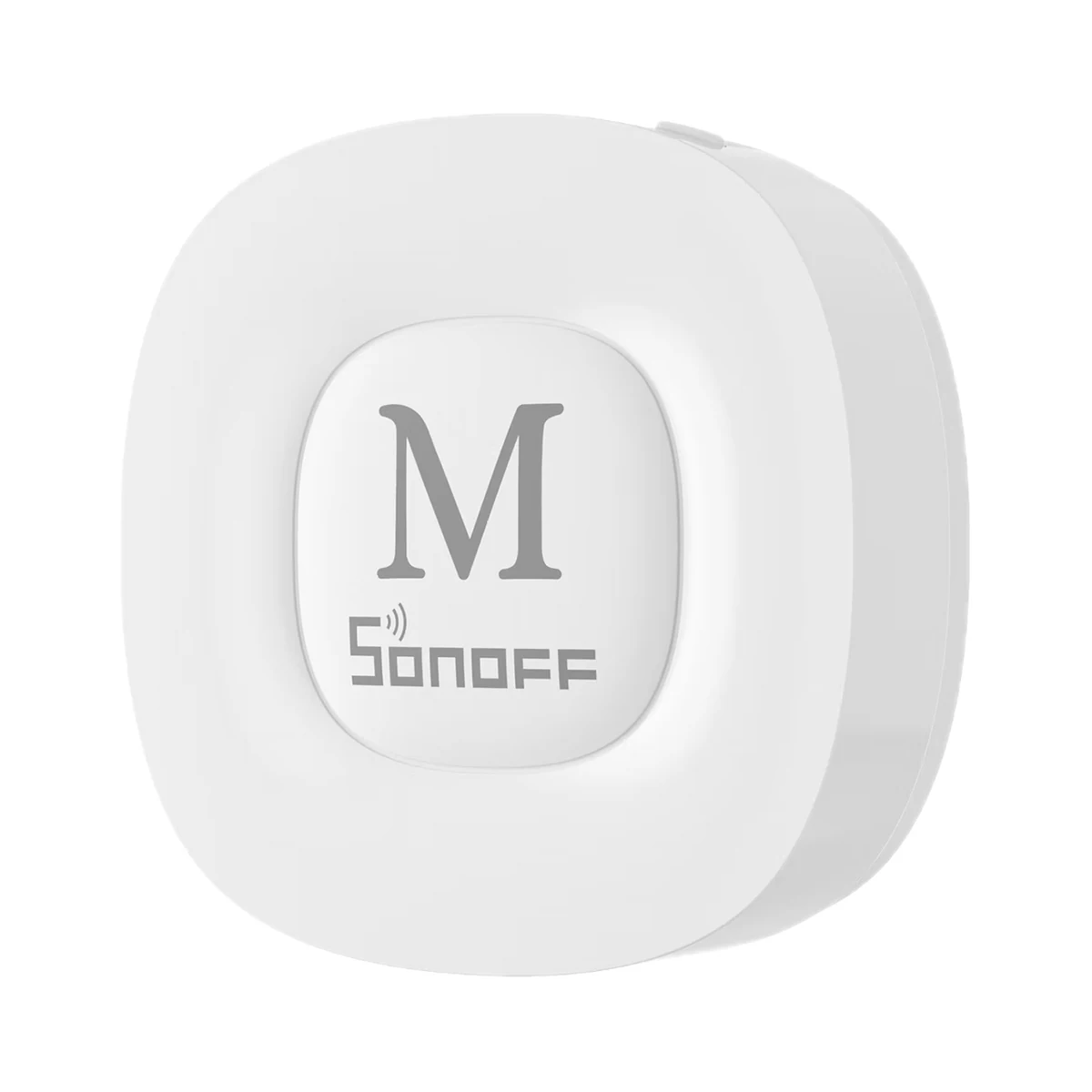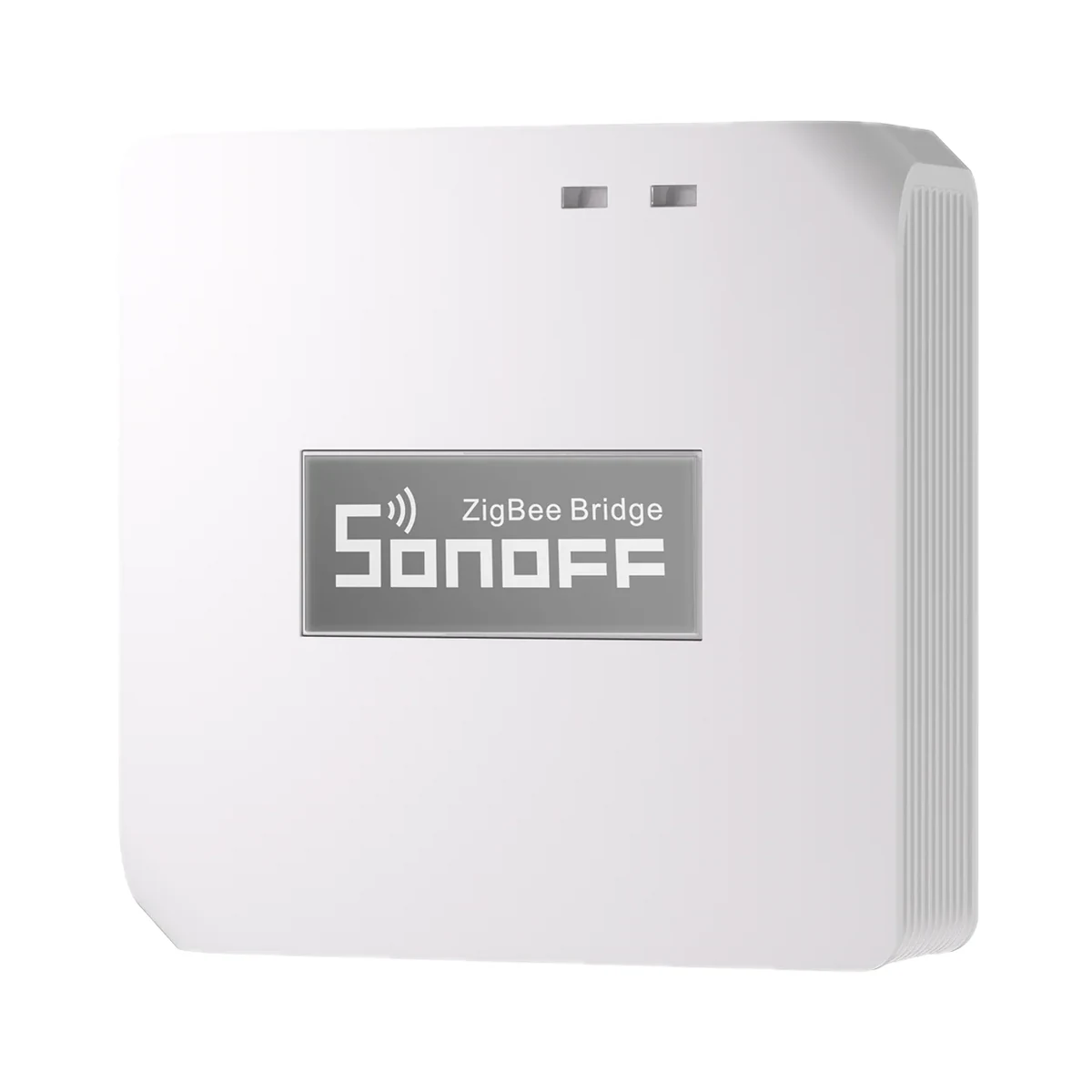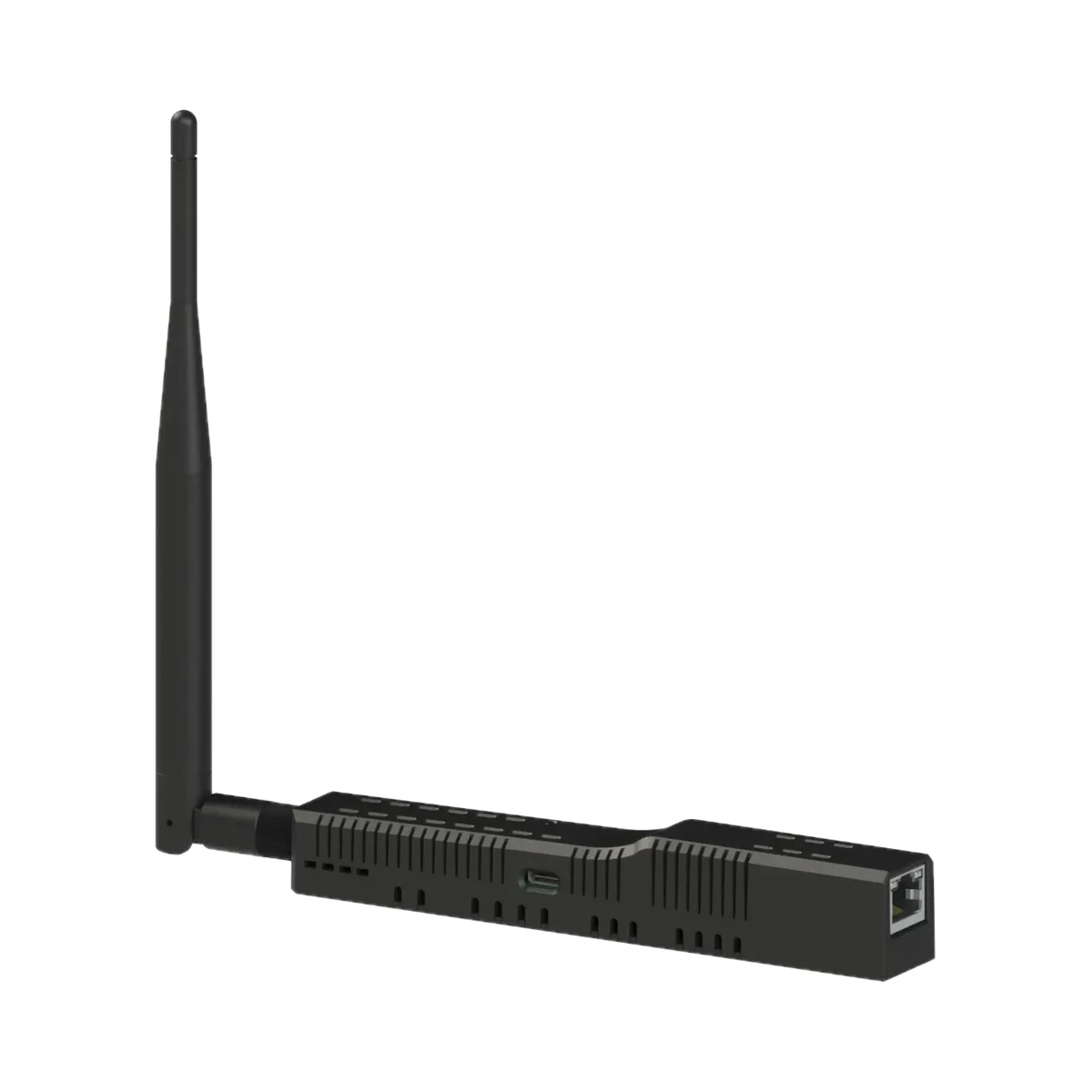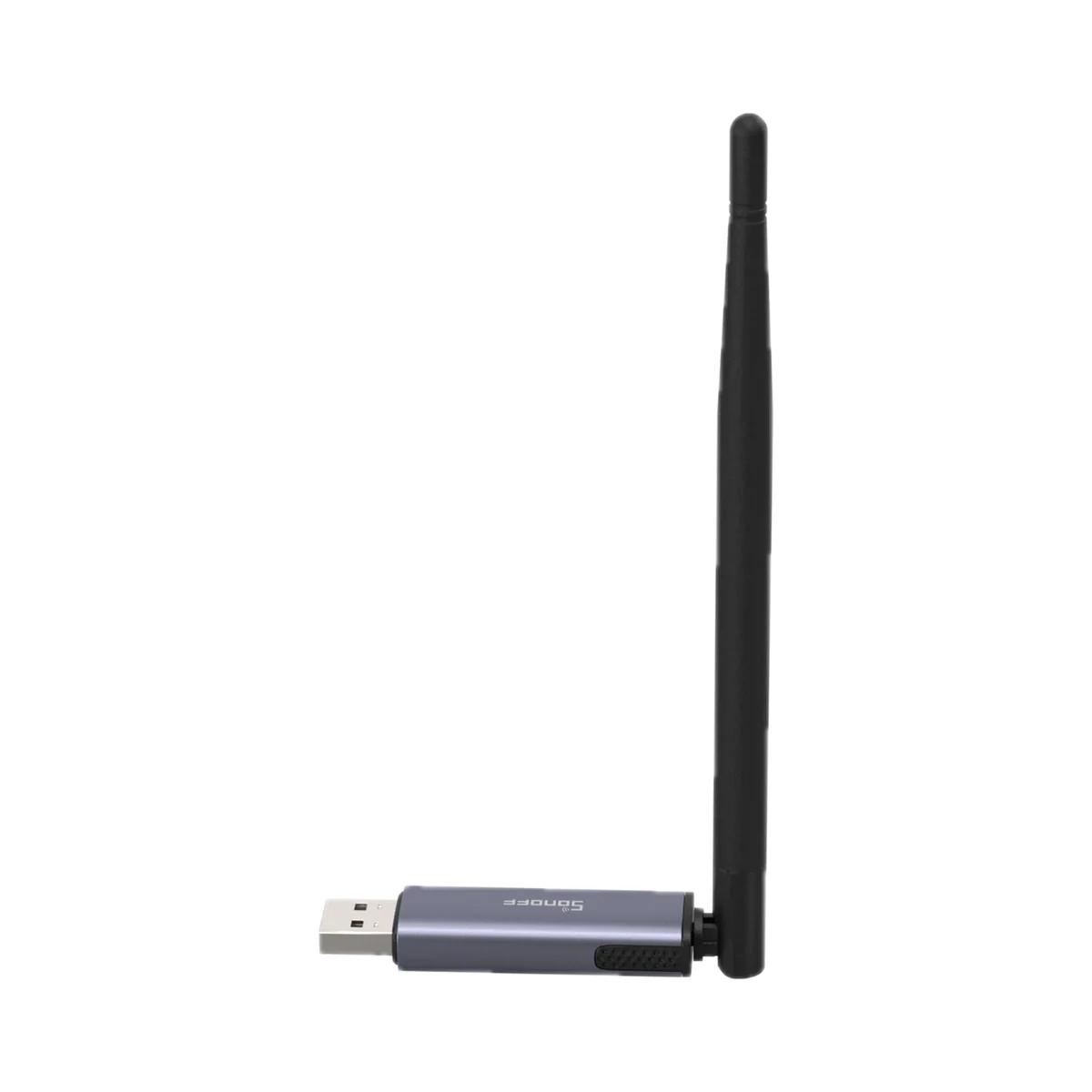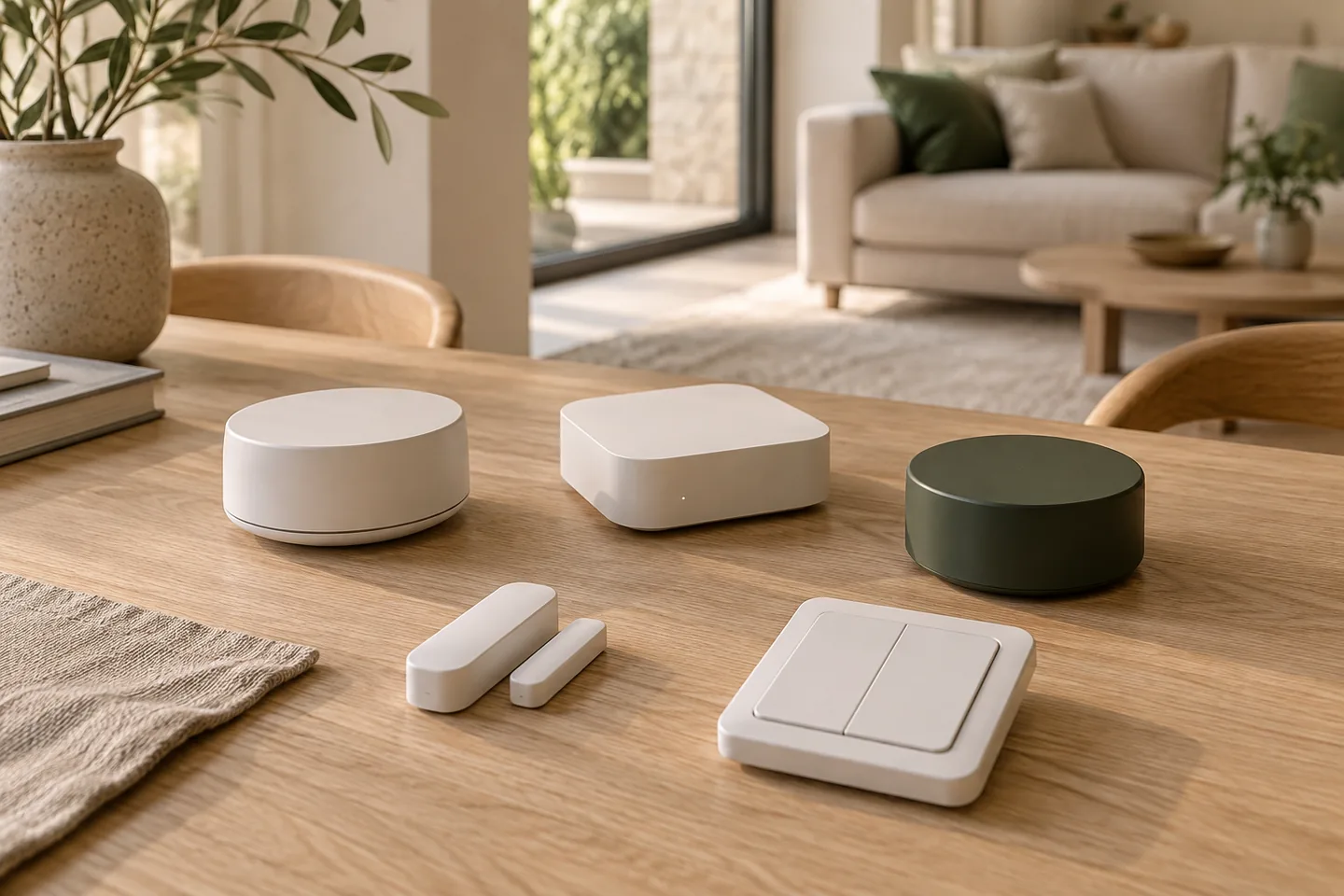
Choose the functions you need
Start with devices and routines. A protocol logo does not explain power, installation and available commands.
Check the controller and connection type
For Zigbee, check the hub or coordinator. For Matter, check the controller and the model’s connection type. Matter over Thread devices always need a Thread border router, which may be built into a hub or smart speaker. Matter also runs over Wi-Fi and Ethernet.
Check the whole combination
Name the device, controller, firmware and function. This lets you verify a specific combination instead of assuming compatibility from a brand.
If you already have Zigbee devices
You do not necessarily need to replace them with Matter devices. Zigbee devices can be exposed to Matter through a bridge: for example, the SONOFF ZBBridge-U gateway works as a Matter bridge, making supported devices available in a Matter controller such as Apple Home or Google Home. Available functions depend on the bridge and the device type, so check them for your model.
How does the required setup differ?
Zigbee uses a compatible hub or coordinator. Matter in Home Assistant runs over an IP network — Wi-Fi, Ethernet or Thread — and needs a Matter controller; a Thread border router does not replace it. Give the seller the device, controller and required function.
Official sources and scope
This is the platforms’ official documentation; we check the compatibility of a specific model separately.
From the principle to the exact model
Give the exact device model, controller and commands you need. A shared protocol logo does not confirm every function of the combination.