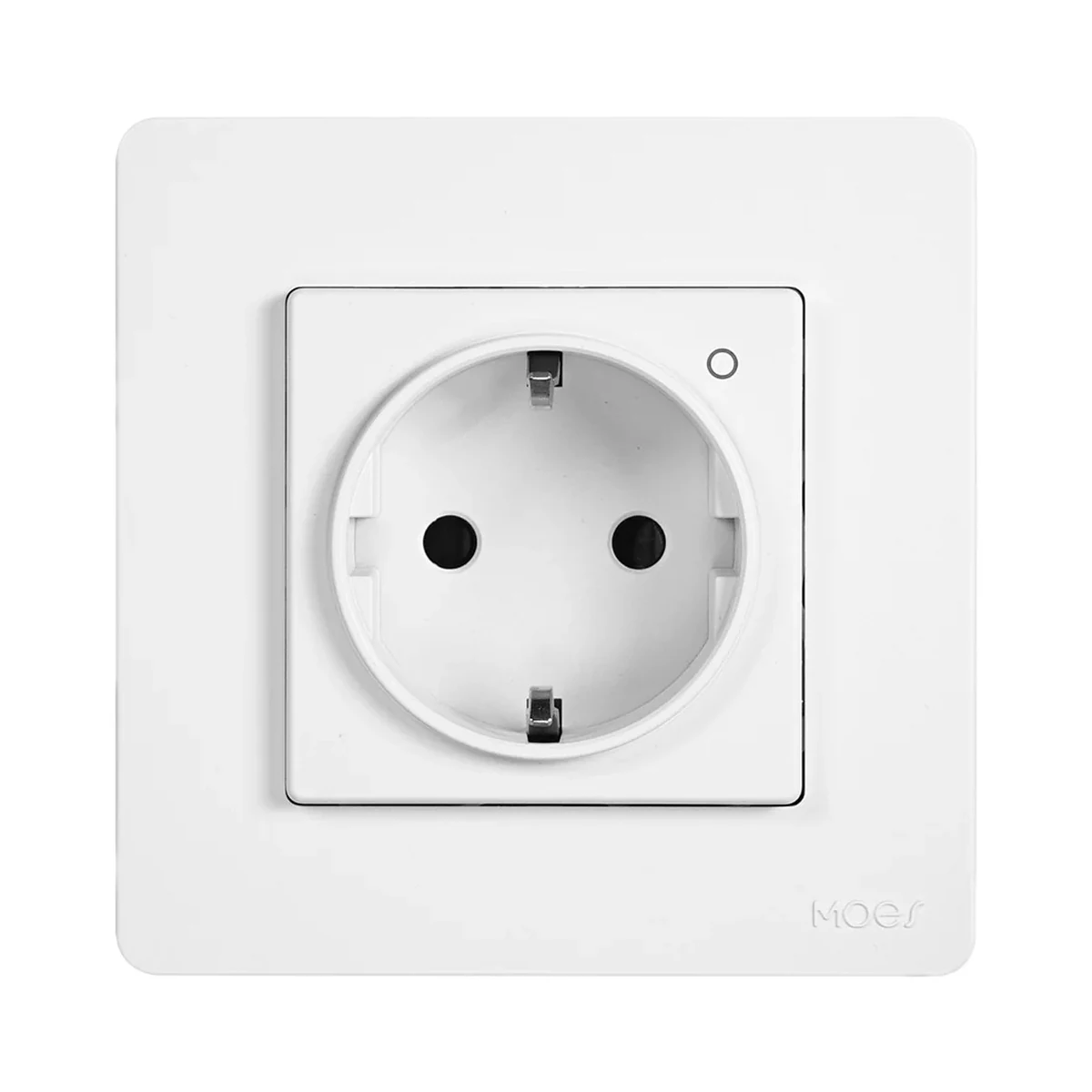
 Manufacturer photo (series)Series photo
In-wall sockets
Moes Star Ring ZK-SR-EU Zigbee in-wall Schuko socket 16 A with energy meter, white
- Maximum load current
- 16 A
- Energy metering
- Yes
- Hub
- Yes
Model: ZK-SR-EU-WH-MS
549 MDL
In stock
Sonoff · WS01TPF-E
Wi‑Fi, Matter · eWeLink; any Matter app (Apple Home, Google Home, Amazon Alexa, SmartThings, Home Assistant)
Matter features depend on the model and firmware.
Wi‑Fi, Matter · IEEE 802.11 b/g/n, 2.4 GHz
Check the supported network band.
Manufacturer images
The smart layer lives inside the wall: the WS01TPF-E replaces a regular socket in a standard Ø60 mm European wall box, joins any Matter ecosystem over Wi-Fi and meters loads up to 16 A.
It joins the router over Wi‑Fi and is controlled from eWeLink without a gateway. Using Apple Home, Google Home, Alexa or SmartThings over Matter needs that ecosystem's Matter controller.
Connection: Matter
Matter compatibility; available functions are listed in the manufacturer matrix.
Supported functions: Remote control via app · Voice control · Smart scene
Unsupported functions: Power monitoring · Energy monitoring
Connection: Matter
Matter compatibility; available functions are listed in the manufacturer matrix.
Supported functions: Remote control via app · Voice control · Smart scene
Unsupported functions: Power monitoring · Energy monitoring
Connection: Matter
Matter compatibility; available functions are listed in the manufacturer matrix.
Supported functions: Remote control via app · Voice control · Smart scene
Unsupported functions: Power monitoring · Energy monitoring
Connection: Matter
Matter compatibility; available functions are listed in the manufacturer matrix.
Supported functions: Remote control via app · Voice control · Smart scene · Power monitoring
Unsupported functions: Energy monitoring
Connection: Matter
Matter compatibility; available functions are listed in the manufacturer matrix.
Supported functions: Remote control via app · Voice control · Smart scene · Power monitoring
Unsupported functions: Energy monitoring
We deliver across Moldova. Availability, delivery timing and cost are confirmed with a manager before order fulfilment.
The right choice starts with specifications
SKU: SONOFF-WS01TPF-E · Document model: WS01TPF-E
Specifications checked against the linked manufacturer documents. Load limits, package details and measurement conditions are retained.Checked 18 October 2026
Connectivity — what it meansThe wireless link or network the device uses. Wi-Fi connects straight to the router; Zigbee, Thread and Bluetooth Mesh work through a hub or gateway. | Wi‑Fi, MatterMatter over 2.4 GHz Wi‑Fi. Bluetooth LE is used only when adding the device to a Matter app [1] |
|---|---|
Hub required — what it meansWhether the device needs a separate hub, gateway or coordinator to work in a smart home. If so, it is sold separately unless stated otherwise. | No hub neededIt joins the router over Wi‑Fi and is controlled from eWeLink without a gateway. Using Apple Home, Google Home, Alexa or SmartThings over Matter needs that ecosystem's Matter controller [2] |
Matter support — what it meansWhether the device supports the Matter standard, directly or through a bridge. Matter lets you add it to Apple Home, Google Home, Alexa and Home Assistant. | NativeMatter over Wi‑Fi: Apple Home, Google Home, Alexa, SmartThings, Home Assistant. Over Matter you get on/off, voice and scenes; metering data is limited (see 'Measured values') [2] |
Home Assistant — what it meansHow the device connects to Home Assistant: a built-in integration, a Zigbee coordinator, Matter or the maker’s cloud integration. | NativeVia Matter: Home Assistant is in the maker's table (control, scenes, live power; no accumulated energy) [2] |
Works without internet — what it meansWhether the device keeps working over the local network or through a hub when the internet is down. Cloud features (remote access, voice assistants) need the internet. | YeseWeLink LAN mode: the app controls the socket through the router without the cloud. Over Matter, control runs on the local network via the Matter controller [2] |
App — what it meansThe maker’s app used to set up and control the device. | eWeLink; any Matter app (Apple Home, Google Home, Amazon Alexa, SmartThings, Home Assistant)Through the eWeLink cloud it also links to Alexa, Google Home, SmartThings, Alice and IFTTT (on/off). Energy data, cost and data export are only in eWeLink [2] |
Processor / radio chip — what it meansThe microcontroller or radio module inside, per the maker (for example ESP32). For firmware such as WLED and ESPHome it determines available features and whether the device can be re-flashed. | BK7238 [1] |
| Wi-Fi | IEEE 802.11 b/g/n, 2.4 GHz [1] |
| Radio frequencies and transmit power | Wi-Fi: 2412–2472 MHz; Bluetooth LE: 2402–2480 MHz [1] |
Transmit power — what it meansThe coordinator's maximum radio output. Higher power gives a steadier link to distant devices, but range in a home depends more on walls and the number of routers in the network. | Wi-Fi ≤ 20 dBm, Bluetooth LE ≤ 20 dBm [1] |
Socket type — what it meansThe socket standard. Type F (Schuko) is standard in Moldova: it takes F, C and hybrid E/F plugs; a Type F plug without a hole will not fit a Type E socket with an earth pin. | Type F (Schuko, side earth clips)Takes Type F, Type C and hybrid E/F (CEE 7/7) plugs. A separate Type E version exists (WS01TPE-E) [2] |
|---|---|
Energy metering — what it meansWhether the switch shows in the app how much the connected appliance uses: live power and accumulated kWh. | YesDaily and monthly statistics, electricity cost and data export in eWeLink [2] |
Measured values — what it meansWhich quantities are measured and shown in the maker's app. “Energy exported to the grid” means counting production, e.g. from a balcony solar kit. Via a third-party hub some of this data may be missing. | Voltage, Current, Power, energy (kWh)All values in eWeLink. Over Matter, power is shown only in SmartThings and Home Assistant; accumulated energy is not passed to any ecosystem over Matter [2] |
Overload protection — what it meansWhat happens when current, voltage or power exceed the set threshold: the device cuts the load or only sends a notification. It does not replace the circuit breaker in the panel. | Cuts off the loadCuts power when current, voltage or power exceed user-set limits; power can be restored remotely. It does not replace the 16 A breaker the maker requires in the panel [2] |
Child protection — what it meansSafety shutters cover the socket contacts against inserted objects; button lock stops the socket being switched on or off with its own button. | Not stated by the manufacturer |
State after power restore — what it meansWhat state the load returns to when power comes back after an outage: on, off, as it was before, or the opposite. The options you can choose in settings are listed. | Not stated by the manufacturer |
| Overcharge protection | YesWhen the charging device's power falls below a threshold (nearly full), the socket switches off [2] |
| Electricity cost tracking | Yes [2] |
| Timers | Schedule, countdown, auto off/on after a set time (inching) [2] |
| Indicator | Blue Wi‑Fi LED and red power LED; modes: auto, off, night [2] |
Maximum load current — what it meansThe highest current the socket continuously passes to the appliance (resistive load). 16 A at 230 V is about 3.7 kW; appliances with a high inrush current leave less real headroom. | 16 AResistive load [1] |
|---|---|
Maximum load power — what it meansThe highest appliance power the manufacturer allows (resistive load). Compare it with the rating plate of your boiler, heater or oven. | 4000 W [1] |
Supply voltage — what it meansThe supply voltage (and current, if stated) as the maker gives it. It must match your mains or adapter. | 100–250 V AC, 50/60 Hz [1] |
Standby power — what it meansHow much power the device draws on its own while idle. It matters for devices that run around the clock. | 1 WUnder 1 W [1] |
Power source — what it meansWhere the device gets its power: 230 V mains, an adapter, USB, batteries or a built-in battery. | 230 V mains [1] |
Wall box type — what it meansWhich wall box the mechanism is designed for. Moldova and the EU mostly use round Ø60 mm boxes; square 86 × 86 mm boxes are less common. | Round Ø60 mm (European)Per the maker's drawing: fixing holes 60 mm apart, in-wall body 50.5 × 50.5 mm. The page says it fits standard European wall boxes [3] |
|---|---|
Terminal wire size — what it meansCross-section of copper wire the terminals accept. The line's wire must match the rating of its breaker. | 1.5–2.5 mm², copper (solid or stranded)For 16 A operation the maker requires live, neutral and earth wires of at least 2.5 mm² [1] |
Dimensions — what it meansThe device’s size in millimetres as the maker states it. Check that it fits the wall box, niche or shelf. | 86 × 86 × 42.5 mmTotal depth 42.5 mm; the in-wall part is 50.5 × 50.5 mm (per the drawing) [1] |
Certifications — what it meansStandards and certifications the maker lists for this model (for example CE, RoHS, Zigbee 3.0, Matter). | CE, RoHSEU declaration for radio equipment type WS01TPF-E (Directive 2014/53/EU) [1] |
Neutral wire (N) — what it meansWhether the wall box needs a neutral wire. Older wiring often brings only the live wire to the switch; then pick a model that works without N. | RequiredLive, neutral and earth are needed [4] |
Mounting — what it meansHow and where it is installed: in a wall box, on a wall or ceiling, on a DIN rail, on a table or in a socket. | In a wall box behind the switch [1] |
| Housing material | Polycarbonate (PC), flame-retardant [1] |
Colour — what it meansThe housing colour of this model. Other colours in the same series are separate products. | White [1] |
|---|---|
| Series | SONOFF Fusion (Orb Socket) [1] |
| Barcode (EAN) | 6979033600133Type F variant code in the official SONOFF store [4] |
Operating temperature — what it meansThe air temperature range the device is rated for. The lower limit matters outdoors, on balconies and in unheated rooms. | −10…40 °C [1] |
|---|---|
Operating humidity — what it meansThe rated relative humidity range, non-condensing. | 5–95%Non-condensing [1] |
Manufacturer warranty — what it meansThe warranty period the maker states. Confirm warranty terms in Moldova with the seller. | 24 months'2-Year Hassle-Free Warranty' on the official SONOFF store page; terms for dealer purchases are not described [4] |
|---|
We deliver across Moldova. Availability, delivery timing and cost are confirmed with a manager before order fulfilment.
A website order is submitted for confirmation without charging your card. The payment method and final amount are agreed with a manager before payment.
The warranty is at least 12 months. The exact period and conditions for equipment and installation work are stated in the sales documents and the accepted proposal. Further support is agreed for each project.
Current conditions are published on the Return policy page. Email office@casasmart.md with your order number for the steps relevant to your situation. Statutory consumer rights continue to apply.
In your home
A whole-home meter does not show which appliances consume more. Separate monitoring helps reveal habits and useful changes.
See the complete solution
CasaSmart
Manufacturer photo (series)Series photoIn-wall sockets
Model: ZK-SR-EU-WH-MS
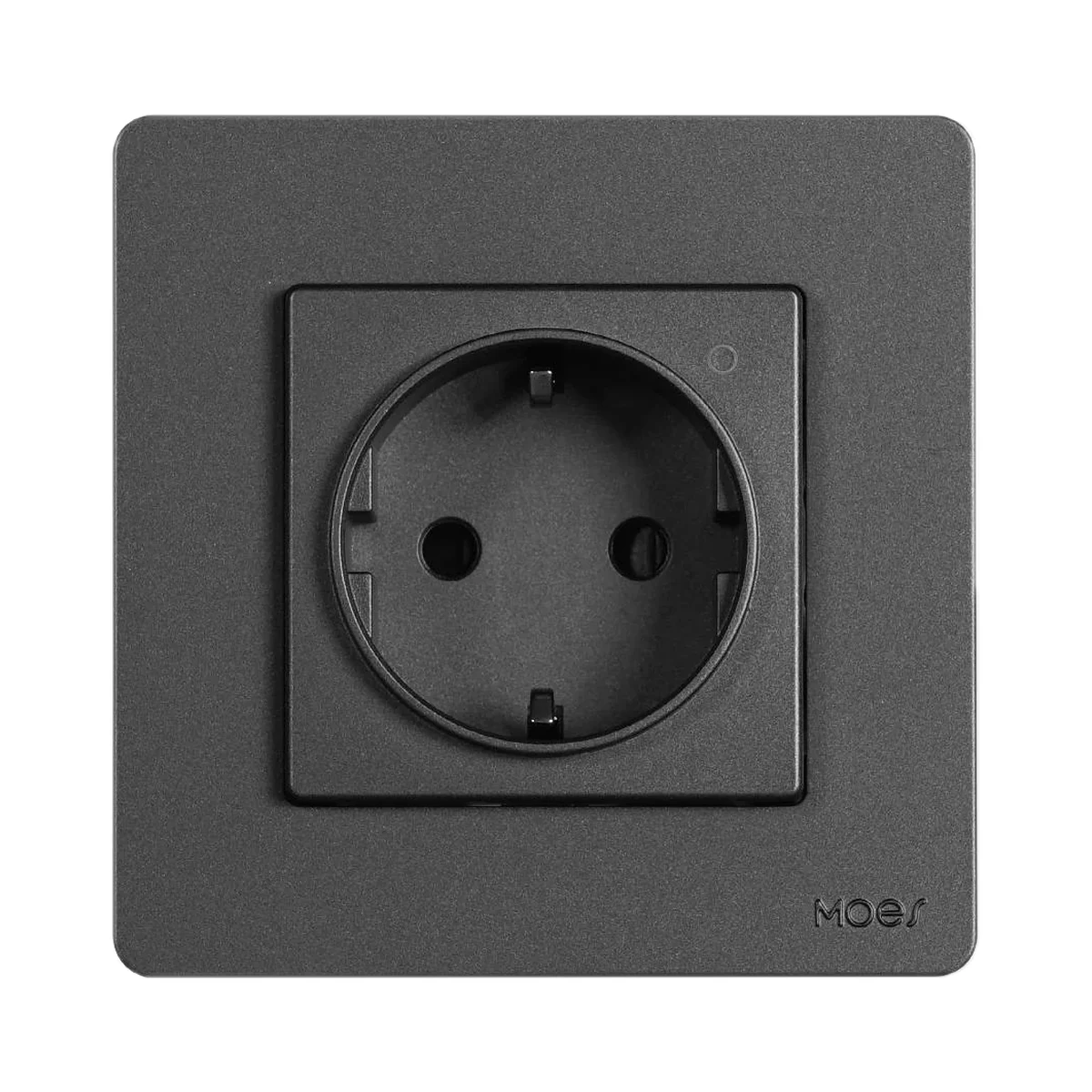 Manufacturer photo (series)Series photo
In-wall sockets
Model: ZK-SR-EU-GY-MS
Buy just a device, add installation, or hand the whole project over to us.