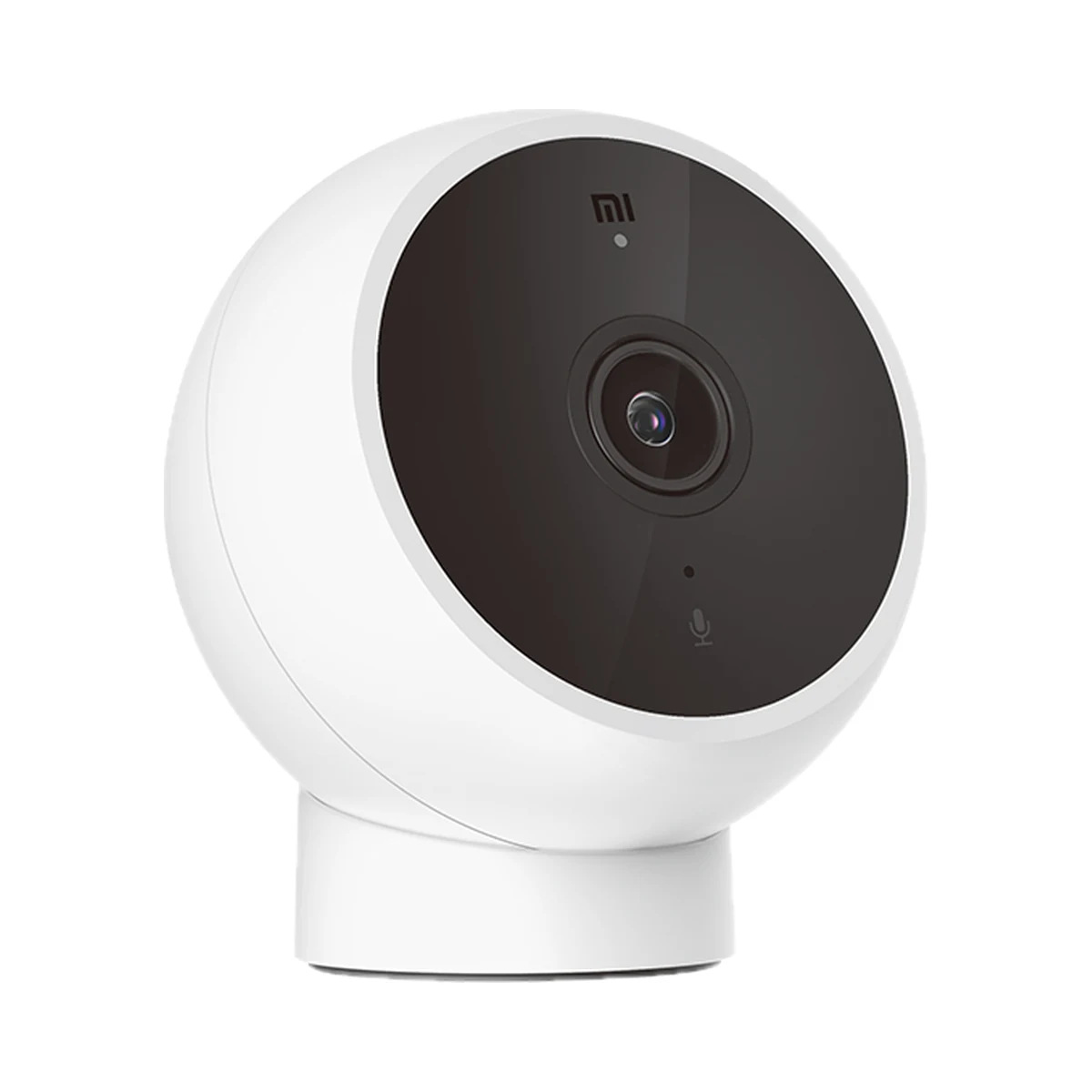
Indoor cameras
Xiaomi Mi Camera 2K (Magnetic Mount) Fixed Indoor Camera, 2K, Wi-Fi 2.4 GHz
- Video resolution
- 3 MP
- Pan and tilt
- None, fixed camera
- Number of lenses
- 1
Model: MJSXJ03HL
749 MDL
In stock
Sonoff · CAM-S2
Wi-Fi, Bluetooth · Wi‑Fi 2.4 GHz ≤ 20 dBm; BLE ≤ 10 dBm
Check the supported network band.
Wi-Fi, Bluetooth · Wi‑Fi 2.4 GHz ≤ 20 dBm; BLE ≤ 10 dBm
Bluetooth is used for setup or short-range connection; the role depends on the model.
Manufacturer images
A mini camera that knows when not to watch: scheduled sleep mode, in-frame privacy zones, AI human detection, RTSP and two-way audio packed into a palm-sized body.
32 specifications from manufacturer documentsWe deliver across Moldova. Availability, delivery timing and cost are confirmed with a manager before order fulfilment.
The right choice starts with specifications
SKU: SONOFF-CAM-S2 · Document model: CAM-S2
Specifications checked against the linked manufacturer documents.Checked 18 October 2026
Video resolution (per lens) — what it meansHow many megapixels one lens records, per the manufacturer: more pixels show more detail when you zoom in — faces, number plates, small objects. The exact frame size in pixels is in the note; for multi-lens cameras this is the resolution of one lens, not the total. | 2 MP1920 × 1080 (Full HD), 2 MP sensor. Live view quality in the app can be set to 1080P or 360P [1] |
|---|---|
Pan and tilt — what it meansA fixed camera always looks in one direction. A pan-tilt (PT) camera turns on command from the app, on a schedule or to follow a person, so one camera can cover a whole room or yard. Models with one fixed and one pan-tilt lens show a wide view and a moving view at the same time. | None, fixed cameraNo motorised pan-tilt; the direction is set by hand on the stand [1] |
Number of lenses — what it meansHow many separate lenses, each with its own sensor, the camera has. Several lenses show different areas, or a wide and a close-up view, at the same time — each as its own picture in the app. | 1 [2] |
Diagonal field of view — what it meansHow much of the scene the lens takes in without turning. A wide angle shows more space but makes objects smaller; a narrow one shows less space but larger, more detailed objects. Horizontal and vertical angles, where published, are in the note; for multi-lens cameras this is the widest lens. | 100°Stated as "100°" (lens angle, 3.8 mm focal length); not specified whether diagonal or horizontal [1] |
Night vision — what it meansInfrared illumination is invisible to the eye and gives a black-and-white picture in total darkness. Colour night vision switches on a visible white light — the picture is in colour, but the light can be seen from outside. Cameras with very bright optics give colour under weak outside lighting without a light of their own. If both of the first two are listed, the camera switches between them, for example when it detects a person. | Infrared (black and white)Six invisible 940 nm infrared LEDs and an IR-cut filter. Night vision modes: auto / on / off [3] |
Night vision range — what it meansHow far the camera's own illumination still lights the scene in the dark, per the manufacturer. Beyond that, objects are visible only with outside lighting. If different values are given for infrared and white light, they are in the note. | Not stated by the manufacturer |
Where recordings are stored — what it meansA microSD card stores recordings for free; in kits with an indoor unit it may sit in that unit rather than the doorbell, so recordings survive if the doorbell is taken off the door. Cloud storage keeps recordings on the maker's servers, usually with a paid subscription. | microSD card, cloud (per service terms), video recorder (NVR)microSD is free (card sold separately); cloud needs the paid eWeLink Camera Plan (trial of up to 90 days). Via RTSP/ONVIF recording to an NVR or PC on the local network [1] |
Max microSD card size, GB — what it meansThe largest card, in gigabytes, the device accepts. Whether a card is in the box is in the note. | 128Class 10 or faster cards, 8 to 128 GB; not included [1] |
| Lens | 3.8 mm, F2.0 [1] |
| Video codec | H.264 [1] |
| Effective monitoring distance | 8–10 mPer the maker's FAQ: within this distance the camera clearly captures people and activity [1] |
| IR illumination | 6 × 940 nm IR LEDs, IR-cut filter [3] |
Event detection — what it meansWhich events the device tells apart and sends separate alerts for, besides a button press. Person recognition filters out false alarms from cars and branches, and loitering tells you someone is standing at the door without ringing. Which sensor detects motion (PIR infrared or video analysis) is in the note. | Motion, PersonDetection target: any motion or person (AI). Detection zones, sensitivity and a schedule are available. Push notifications are free [1] |
|---|
Additional functions — what it meansCapabilities beyond video and ringing. Always-on video (AOV) records continuously at a reduced frame rate rather than only on events. Quick voice replies let you answer a courier with one tap. If the indoor unit extends Wi-Fi, the device works more reliably at a door far from the router. | Privacy mode, privacy masking zones, SirenSleep mode (software switch-off of monitoring, manual or scheduled) and privacy zones. Sound alarm through the speaker with selectable sound and duration [1] |
|---|---|
Audio — what it meansMicrophone only — the camera records sound with the video. Two-way audio — there is also a speaker, so you can talk through the app to whoever is in front of the camera. | Two-way audio [1] |
| Simultaneous viewers | 2 [1] |
Power source — what it meansWhere the device gets its power: 230 V mains, an adapter, USB, batteries or a built-in battery. | USB (5 V)5 V ⎓ 1 A through a USB Type-C port. Whether a power adapter is in the box is not stated [1] |
|---|---|
Supply voltage — what it meansThe supply voltage (and current, if stated) as the maker gives it. It must match your mains or adapter. | 5 V ⎓ 1 A (USB Type-C) [1] |
Connectivity — what it meansThe wireless link or network the device uses. Wi-Fi connects straight to the router; Zigbee, Thread and Bluetooth Mesh work through a hub or gateway. | Wi-Fi, BluetoothWi‑Fi 2.4 GHz. Bluetooth LE appears only in the EU declaration (2402–2480 MHz); its purpose is not described. Matter is not claimed in any official material [2] |
|---|---|
Wi-Fi band — what it means2.4 GHz passes through walls better and reaches further, but is more often crowded by neighbours' networks. 5 GHz is faster and less congested but weaker behind walls. A 2.4 GHz-only camera won't join a network that runs on 5 GHz only. The Wi-Fi generation (e.g. Wi-Fi 6) is in the note. | 2.4 GHzWi‑Fi 4 (IEEE 802.11 b/g/n), 2.4 GHz only; 5 GHz networks are not supported [1] |
Recorder compatibility (ONVIF / RTSP) — what it meansONVIF and RTSP are open video-streaming standards. With them the camera can be connected to another brand's video recorder, Home Assistant, Frigate or video-surveillance software on a computer. Without them the camera works only through its maker's app and cloud. | |
Home Assistant — what it meansHow the device connects to Home Assistant: a built-in integration, a Zigbee coordinator, Matter or the maker’s cloud integration. | Via a separate integrationOfficial SONOFF guide: via Home Assistant's ONVIF integration (CAM-S2 with firmware ≥ v1.1.5) [4] |
App — what it meansThe maker’s app used to set up and control the device. | eWeLink; OpenEdge local web console [1] |
Hub required — what it meansWhether the device needs a separate hub, gateway or coordinator to work in a smart home. If so, it is sold separately unless stated otherwise. | No hub neededThe camera connects straight to the Wi‑Fi router; no separate hub is needed [1] |
Transmit power — what it meansThe coordinator's maximum radio output. Higher power gives a steadier link to distant devices, but range in a home depends more on walls and the number of routers in the network. | Wi‑Fi 2.4 GHz ≤ 20 dBm; BLE ≤ 10 dBm [2] |
Mounting — what it meansHow and where it is installed: in a wall box, on a wall or ceiling, on a DIN rail, on a table or in a socket. | Table or shelf, Wall, CeilingTable, wall or ceiling (stand base). Fixings in the box are not described; SONOFF also publishes a 3D-printable plug-in wall mount [2] |
|---|---|
Dimensions (W × H × D) — what it meansThe device’s size in millimetres as the maker states it. Check that it fits the wall box, niche or shelf. | 48 × 46 × 86.5 mm [1] |
Weight — what it meansThe device’s weight without packaging, per the maker. | 65 gWithout accessories [1] |
| Housing material | PC + ABS [1] |
Certifications — what it meansStandards and certifications the maker lists for this model (for example CE, RoHS, Zigbee 3.0, Matter). | CE, FCC, RoHS [1] |
Colour — what it meansThe housing colour of this model. Other colours in the same series are separate products. | White [1] |
|---|
We deliver across Moldova. Availability, delivery timing and cost are confirmed with a manager before order fulfilment.
A website order is submitted for confirmation without charging your card. The payment method and final amount are agreed with a manager before payment.
The warranty is at least 12 months. The exact period and conditions for equipment and installation work are stated in the sales documents and the accepted proposal. Further support is agreed for each project.
Current conditions are published on the Return policy page. Email office@casasmart.md with your order number for the steps relevant to your situation. Statutory consumer rights continue to apply.
In your home
The camera shows video in the app and sends motion alerts. Plan power, Wi-Fi signal at the mounting spot and recording storage in advance.
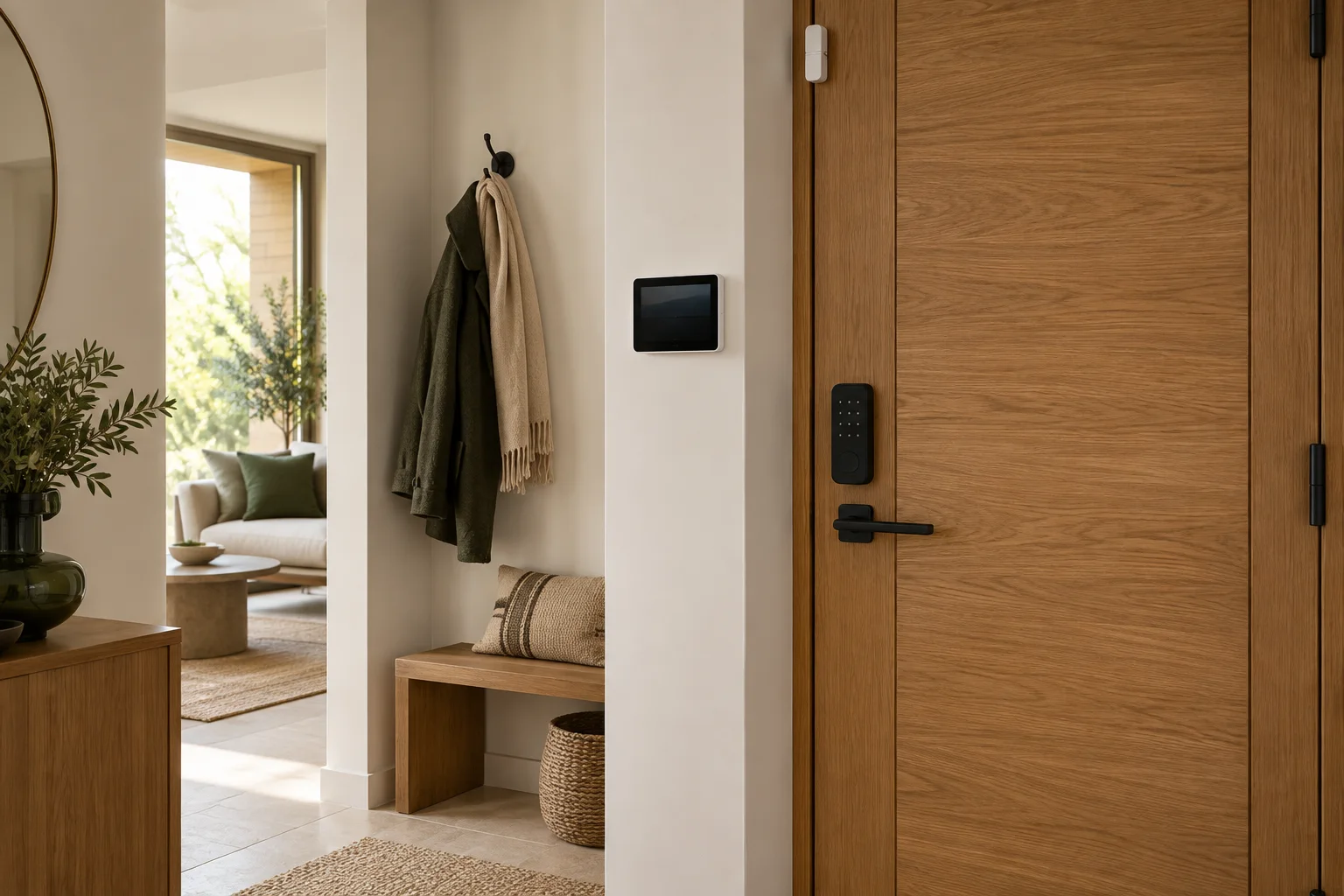
CasaSmart
Indoor cameras
Model: MJSXJ03HL
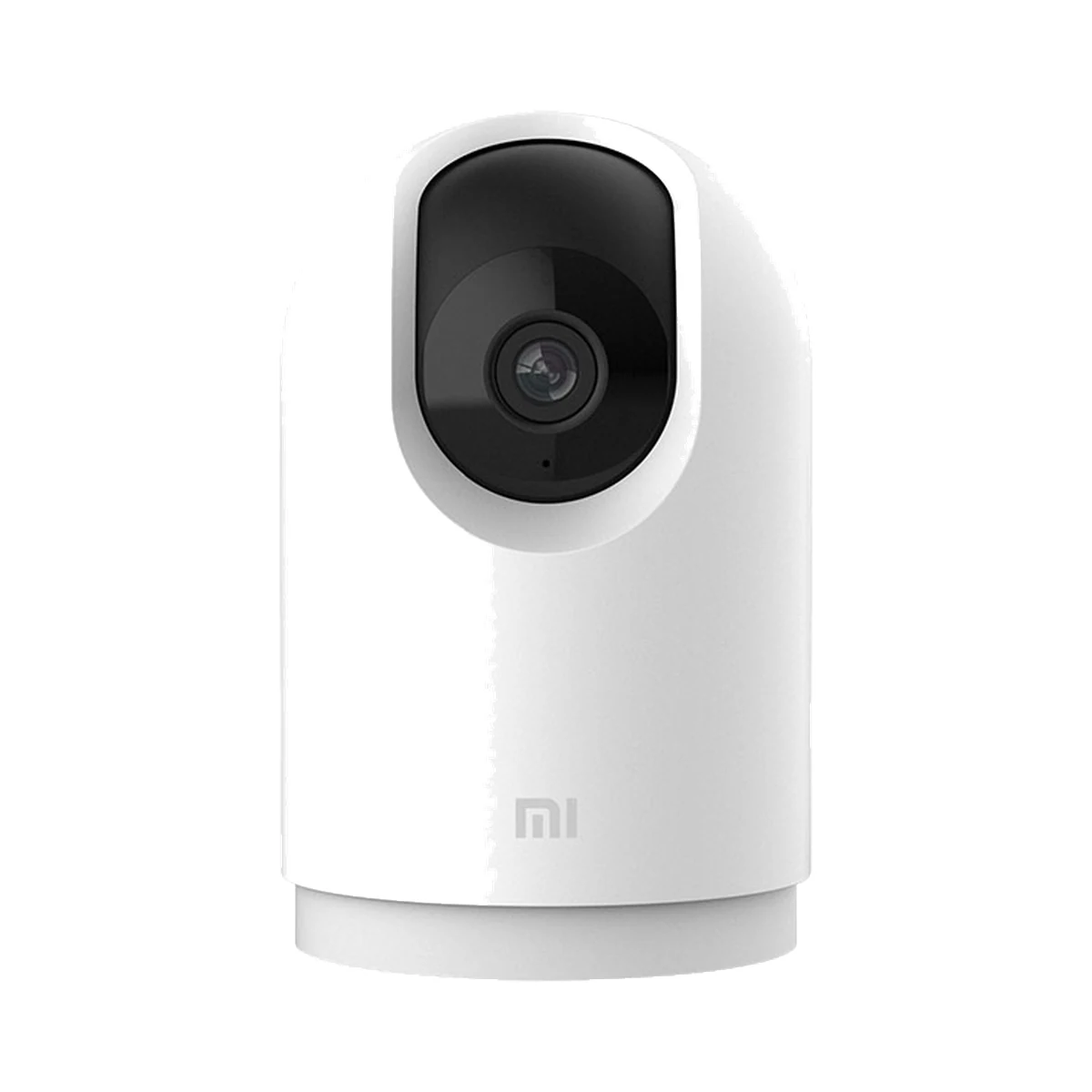
Indoor cameras
Model: MJSXJ06CM
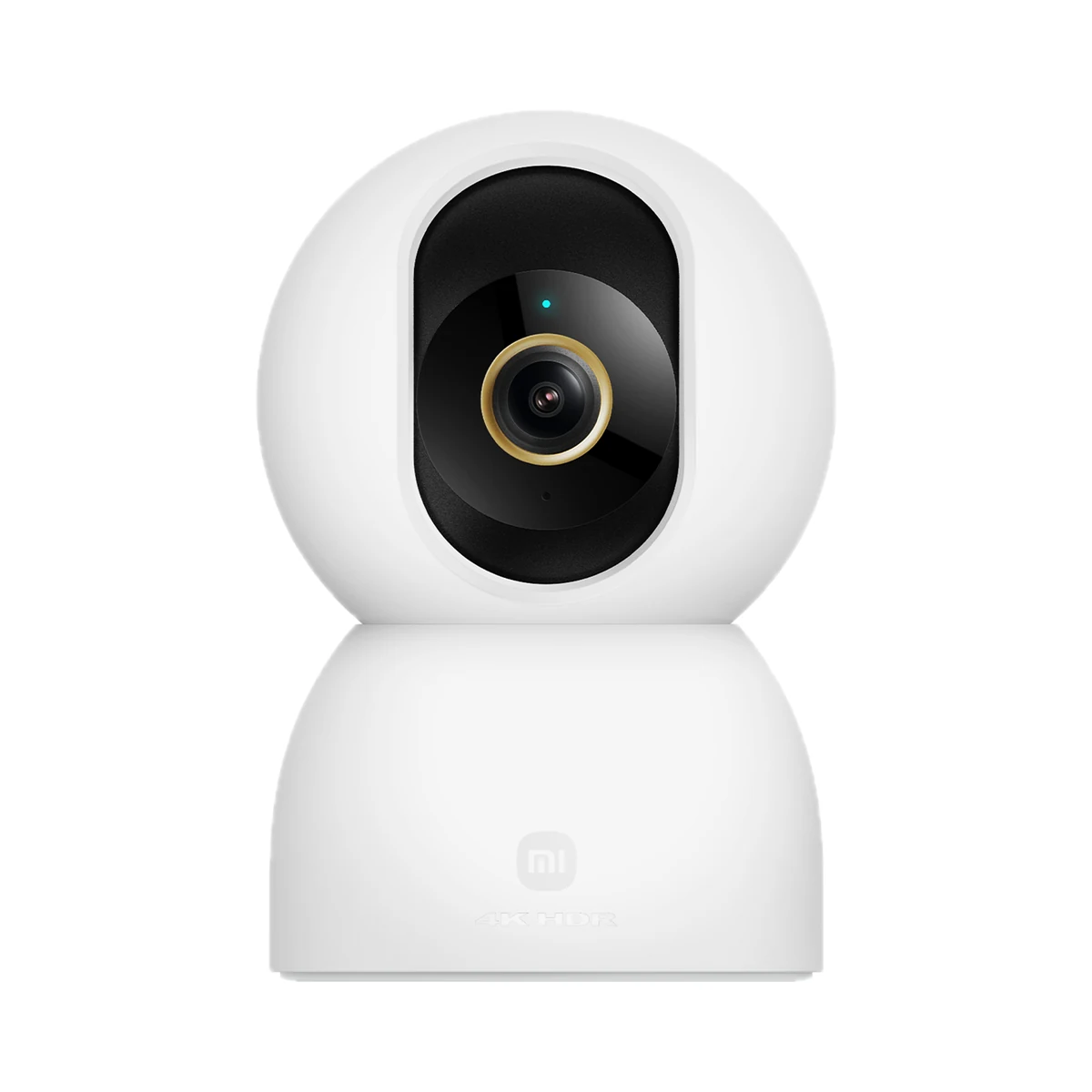
Indoor cameras
Model: MJSXJ27CM
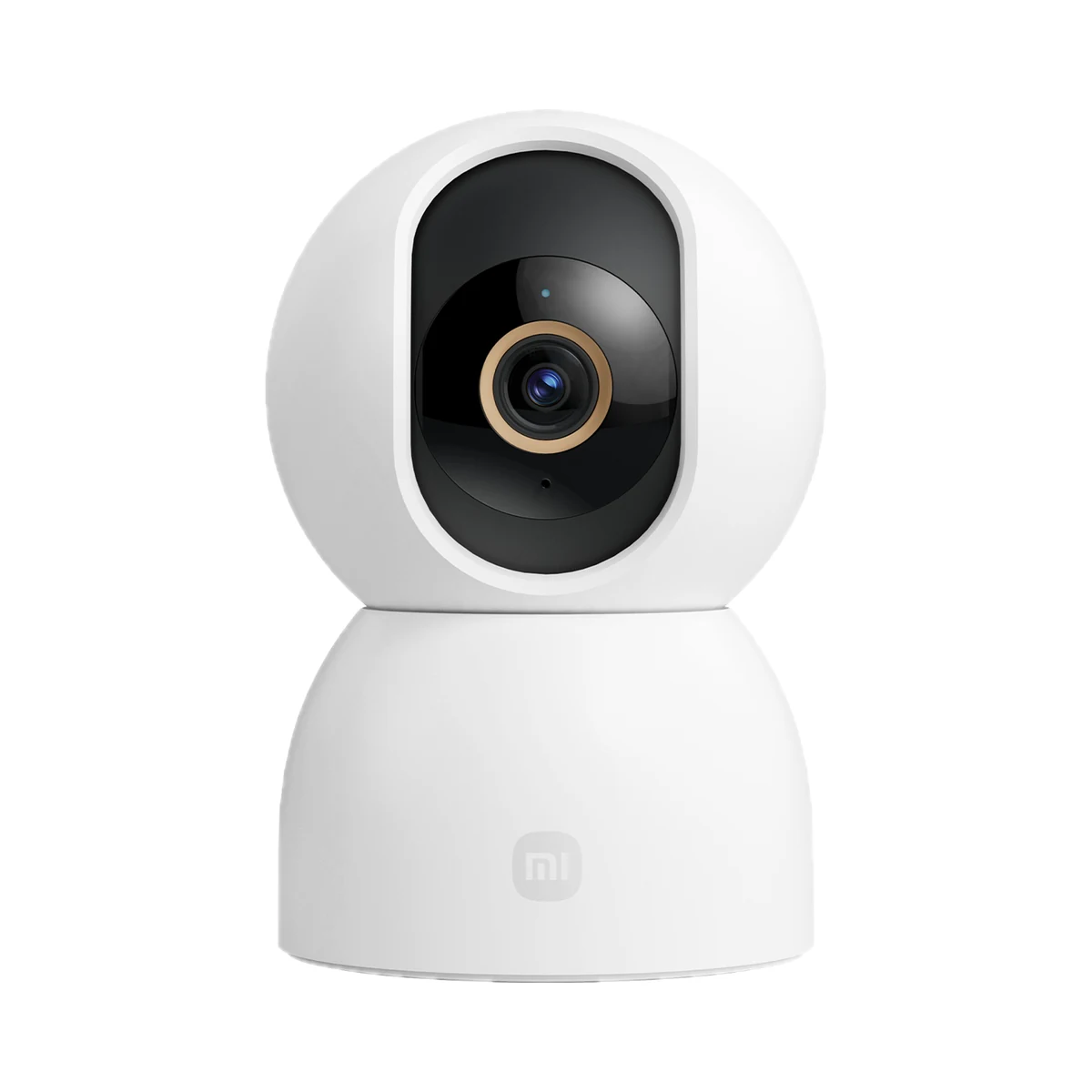
Indoor cameras
Model: BHR089AEU
Buy just a device, add installation, or hand the whole project over to us.