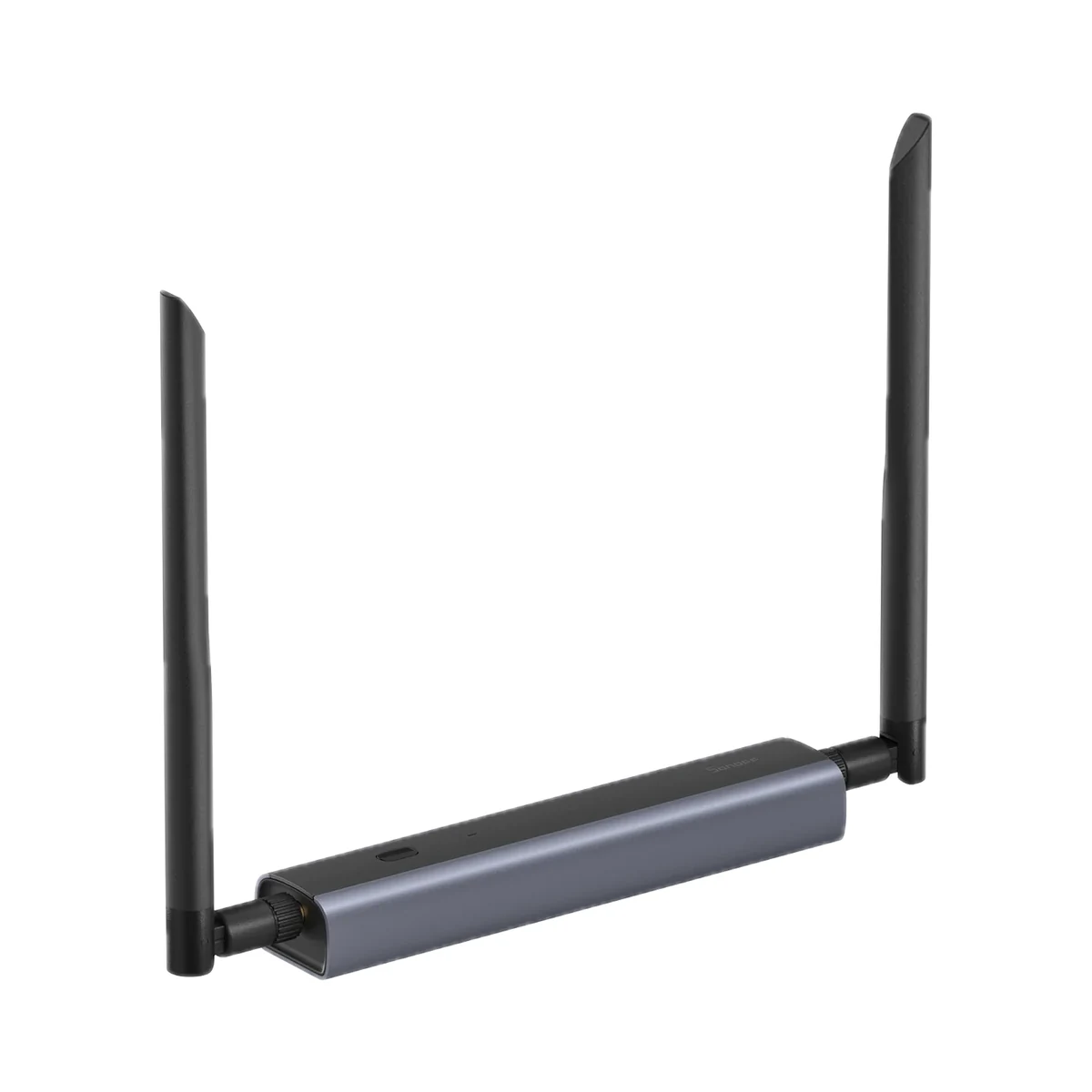
Network coordinators
Sonoff Dongle-M (Dongle Max) Zigbee/Thread network coordinator, PoE
- Radio chips
- Silicon Labs EFR32MG24
- Connection to the server
- Ethernet, PoE (power and data on one cable), Wi-Fi, USB
- Number of radios
- 1
1,299 MDL
In stock
Huawei · E5783-230a
Manufacturer images
Pocket 4G router with a SIM slot — LTE internet up to 300 Mbps, dual-band Wi-Fi 5 and up to 32 devices connected at once.
30 specifications from manufacturer documentsWe deliver across Moldova. Availability, delivery timing and cost are confirmed with a manager before order fulfilment.
The right choice starts with specifications
SKU: 51071UNP · Document model: E5783-230a
Specifications checked against the linked manufacturer documents.Checked 18 October 2026
Mobile network — what it meansThe generation of the cellular network the router uses to get internet from the SIM card. 4G+ (LTE Advanced) combines several operator frequencies for more speed where the operator supports it; 5G needs 5G coverage and a suitable plan. With weak coverage the router falls back to 3G if it supports it. | 4G LTEThe maker states the network as "4G/3G" with up to 300 Mbps; the 4G+ / LTE Advanced designation and modem category are not given on the official page. Falls back to 3G where 4G is unavailable [1] |
|---|---|
Mobile download rate (max) — what it meansThe theoretical maximum for receiving data from the operator's network, set by the LTE modem category (e.g. Cat 4 — 150 Mbps, Cat 6 and Cat 7 — 300 Mbps). Real speed depends on the operator, plan, network load and signal level and is usually noticeably lower. | 300 Mbpstheoretical value; actual rate depends on operator, network conditions and distance [1] |
Mobile upload rate (max) — what it meansThe theoretical maximum for sending data to the operator's network. It matters for video calls, uploading files and security cameras streaming video through this router; real speed is lower and depends on the signal. | 100 Mbpstheoretical value [1] |
LTE frequency bands — what it meansThe band numbers the modem works in, e.g. B3, B7, B20. The router gets 4G only on the bands your operator uses, which the operator can confirm; in Europe 4G most often runs on B3 (1800 MHz), B7 (2600 MHz) and B20 (800 MHz). Regional versions of one model can differ in their band set. | Not stated by the manufacturer |
SIM card format — what it meansThe SIM card size the slot takes. If the format differs, the operator can replace the card or an adapter can be used; eSIM is a built-in card activated with the operator's QR code. | Micro-SIM (3FF)1 × Micro-SIM (3FF) slot [1] |
Max. connected devices — what it meansHow many devices can join the router's Wi-Fi at once, per the maker; any beyond that number will not connect. | 32 [2] |
Wi-Fi generation — what it meansThe Wi-Fi standard version: Wi-Fi 4 (802.11n), Wi-Fi 5 (802.11ac), Wi-Fi 6 (802.11ax), Wi-Fi 7 (802.11be). A newer generation brings gains in speed and with many devices only when phones and laptops support it too; older devices still connect but use their own standard. | Wi-Fi 5 (802.11ac)compatible with Wi-Fi 4 (802.11n) [1] |
Wi-Fi bands — what it meansThe bands the device broadcasts on. 2.4 GHz reaches further through walls and is needed by many smart devices that work only on it; 5 GHz is faster but fades more behind walls; 6 GHz has the least interference and only newer phones and laptops support it. | 2.4 GHz, 5 GHz [1] |
Combined Wi-Fi rate (class) — what it meansThe sum of the maximum Wi-Fi link rates of all bands between the router and your devices, per the maker. On a mobile router internet speed is usually limited by the mobile network rather than Wi-Fi. | 1167 Mbpssum of 2.4 GHz 300 Mbps + 5 GHz 867 Mbps (theoretical values) [1] |
Ethernet port count — what it meansHow many RJ45 sockets the router has. Pocket models usually have none; on desktop ones a computer, TV or another router plugs into the port. | 0the spec sheet lists only a Micro-SIM slot and a Micro-USB port as interfaces [1] |
External antenna connector — what it meansWhether there are connectors (e.g. TS-9 or SMA) for an external 4G antenna. At a country house or in a village with weak signal, an outdoor antenna aimed at the operator's tower noticeably improves reception. | Nobuilt-in 4G/3G main and diversity antennas; no external antenna connector listed [1] |
WPA3 encryption — what it meansWPA3 is the current Wi-Fi security standard and better protects the network password against guessing. Without it the device uses WPA2; some older smart devices connect only to WPA2, so a mixed WPA2/WPA3 mode is usually available. | Nosecurity modes: open, WPA2-PSK, WPA/WPA2-PSK [1] |
App — what it meansThe maker’s app used to set up and control the device. | HUAWEI AI Life [1] |
| Fallback network | 3G [1] |
| Wi-Fi rate per band | 2.4 GHz: 300 Mbps; 5 GHz: 867 Mbps (theoretical) [1] |
| Wi-Fi security | open, WPA2-PSK, WPA/WPA2-PSK [1] |
Device type — what it meansA pocket router runs on a battery and fits in a pocket — for trips, the car and a country house. A desktop one runs on mains and stays at home, often with LAN ports and external-antenna connectors. A USB modem with Wi-Fi is powered from the USB port of a laptop, car or charger; an outdoor unit goes on a facade or mast, closer to the operator's tower. | Pocket, battery-powered [2] |
|---|---|
Colour — what it meansThe housing colour of this model. Other colours in the same series are separate products. | Black [1] |
| Memory | RAM 256 MB DDR, ROM 256 MB NAND [1] |
Battery capacity — what it meansThe built-in battery’s rated capacity. Run time also depends on how the device is used. | 1500 mAh3.8 V, typical value [1] |
|---|---|
Battery runtime — what it meansHow many hours the router shares internet without recharging, per the maker; the test condition (typical use, number of devices) is in the note. | 6 hup to 6 h of continuous use, Huawei lab data; varies with network and usage [2] |
Removable battery — what it meansA removable battery can be swapped for a new one when it wears out, or you can carry a spare. A non-removable one is replaced only at a service centre. | Yespacking list: "Rechargeable battery (removable)" [1] |
Power / charging connector — what it meansThe connector the router charges or is powered through. USB-C takes the same charger and cable as most modern phones; micro-USB needs a separate cable. | Micro-USB [1] |
Rated power — what it meansThe rated or maximum power draw from the spec sheet. It sets the load on the socket and the energy use. | 4.5 Wless than 4.5 W [1] |
Supply voltage — what it meansThe supply voltage (and current, if stated) as the maker gives it. It must match your mains or adapter. | 5 V ⎓ 1 A (Micro-USB); charger 100–240 V AC [1] |
Batteries or battery — what it meansWhich cells it takes and how many. A built-in rechargeable battery is stated in the value. | removable, 3.8 V, 1500 mAh [1] |
Display — what it meansA display on the housing shows signal level, operator, battery charge, connected devices and data used without a phone. Without one, this information is in the app or web interface. | No, indicator lights onlyLED indicators for signal and battery [1] |
|---|---|
| Buttons | power, reset [1] |
Dimensions (W × H × D) — what it meansThe device’s size in millimetres as the maker states it. Check that it fits the wall box, niche or shelf. | 62 × 108 × 15.6 mm [1] |
|---|---|
Weight — what it meansThe device’s weight without packaging, per the maker. | 87 gapproximately, including the battery [1] |
Package contents — what it meansWhat comes in the box, per the maker. | router, removable battery, 17 cm USB cable, quick start guide; charger, 100 cm USB cable and warranty card optional depending on market [1] |
|---|
We will confirm the label, power input and compatibility of the supplied version.
We deliver across Moldova. Availability, delivery timing and cost are confirmed with a manager before order fulfilment.
A website order is submitted for confirmation without charging your card. The payment method and final amount are agreed with a manager before payment.
The warranty is at least 12 months. The exact period and conditions for equipment and installation work are stated in the sales documents and the accepted proposal. Further support is agreed for each project.
Current conditions are published on the Return policy page. Email office@casasmart.md with your order number for the steps relevant to your situation. Statutory consumer rights continue to apply.
In your home
A fast broadband plan does not fix weak signal through a wall. Several apps do not become one system by themselves. Placement and verified connections matter.
See the complete solution
CasaSmart
Network coordinators
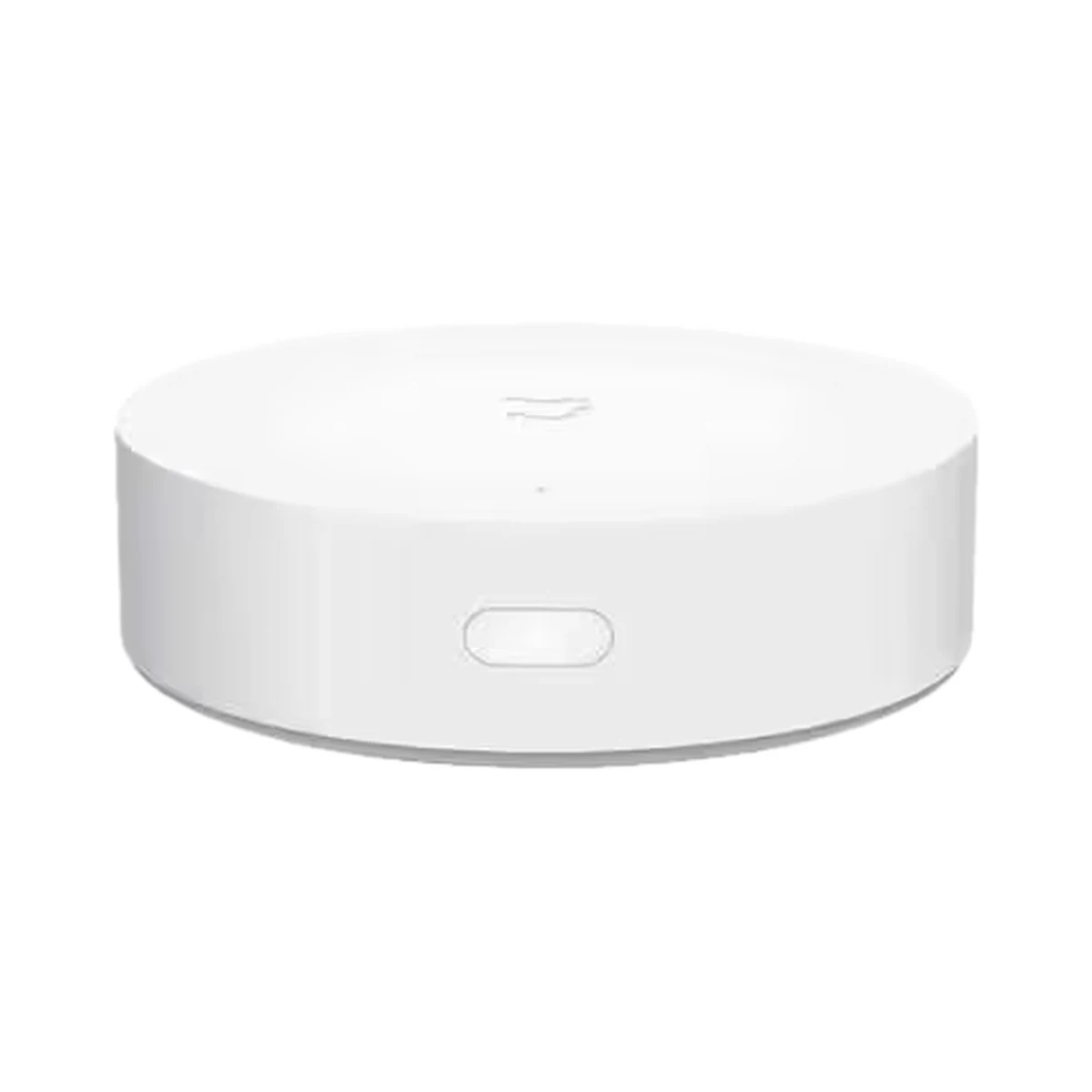
Smart hubs & gateways
Model: YTC4044GL
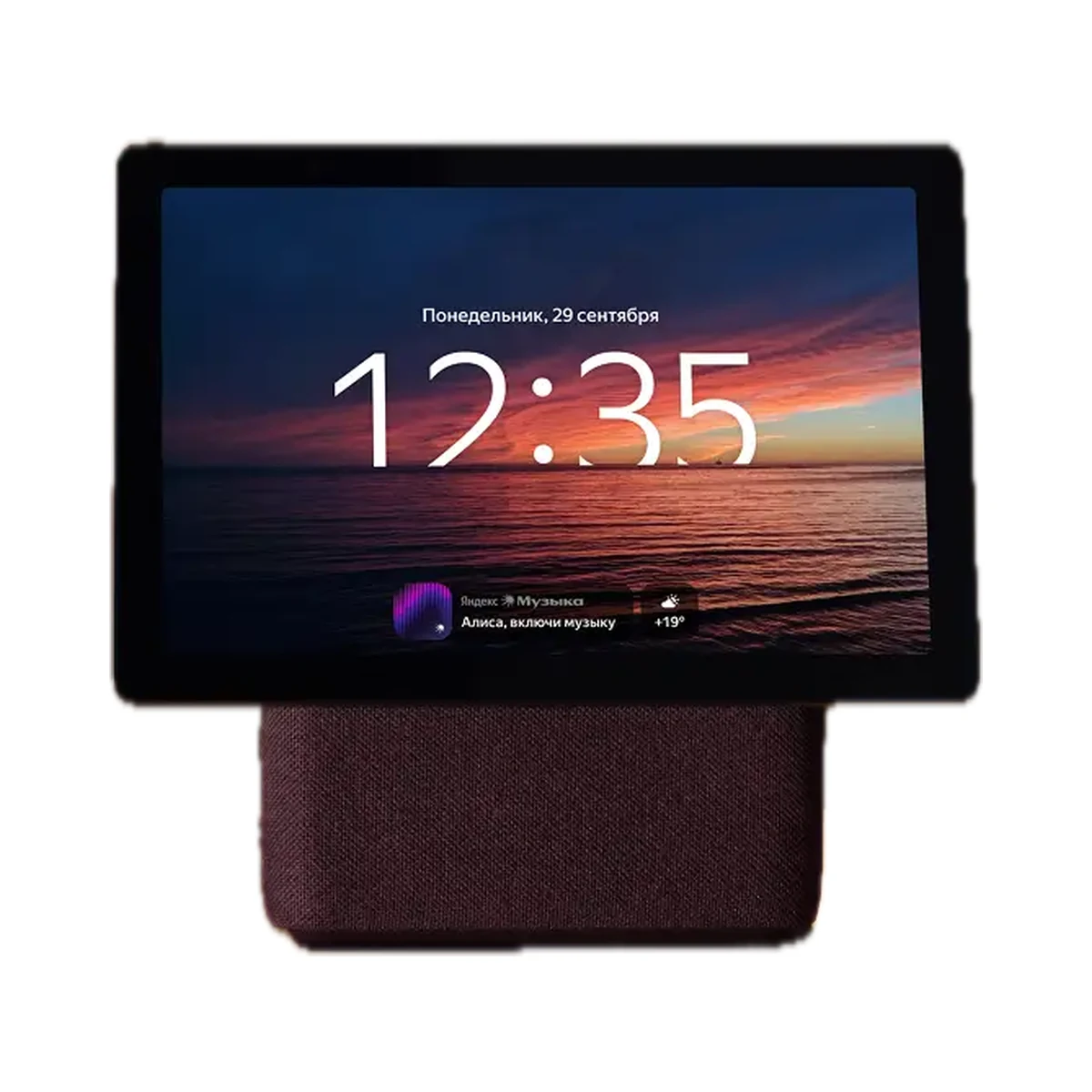
Smart speakers & displays
Model: YNDX-00055
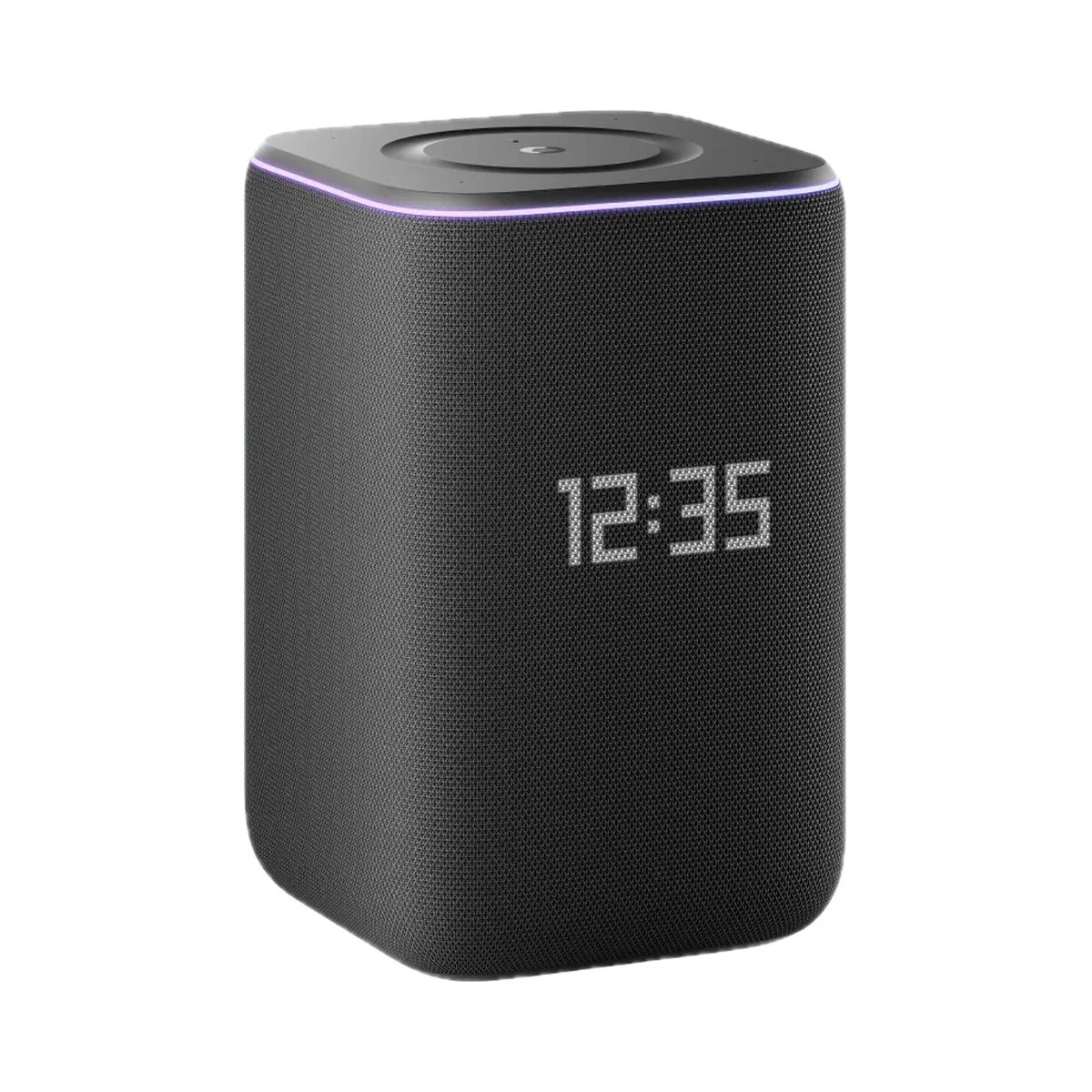
Smart speakers & displays
Buy just a device, add installation, or hand the whole project over to us.