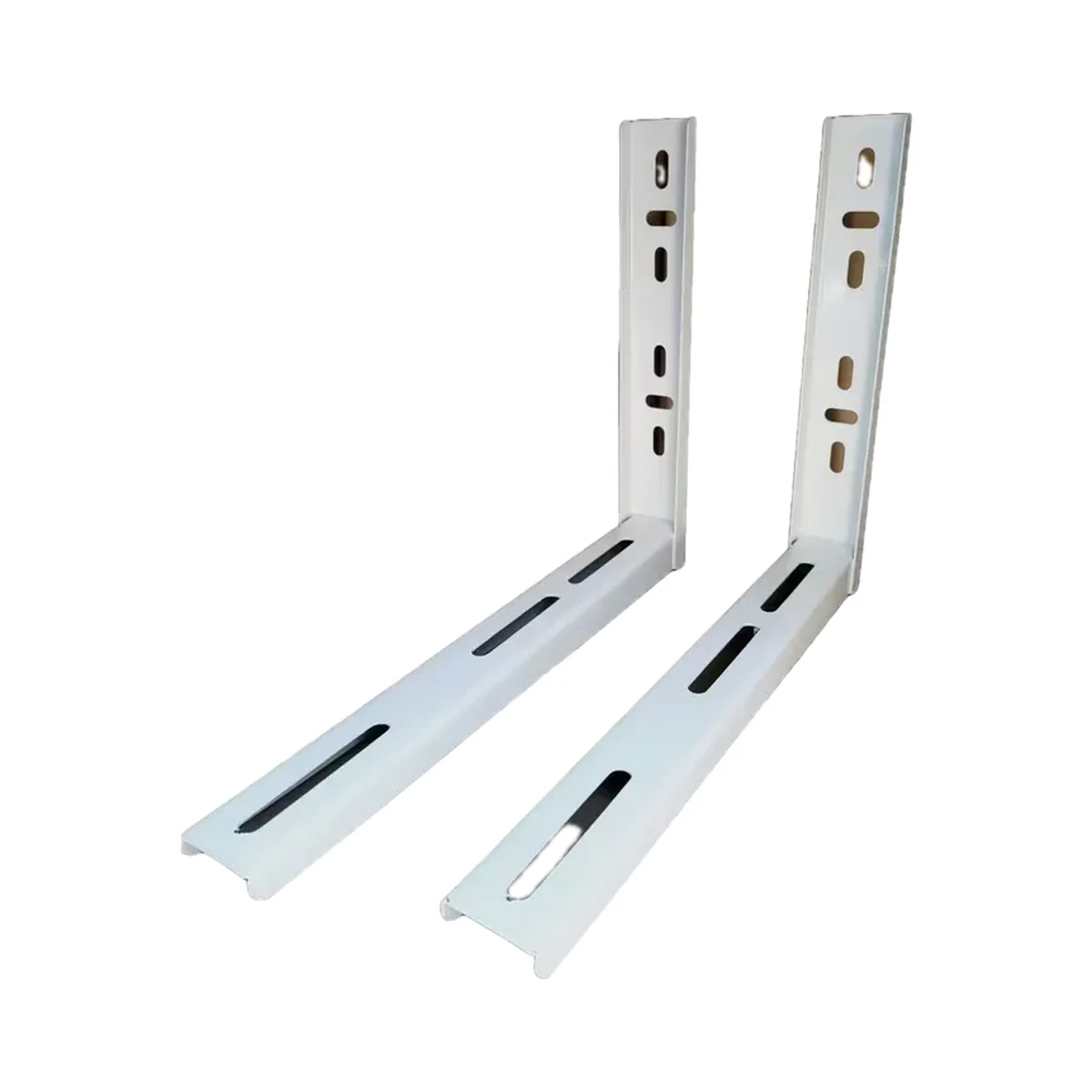
Air conditioner brackets
L-600 wall bracket for AC outdoor unit, 18,000–24,000 BTU
Model: SC18-24kBTU
749 MDL
In stock
Midea · EU-SK105
Midea residential split systems with a USB socket for the Wi-Fi module in the display-board box (installation diagrams show the AF, MA and FA series). Midea light-commercial units only via the WF-60A1 box. The maker gives the exact model list in the AC's conne
Check the supported network band.
Wi-Fi, Bluetooth LE · In the app: via Bluetooth (EU-SK105) or in AP (access point) mode enabled from the AC remote
Bluetooth is used for setup or short-range connection; the role depends on the model.
Manufacturer images
Adds app control to a compatible Midea AC: a 2.4 GHz Wi-Fi module with a USB plug that fits into the indoor unit and pairs with the MSmartHome app.
The module connects directly to the home 2.4 GHz router.
We deliver across Moldova. Availability, delivery timing and cost are confirmed with a manager before order fulfilment.
The right choice starts with specifications
SKU: wifimidea · Document model: EU-SK105
Specifications checked against the linked manufacturer documents.Checked 18 October 2026
Compatible AC brands — what it meansWhich air conditioner brands the module's maker lists as compatible. Within one brand the module does not suit every series; the exact list is in 'Compatible series and models'. | MideaMidea's own module for Midea residential split systems. The maker does not claim compatibility with other AC brands [1] |
|---|---|
Compatible series and models — what it meansThe AC series or models the maker confirms the module works with. Compatibility also shows in the module port on the indoor unit and in the air conditioner's manual. | Midea residential split systems with a USB socket for the Wi-Fi module in the display-board box (installation diagrams show the AF, MA and FA series). Midea light-commercial units only via the WF-60A1 box. The maker gives the exact model list in the AC's connection instructions.On Midea Ukraine's site the MSAG-xxHRFN8 split systems are marked Wi-Fi Ready with the Wi-Fi module as an option [2] |
Connectivity — what it meansThe wireless link or network the device uses. Wi-Fi connects straight to the router; Zigbee, Thread and Bluetooth Mesh work through a hub or gateway. | Wi-Fi, Bluetooth LEWi-Fi IEEE 802.11 b/g/n for operation; per Midea's documentation, Bluetooth is used for the initial setup of EU-SK105 in the app [2] |
App — what it meansThe maker’s app used to set up and control the device. | MSmartHome (earlier 2021 manual: Midea Air) [3] |
Voice assistants — what it meansWhich voice assistants the module works with, per the maker. Commands like 'turn on the air conditioner' go through the cloud, so internet access is needed. | Amazon Alexa, Google AssistantStated on Midea France's 'Commande WiFi EU-OSK105' page; the same page shows the code KFR-120Q/BDFJB-W.2, so applicability to EU-SK105 should be confirmed [5] |
Home Assistant — what it meansHow the device connects to Home Assistant: a built-in integration, a Zigbee coordinator, Matter or the maker’s cloud integration. | Native integrationThe built-in Midea integration works with Midea-protocol V1–V3 devices over the local network; V3 needs a token and key from the cloud or app. EU-SK105 is not named in the integration docs; some newer API v2 devices are not supported [6] |
Matter support — what it meansWhether the device supports the Matter standard, directly or through a bridge. Matter lets you add it to Apple Home, Google Home, Alexa and Home Assistant. | Not stated by the manufacturer |
Works without internet — what it meansWhether the device keeps working over the local network or through a hub when the internet is down. Cloud features (remote access, voice assistants) need the internet. | YesOnly via the Midea integration in Home Assistant (control and status locally). Per the maker's diagram, the Midea app works through Midea's cloud service, even on the home network [6] |
Hub required — what it meansWhether the device needs a separate hub, gateway or coordinator to work in a smart home. If so, it is sold separately unless stated otherwise. | No hub neededThe module connects directly to the home 2.4 GHz router [2] |
Wi-Fi bands — what it meansWhich router bands the module connects to. If only 2.4 GHz is supported, a 2.4 GHz network must be enabled on the router. | 2.4 GHzThe maker states that 5 GHz networks are not supported for connection [2] |
| Wi-Fi security | WPA-PSK / WPA2-PSK [2] |
| Setup | In the app: via Bluetooth (EU-SK105) or in AP (access point) mode enabled from the AC remote [2] |
| Frequency band | 2400–2483.5 MHz (Wi-Fi 802.11b/g/n and Bluetooth Low Energy) [8] |
Connection to the AC — what it meansHow the module connects to the indoor unit. A USB module plugs into a socket under the front panel without dismantling; a module with a board connector or terminals is fitted inside the unit with the cover removed. | USB socket on the indoor unitThe module plugs into the USB connector in the indoor unit's display-board box [2] |
|---|---|
Dimensions — what it meansThe device’s size in millimetres as the maker states it. Check that it fits the wall box, niche or shelf. | 76 × 28 × 13 mmGeneral Wi-Fi module data from Midea's 2021 presentation, which lists EU-SK105 in the module line-up; a separate table for EU-SK105 alone is not published in the sources checked [2] |
Weight — what it meansThe device’s weight without packaging, per the maker. | Not stated by the manufacturer |
App functions — what it meansWhat the app lets you do with the AC, per the maker. The set also depends on the unit itself: the module does not add modes the indoor unit lacks. | On/off, mode selection, temperature setting, fan speed, airflow direction (louvres), Timer, weekly schedule, energy monitoring, error codes and diagnosticsMidea Air app functions: power, modes (auto, dry, fan, cool, heat), temperature, fan speed, vertical and horizontal louvres, ECO, Turbo, timer, sleep (Sleep Curve), Check self-test, time-based mode schedule. Energy monitoring only on series marked OP, MT, FA. Some functions are not available on every AC series [4] |
|---|
Module power — what it meansWhere the device gets its power: 230 V mains, an adapter, USB, batteries or a built-in battery. | From the AC's USB socketPowered through the USB connector in the AC's display box [2] |
|---|---|
Supply voltage — what it meansThe supply voltage (and current, if stated) as the maker gives it. It must match your mains or adapter. | 5 V ⎓ 300 mAGeneral Wi-Fi module data from Midea's 2021 presentation, which lists EU-SK105 in the module line-up; a separate table for EU-SK105 alone is not published in the sources checked [2] |
Operating temperature — what it meansThe air temperature range the device is rated for. The lower limit matters outdoors, on balconies and in unheated rooms. | 0–45 °CGeneral Wi-Fi module data from Midea's 2021 presentation, which lists EU-SK105 in the module line-up; a separate table for EU-SK105 alone is not published in the sources checked [2] |
|---|---|
Operating humidity — what it meansThe rated relative humidity range, non-condensing. | 10–85%General Wi-Fi module data from Midea's 2021 presentation, which lists EU-SK105 in the module line-up; a separate table for EU-SK105 alone is not published in the sources checked [2] |
We will confirm the label, power input and compatibility of the supplied version.
We deliver across Moldova. Availability, delivery timing and cost are confirmed with a manager before order fulfilment.
A website order is submitted for confirmation without charging your card. The payment method and final amount are agreed with a manager before payment.
The warranty is at least 12 months. The exact period and conditions for equipment and installation work are stated in the sales documents and the accepted proposal. Further support is agreed for each project.
Current conditions are published on the Return policy page. Email office@casasmart.md with your order number for the steps relevant to your situation. Statutory consumer rights continue to apply.
CasaSmart
Check compatibility with your appliance in each part’s specifications.
Air conditioner brackets
Model: SC18-24kBTU
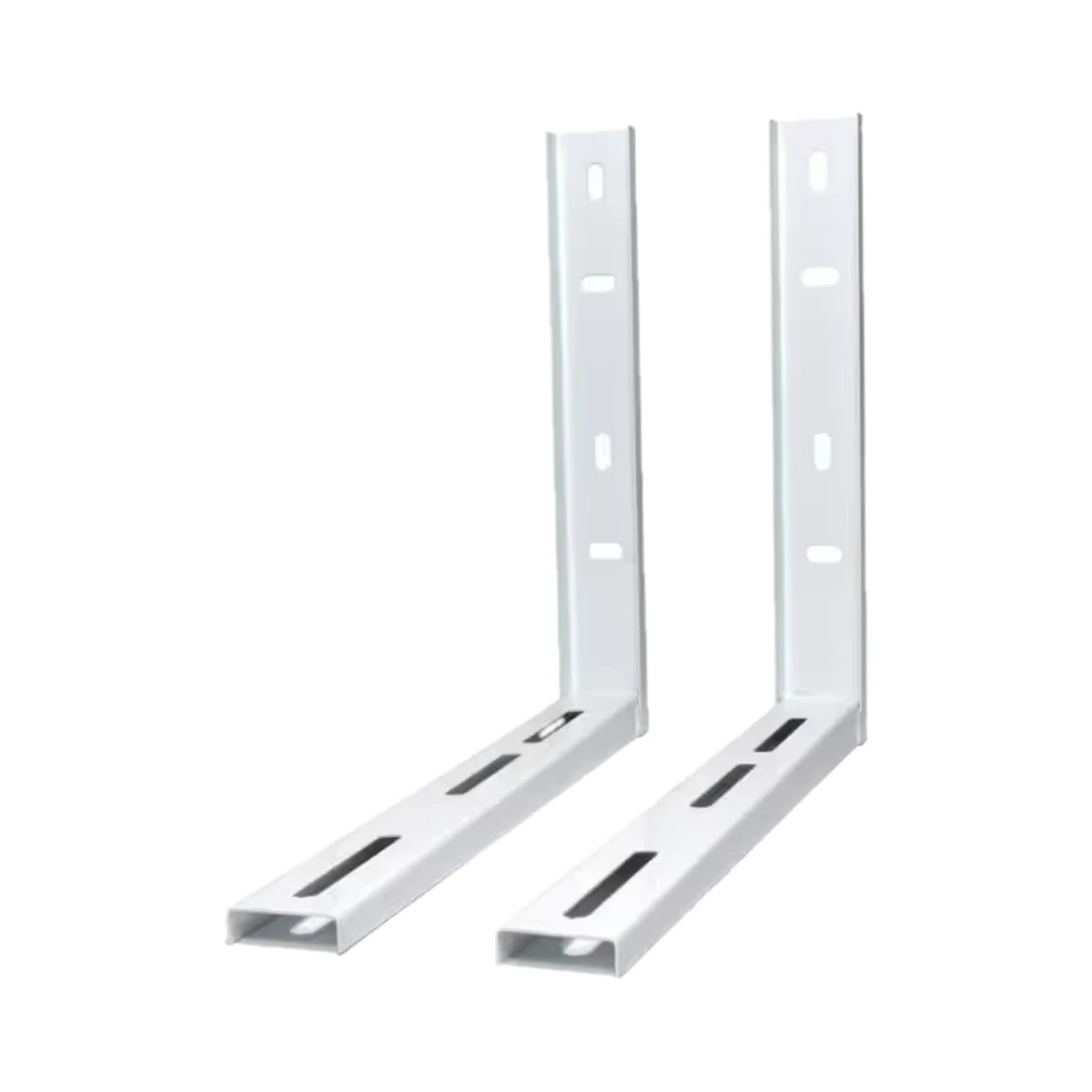
Air conditioner brackets
Model: SC7-12kBTU
Buy just a device, add installation, or hand the whole project over to us.