Touch control panels
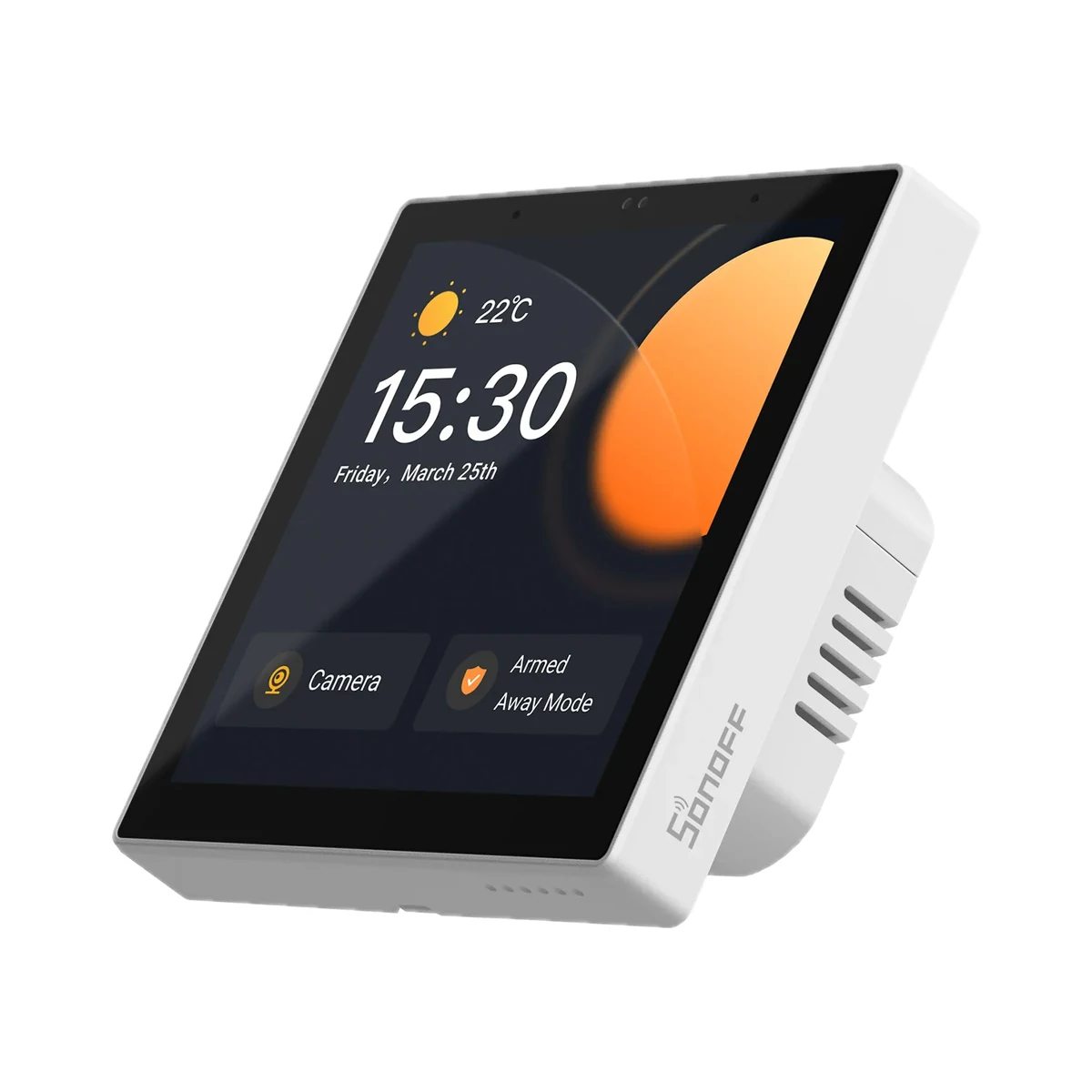
Sonoff NSPanel Pro 86 smart home control panel with Zigbee hub, 3.95″, white
- Screen size
- 3.95″
- Built-in relays
- 0
- Hub
- No
Model: NSPanel86PW
2,199 MDL
2 left
Sonoff · NSPanel-EU
Wi-Fi, Bluetooth
Check the supported network band.
Wi-Fi, Bluetooth · Bluetooth 4.2 LE
Bluetooth is used for setup or short-range connection; the role depends on the model.
Manufacturer images
Unlike a single-gang switch, NSPanel drives two independent circuits from one 3.5" touchscreen and fires whole-room scenes with a single tap.
Connects to the router over Wi-Fi and switches its two circuits itself. Zigbee devices on the screen need a separate Sonoff gateway in the same eWeLink account.
We deliver across Moldova. Availability, delivery timing and cost are confirmed with a manager before order fulfilment.
The right choice starts with specifications
SKU: SONOFF-NSPANEL-EU
Specifications checked against the linked manufacturer documents.Checked 18 October 2026
Screen size — what it meansTouchscreen diagonal in inches (1 inch = 2.54 cm). Not filled in for models without a touchscreen. | 3.5″Colour TFT screen with capacitive touch [1] |
|---|---|
Built-in relays (channels) — what it meansHow many lighting circuits or other loads can be wired straight to the panel, as to a regular switch. A panel without relays only controls other devices over the network and goes into a wall box with no load. | 2Two relays, each with its own physical button below the screen [2] |
Operating system — what it meansThe player's platform: it determines the interface, the app store and voice search. Google TV is a newer interface built on Android TV with combined recommendations from different services; the system version is in the note and affects compatibility with new apps. | Proprietary systemESP32 microcontroller with Sonoff firmware, set up only in the eWeLink app [2] |
Third-party apps — what it meansWhether other apps can be installed on the panel — for example Home Assistant, a browser dashboard or an intercom app. How (app store, manual install) is in the note. | NoESP32 microcontroller panel: the documentation provides no app installation; the screen shows only eWeLink widgets [2] |
Audio and voice — what it meansWhether the panel has a speaker and microphones — for sound alerts, voice control or playing audio through a Bluetooth speaker. What the firmware actually supports is in the note. | NoneNo speaker or microphone in the specs. Voice control works through Alexa, Google or Alice smart speakers via the cloud [1] |
Screen resolution — what it meansThe number of pixels horizontally and vertically. At the same diagonal, more pixels mean sharper text and video. | 480 × 320 px [2] |
Processor and memory — what it meansThe processor, RAM and storage as the manufacturer states them. The amount of RAM affects how smoothly the interface and third-party apps run. | ESP32 microcontroller; memory not stated [2] |
| Thermostat function | Uses the built-in temperature sensor to switch one heating or cooling device; manual mode and auto mode with up to 6 periods a dayWorks through the eWeLink cloud [2] |
Built-in gateway — what it meansWhich device networks the panel runs itself, without a separate hub: Zigbee, Bluetooth Mesh, Thread. 'Matter bridge' passes the panel's devices on to Apple Home, Google Home and Alexa; 'Matter controller' means the panel adds other brands' Matter devices itself. | eWeLink-Remote gatewayWorks as an eWeLink-Remote gateway for Sonoff R5 and S-MATE2 wireless buttons. No Zigbee gateway: Zigbee devices can only be controlled through eWeLink scenes and a separate gateway [1] |
|---|---|
Connectivity — what it meansThe wireless link or network the device uses. Wi-Fi connects straight to the router; Zigbee, Thread and Bluetooth Mesh work through a hub or gateway. | Wi-Fi, Bluetooth2.4 GHz Wi-Fi (IEEE 802.11 b/g/n), no 5 GHz. Bluetooth 4.2 LE is used to add the panel to the app [1] |
Hub required — what it meansWhether the device needs a separate hub, gateway or coordinator to work in a smart home. If so, it is sold separately unless stated otherwise. | No hub neededConnects to the router over Wi-Fi and switches its two circuits itself. Zigbee devices on the screen need a separate Sonoff gateway in the same eWeLink account [2] |
Home Assistant — what it meansHow the device connects to Home Assistant: a built-in integration, a Zigbee coordinator, Matter or the maker’s cloud integration. | Via a separate integrationOfficially via the eWeLink CUBE software Matter bridge (free local software installed separately). The panel has no Home Assistant integration of its own [1] |
Works without internet — what it meansWhether the device keeps working over the local network or through a hub when the internet is down. Cloud features (remote access, voice assistants) need the internet. | NoWithout internet only the two built-in relays keep working: the buttons, power-on state and app control over the LAN. Screen widgets and the thermostat need the eWeLink cloud [1] |
App — what it meansThe maker’s app used to set up and control the device. | eWeLink [2] |
Bluetooth version — what it meansThe Bluetooth version used for the remote, wireless headphones, speakers and gamepads. Newer versions hold the connection more steadily and use less power on connected devices. | Bluetooth 4.2 LE [3] |
Matter support — what it meansWhether the device supports the Matter standard, directly or through a bridge. Matter lets you add it to Apple Home, Google Home, Alexa and Home Assistant. | Via a bridgeThe panel is not a Matter device itself; the eWeLink CUBE software bridge passes it to Apple Home and other Matter systems [2] |
Max current per channel — what it meansThe highest current one built-in relay handles (resistive load unless stated otherwise). For LED lamps and motors the allowed power is usually lower; the combined limit for all channels is in the note. | 2 A2 A / 480 W per channel, 4 A / 960 W in total. LED load: up to 300 W per channel and 600 W in total at 220 V [2] |
|---|---|
Power source — what it meansWhere the device gets its power: 230 V mains, an adapter, USB, batteries or a built-in battery. | 230 V mains100–240 V AC, 50/60 Hz [2] |
Supply voltage — what it meansThe supply voltage (and current, if stated) as the maker gives it. It must match your mains or adapter. | 100–240 V AC, 50/60 Hz [2] |
Max load per channel — what it meansThe highest load one channel accepts per the spec sheet. The total power of what you connect must not exceed it. | 480 WResistive load; up to 960 W for both channels together [2] |
Max total current — what it meansThe highest total current through the device per the spec sheet. With several channels, their combined load must stay below it. | 4 A [2] |
| LED load | 300 W per channel, 600 W total (220 V); 150 W per channel, 300 W total (110 V) [1] |
Neutral wire (N) — what it meansWhether the wall box needs a neutral wire. Older wiring often brings only the live wire to the switch; then pick a model that works without N. | RequiredMaker's FAQ: the panel needs both live and neutral [1] |
|---|---|
Mounting — what it meansHow and where it is installed: in a wall box, on a wall or ceiling, on a DIN rail, on a table or in a socket. | In a wall boxFits into the wall in place of a switch, fixed with the two supplied screws. The Desk Enclosure Stand is sold separately [3] |
Wall box type — what it meansWhich wall box the panel is designed for, per its documentation. 86 × 86 mm panels fix with screws 60 mm apart, as on a round European box; check that the housing depth fits your box. Wide panels need two boxes or their own back box. | Round EU box (60 mm screw spacing), 86 × 86 mm box (86-type)'86/EU Type' version (NSPanel-EU) with an 86 × 86 mm housing; the 120-type box version is a separate model, NSPanel-US [1] |
Dimensions — what it meansThe device’s size in millimetres as the maker states it. Check that it fits the wall box, niche or shelf. | 86 × 86 × 41.7 mmThe V1.1 manual and one store image say 86 × 86 × 40 mm [1] |
| Housing material | PC V0 polycarbonate, cold-rolled steel, toughened glass [1] |
Certifications — what it meansStandards and certifications the maker lists for this model (for example CE, RoHS, Zigbee 3.0, Matter). | CE, UKCA, CCC, SRRC, RoHSFor the NSPanel-EU version [2] |
Built-in sensors — what it meansSensors inside the panel. A proximity sensor wakes the screen as you approach; a light sensor adjusts brightness; built-in temperature and humidity sensors can be used in automations. | TemperatureMF52A NTC thermistor. Humidity on the screen comes from an external sensor in the same eWeLink account [4] |
|---|
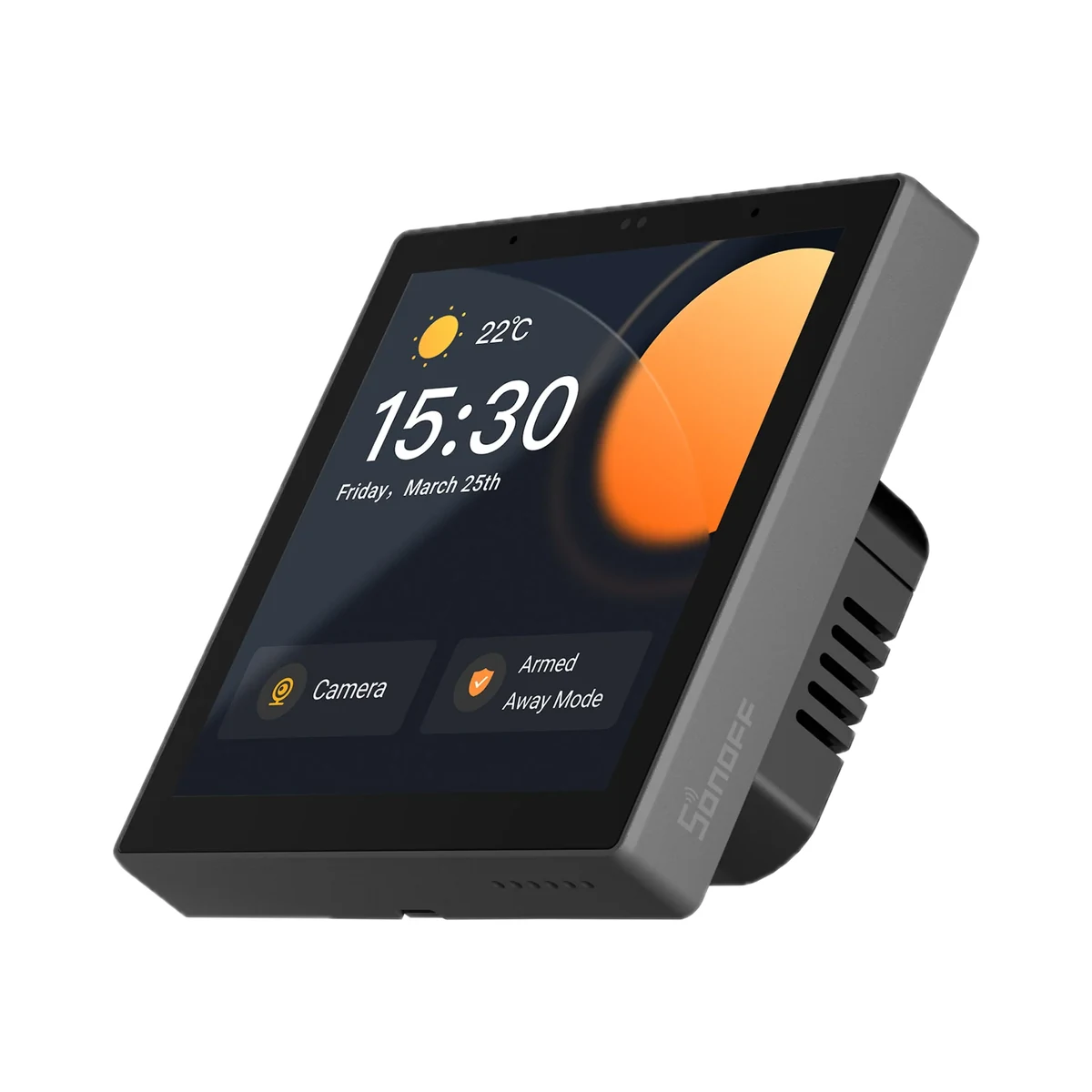
Colour — what it meansThe housing colour of this model. Other colours in the same series are separate products. | GreyOfficial colour Dim Gray (dark grey body, black glass). Model NSPanel-EU is dark grey, NSPanel-EUW is white [5] |
|---|
Operating temperature — what it meansThe air temperature range the device is rated for. The lower limit matters outdoors, on balconies and in unheated rooms. | −10…40 °C [2] |
|---|---|
Operating humidity — what it meansThe rated relative humidity range, non-condensing. | 5–95%Non-condensing [2] |
Package contents — what it meansWhat comes in the box, per the maker. | NSPanel, 2 fixing screws, user manual [6] |
|---|
The table shows the primary document’s value. Below is what other manufacturer documents state; we check the supplied version’s label before sale.
We deliver across Moldova. Availability, delivery timing and cost are confirmed with a manager before order fulfilment.
A website order is submitted for confirmation without charging your card. The payment method and final amount are agreed with a manager before payment.
The warranty is at least 12 months. The exact period and conditions for equipment and installation work are stated in the sales documents and the accepted proposal. Further support is agreed for each project.
Current conditions are published on the Return policy page. Email office@casasmart.md with your order number for the steps relevant to your situation. Statutory consumer rights continue to apply.
In your home
A fast broadband plan does not fix weak signal through a wall. Several apps do not become one system by themselves. Placement and verified connections matter.
See the complete solution
CasaSmart
Touch control panels
Model: NSPanel86PW
Touch control panels
Model: NSPanel86PB
Touch control panels
Touch control panels
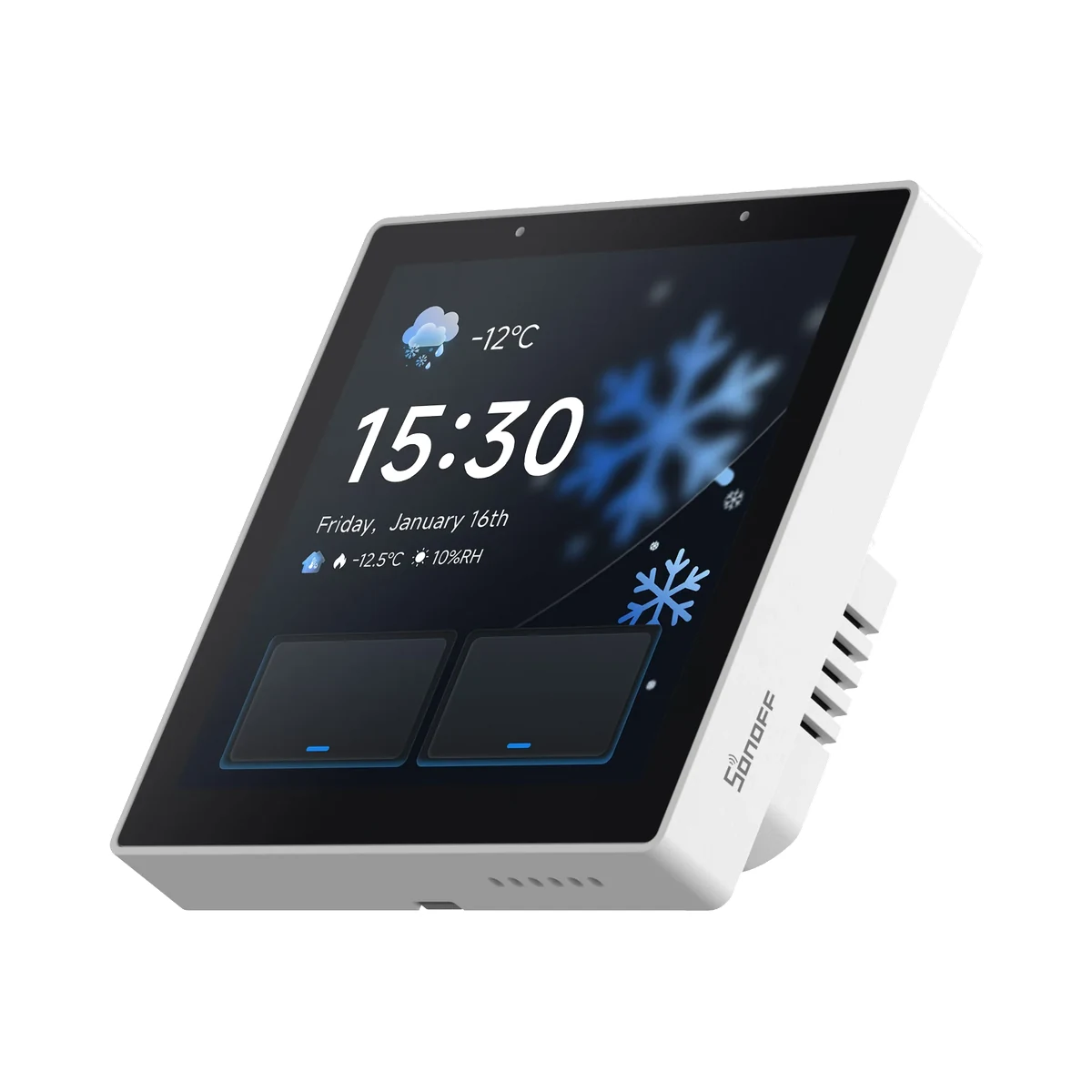
Model: NSPanel86PW-Relay
Buy just a device, add installation, or hand the whole project over to us.